Migrating to Windows 11 with Endpoint Central
The minimum requirements for installing windows 11 on your corporate devices are given below:
| Components | Description |
|---|---|
| RAM | 4 gigabyte(GB) |
| Processor | 1 gigahertz (GHz) or faster with 2 or more cores on a compatible 64-bit processor or System on a Chip (SoC). |
| Storage | 64 GB or larger storage device Note: See below under “More information on storage space to keep Windows 11 up-to-date” for more details. |
| System Firmware | UEFI, Secure Boot capable. Check here for information on how your PC might be able to meet this requirement. |
| TPM | Trusted Platform Module (TPM) version 2.0. Check here for instructions on how your PC might be enabled to meet this requirement. |
How to check if the devices in your organization are Windows 11 compatible?
If you are looking to upgrade to Windows 11 but are not sure if the devices in your organization meet the minimum requirements for Windows 11, you can run the detection logic script.
This helps to determine if the devices are compatible with Windows 11. Endpoint Central incorporates this script to check if the processors are compatible with Windows 11. If the necessary requirements are not met, the detection logic provides an output which highlights the checks that failed. For more in-depth insights on this, check out the Windows Community Tech page.
Using Zia's Analysis to check compatibility
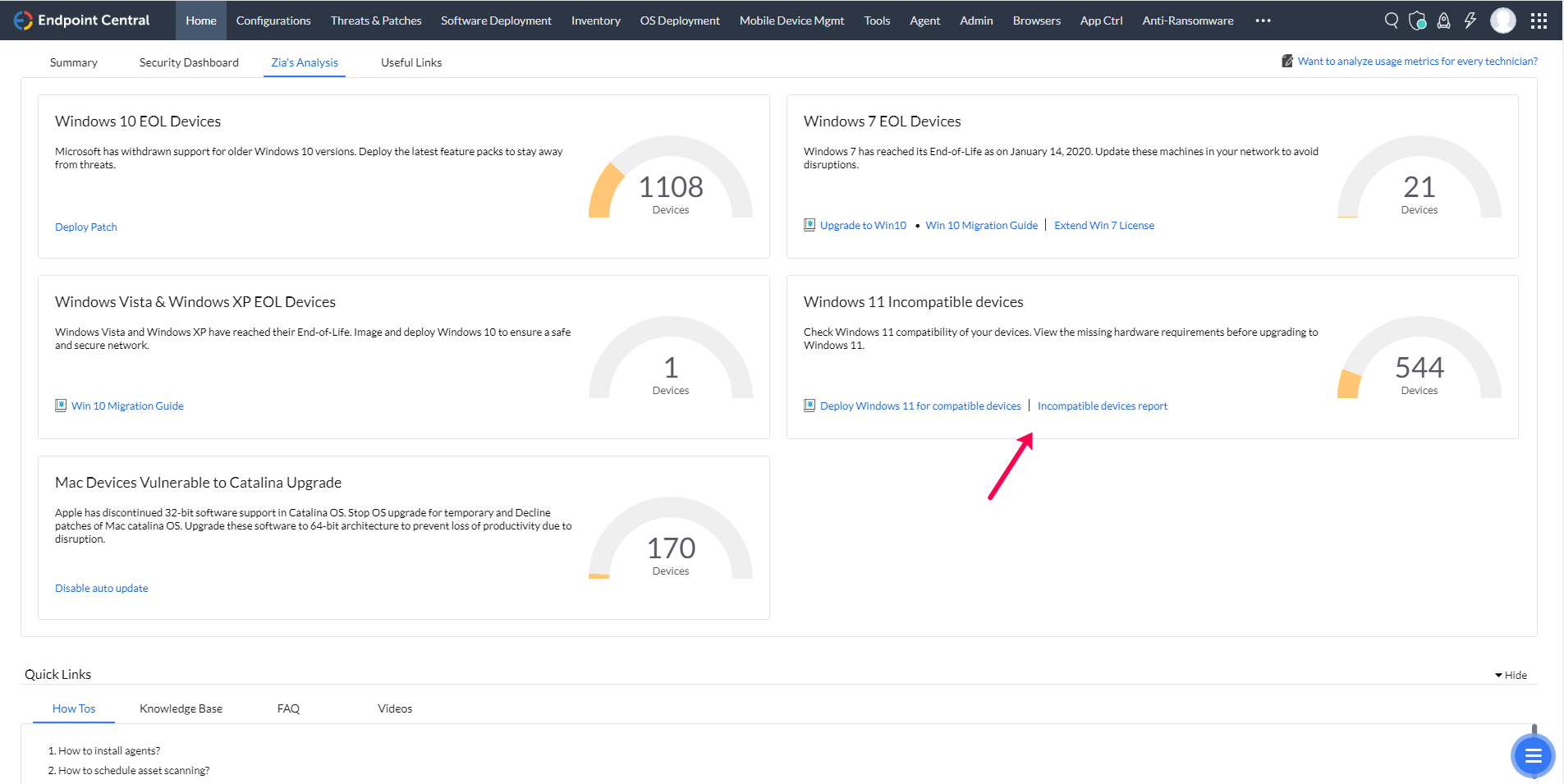
To check the compatibility of your corporate devices with Windows 11, use Zia, our AI driven virtual assistant. Zia's analysis is available on the Endpoint Central console. It provides a comprehensive report on the list of incompatible devices and highlights the necessary requirements for successful upgrade.