- Related Products
- Log360
- AD360
- ADManager Plus
- ADAudit Plus
- ADSelfService Plus
- Exchange Reporter Plus

 Click here to expand
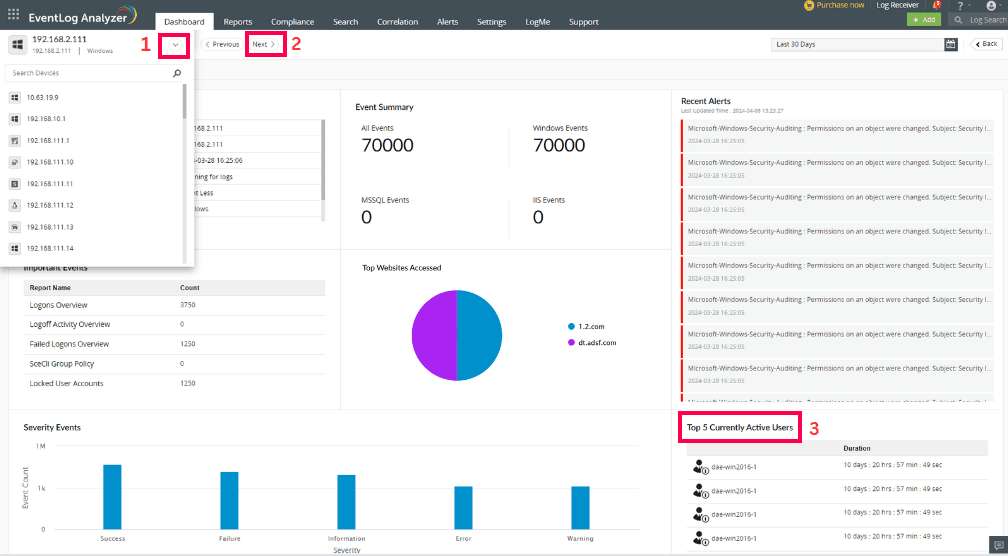
The Device Summary is EventLog Analyzer's analytical console to view the overall device summary events and contextual data. Users can find the machine summary and event summary for the selected period, top active users, file monitoring events, device severity events, and alerts summary.
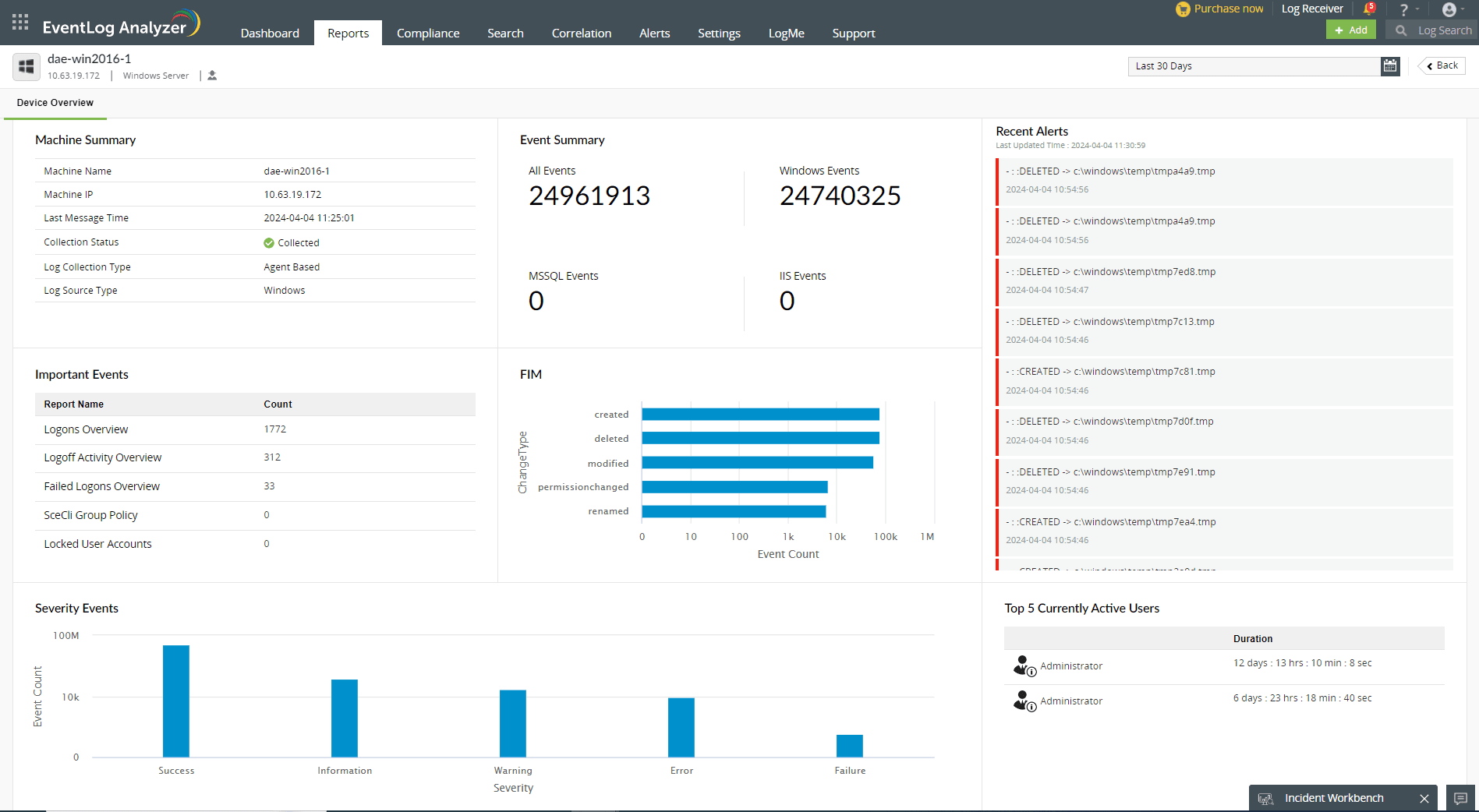
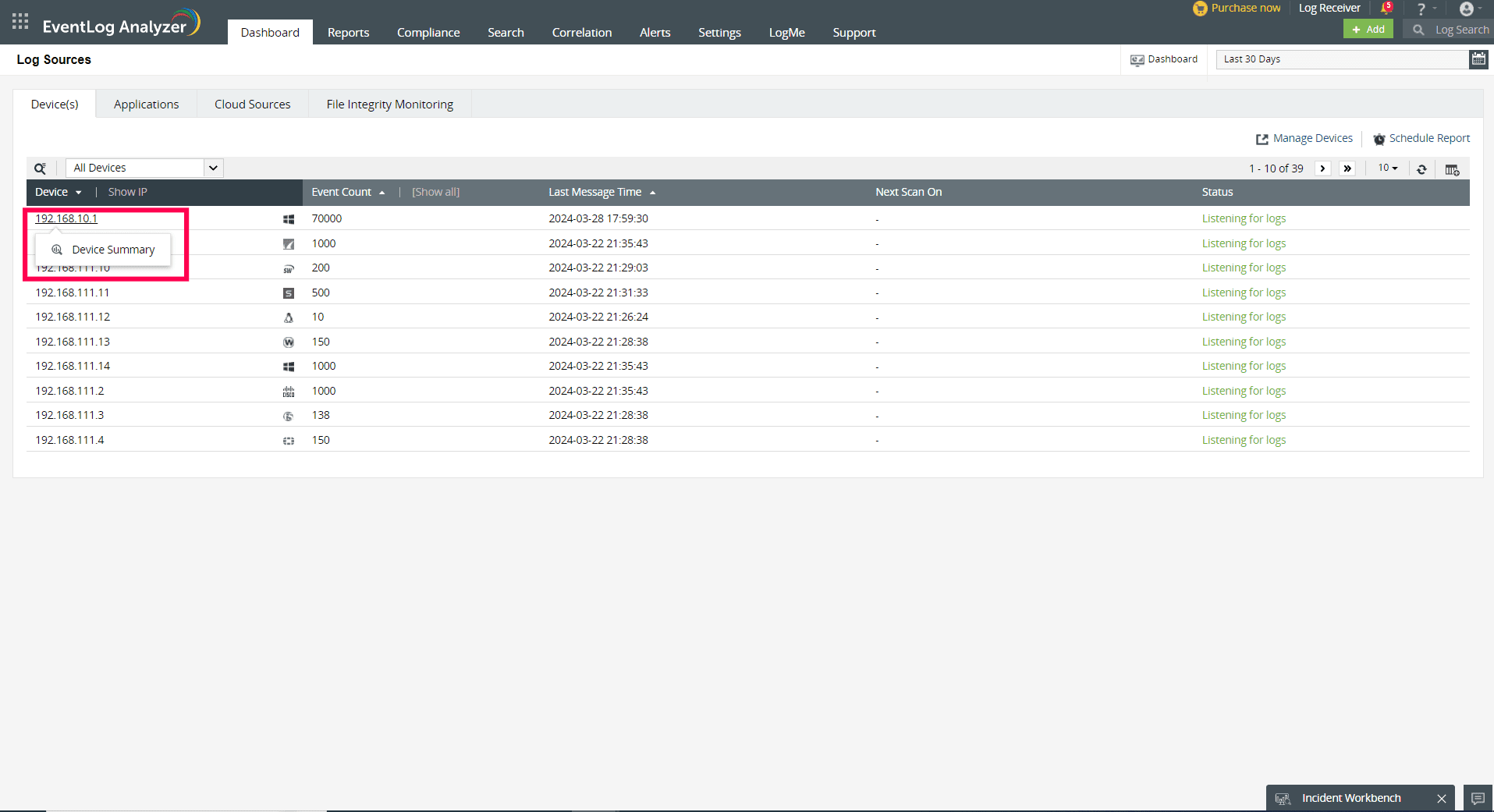
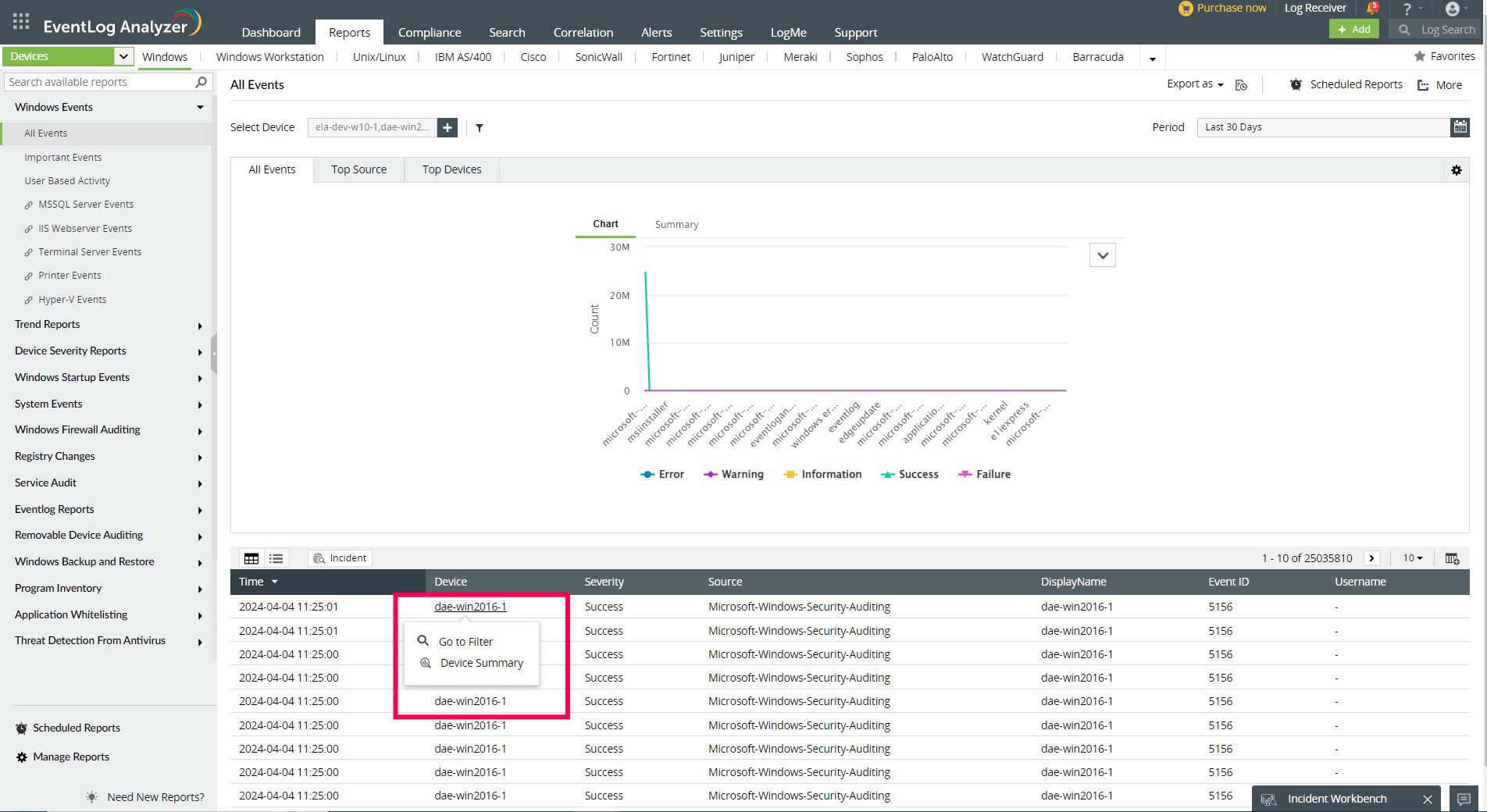
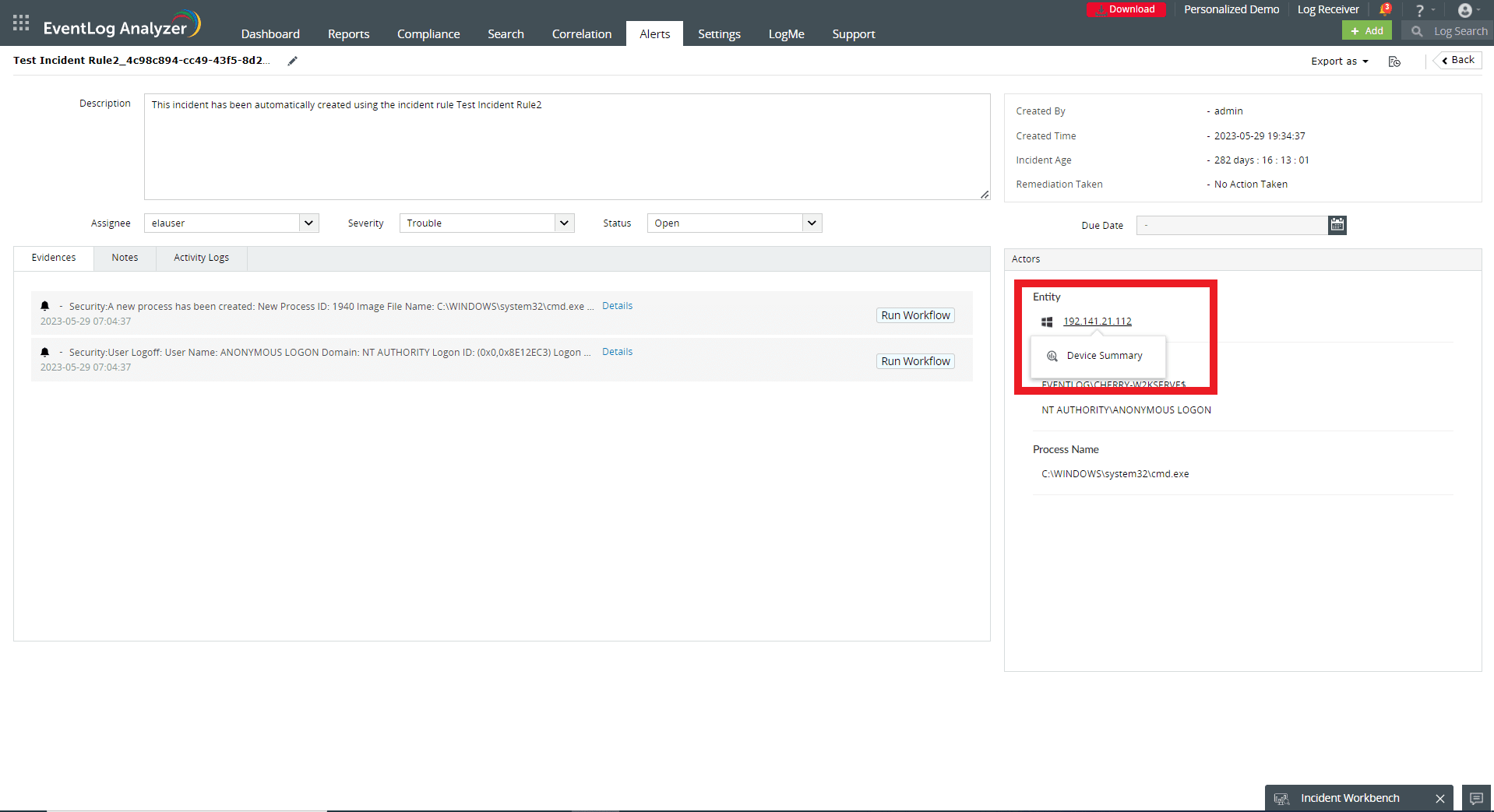
Users can access the Device Summary from multiple dashboards of EventLog Analyzer such as Reports, Log Source, Alerts, Incidents and others.
From Log Sources page:
From Reports:
From Compliance:

From Correlation

From Log Source Configuration page:

From Log Search:

From Alerts:

From Incidents
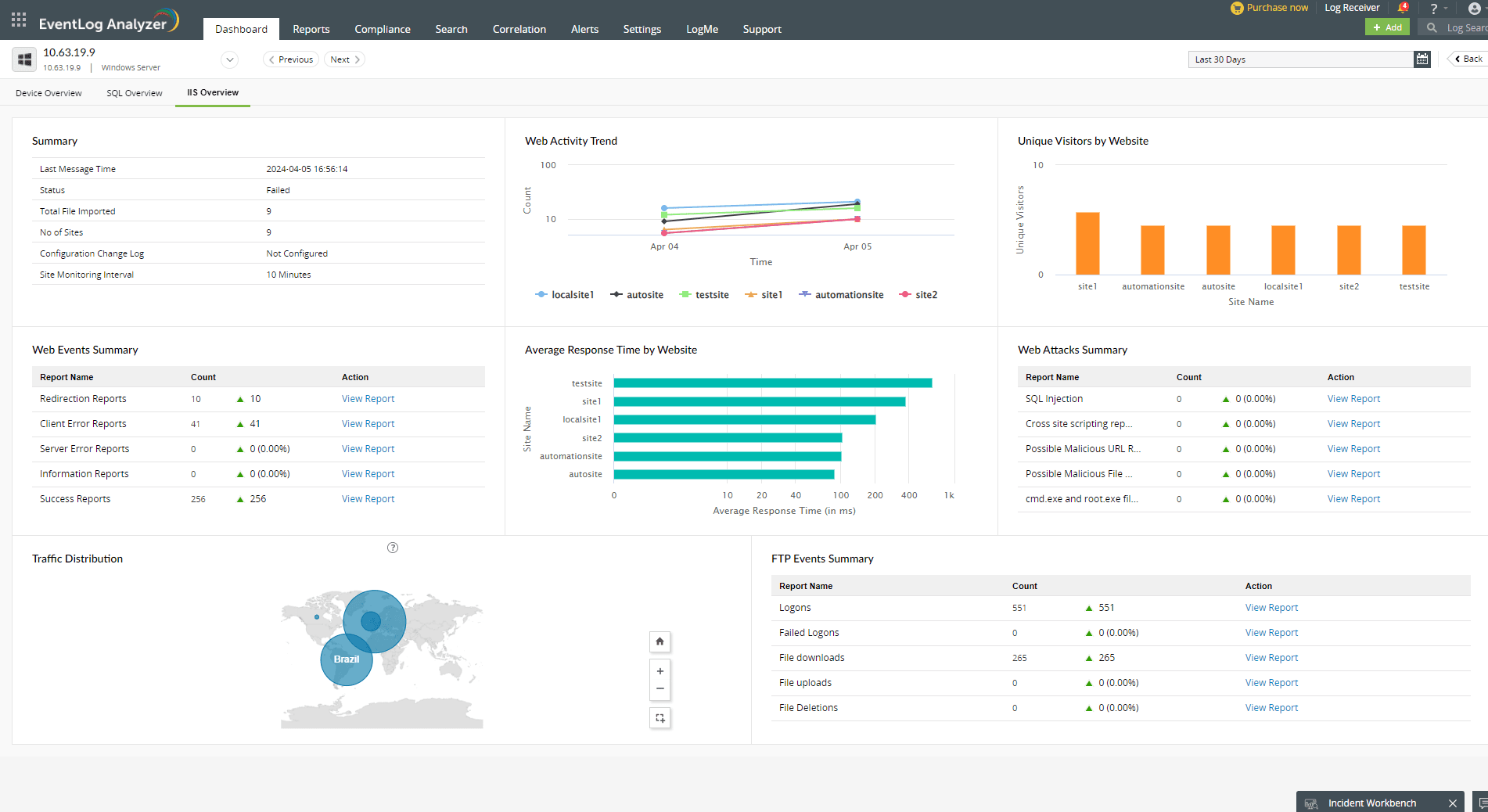
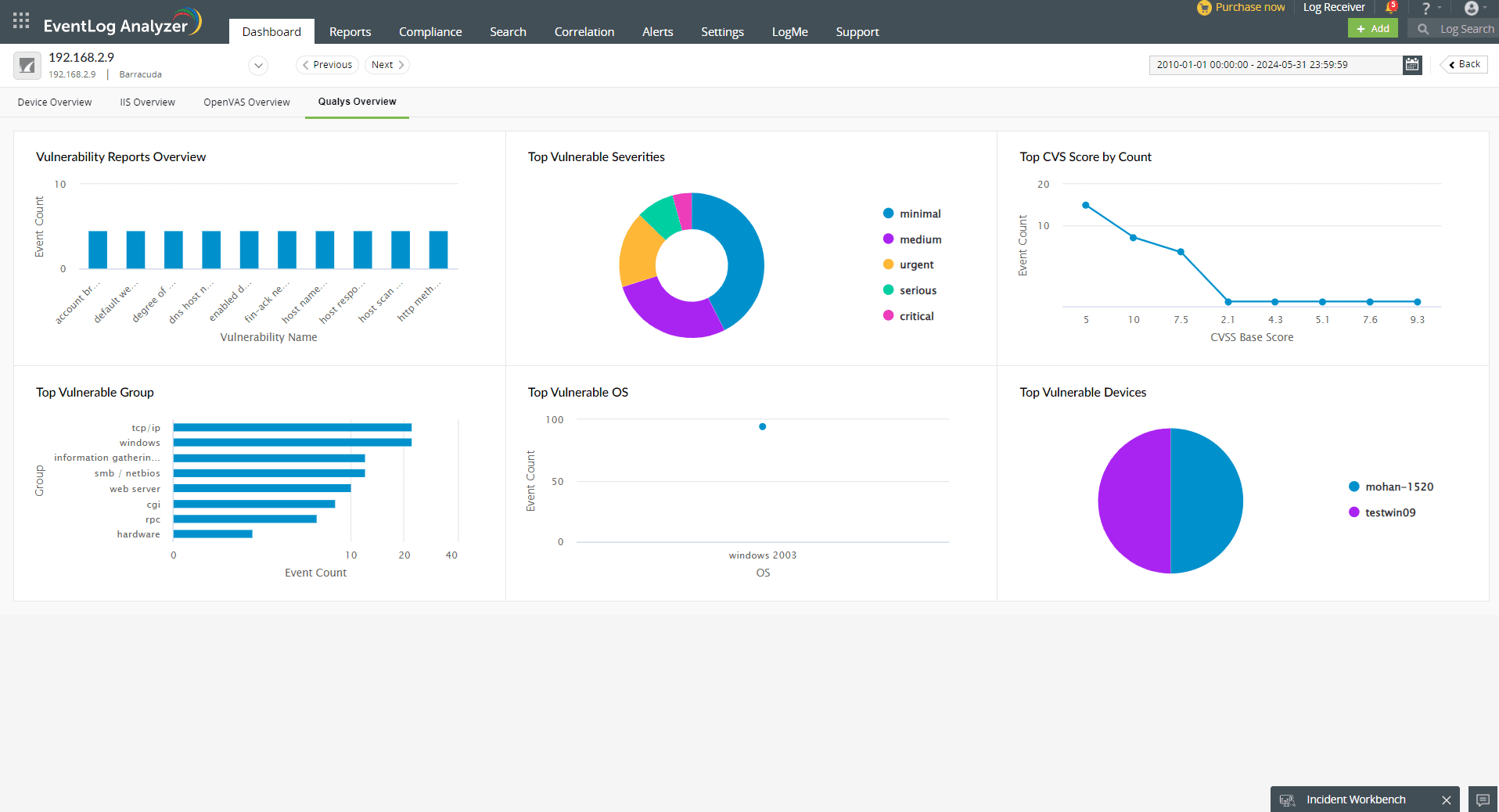
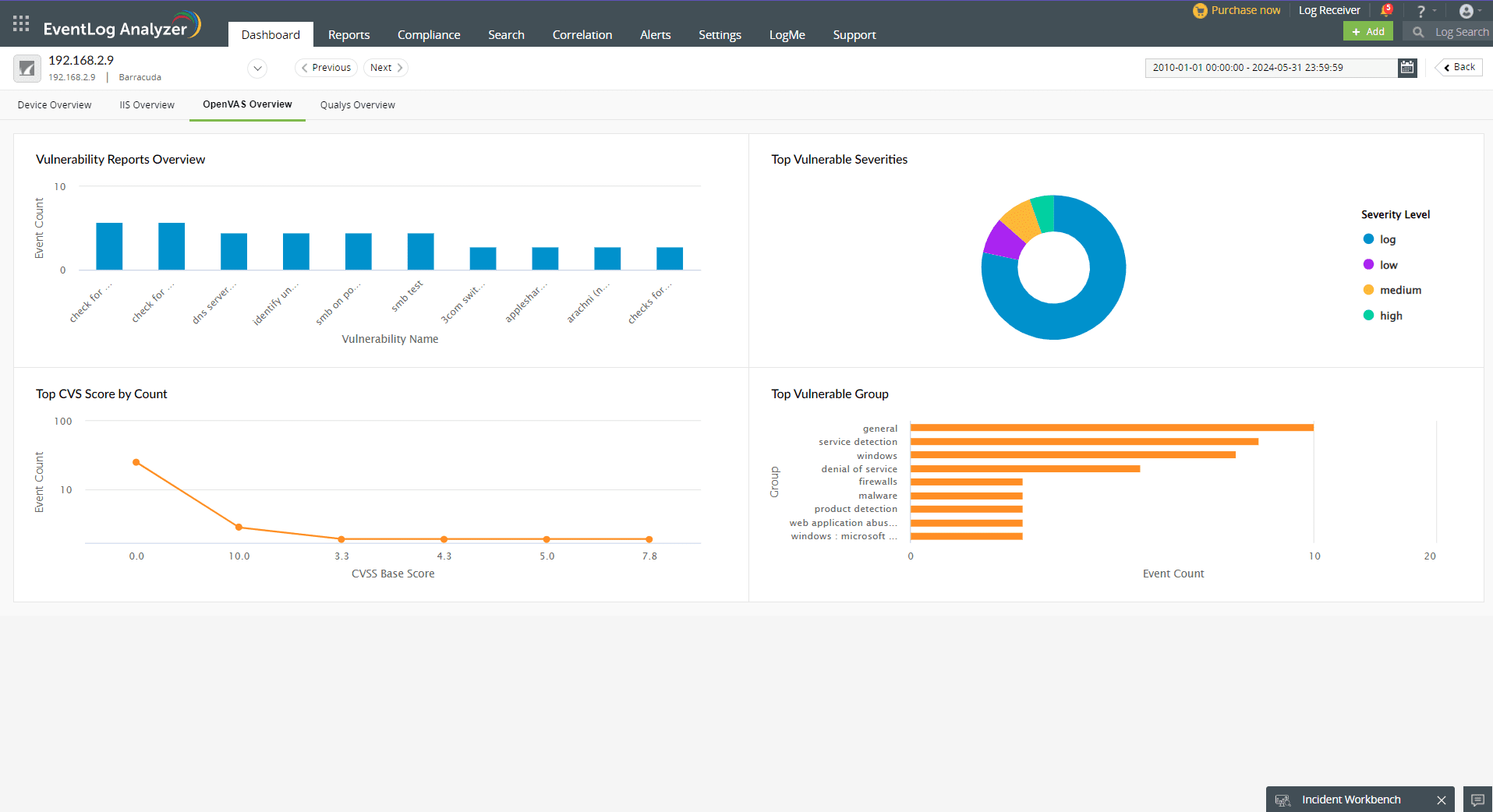
Along with the device summary, users can also access the activity overview for the configured web servers, databases, endpoint security solutions, and vulnerability scanners.
IIS Overview
FireEye Overview
OpenVas Overview
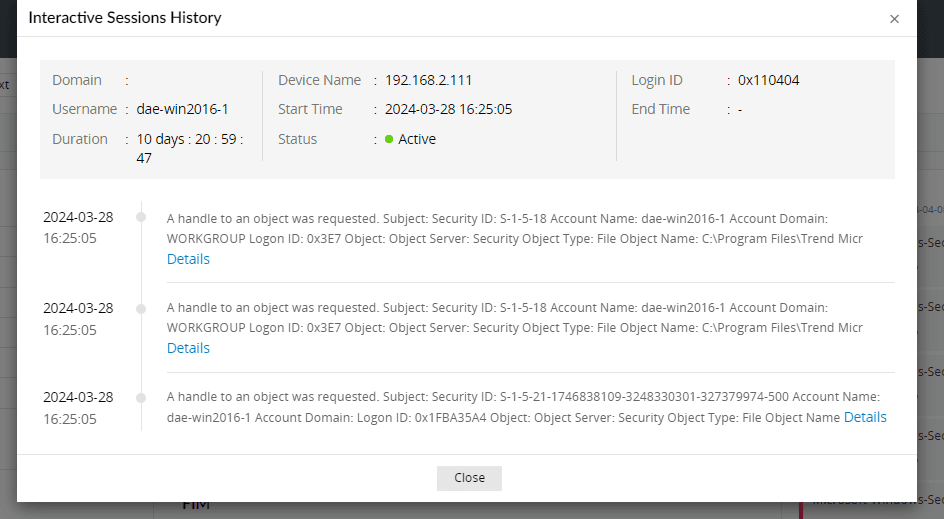
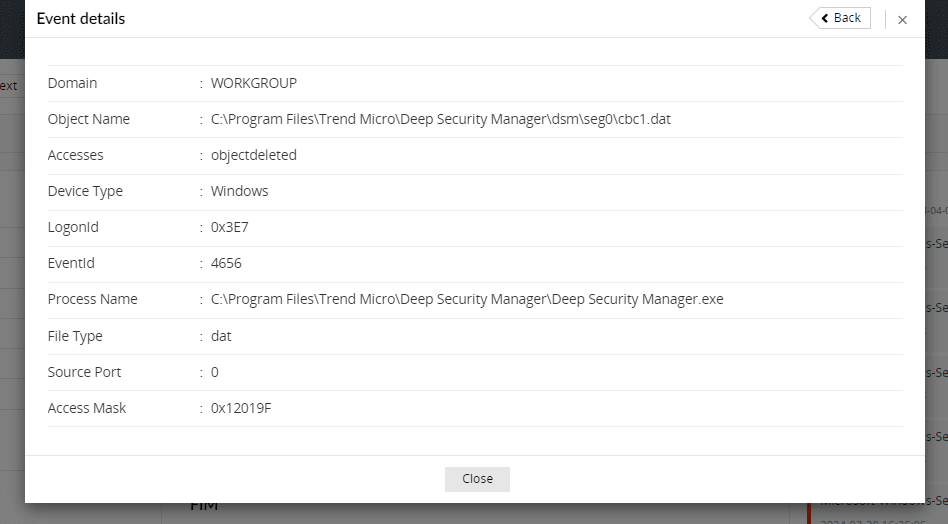
Click on Details in the Interactive Sessions History popup to view the individual Event Details containing Event ID, Process Name, Domain details and Access Rights
Copyright © 2020, ZOHO Corp. All Rights Reserved.
 Download PDF