☰
Related Products
 ADManager Plus
 ADAudit Plus
 ADSelfService Plus
 M365 Manager Plus
Note: This article applies to existing customers updating to build 5800 and above from build 5726 and below.
This article explains how to remove a previously configured service account in Exchange Reporter Plus for customers upgrading to build 5800 and above to improve security and simplify permission management.
With this change, you can now choose to replace your configured service account from Exchange Reporter Plus with an Entra application registration. You have to update your Entra app permissions accordingly so that all tasks previously handled by the service account can function seamlessly.
Note: To minimize the impact on your services, we suggest updating your Entra app registration first, then removing your service account from Exchange Reporter Plus.
You can update the Entra app permissions configured for your tenant in Exchange Reporter Plus with just a few clicks. The process is automatic and applies all the required permissions for the full functionality of the product.
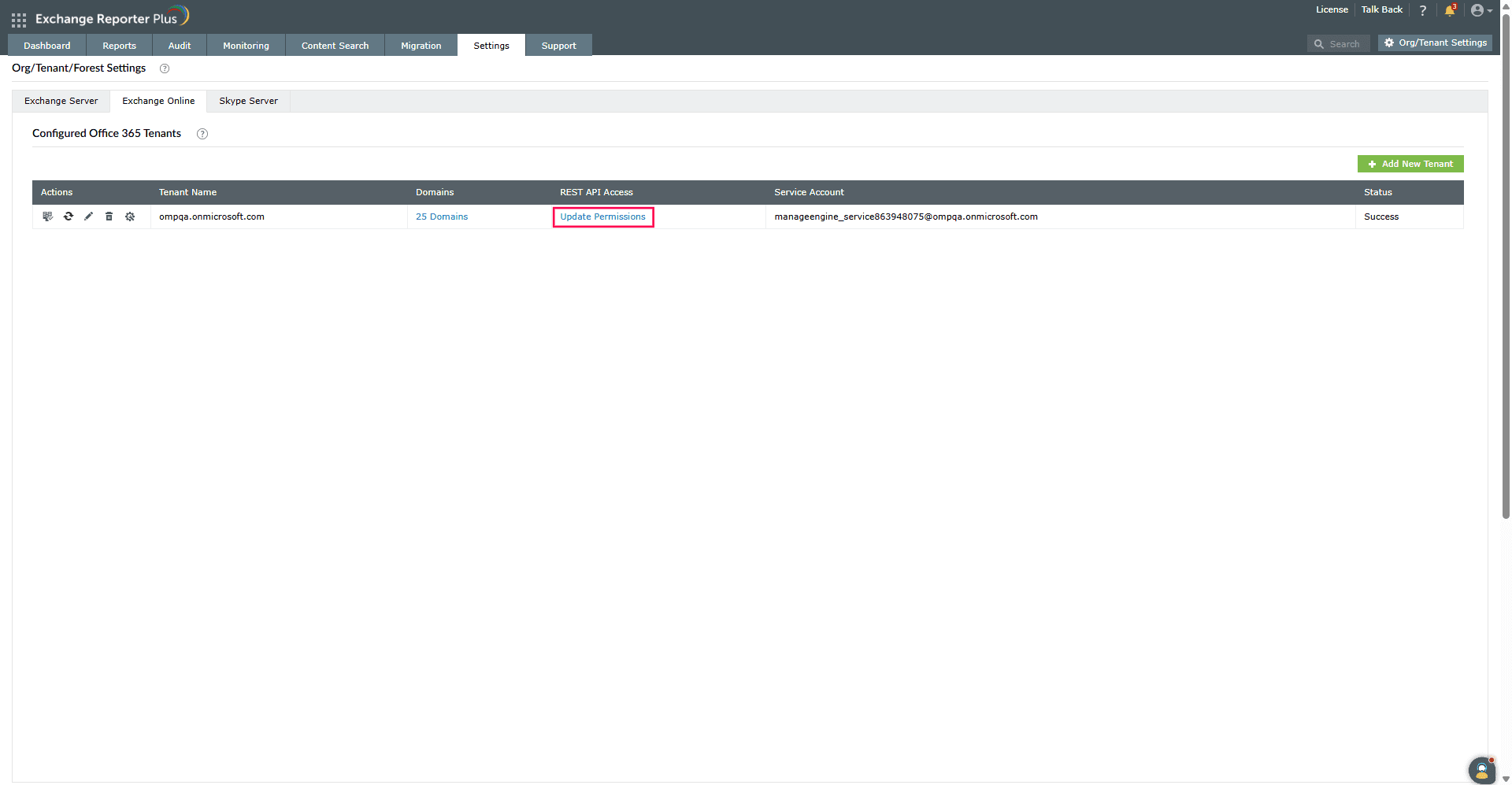
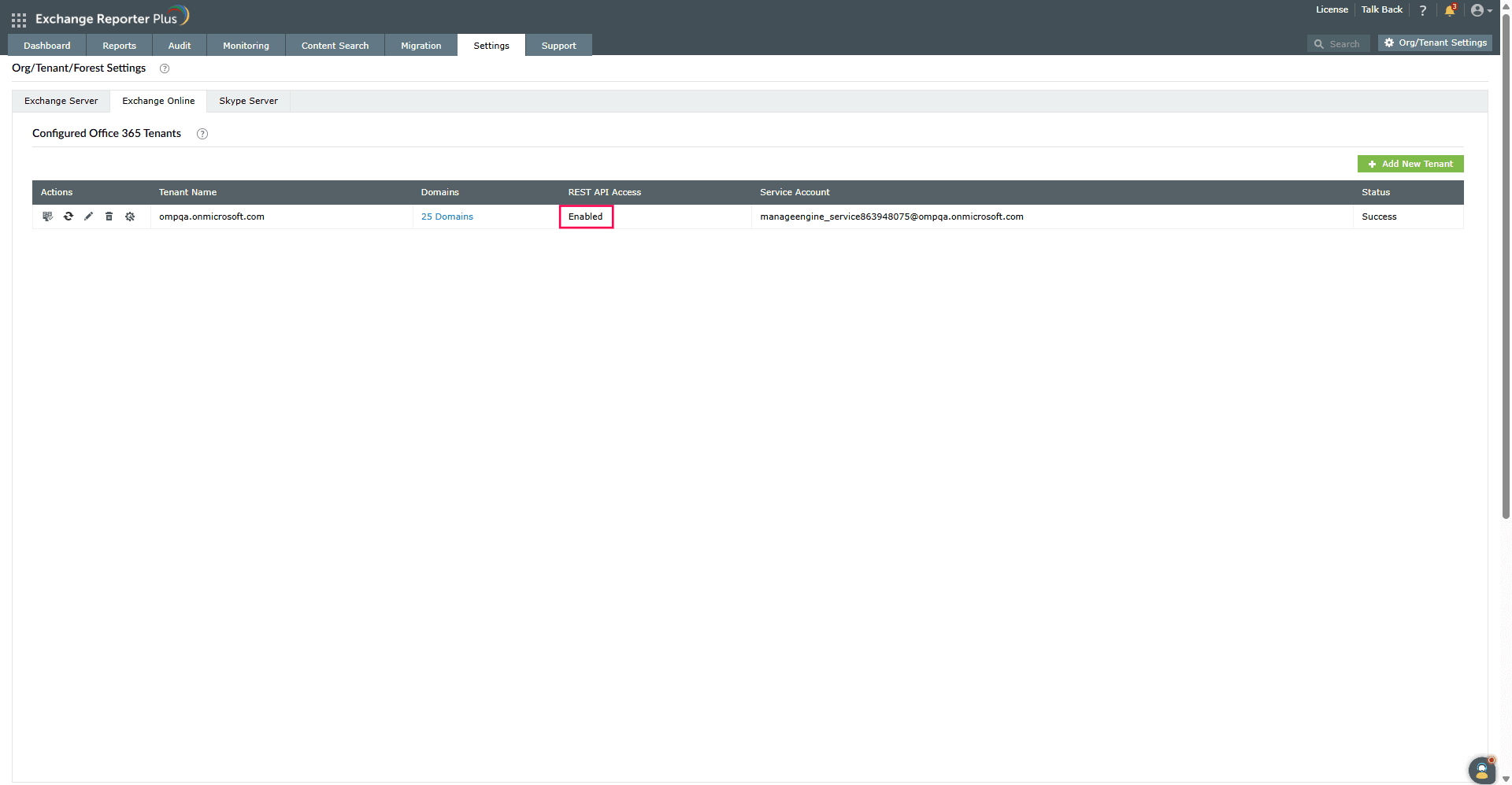
If you wish to configure the Entra application with only the permissions necessary for your preferred actions, you can manually modify the REST API permissions assigned to your application, using the minimum scope page as a reference.
Once your Entra app permissions are updated, you can remove the configured service account without impacting Exchange Reporter Plus' availability and functionality. You can remove it by following the steps mentioned below:
 edit icon next to the Microsoft 365 tenant for which you are removing the service account.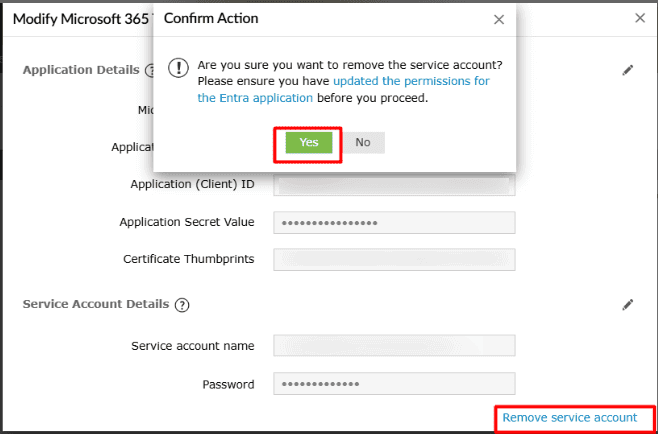
edit icon next to the Microsoft 365 tenant you are removing the service account for and verify if the service account has been removed.Copyright © 2024, ZOHO Corp. All Rights Reserved.
 Previous Topic