

Rebranding OS Deployer
You can choose to rebrand the product server and agent components. This feature allows you to use your company logo and name instead of OS Deployer ’s logo and name. Rebranding the product server enables system administrators and technicians to view the product as their own.
Benefits of Rebranding
- Exported reports will contain the rebranded logo and company name.
- Alerts and messages displayed on managed computers will contain the rebranded logo and company name.
- Users on managed computers can be reassured that desktop management activities are being performed under the supervision of their own IT team.
Rebranding the OS Deployer
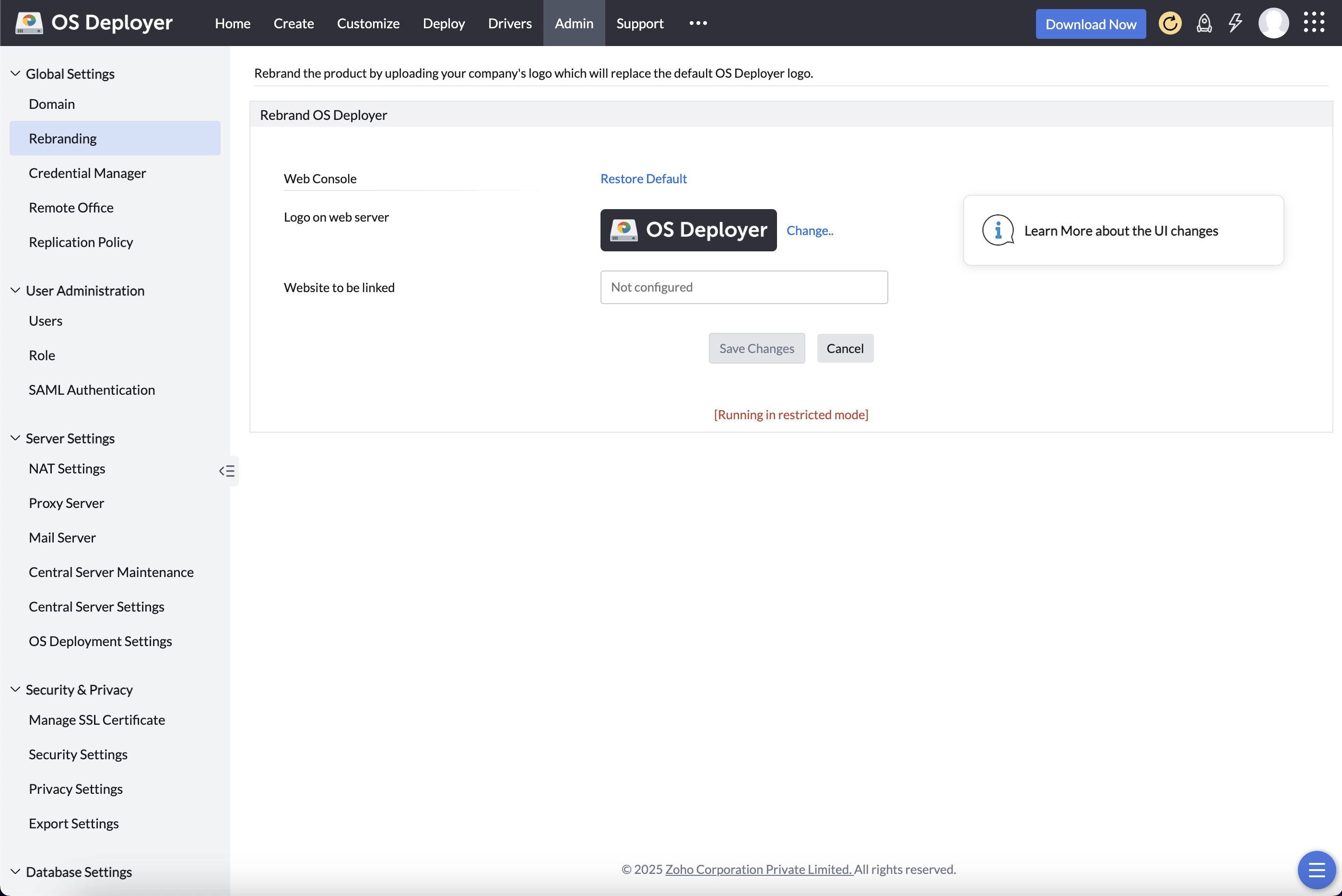
You can rebrand the product server component by providing a product logo and the company name. The copyright details and the web link can also be modified. These changes will be reflected for users upon their next login. Whenever a report is generated from the product server, the report will contain the rebranded company details.
After rebranding the product server, users will not see the name "OS Deployer " on the UI. However, certain internal references, such as the installation wizard, installation directory, and system messages, will still contain the original product name.
To rebrand, navigate to Admin > Global Settings > Company Details and modify the logo and details on the page.
Rebranding the OS Deployer Agent
You can rebrand the product agent on managed computers by providing a custom logo and name. The Central Server icon will be replaced with the new rebranded image, and notifications will reflect the updated product identity.
Examples of Rebranding:
- Rebranding changes the agent tray icon logo.
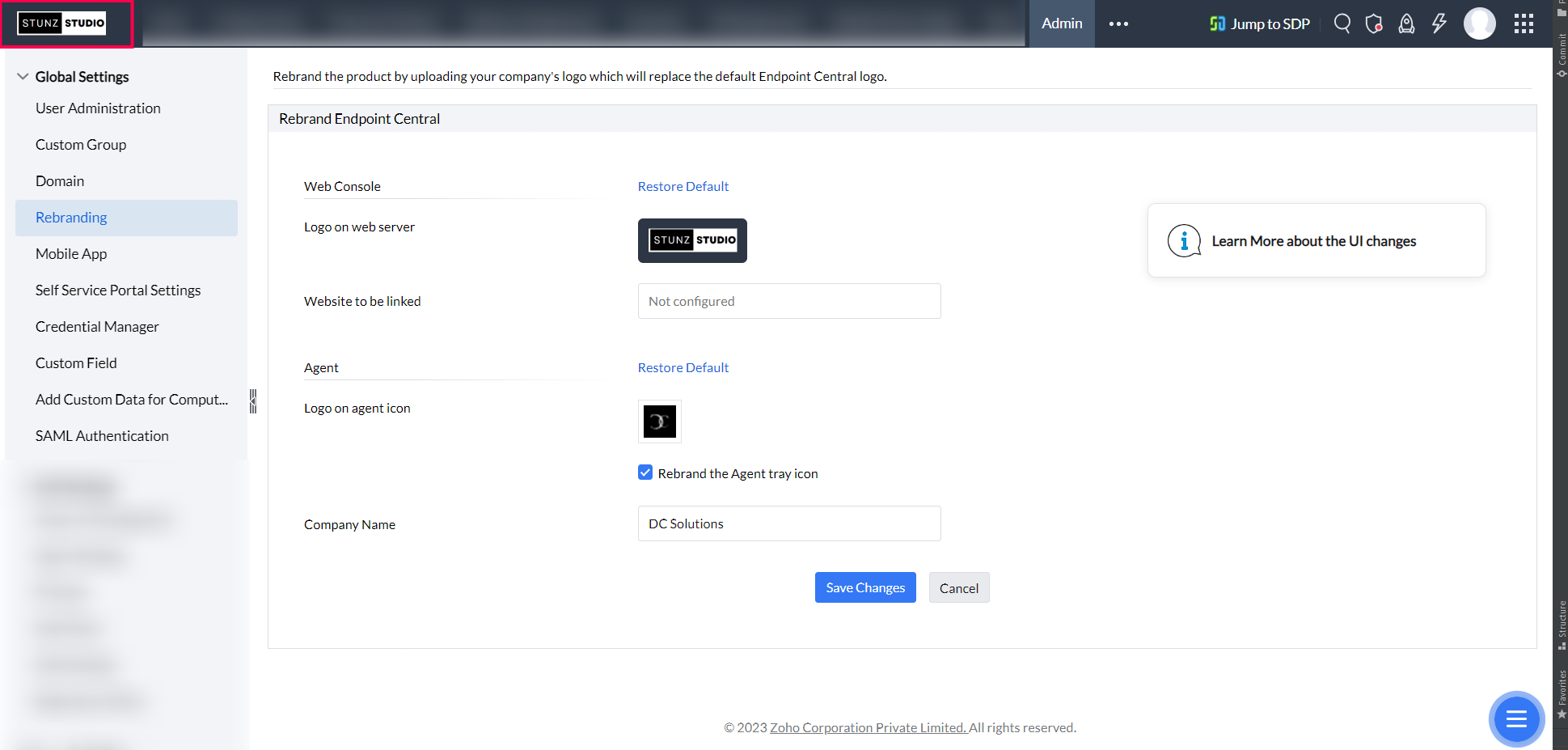
- Rebranding changes the top-left logo in the Web Console.
Web Console before rebranding:
Web Console after rebranding:
 Yes No