×![]()
×
×![]()
×
×


Upgrade Trial to Licensed Version in OS Deployer
Upon purchasing the product, you will receive a license file via email to upgrade.
Steps to upload the license in OS Deployer
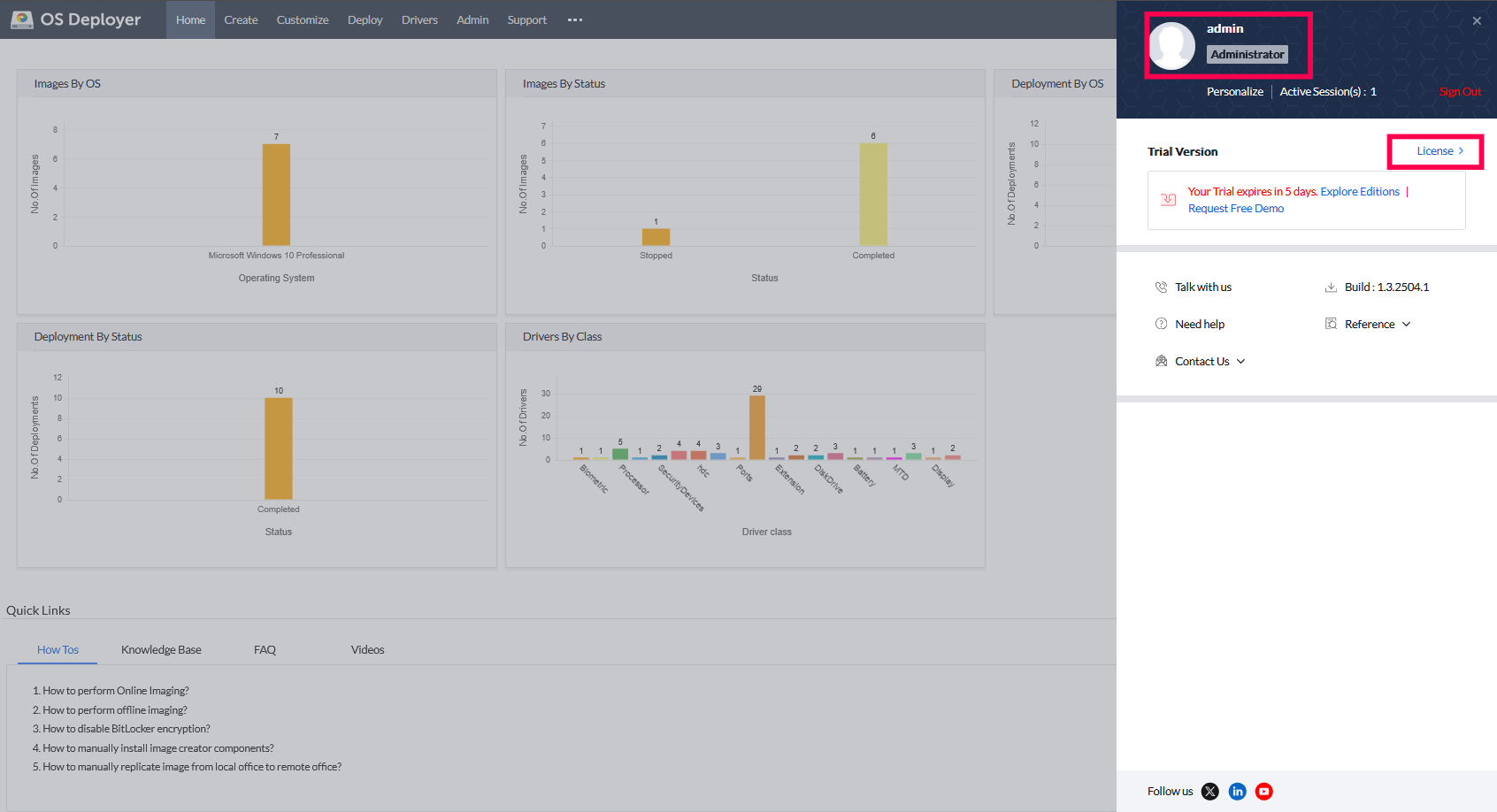
- Open the web console and click the user profile icon at the top-right corner.
- Select License to access the license management page.
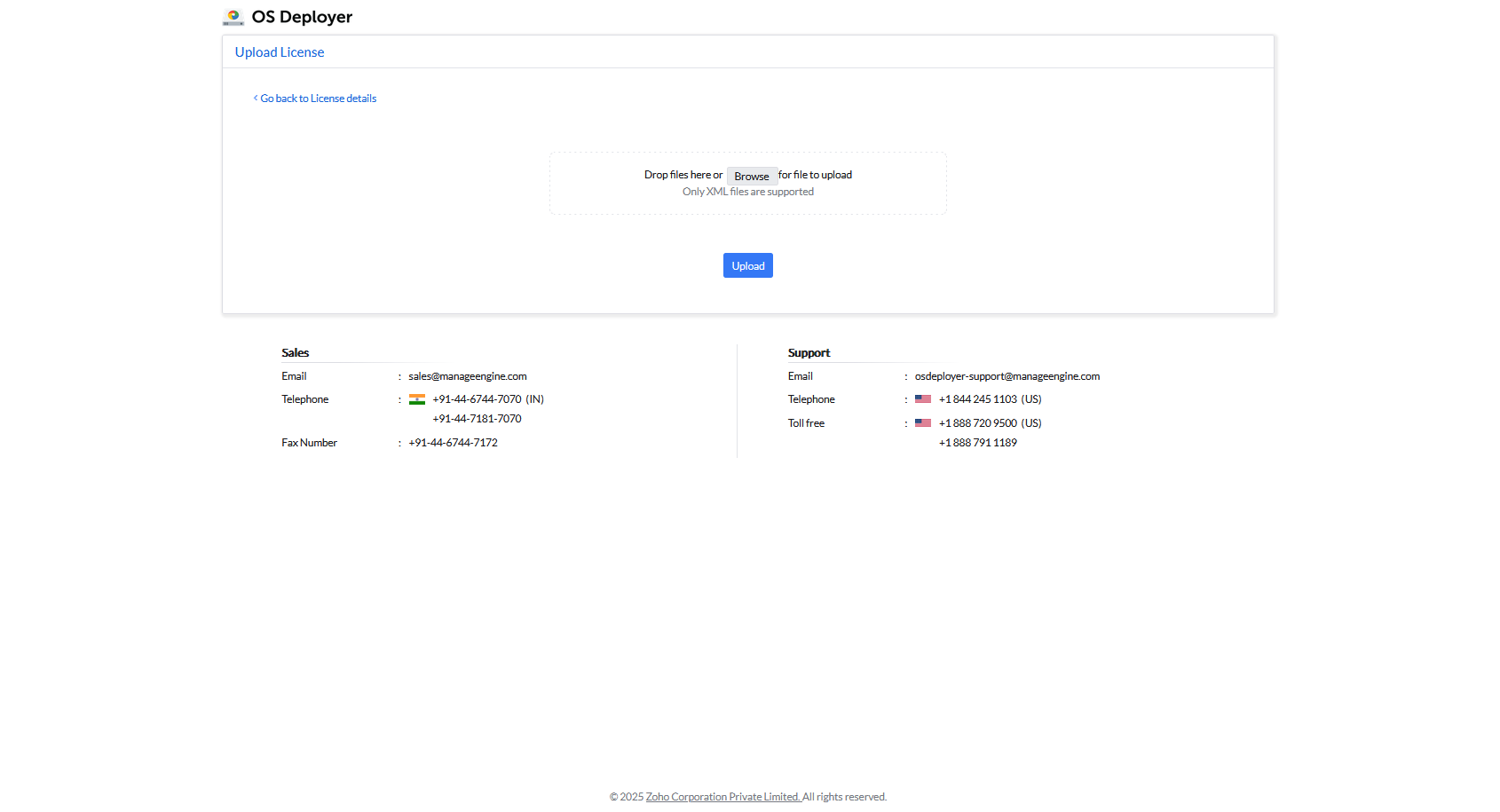
- Drag and drop the received license file or click Browse to select the file, then click Upload.
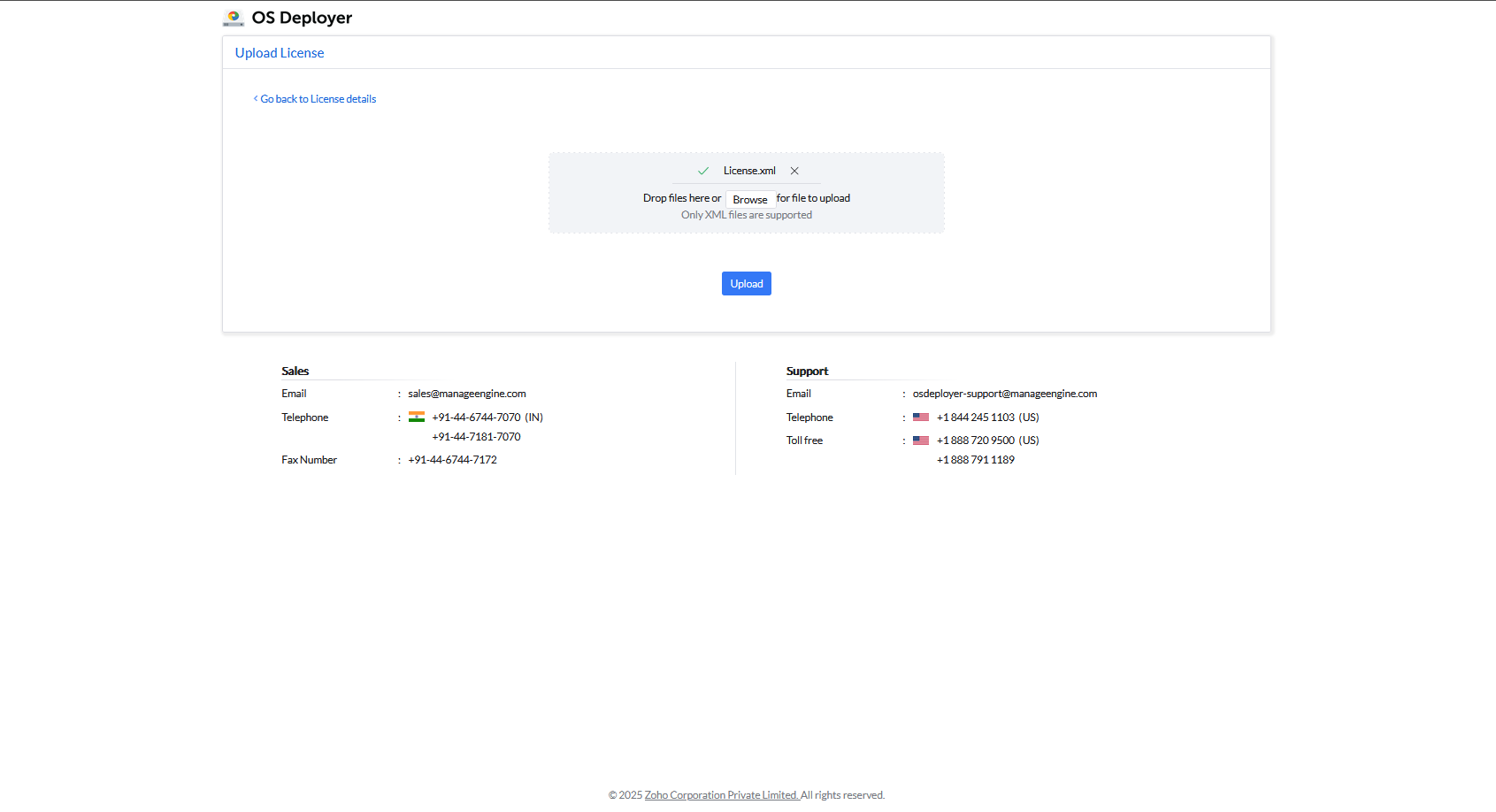
The Central Server has been successfully upgraded with the new license!
 Yes No
Visit our community