Jumpcloud
JumpCloud is an open directory platform that securely connects users to their systems, applications, and data, simplifying IT management.
Required minimum permission for JumpCloud
Admin with API access
JumpCloud authentication method
The required authentication method is by using the admin API key.
Required JumpCloud credentials
The following values are required:
- Org ID
- API key
To manually integrate JumpCloud with SaaS Manager Plus
- Click App Integrations available in the left pane and click JumpCloud from the applications list.
- Provide the Org ID and API key.
- Click Authorize to integrate the app.
To create an API key
Visit docs.jumpcloud.com/api/1.0/index.html#section/API-Key/Access-Your-API-Key
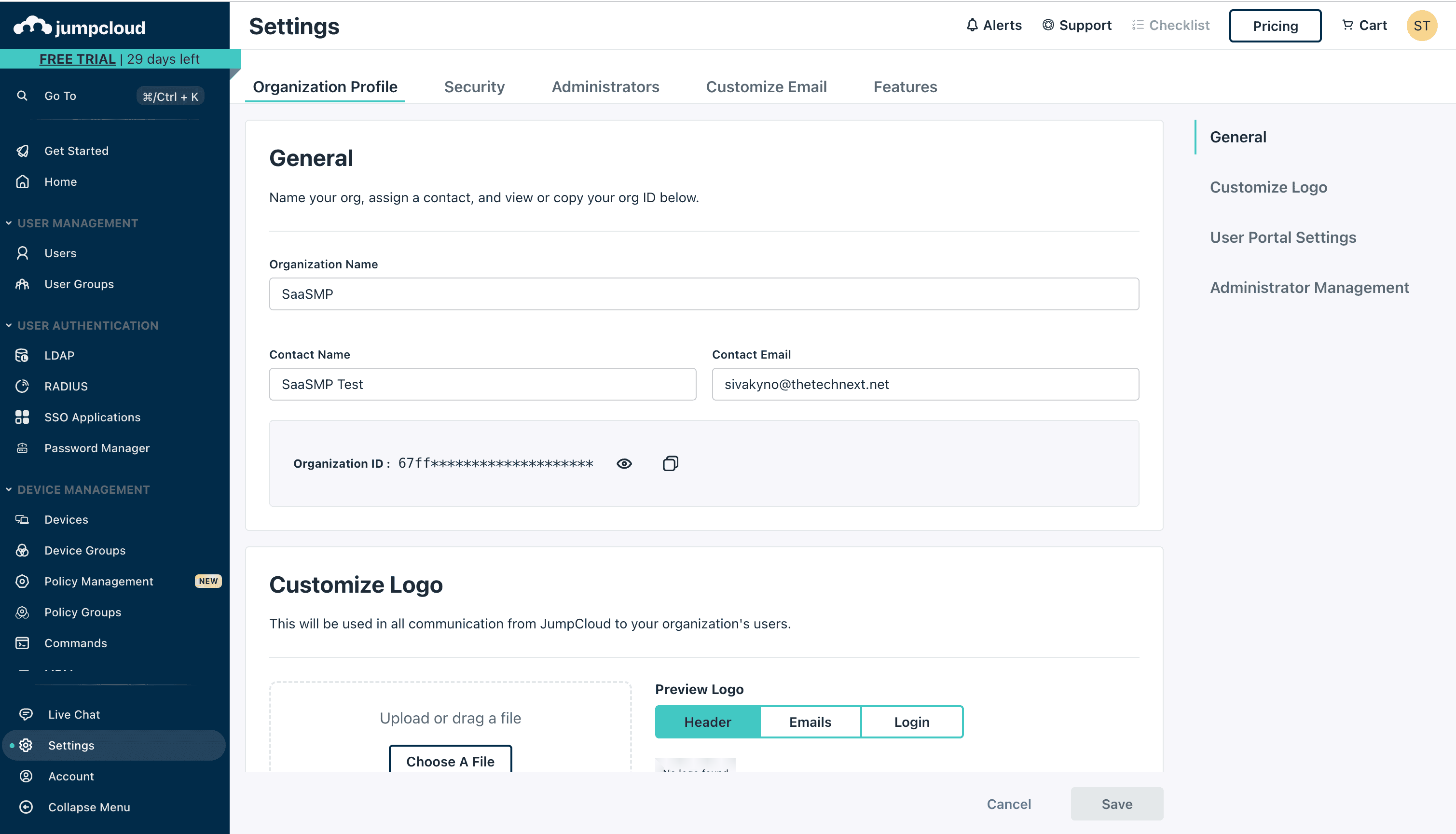
To get the Org ID
- Login to your admin console
- Go to Settings to get the organization details where you can find Org ID
Stored JumpCloud information
Users
- User ID
- First name
- Last name
- Last login
Apps
- App name
- App display name
- App ID
JumpCloud API endpoints
Applications: console.jumpcloud.com/v2/applications
Users: console.jumpcloud.com/systemusers
Apps to users relations: console.jumpcloud.com/api/v2/applications/{application_id}/users
Users last login: api.jumpcloud.com/insights/directory/v1/events
NOTE: API access availability varies by vendor plan and subscription tier.