Installing and uninstalling SharePoint Manager Plus
How to install SharePoint Manager Plus?
Download 64bit exe from the webpage and install ManageEngine_SharePointManagerPlus_Bundle.exe
Check the system requirements section before the installation.
Extract the exe file and follow the instructions of the installation wizard.
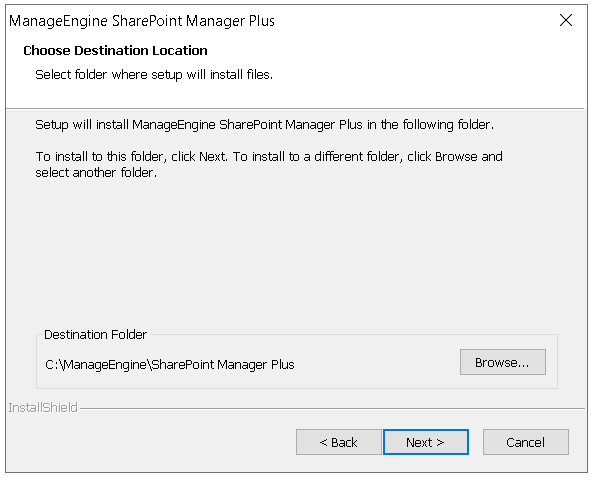
You can change the path where SharePoint Manager Plus is to be installed.
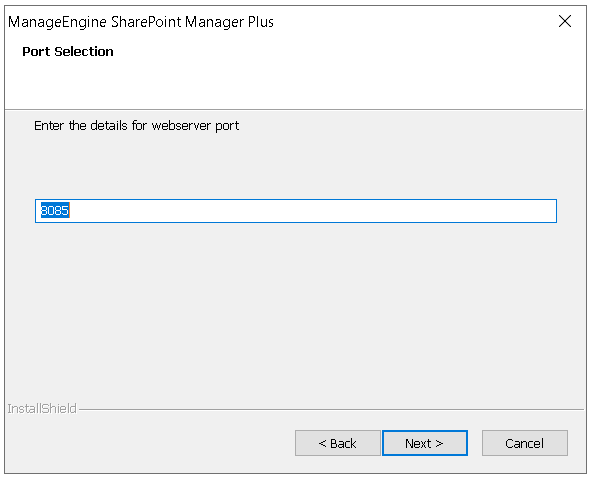
If you wish to change the default port number during installation, change it right here
How to uninstall SharePoint Manager Plus?
Navigate to path where SharePoint Manager Plus had been installed. By default, it will be at the location Start → Programs → ManageEngine SharePoint Manager Plus
Select Uninstall SharePoint Manager Plus
Confirm your choice of uninstalling SharePoint Manager Plus