Customize existing reports
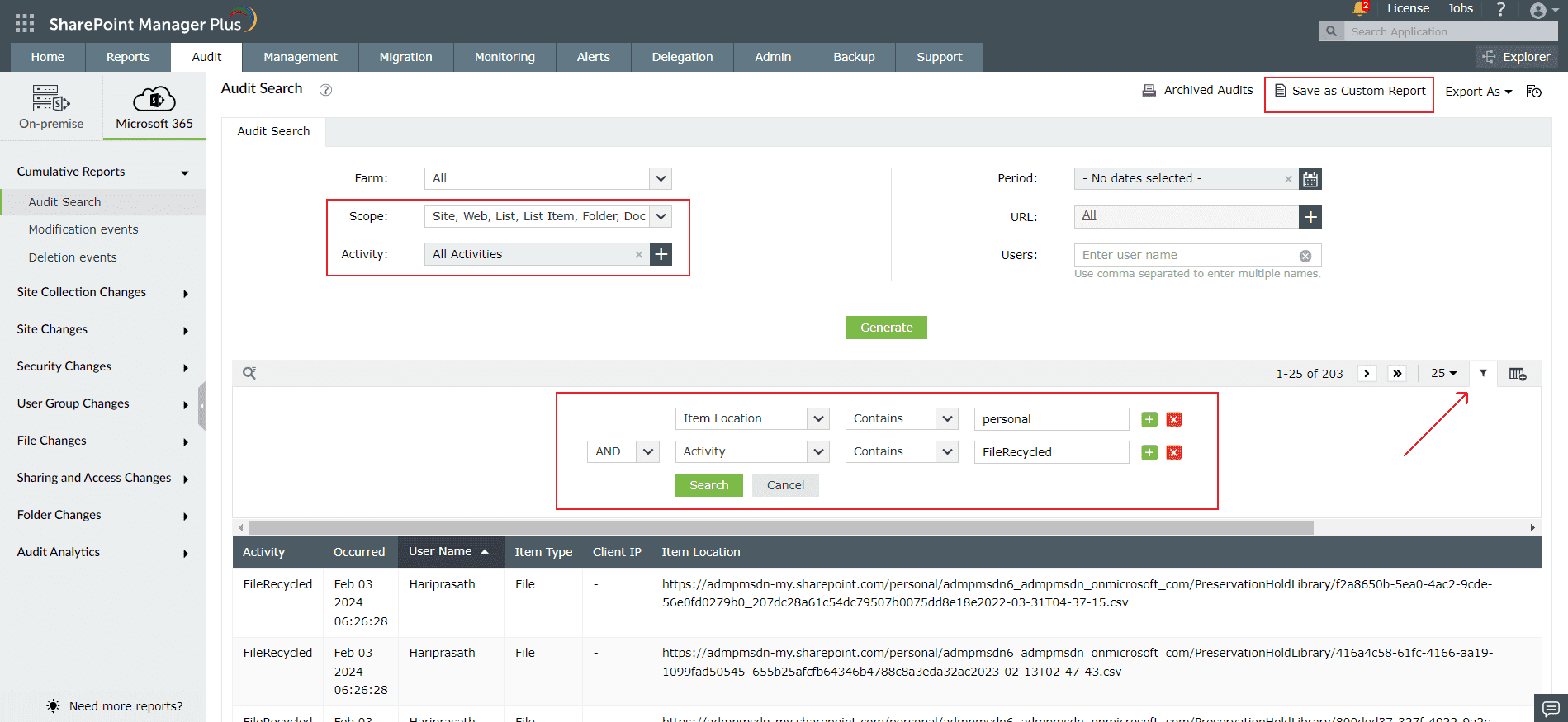
SharePoint Manager Plus allows you to customize an audit report with filters to narrow down on the information you are looking for.
- Generate reports for a specific farm, time, or site collection using the drop-down options.
- To filter the report, click on the
 icon and specify the conditions.
 - To add or hide report fields, click on the
 icon and use the checkboxes.
 - Click Save as Custom Report at the top-right corner to save the report and generate it later.