Explorer
SharePoint Manager Plus helps in viewing the exact architecture of your farm server and Office 365 with its Explorer option.
Upon clicking the Explorer link, you would see the left tree listing all SharePoint objects and the right panel displaying the properties, security permissions of the selected object.
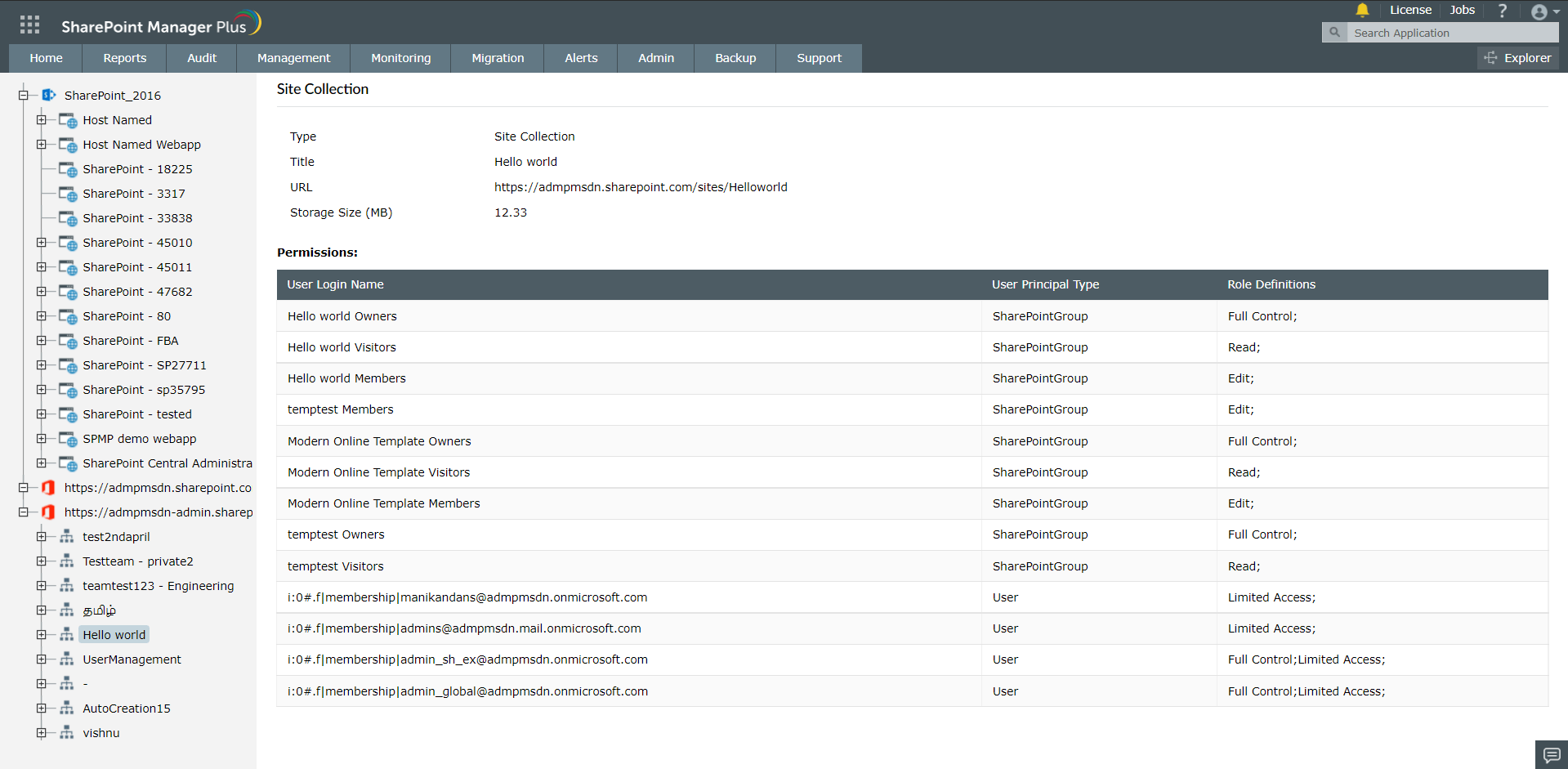
Properties: This section will list all the properties of selected object such as
- Type of the SharePoint component selected viz., Site, Site Collections, Web Applications, Lists, etc
- Title of the component selected
- URL
- Base Type
- Created and modified date
Security permissions: This section lists all the permissions assigned/related to the selected Site/Site collection objects.