Usage Notifications
Analytics Plus enables you to configure mail notifications to monitor your account usage. A notification email will be triggered if the usage exceeds the configured threshold. You can configure the following two usage notifications.
Row Usage Notification
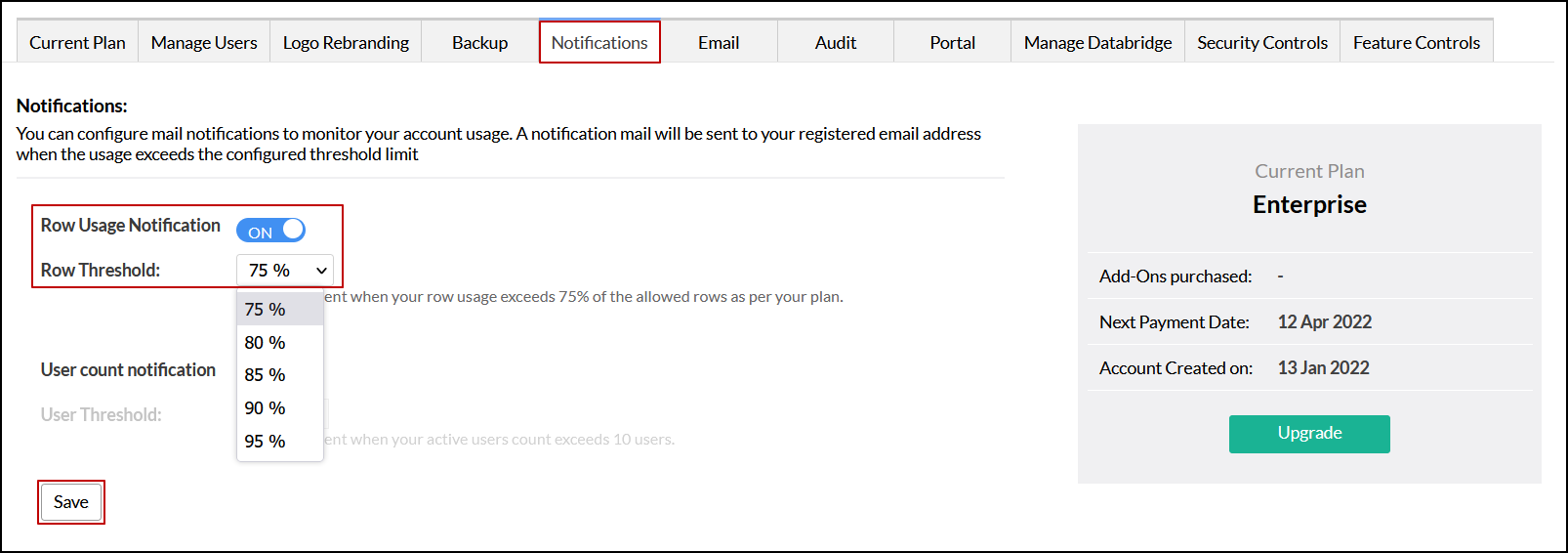
Analytics Plus triggers a notification email to the account admin email address- the user who signed up for the account, when the table row usage count exceeds the configured threshold. To configure the row usage notification, follow the steps below.
- Navigate to the Notifications tab in the Settings page.
- Enable the Row Usage Notification toggle button.
Choose the required threshold from the Row Threshold drop-down, and click Save.
User Count Notification
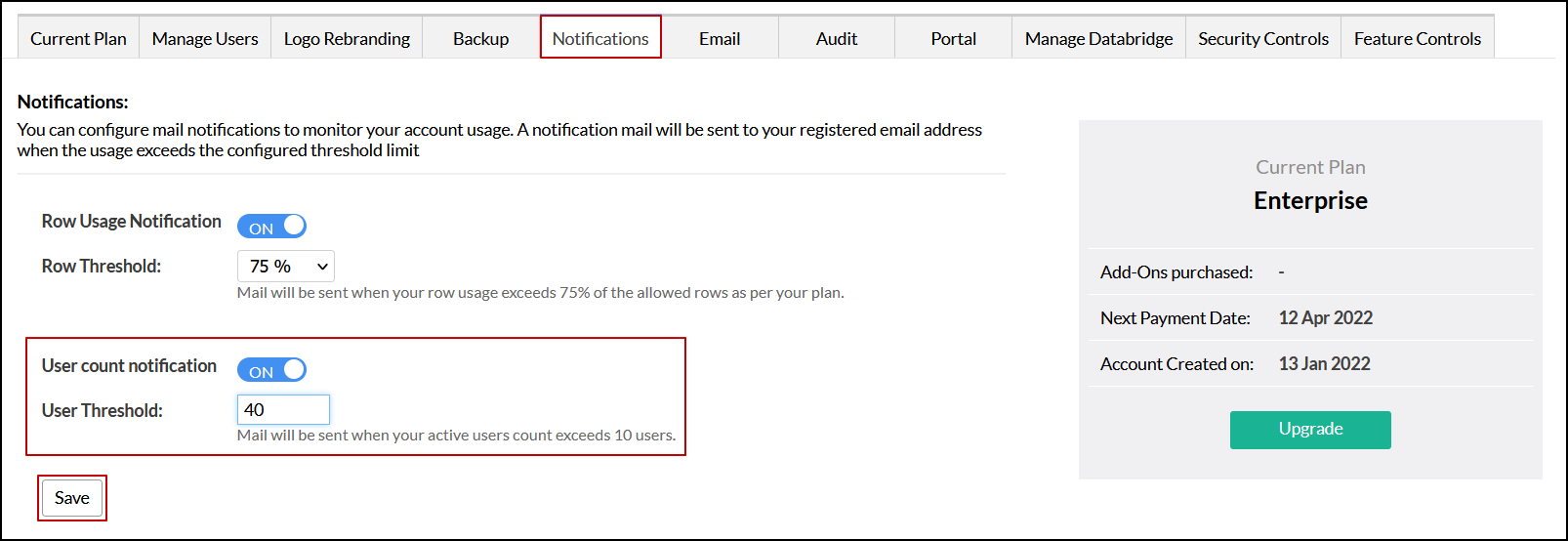
Analytics Plus sends a notification email to the account admin email address -the user who signed up for the account, when the number of users added to an organization exceeds the configured threshold. To configure the user count notification, follow the steps below.
- Navigate to the Notifications tab in the Settings page.
- Enable the User count notification toggle button.
Choose the required threshold from the User Threshold drop-down, and click Save.