End-User Notifications of Application Control & Privilege Management
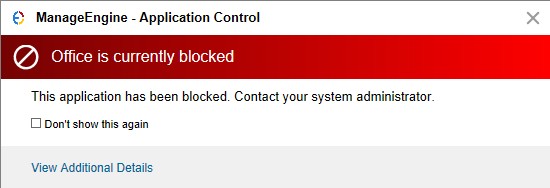
Blocked Application
This notification appears on the endpoint when a user tries to access a blocklisted application. If the user checks the 'Don't show this again' option while closing the prompt, the notification will not appear again for that specific application.
Windows can display “This app has been blocked by your system administrator.” This message alone does not identify the enforcing product. Review the affected computer’s Application Control Access Events and effective policies. If no matching evidence is available, investigate other applicable Windows application-control policies with the responsible administrator.
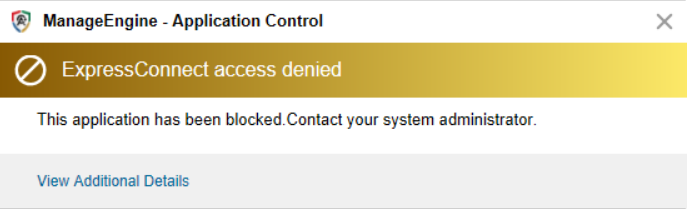
Unmanaged Application in Strict Mode
This notification appears when a user tries to access an unmanaged application in strict mode.
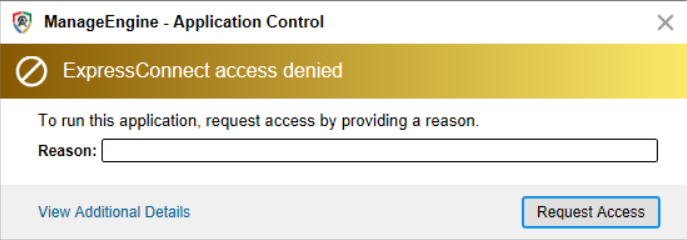
Unmanaged Application with Request Access
This notification appears when a user accesses an unmanaged application in Strict mode and the deployed policy enables request access.
Allowlisted Unelevated Application
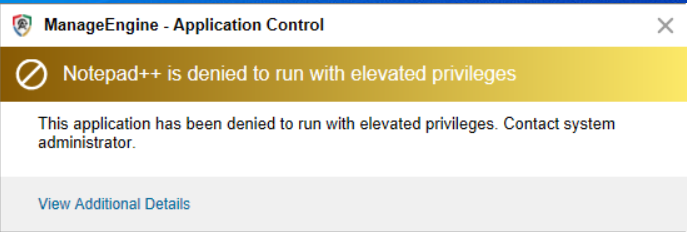
This notification appears when a user tries to elevate an allowed application that is not in the privileged list.
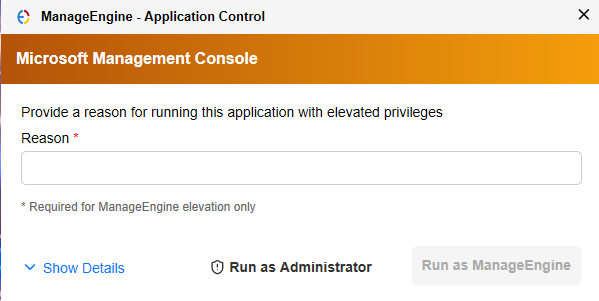
Self-Elevation of Application
This notification appears when a user tries to self-elevate by providing a justification. The user can select the 'Run as Administrator' option and elevate the component by providing the admin credentials, or click 'Run as Endpoint Central MSP' and directly elevate the component.
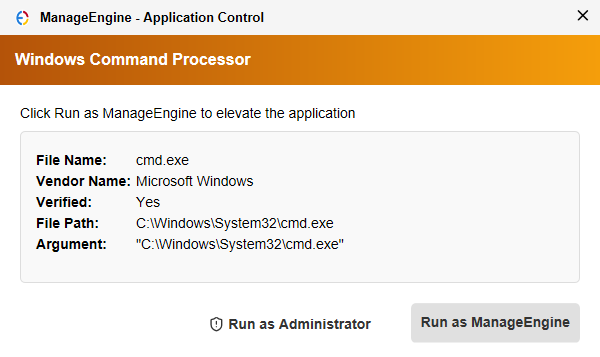
Elevation of Windows Components
This notification appears when a user tries to elevate a Windows component, such as a Control Panel setting. The user can select the 'Run as Administrator' option and elevate the component by providing the admin credentials, or click 'Run as Endpoint Central MSP' and directly elevate the component.
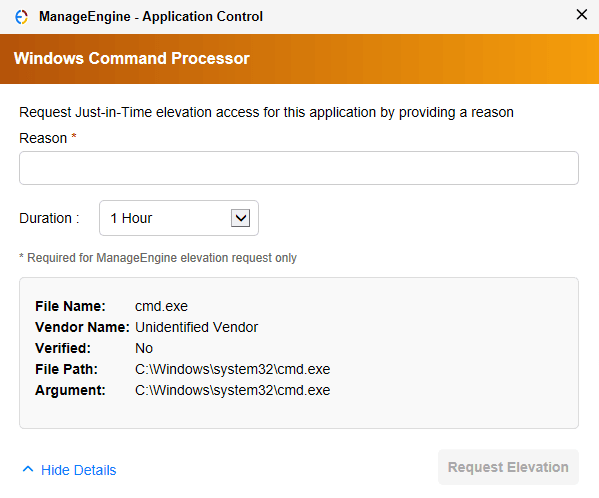
Just-In-Time Elevation Request
This notification appears when a user requests Just-In-Time (JIT) elevation. Users can do this only if the request for JIT elevation is configured when creating the privileged application list.
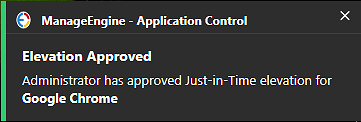
Just-In-Time Access Request Approved
This notification appears when an administrator approves a user's Just-In-Time access request for an application.
Application Details
This notification shows details of the blocked application when the user clicks View Additional Details in the blocked application notification prompt.

StoreApp Application Details
This notification is shown when the user clicks View Additional Details in the blocked Store application notification prompt. It concerns a Store-packaged application. Review the StoreApps rule and the effective policy for the affected package when investigating the block.
If the application details show “Scanning in progress. Please retry after some time.”, the Store application details are not yet resolved. Retry after scanning has progressed. This message does not specify a fixed completion time; if it persists, ask the administrator to investigate the agent and application details.

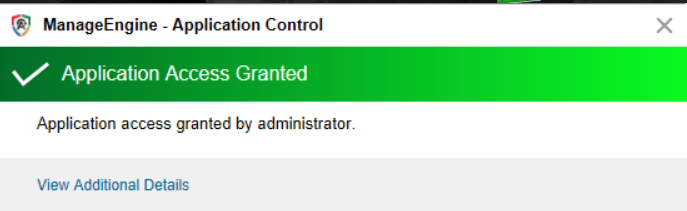
Application Access Granted
This notification confirms that an administrator granted access to the applications requested from the endpoint.
Approved Applications Details
This notification shows the items approved by the administrator when the user clicks View Additional Details in the application granted access notification prompt.

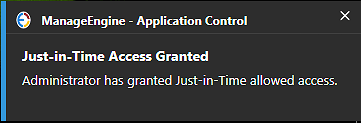
Just-In-Time Access Granted for Allowlisting
This notification appears when an administrator grants Just-In-Time access for allowlisting.
Just-In-Time Access Revoked for Allowlisting
This notification dialog appears when an administrator withdraws the temporary allowlisting access before the specified duration ends.
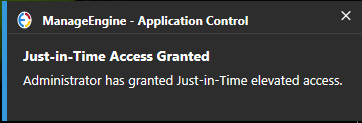
Just-In-Time Access Granted for Elevation
This notification appears when an administrator grants Just-In-Time access for elevation.
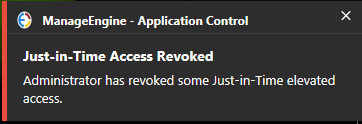
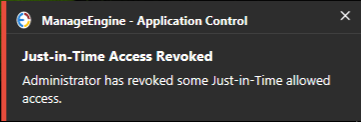
Just-In-Time Access Revoked for Elevation
This notification dialog appears when an administrator withdraws the temporary elevation access before the specified duration ends.