Exclude Address in Windows
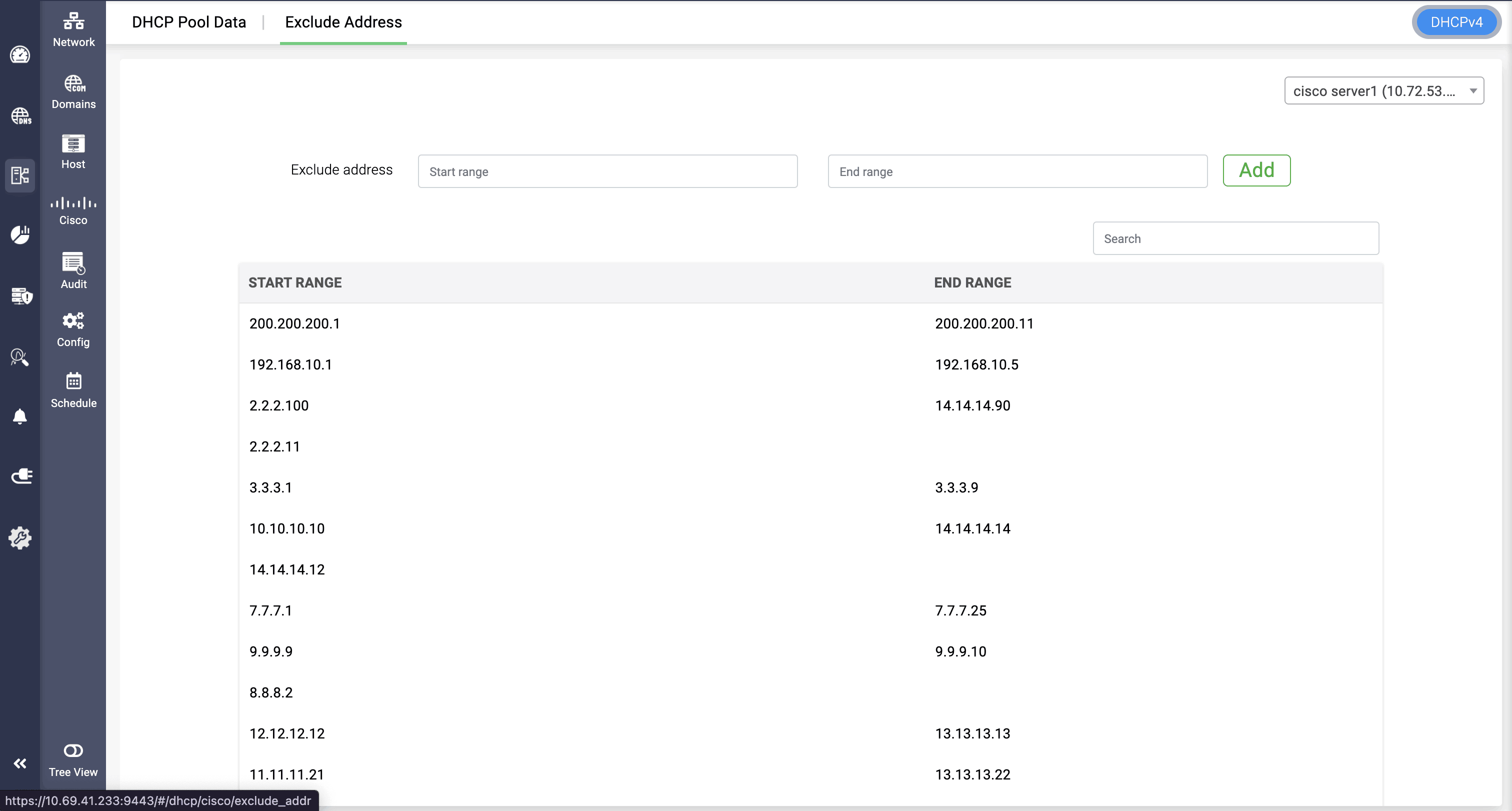
Exclude address helps in excluding the specific pool range, not just in a subnet level, but globally. Exclude address has both start range and end range fields.
Admins can provide both the start and end range, or they can just provide start range of the pool.
Providing just the start range will exclude the entire IP range.
Note: Exclude address feature won't be available for DHCPv6, only for DHCPv4.
START IP: The first IP address in the exclusion range. This marks the beginning of the block of IPs that should not be assigned to DHCP clients.
END IP: The last IP address in the exclusion range. This defines the end of the excluded block. If only one address is excluded, START IP and END IP will be the same.