Steps to integrate AWS Route 53 with DDI Central
Step 1: Generating Access Key, Key ID and Zone ID in AWS Route 53
- Login into your AWS account and click on 'user icon' and select 'Security Credentials'.
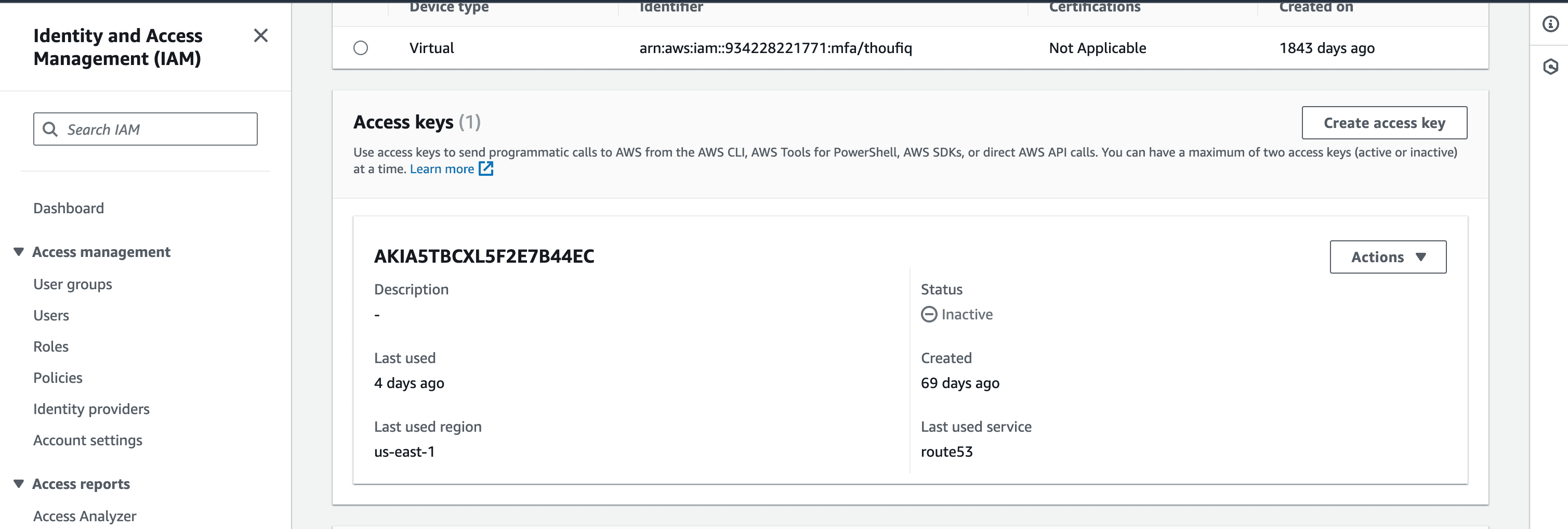
- On the Identity and Access Management(IAM) page, to generate Access Key and Key ID click on 'Create access key'
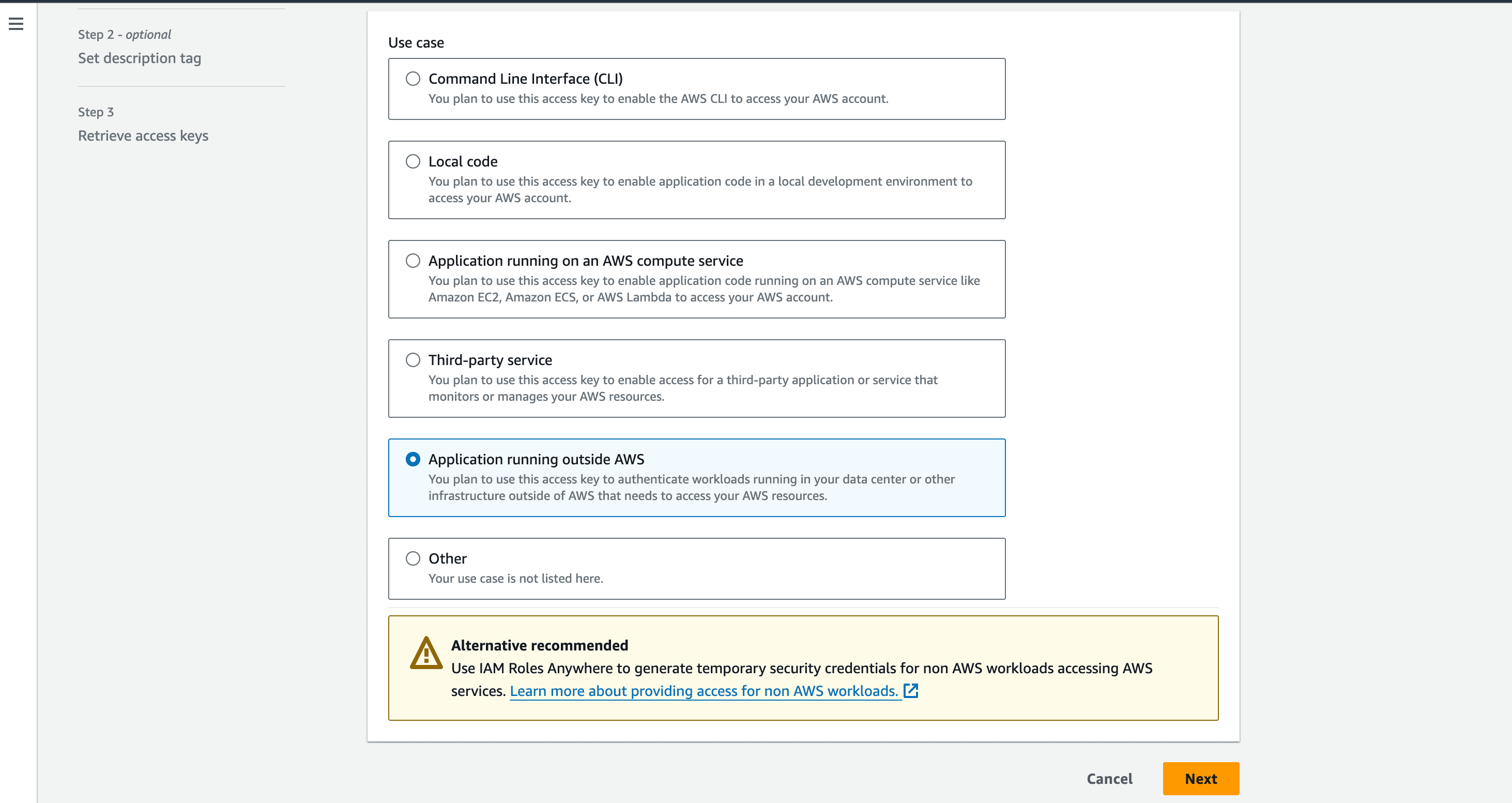
- In the subsequent page that appears, Select the Use Case as "Application running outside AWS". and click Next.
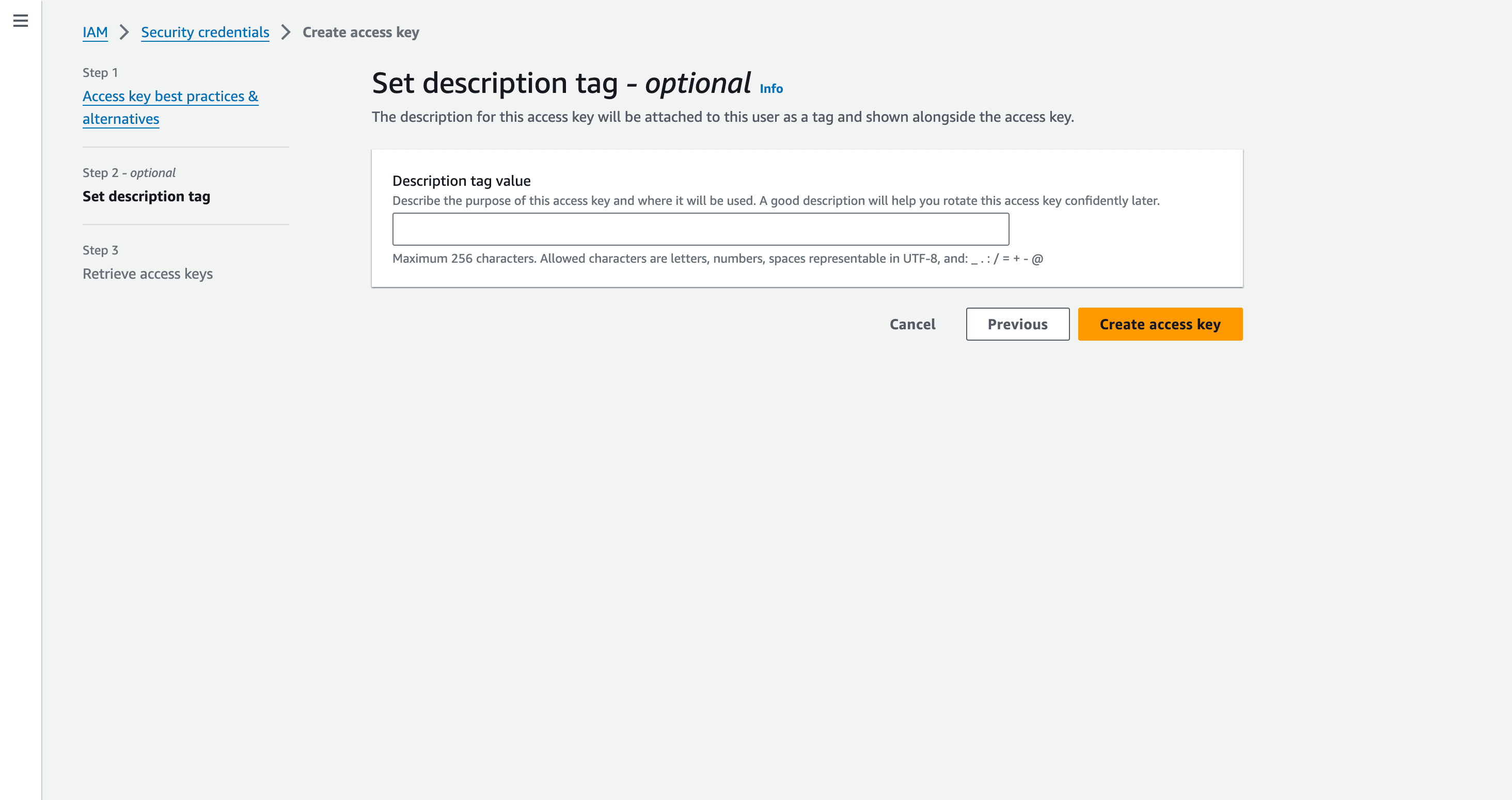
- For the Access Key pair(Access Key and Secret Access Key) to be generated, Enter a Description tag describing the purpose of the access key and where it will be used. This description will be associated with the user as a tag along with the access key. Click Create Access Key.
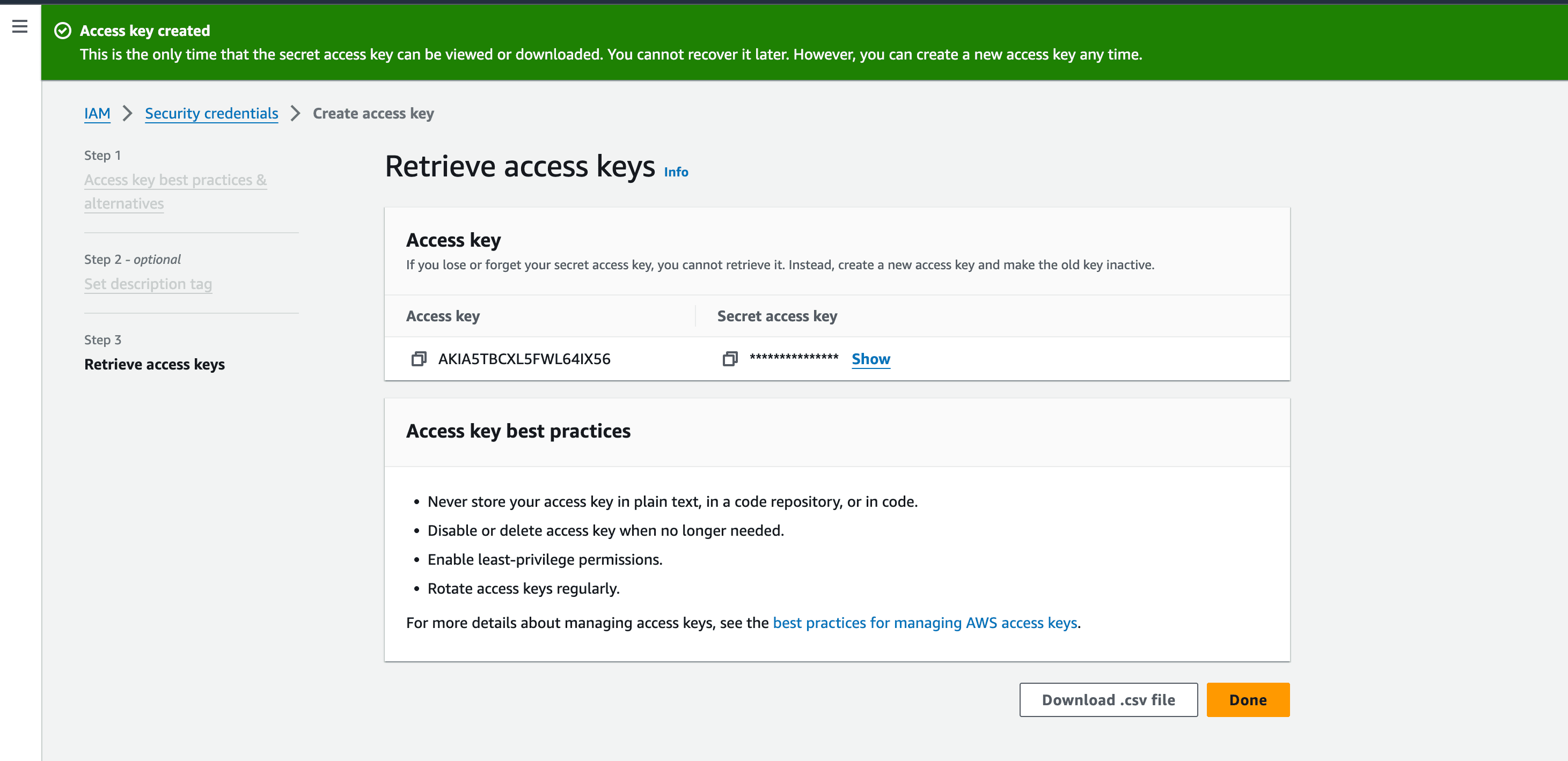
- The Access Key pair - Access Key and the Secret Access Key are successfully generated. Copy the values you will be required to provides these details in DDI Central console.
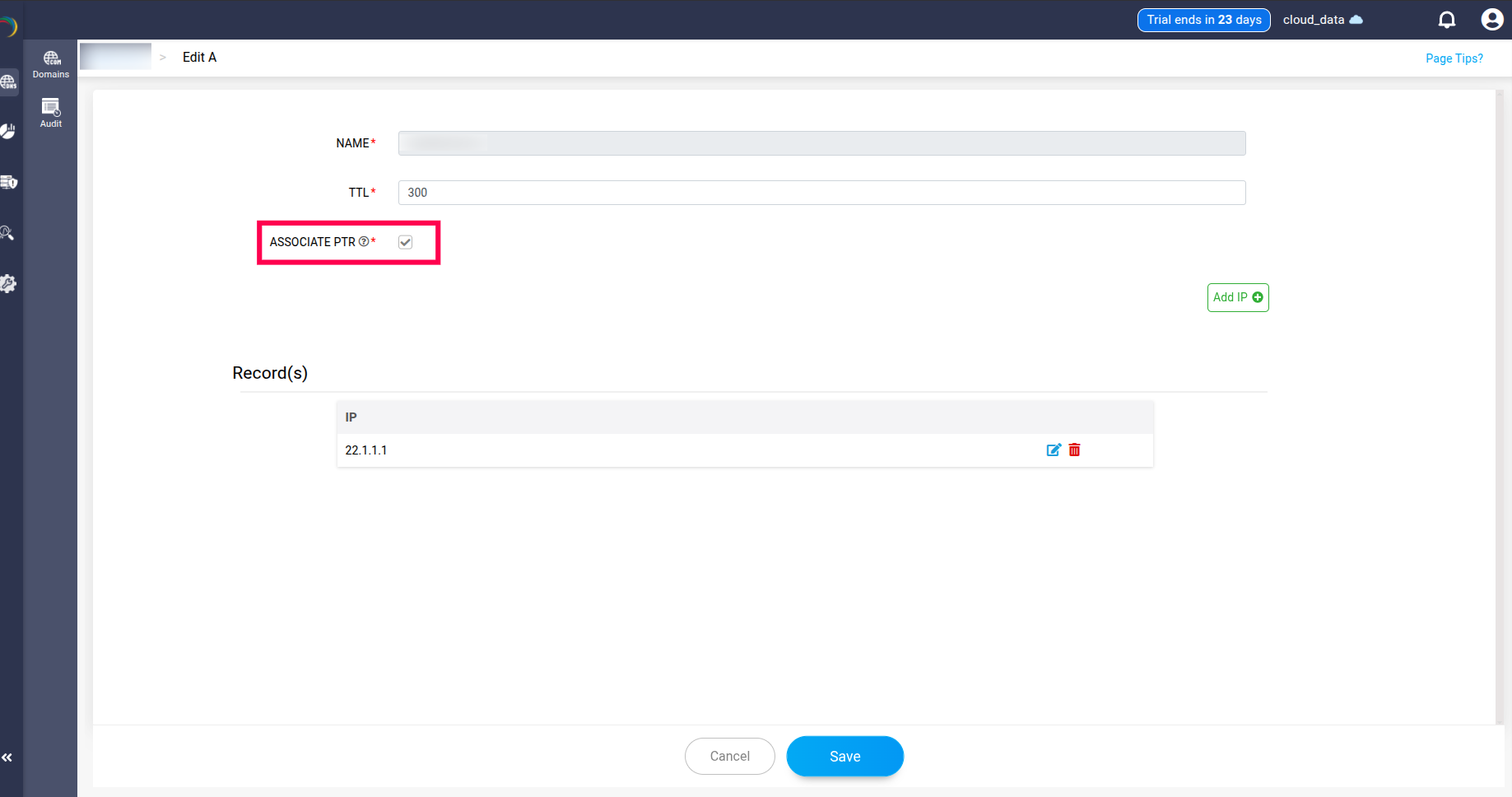
Note: PTR records can be associated with the AWS zones created in the application.
Step 2: Configurations to be made in DDI Central
- Once you have the required credentials from AWS , log into DDI Central and select the required Cloud Observability Cluster. Now navigate to Settings-> Profile -> Provider Profile.
- Select the provider as AWS Route53 from the list of providers in the providers drop-down menu.
- If required, With DDI Central you can also add a new domain into your AWS servers directly from DDI Central console.
- Enter the Access Key pairs(Access Key and Secret Access Key) that you have copied or downloaded from AWS Route53 in the relevant fields for successful authentication with your AWS DNS servers on cloud.
- On successful authentication, DDI Central lists all the active domains hosted on AWS servers. Select the relevant ones or all the domains.
- Click Migrate.
- On successful migration, you can see all the current domains you selected with AWS under the Domains page within the DNS module.
- You can further easily add and manage the configurations of zones under each domain directly using DDI central controls.
- Click through a domain name and access the DNS records associated with the zones under that domain name.