
BambooHR is a comprehensive HR software platform designed to streamline employee management, payroll processing, and benefits administration, making it easier for businesses to manage their HR efficiently.
By integrating BambooHR with ManageEngine Identity360, you can enable the following life cycle management capabilities.
Import and synchronize user accounts, departments, divisions, locations, and job titles from BambooHR into the Identity360 portal, manage them in Universal Directory, and then sync them to other directories and applications. This enables admins to oversee all user-related actions from a single console.
Provision and modify users' account attributes across enterprise applications based on their profile changes in BambooHR. Provisioning and orchestration eases onboarding and life cycle management, boosting productivity and efficiency.
Manage the job information of users in BambooHR from the Identity360 portal. Enforce least privilege and reduce security risks by granting users only the necessary permissions they need to perform their jobs.
The following steps will help you configure the supported life cycle management capabilities for BambooHR from Identity360.
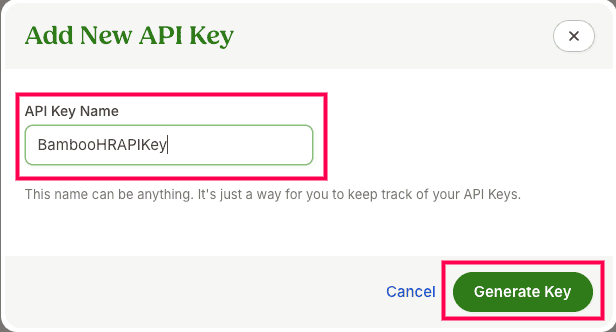 API Key generation from BambooHR
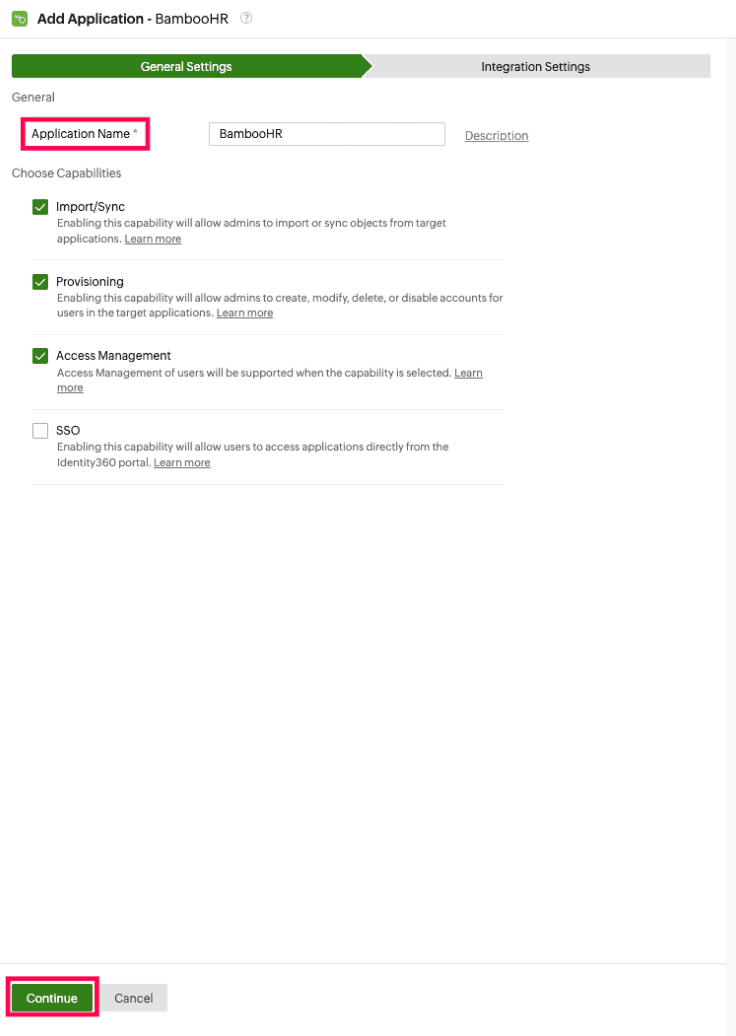 General settings of SSO configuration for BambooHR
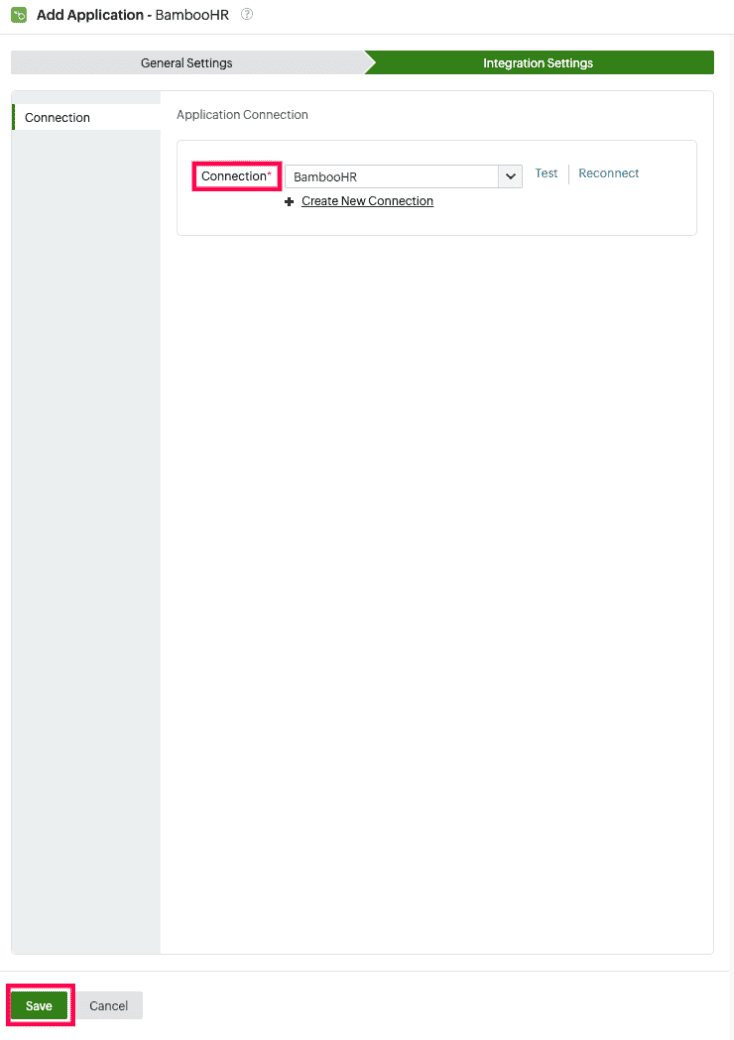 Selecting a connection for BambooHR
An Application Connection is a link established between Identity360 and BambooHR to automate the process of syncing, creating, or updating user accounts in BambooHR. This ensures that user accounts, departments, divisions, locations, and job titles are consistently managed and synchronized between Identity360 and BambooHR.
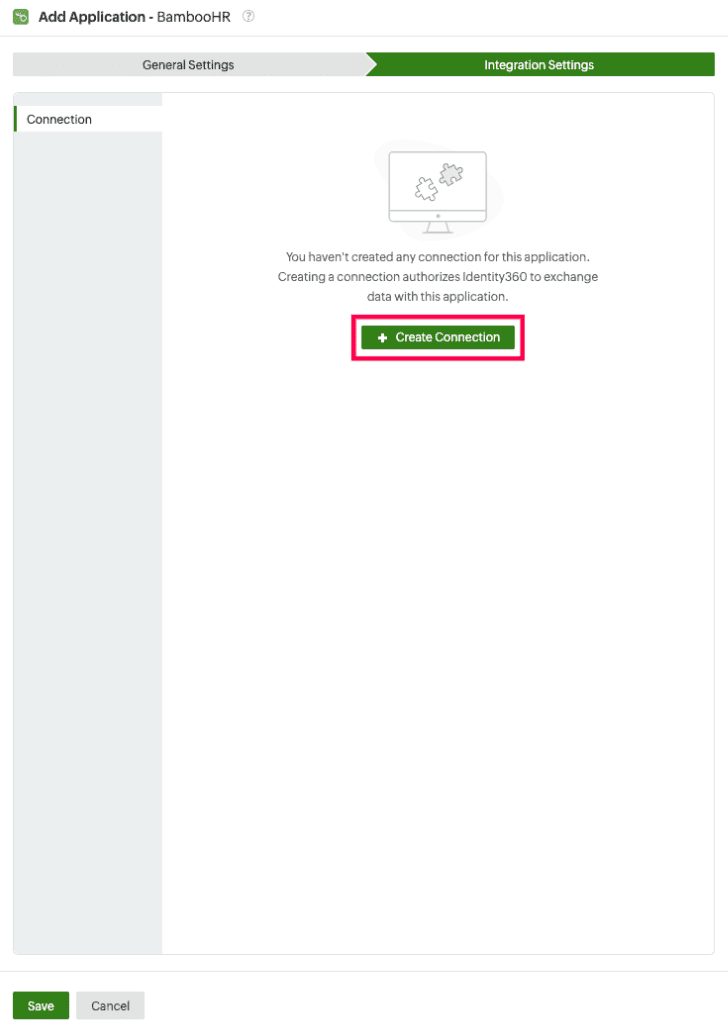 New connection creation for BambooHR
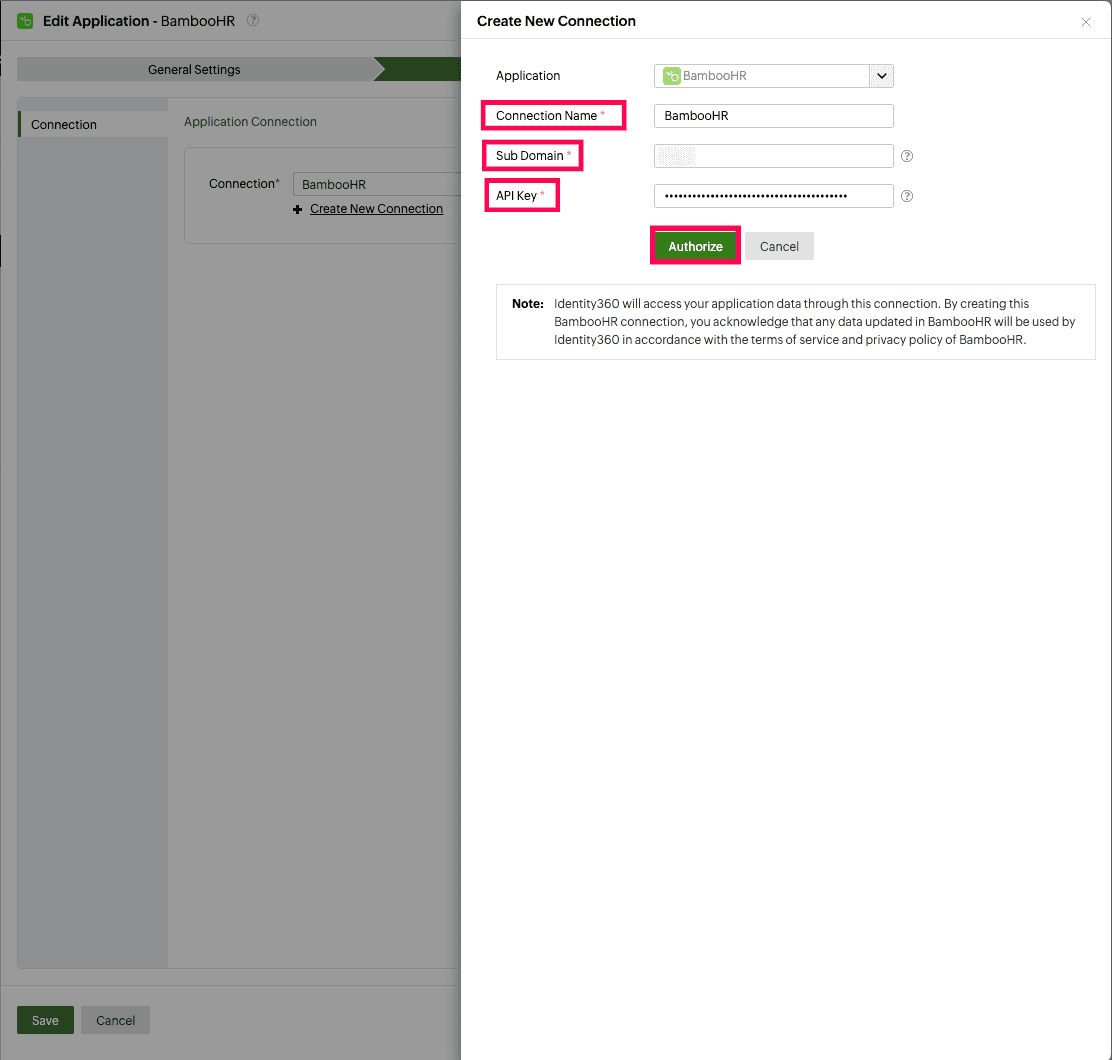 Configuring a new connection for BambooHR
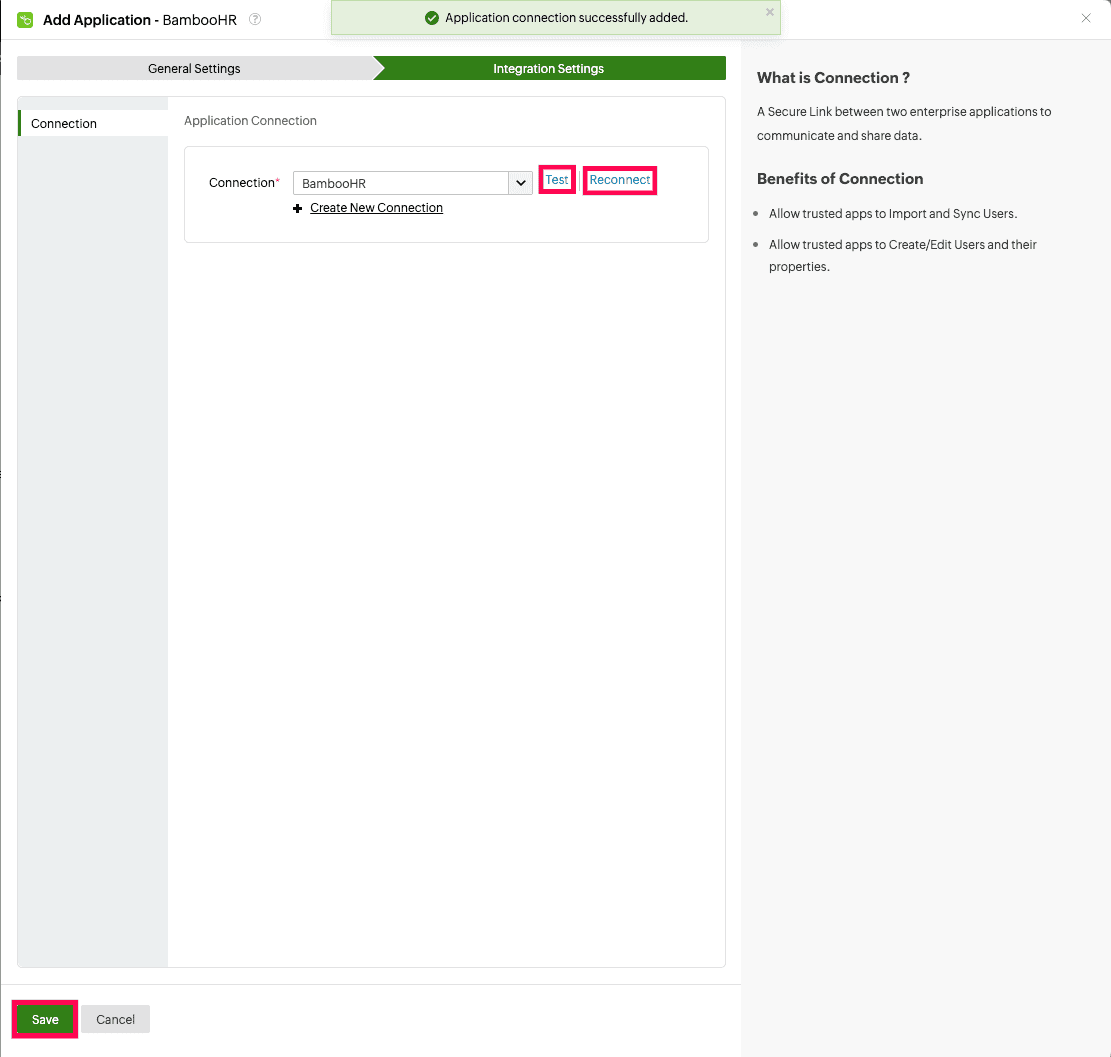 Testing the connection to BambooHR
You have now successfully configured provisioning for BambooHR, ensuring user accounts are automatically provisioned and synced to the application.