Direct Inward Dialing: +1 408 916 9890
Simplify operations with tools that streamline your management tasks, enabling efficient control over your entire Microsoft 365 environment without any PowerShell or Graph API scripting.
Services supported: Microsoft Entra ID | Exchange Online | Microsoft Teams | SharePoint Online
Learn more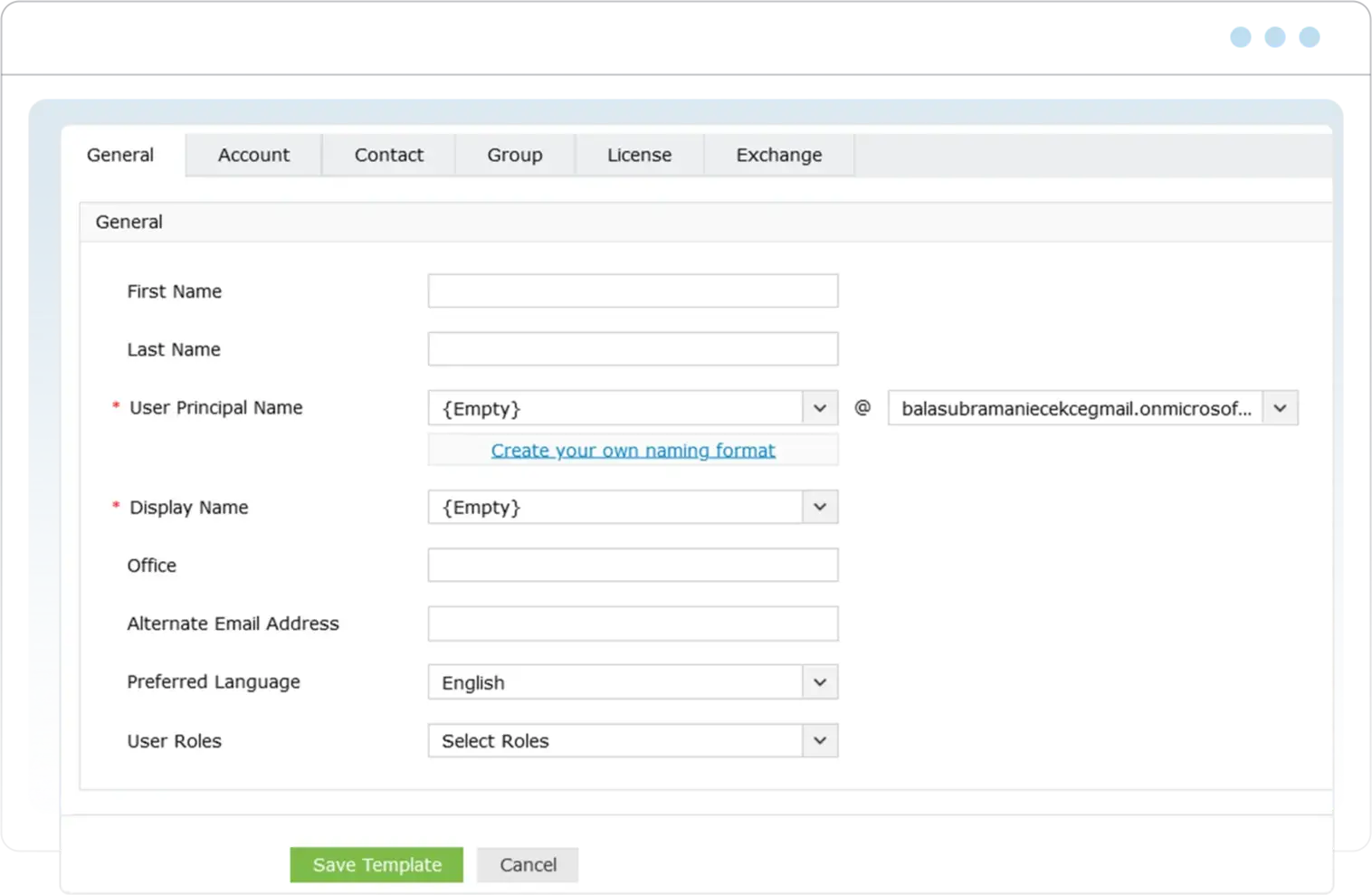
Gain valuable insights with over 700 comprehensive reports that help you understand usage, optimize resources, and ensure compliance with IT standards and regulations, such as HIPAA, SOX, and FISMA, across your Microsoft 365 services. Take immediate action with contextual management options and save time with custom report scheduling to deliver only the data that matters most to you.
Services supported: Microsoft Entra ID | Exchange Online | Microsoft Teams | SharePoint Online | OneDrive for Business
Learn more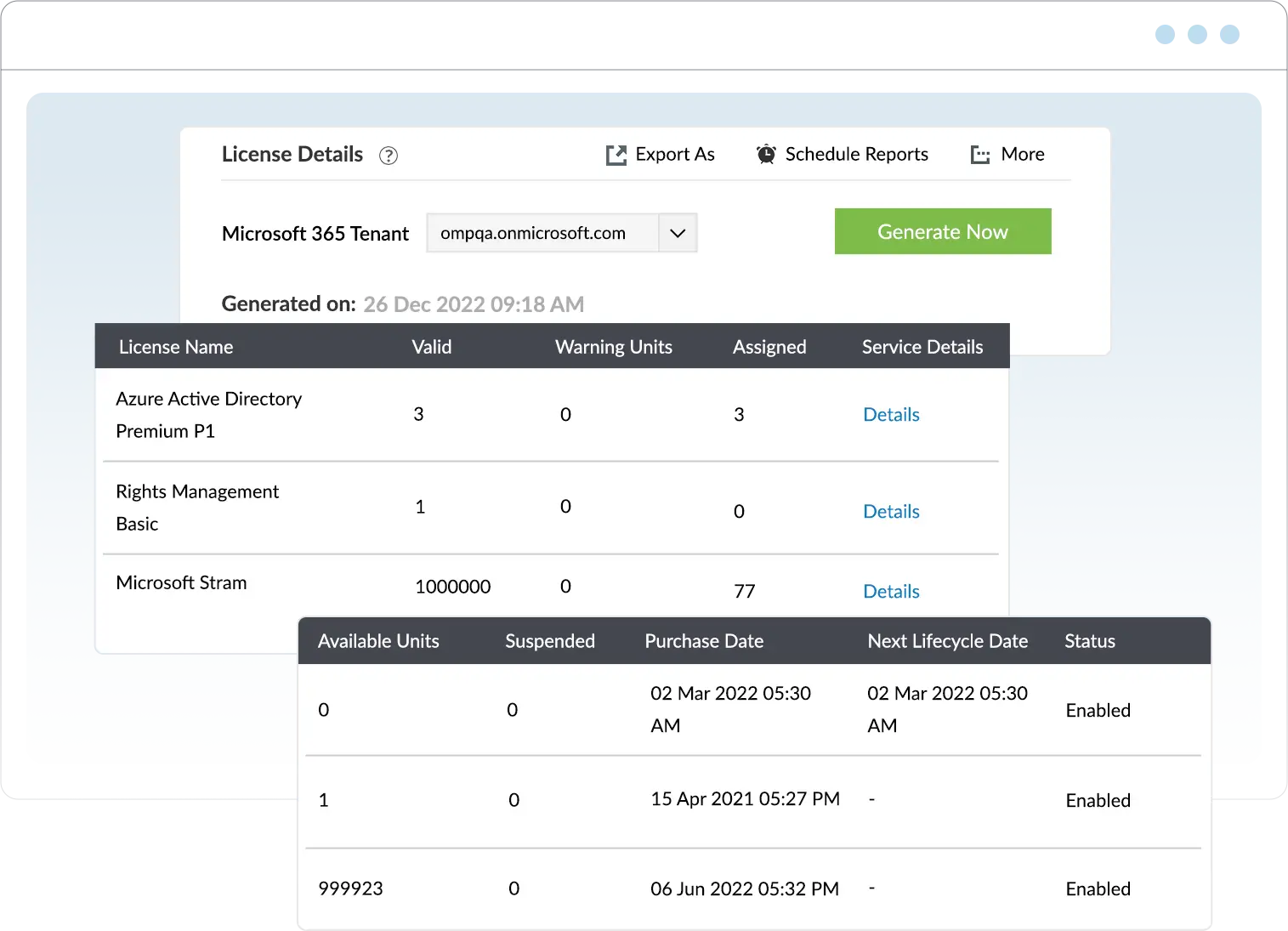
Stay informed and compliant with real-time audits and detailed logs that ensure transparency and security across your organization. Define custom audit profiles and schedule them with thresholds and filters so you only get alerts and reports on the events that truly matter, saving you from data overload.
Services supported: Microsoft Entra ID | Exchange Online | Microsoft Teams | SharePoint Online | OneDrive for Business
Learn more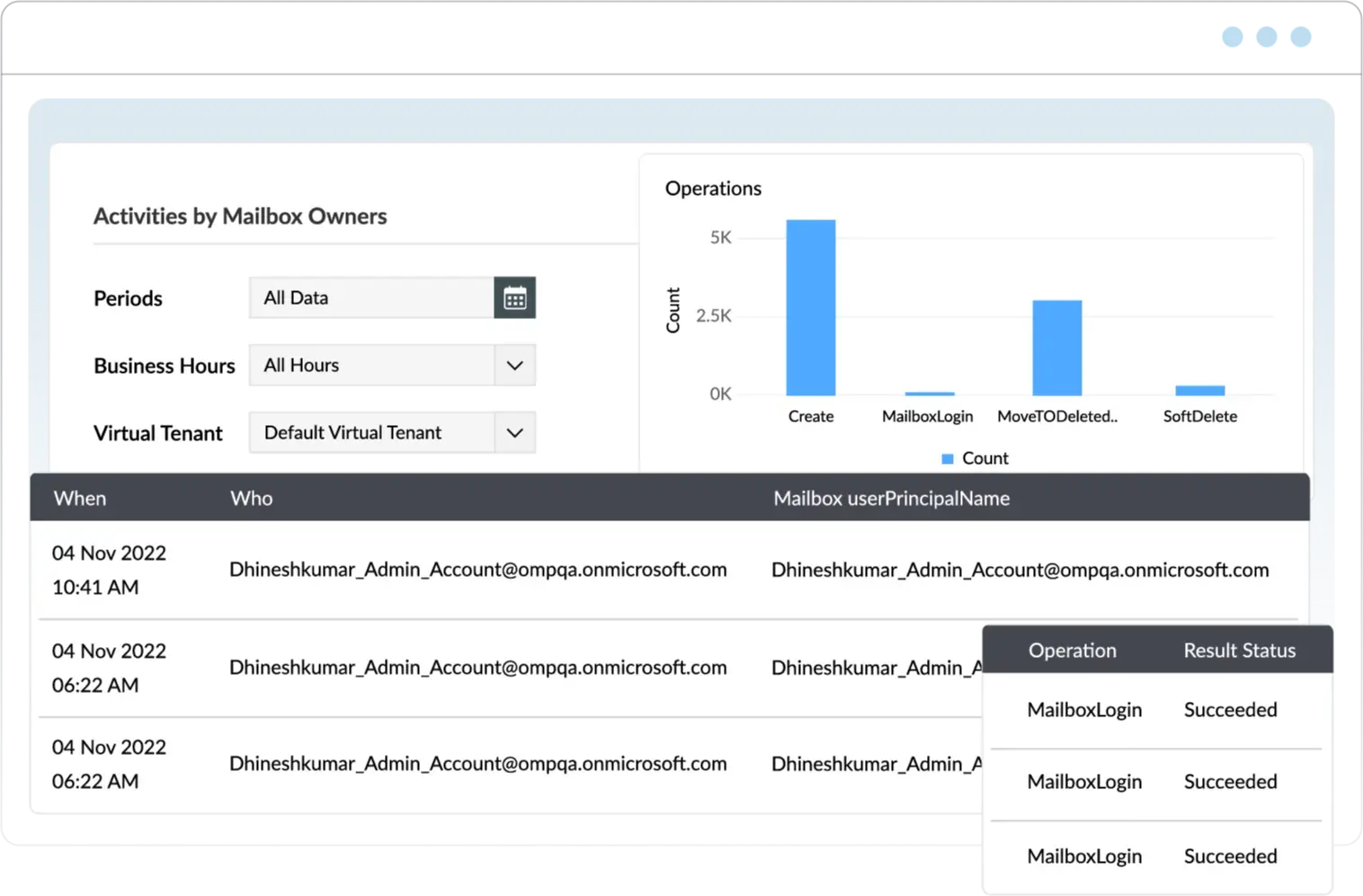
Respond quickly to suspicious activities, critical changes, service failures, and anomalies with instant alerts to keep your Microsoft 365 environment protected. Set up alerts with custom messages and levels of severity so that you get alerted only for events that deserve your attention.
Services supported: Microsoft Entra ID | Exchange Online | Microsoft Teams | SharePoint Online | OneDrive for Business
Learn more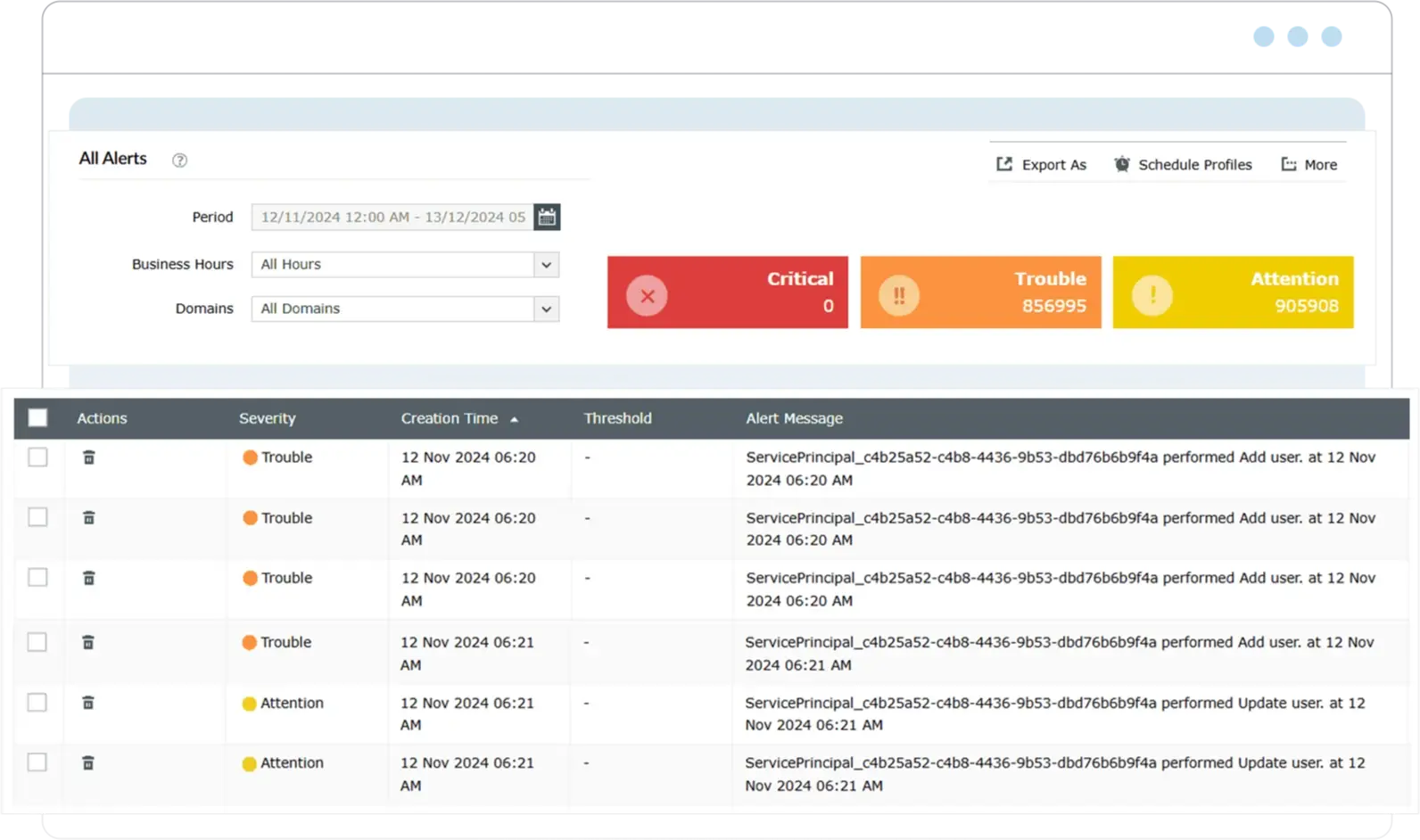
Automate routine tasks and cross-application workflows to save time, reduce errors, and ensure smooth operations at scale. Leverage CSV files, M365 Manager Plus reports, and shared locations as inputs for richer insights, accurate automation triggers, and greater flexibility in managing event-driven task chains.
Services supported: Microsoft Entra ID | Exchange Online | Microsoft Teams | SharePoint Online | OneDrive for Business
Learn more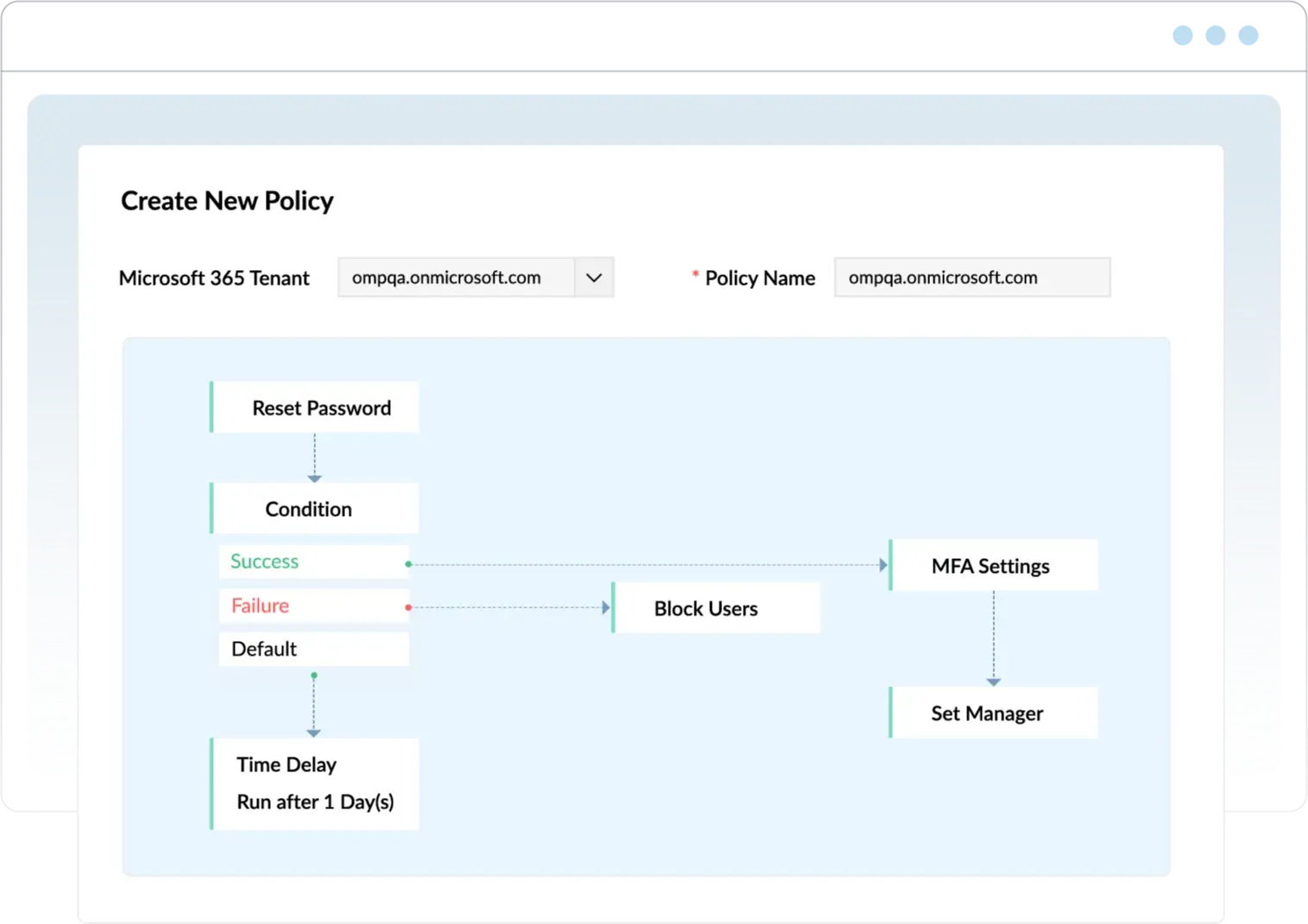
Proactively monitor the health and performance of Microsoft 365 services and endpoints with real-time alerts. Gain actionable insights into outages or disruptions and respond swiftly against ransomware, malware, phishing attacks, and more.
Services supported: Microsoft Entra ID | Exchange Online | Microsoft Teams | SharePoint Online | OneDrive for Business
Learn more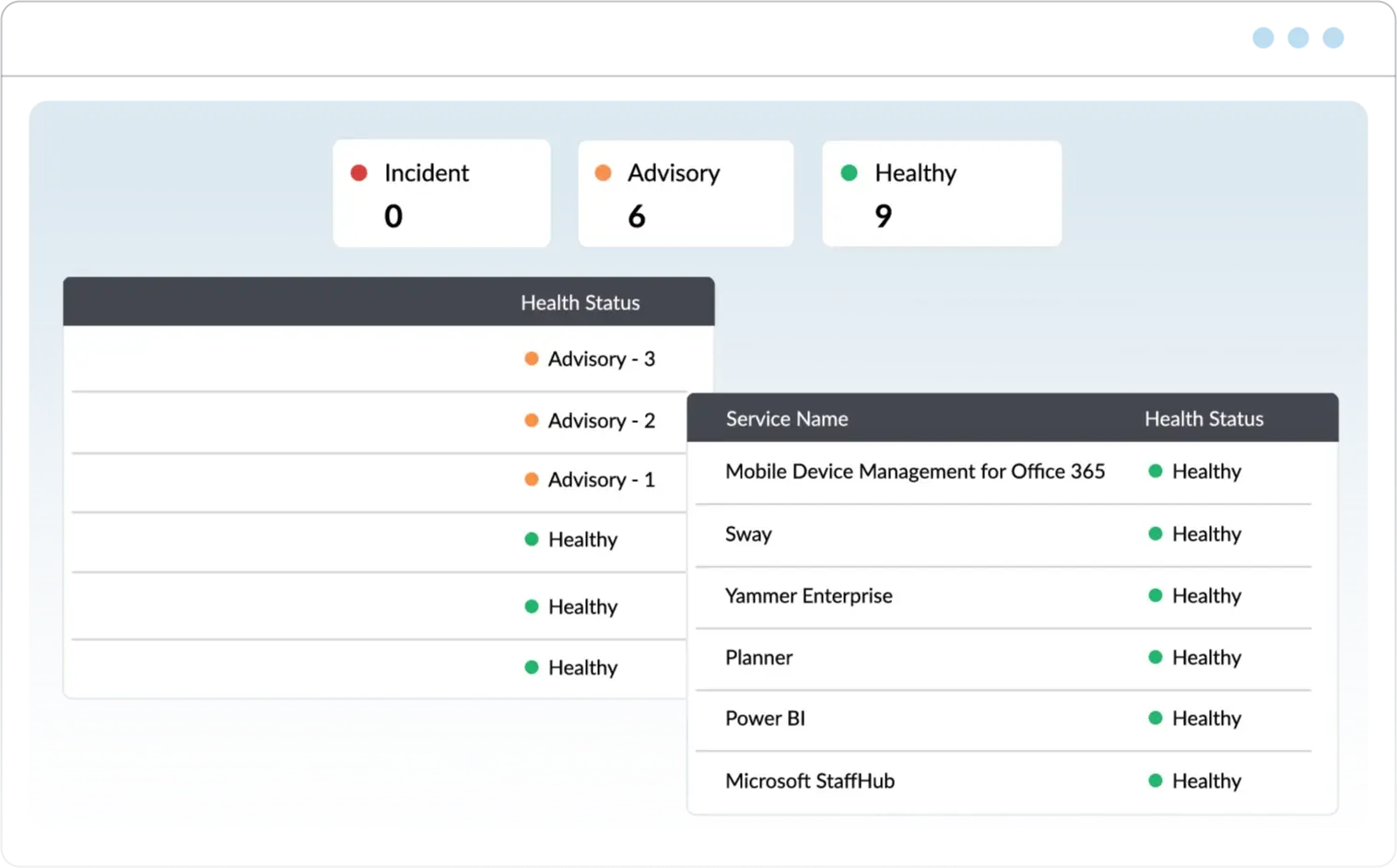
Make use of incremental backups, granular restorations, and custom retention to secure your Exchange Online resources. Quickly find items with advanced searches while encryption and automated cleanup ensure compliance and peace of mind. Protect against accidental deletions, insider threats, and ransomware attacks.
Learn more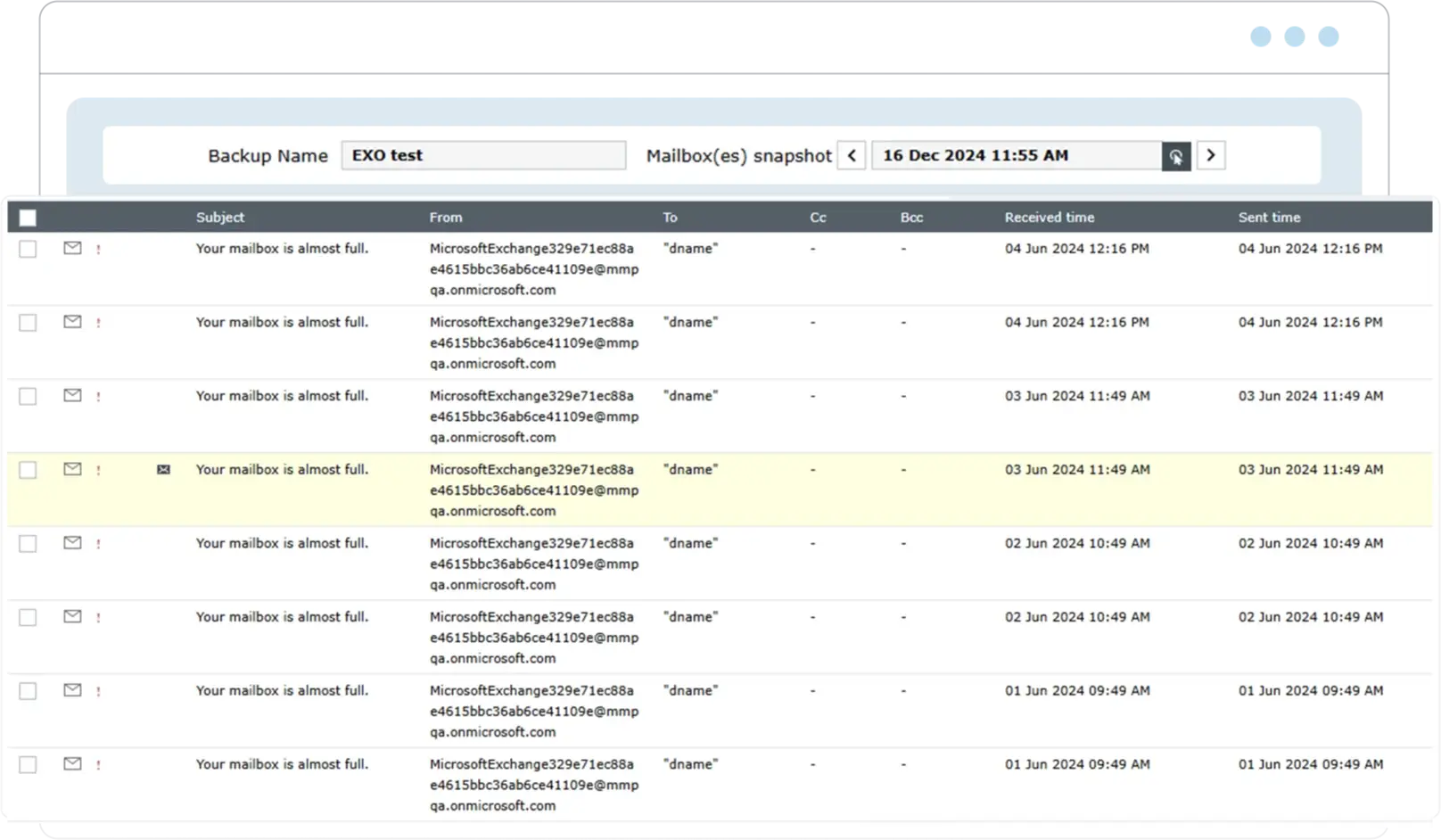
Enhance and secure admin operations with role-based access controls and the granular delegation of tasks. Use role-based access controls and virtual tenants to delegate tasks safely while maintaining control over sensitive data across different teams or departments.
Learn more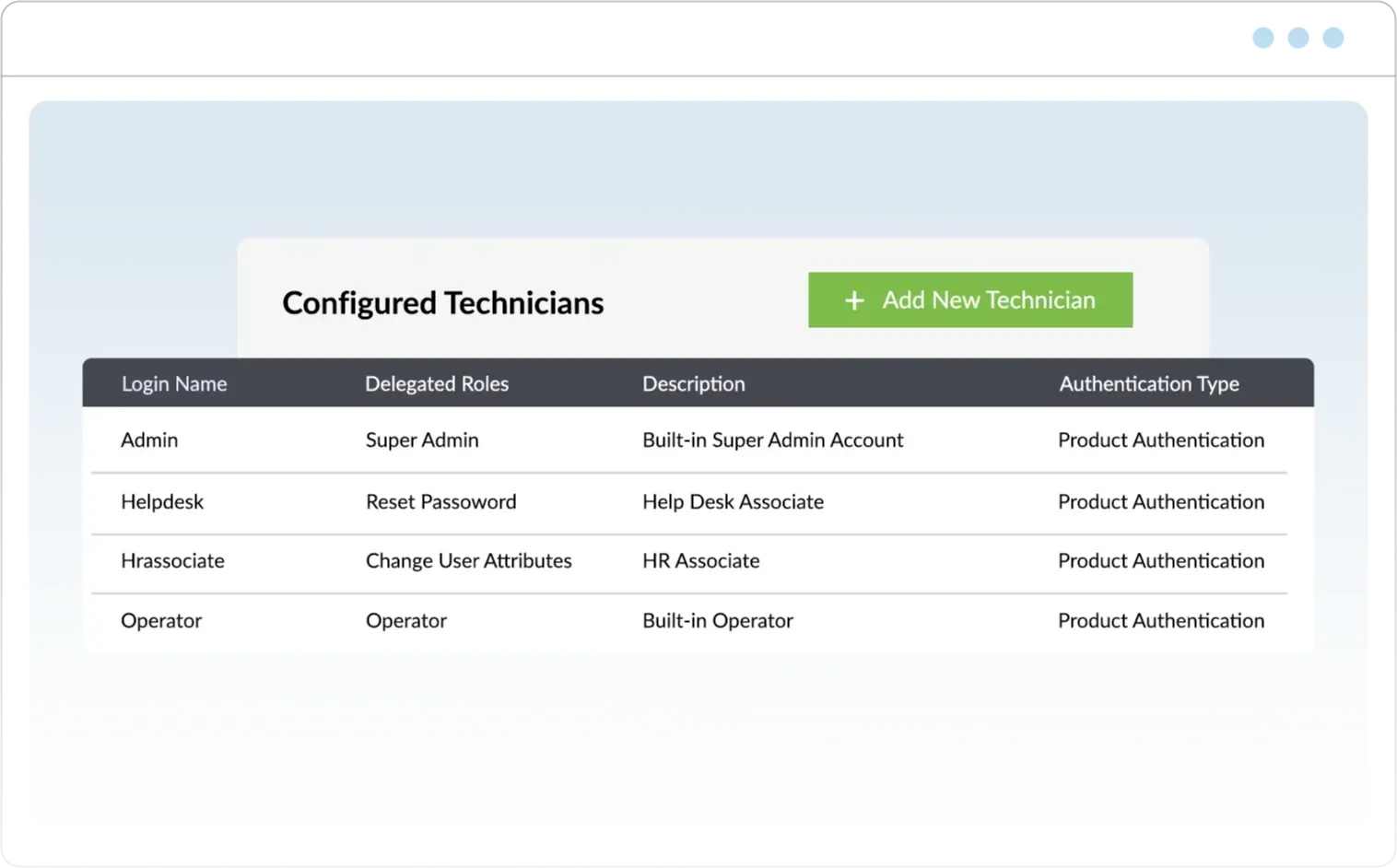
Safeguard your Microsoft 365 environment with around-the-clock monitoring, real-time alerts, and automated threat responses, ensuring you're always one step ahead of evolving security challenges.
Achieve peak productivity with a single console for reporting, data-driven management, automation, and monitoring. Free up your team to focus on higher-level goals by automating routine tasks through an intuitive, streamlined interface.
Free your team from juggling multiple admin centers or scripts—our consolidated solution centralizes provisioning, device management, and routine tasks to save you hours every day. Focus on bigger goals while automated backups, scheduled reports, and custom notifications handle the tedious work behind the scenes.
Get exactly the data you want with customizable metrics, filters, formats, and scheduled reports—no more guesswork or wasted time. Empower your team with tailored templates, audit alerts, and role-based access for secure, efficient operations that complement your workflows without compromising your security.

for 100 user mailboxes
for 100 user mailboxes
Thank you for your interest in ManageEngine M365 Manager Plus. We have received your request for a price quote and will contact you shortly.

Check out what M365 Manager Plus offers on a technical level for your Microsoft 365 environment and what you need to get started.
Download nowDiscover how much you can save in operational costs by switching your Microsoft 365 administration to M365 Manager Plus.
Download nowLearn what types of activities you should monitor, what types of threats to look out for, and what tools you can use to safeguard your Microsoft 365 environment.
Download nowFind out how M365 Manager Plus addresses the drawbacks of both the Microsoft 365 admin center and PowerShell
Download nowWhile the Microsoft 365 admin center offers basic controls, ManageEngine M365 Manager Plus goes further with over 700 detailed reports, role-based delegation, real-time alerts, Exchange Online backups, and task automation—all from a unified, script-free interface.
No. All tasks in M365 Manager Plus—from user provisioning to policy enforcement—can be done through a user-friendly interface, eliminating the need for PowerShell or Graph API scripting.
Yes. M365 Manager Plus lets you automate tasks across Microsoft 365—like onboarding, license assignment, mailbox setup, and Teams or SharePoint changes—without scripts or tools such as Power Automate. No extra licensing or coding is needed for convenient Microsoft 365 automation.
M365 Manager Plus enforces least privilege access by letting you delegate only the specific tasks users need—nothing more. With role-based access controls and virtual tenants, you can restrict help desk staff or team leads to exact scopes and actions, ensuring secure, controlled delegation across your Microsoft 365 environment.
M365 Manager Plus makes bulk user and license management effortless, whether it's onboarding users, modifying attributes, or assigning licenses. Unlike the Microsoft 365 admin center, it supports bulk updates through CSV imports, built-in templates, and automation workflows, helping you manage changes quickly without repetitive manual effort.
Yes. You can manage multiple Microsoft 365 tenants from a single interface, making M365 Manager Plus ideal for MSPs and large enterprises with distributed environments.
M365 Manager Plus is an on-premises solution, meaning all Microsoft 365 data stays within your environment, giving you full control over storage, access, and retention. No data is sent to external servers, making it easier to meet internal security standards and external compliance requirements like HIPAA, SOX, and the GDPR. Built-in audit logs and role-based access controls further help you maintain transparency and enforce least privilege policies.

