# Upgrade Manager
The upgrade process for OpManager - installed servers across your network is simplified using the Upgrade Manager. It offers a centralised platform to manage and perform upgrades for **OpManager Standalone servers, their Failover servers.** The enhanced smart upgrade feature helps to overcome the bottlenecks faced during the upgrade process.
**Note:**
- For service pack versions **12.8.344 and above**, manual backup prerequisites are optional as the Upgrade Manager takes the backup automatically.
- The **QPM**, designed to deliver targeted patches can be seamlessly applied across services using **Upgrade Manager**, following the same steps as a service pack.
- If you are encountering issues caused by AV/EDR interactions during the upgrade process, please follow this [exclusion guide](https://www.manageengine.com/products/oputils/pgsql-av-edr-exclusion.html?upgrade-manager).
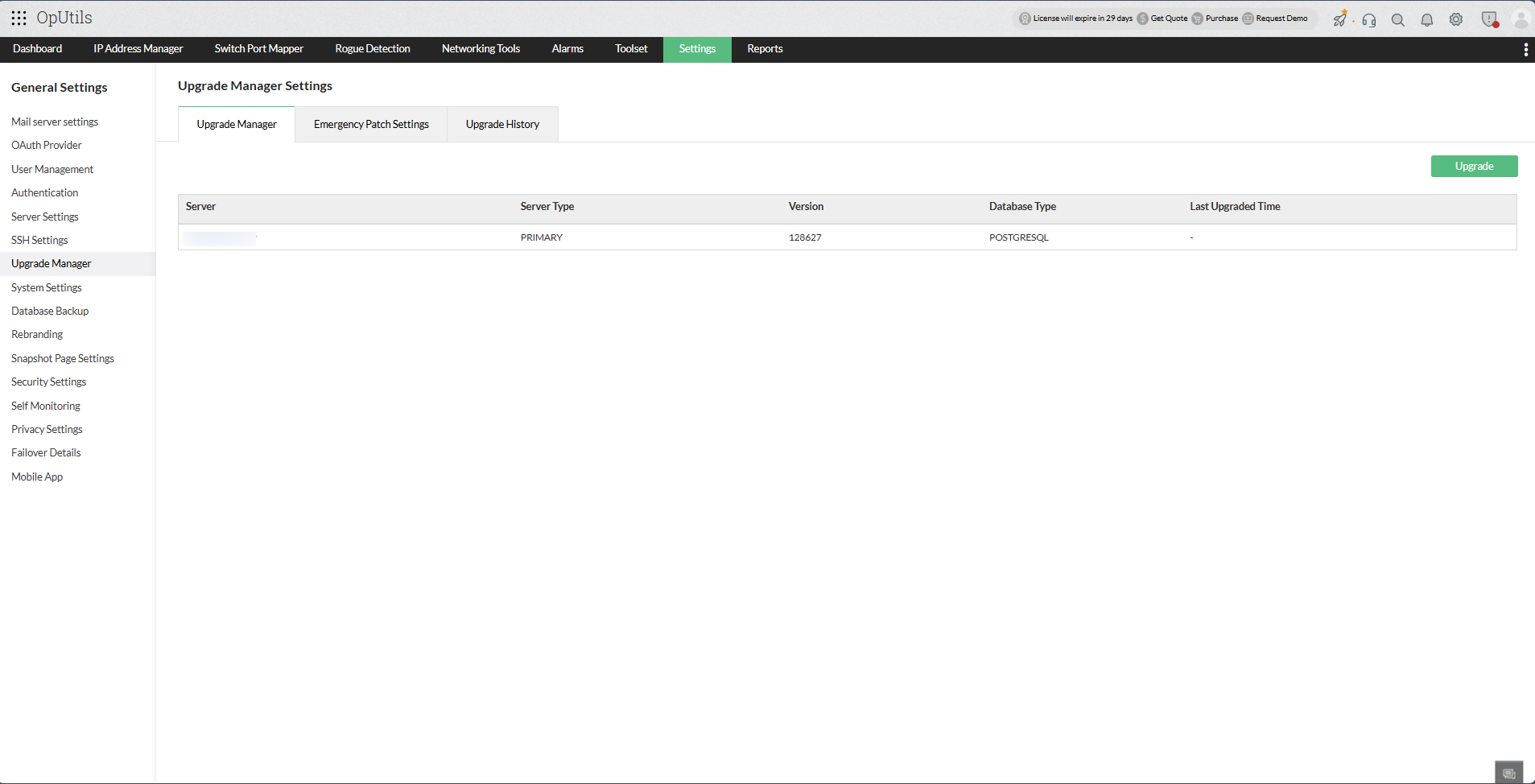
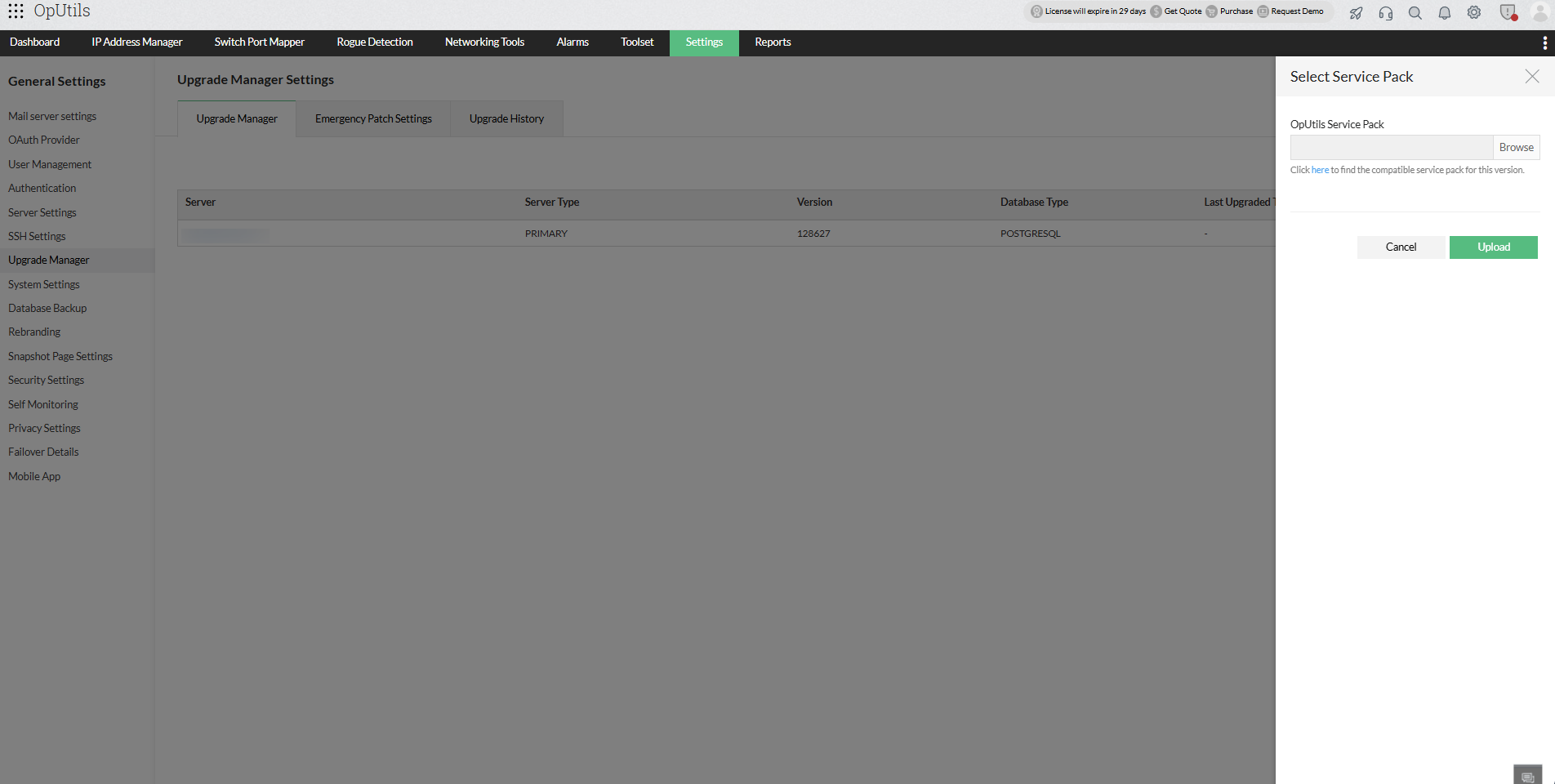
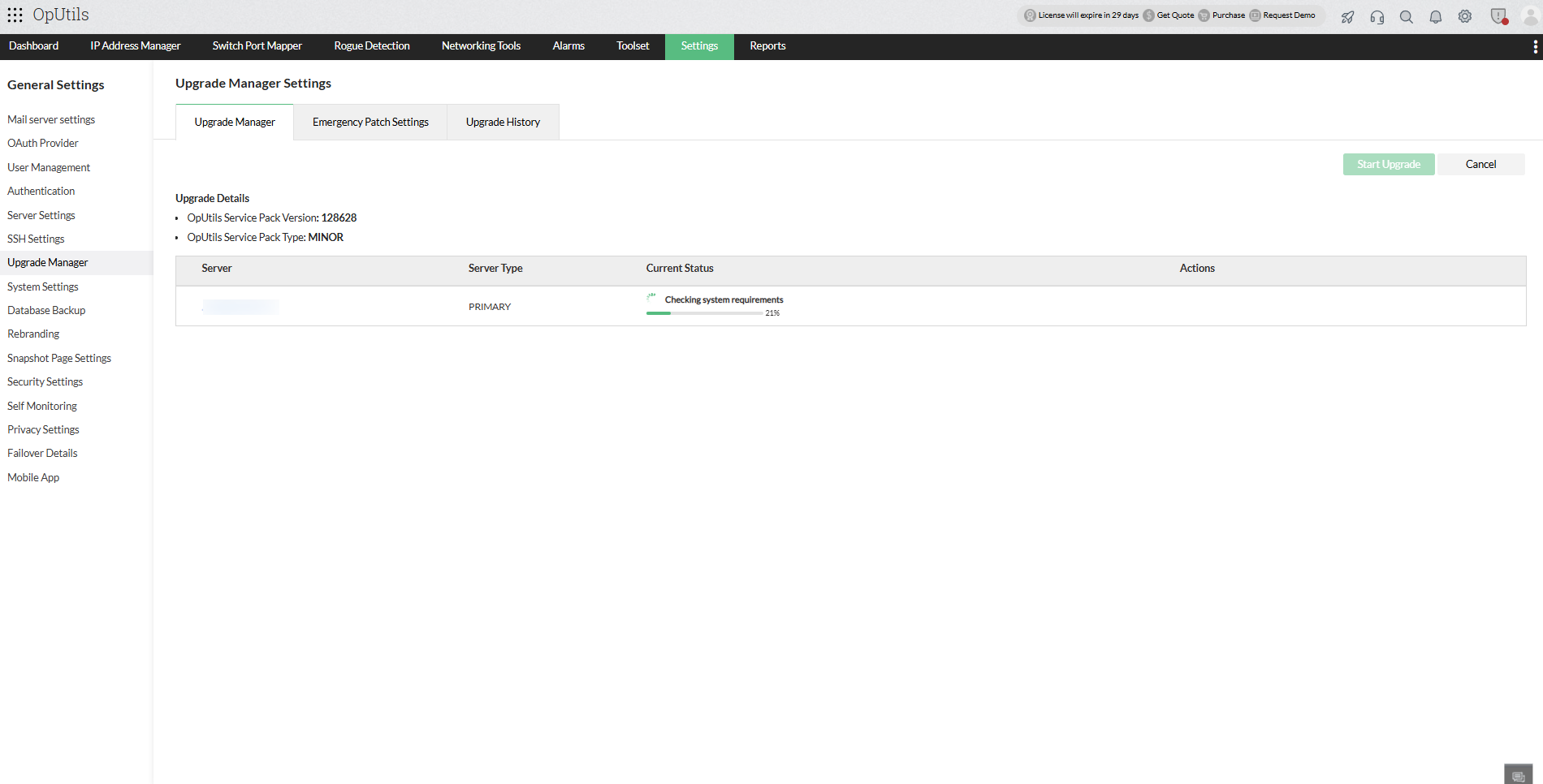
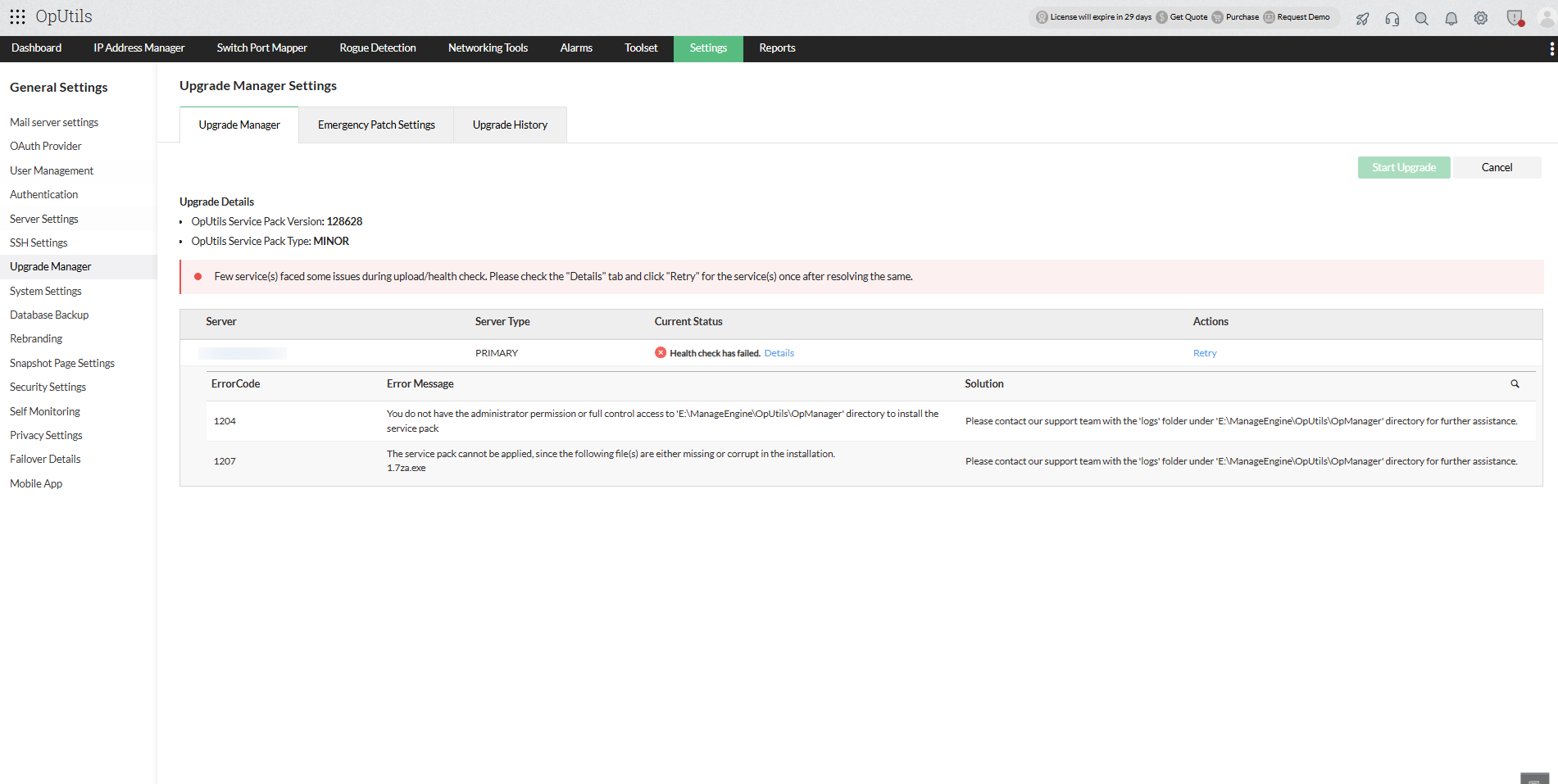
- With a successful health check, the product will now be ready for the upgrade.
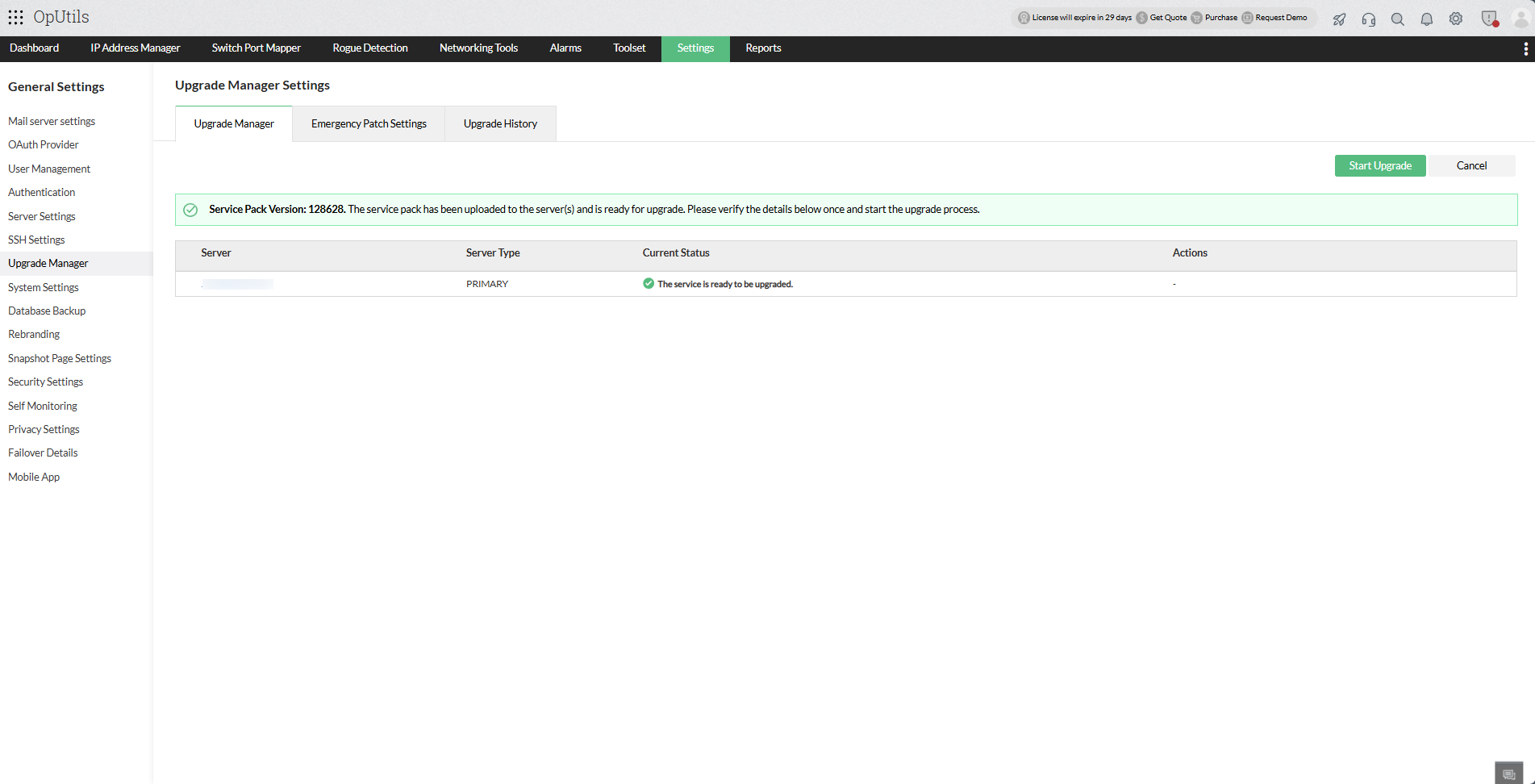
- For **Failover servers,** the upgrade will start automatically for both the active and the standby server.
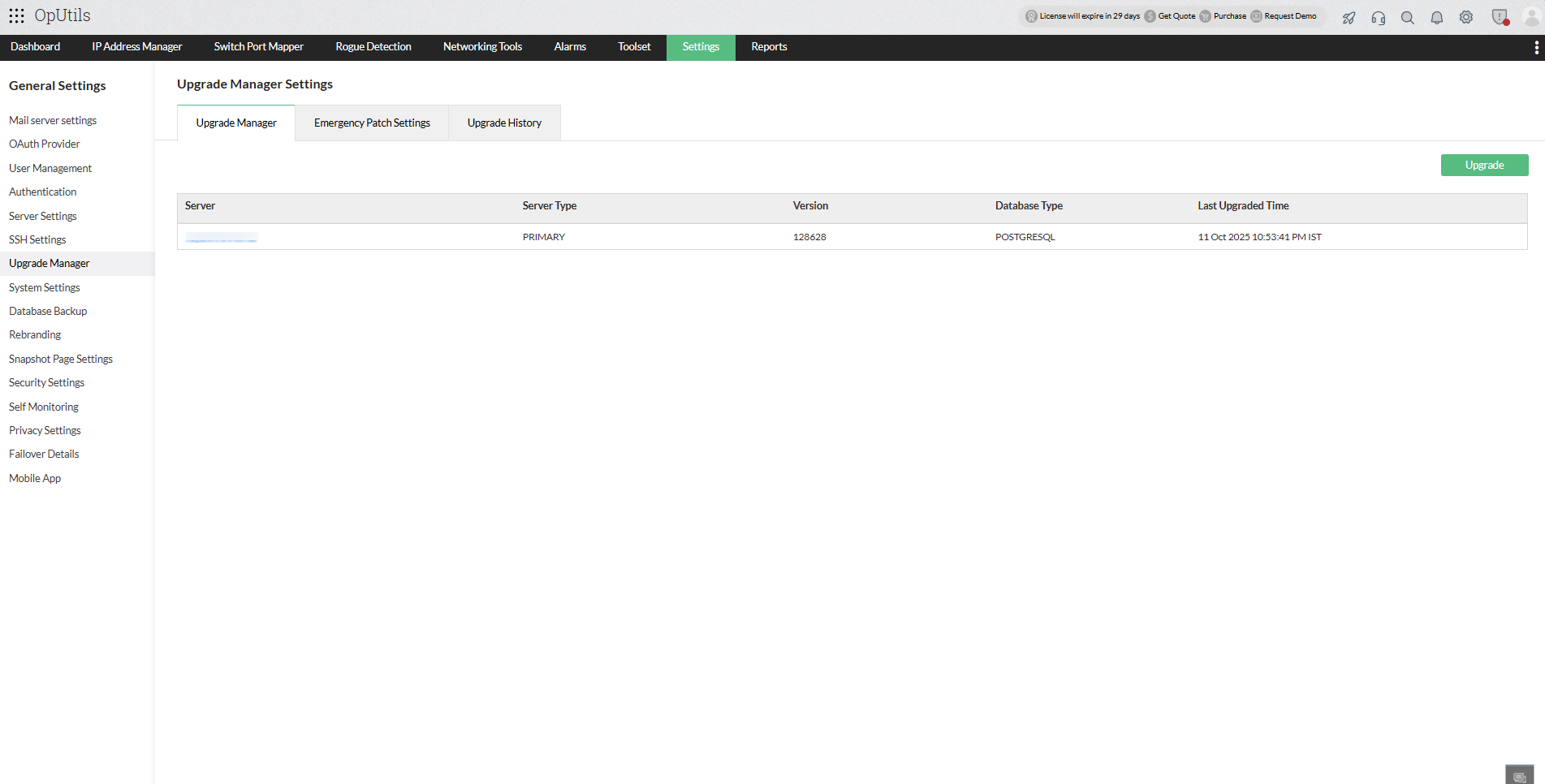
- Upgrade details for individual servers will be automatically updated under the **Current Status** column.
- [Upgrade Backup Pre-requisites](https://www.manageengine.com/network-monitoring/help/upgrade-manager.html#backup)
- [Upgrade Pre-requisites](https://www.manageengine.com/network-monitoring/help/upgrade-manager.html#pre)
- [Edition-specific Upgrade](https://www.manageengine.com/network-monitoring/help/upgrade-manager.html#edition)
- [Upgrade OpManager using UpdateManager.bat and .sh file](https://www.manageengine.com/network-monitoring/help/upgrade-manager.html#bat)
- If you are encountering issues caused by AV/EDR interactions during the upgrade process, please follow this [exclusion guide](https://www.manageengine.com/products/oputils/pgsql-av-edr-exclusion.html?upgrade-manager).
- Ensure that the user performing the upgrade has the required permissions for the OpManager folder.
## Edition-specific Upgrade
| Edition | Without Failover | New Failover |
|---|---|---|
| **OPUtils** | Upgrade the service using the [UpdateManager.bat /.sh file](https://www.manageengine.com/network-monitoring/help/upgrade-manager.html#bat) and once the upgrade is completed start the service to continue monitoring. | - Stop both primary and secondary Failover service.
- Follow the steps provided under [UpdateManager.bat /.sh file](https://www.manageengine.com/network-monitoring/help/upgrade-manager.html#bat) to upgrade the service.
- Then, start the secondary service once as master and stop the service.
- Now start the primary service followed by secondary service. |