Password policies are crucial for enforcing the creation of strong passwords and protecting users from credential-based attacks. The PowerShell scripts given below can be used to manage the fine-grained password policy and default domain policy for an Active Directory domain. ADSelfService Plus, the identity security solution with multi-factor authentication, single sign-on, and self-service password management capabilities, provides advanced password policy settings that can be applied for both on-premises and cloud applications. The following is a comparison between the PowerShell scripts used to manage fine-grained password policy settings and ADSelfService Plus.
Run the following scripts in PowerShell:
  				 New-ADFineGrainedPasswordPolicy

    [-WhatIf]

    [-Confirm]

    [-AuthType <ADAuthType>]

    [-ComplexityEnabled <Boolean>]

    [-Credential <PSCredential>]

    [-Description <String>]

    [-DisplayName <String>]

    [-Instance <ADFineGrainedPasswordPolicy>]

    [-LockoutDuration <TimeSpan>]

    [-LockoutObservationWindow <TimeSpan>]

    [-LockoutThreshold <Int32>]

    [-MaxPasswordAge <TimeSpan>]

    [-MinPasswordAge <TimeSpan>]

    [-MinPasswordLength <Int32>]

    [-Name] <String>

    [-OtherAttributes <Hashtable>]

    [-PassThru]

    [-PasswordHistoryCount <Int32>]

    [-Precedence] <Int32>

    [-ProtectedFromAccidentalDeletion <Boolean>]

    [-ReversibleEncryptionEnabled <Boolean>]

    [-Server <String>]

[<CommonParameters>] Get-ADFineGrainedPasswordPolicy
[-AuthType <ADAuthType>]
[-Credential <PSCredential>]
[-Identity] <ADFineGrainedPasswordPolicy>
[-Properties <String[]>]
[-Server <String>]
[<CommonParameters>] Get-ADDefaultDomainPasswordPolicy
[-AuthType <ADAuthType>]
[-Credential <PSCredential>]
[-Current <ADCurrentDomainType>]
[-Server <String>]
[<CommonParameters>] 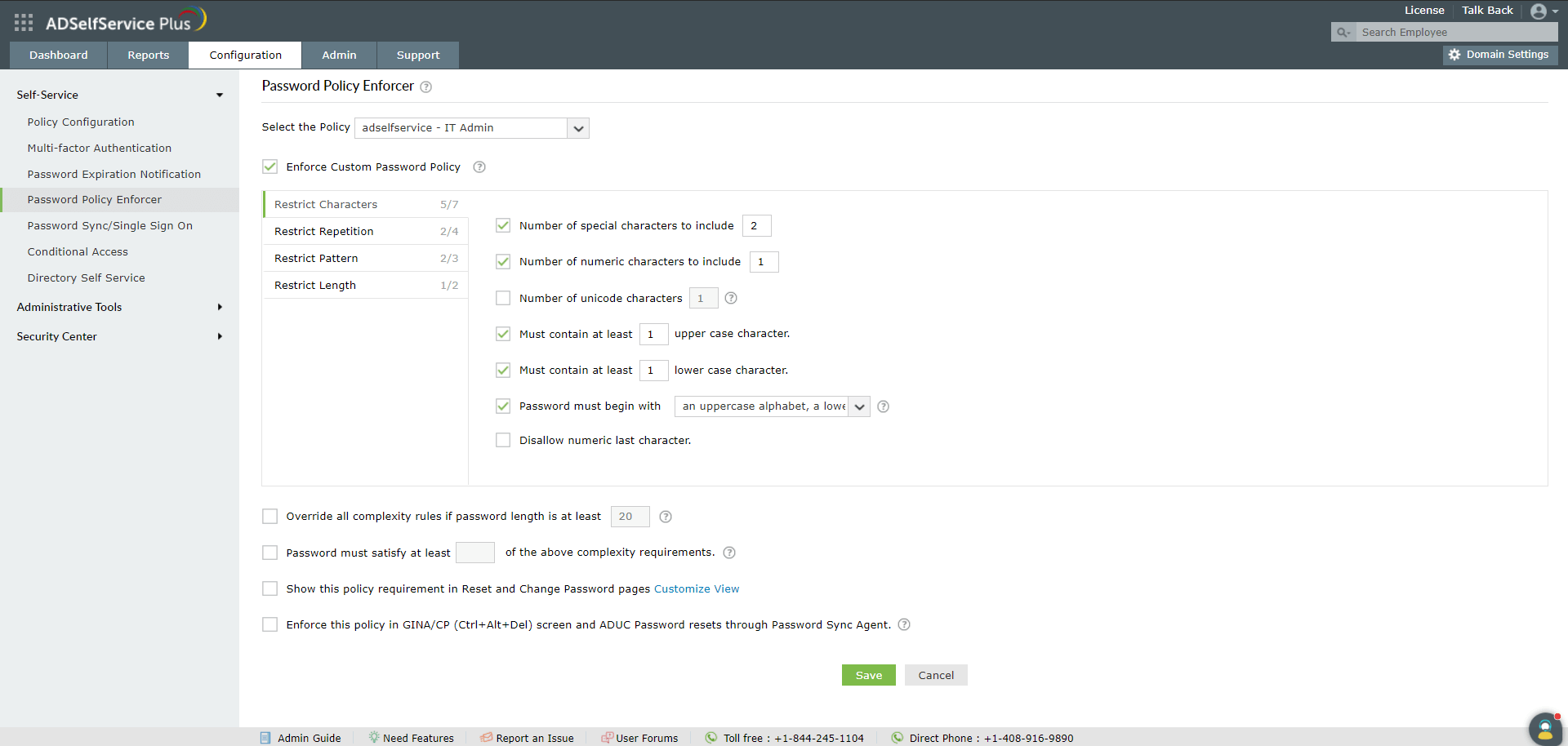


Run the script below to list existing policies. This displays all defined fine-grained password policies.
Get-ADFineGrainedPasswordPolicy -Filter *Check the settings for a specific policy. This script displays the password length, complexity, and lockout settings.
Get-ADFineGrainedPasswordPolicy -Identity "AdminsPolicy"Check which users are following a specific policy. This script lists users and groups affected by the policy.
Get-ADFineGrainedPasswordPolicySubject -Identity "AdminsPolicy"To apply a policy to a new user, run the script below.
Add-ADFineGrainedPasswordPolicySubject -Identity "AdminsPolicy" -Subjects "JohnDoe"To remove a user from a policy, run the script below.
Remove-ADFineGrainedPasswordPolicySubject -Identity "AdminsPolicy" -Subjects "JohnDoe"Check if fine-grained password policies (FGPP) are enabled by running the script below.
Get-ADFineGrainedPasswordPolicy -Filter *Apply FGPP to a specific user by running the script below.
Add-ADFineGrainedPasswordPolicySubject -Identity "StrictPolicy" -Subjects "username"Yes, FGPP takes priority for assigned users or groups.