....
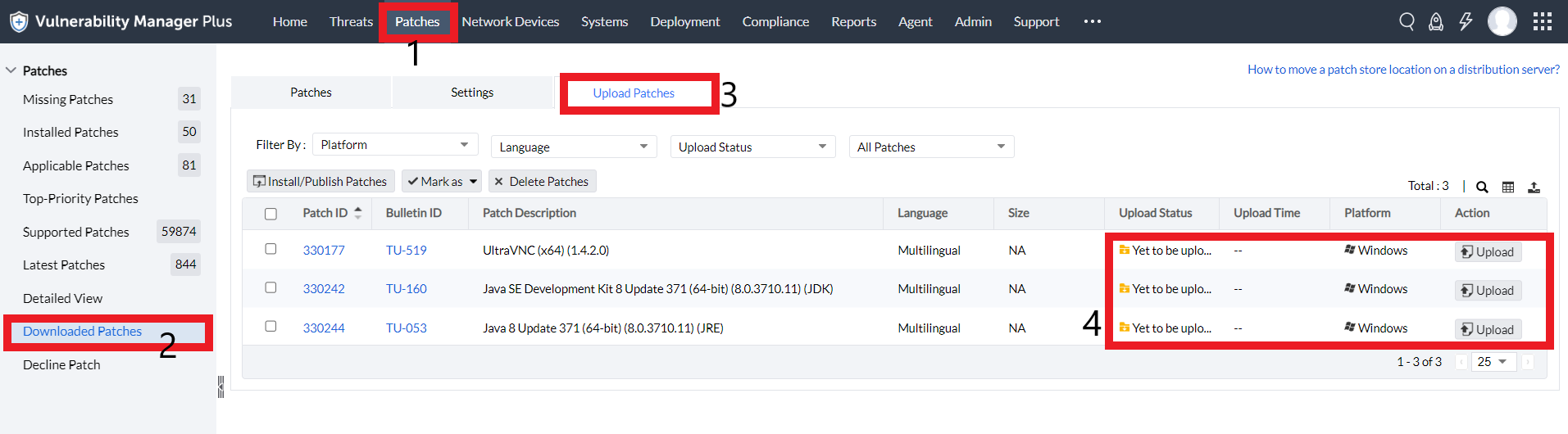
....
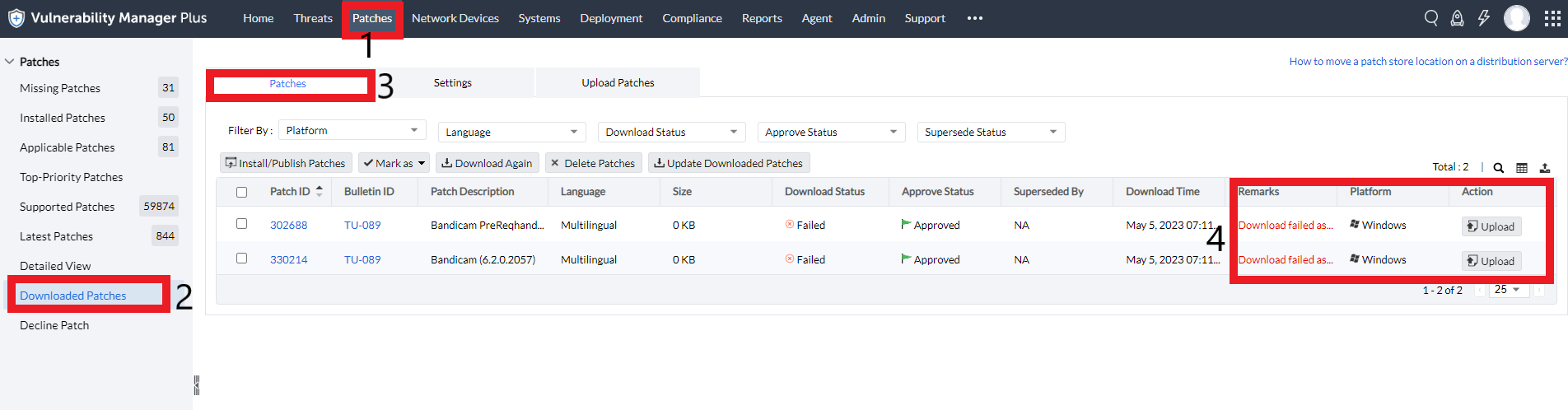
Follow the below-mentioned steps for patches which require checksum to be entered manually,
- Click on Upload under Action.
- In the pop-up window, browse and select the file to upload.
- Enter the checksum and choose between the Checksum algorithm types (MD5, SHA256 and SHA1).
You can either find the checksum of a file on the vendor's site or you can:
- Open Command Prompt and navigate to the directory that contains the file to be uploaded.
- The checksum of the file can be obtained by executing the command :
certutil -hashfile <filename> <algorithm>
For example: certutil -hashfile Win10_1909_en_enterprisex64.iso SHA256 - Once the command is executed, the checksum will be displayed in the Command Prompt.


....