- Overview
- Configuration
ManageEngine ServiceDesk Plus
Simplify IT operations with ServiceDesk Plus and ADSelfService Plus integration
ITOM
ManageEngine ServiceDesk Plus is an ITSM solution that provides comprehensive tools for managing service requests, incidents, problems, and IT assets. The integration between ServiceDesk Plus and ADSelfService Plus provides users with self-service options for resolving routine issues, reducing ticket volume and improving IT response times.
Enable one-click access to servicedesk plus through SSO
Allow users to access ServiceDesk Plus with one click once authenticated through ADSelfService Plus.
Automate help desk ticket creation for IT issues
Automatically route IT incidents reported by end users through ADSelfService Plus to ServiceDesk Plus for ticket generation.
Enhance self-service experience and reduce help desk calls
Reduce the dependency on help desk support by empowering users to address common issues independently.
Integrating ServiceDesk Plus with ADSelfService Plus
Follow these steps:
- Download and install ServiceDesk Plus.
- Log in to the ADSelfService Plus web console with admin credentials.
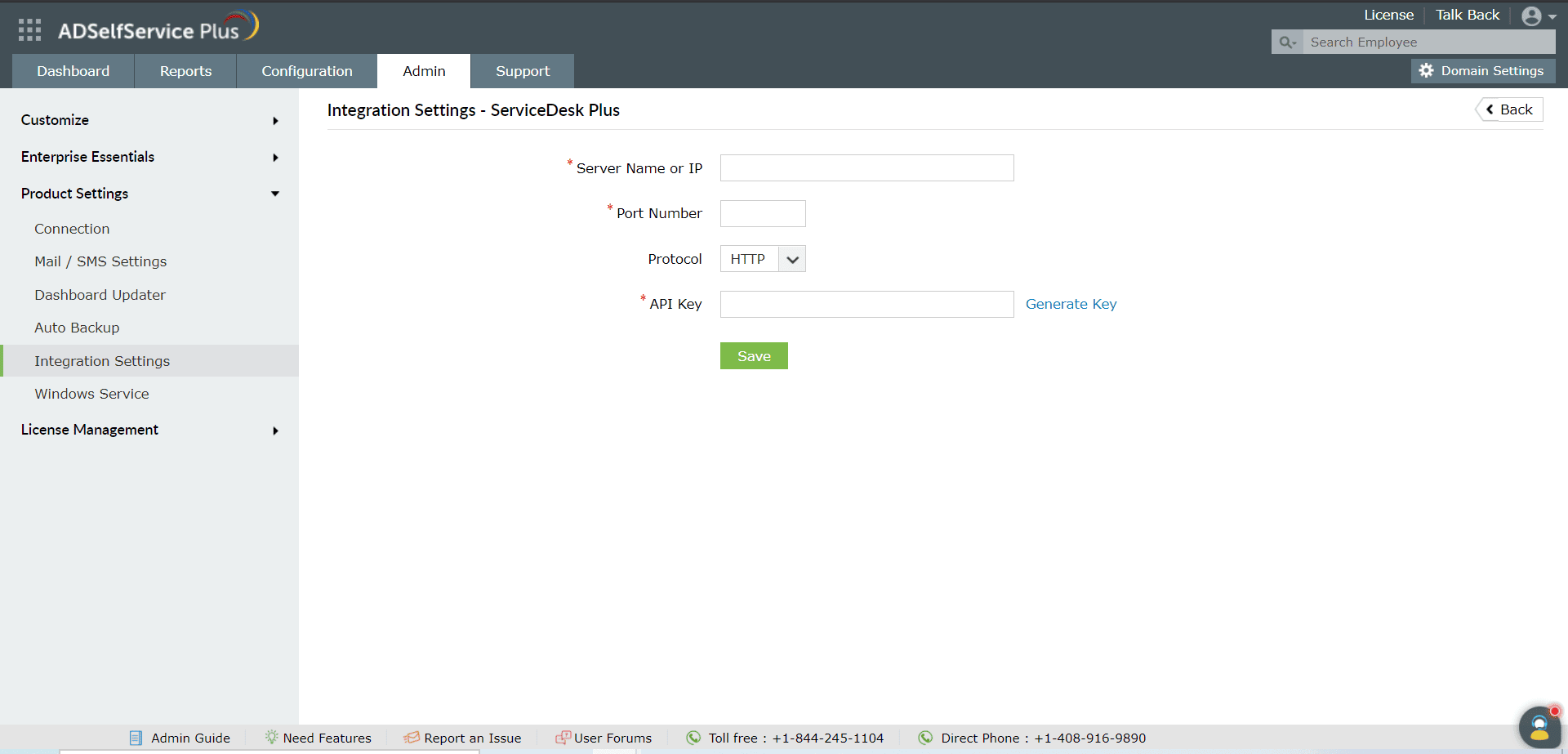
- Navigate to Admin → Product Settings → Integration Settings.
- Click the ServiceDesk Plus tile.
- In the Server Name or IP field, enter the name of the server in which ServiceDesk Plus is installed.
- Enter the Port Number used by ServiceDesk Plus.
- Select the Protocol (HTTP/HTTPS) enabled in ServiceDesk Plus from the drop-down.
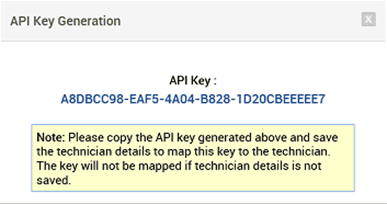
- Enter the API Key generated in ServiceDesk Plus for a technician with login permissions.
- Click Save.