Patch response
Keep remediation moving even when technicians are away from the console.
Give technicians secure, role-based access to monitor, patch, troubleshoot, and act across client environments from Android or iOS, moving endpoint management beyond large desktop screens.


 Scan the QR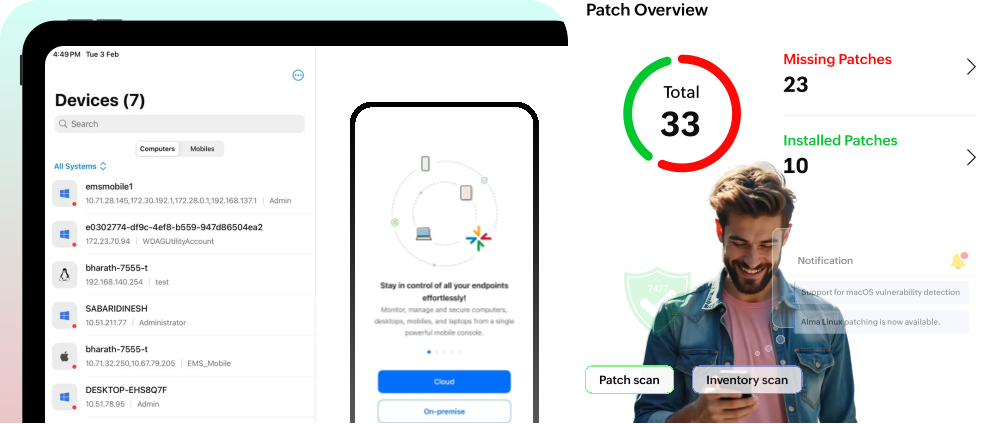
For MSP teams, endpoint management is a live service commitment across tenants, time zones, and priority support queues. The mobile admin app connects to your Endpoint Central MSP server instance, giving authorized technicians controlled access to everyday endpoint operations from Android and iOS.
Use it as a mobile extension of your console: verify device posture, scan computers, review hardware and software inventory, trigger patch workflows, manage agents, act on prohibited software, and initiate remote support when a client issue needs attention now.
Keep remediation moving even when technicians are away from the console.
Pull current hardware and software details before a client call escalates.
Review risky software and endpoint signals with role-based access.
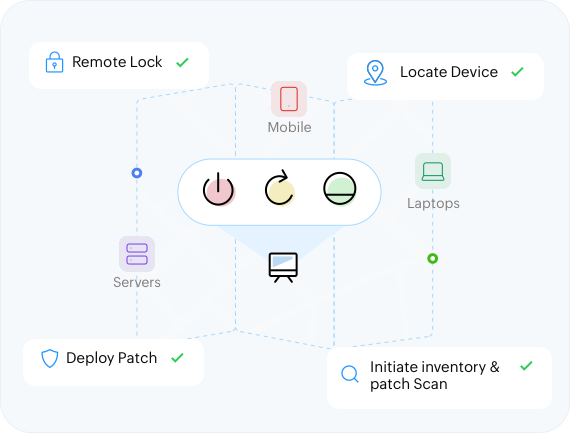
Start troubleshooting workflows from the device already in your hand.
Select a workflow to see how the mobile admin app keeps MSP teams connected to every client environment.
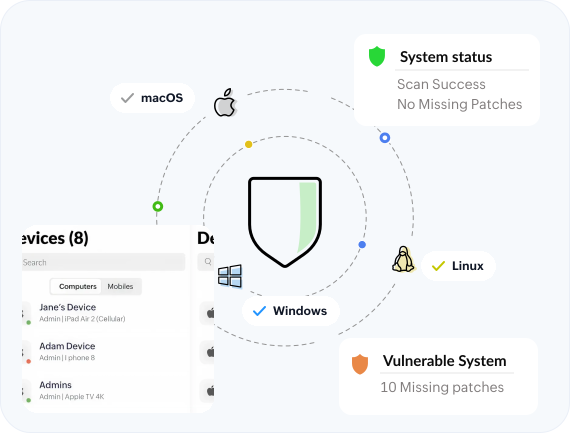
Review patch status, prioritize vulnerable endpoints, and move remediation forward across client devices from the mobile admin app.
Give technicians a single mobile view into the client devices they manage, so device actions and endpoint checks stay consistent across environments.
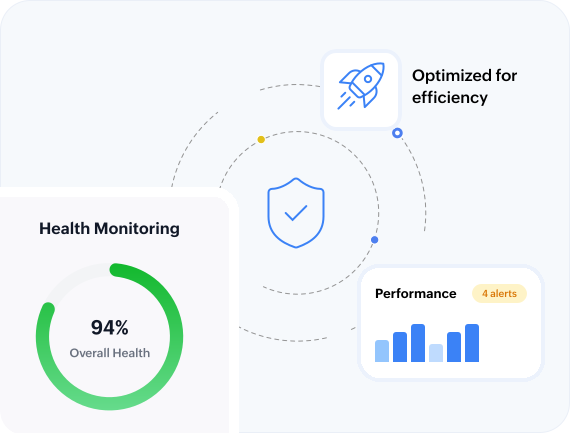
Monitor endpoint status signals from the app to catch issues early, verify patch posture, and keep client service conversations grounded in current data.
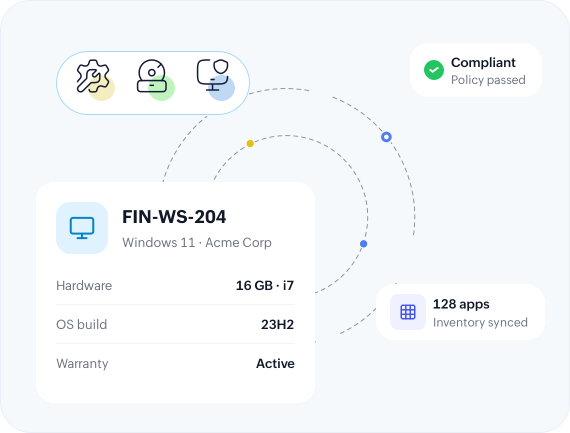
Bring key endpoint facts into a simple mobile view, helping MSP teams answer client questions and validate asset details without opening the full web console.
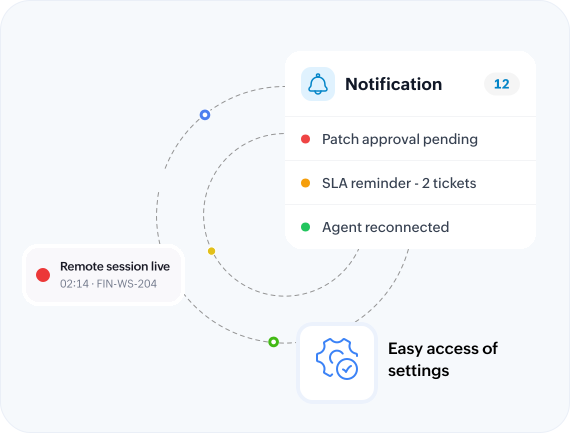
Navigate quickly across notifications, remote sessions, and app settings so technicians can move from awareness to action with fewer taps.
Extend Endpoint Central MSP access to the technicians who keep client environments running — without compromising role-based control.
Let technicians validate and act on endpoint requests while they move between clients, sites, and support queues.
Reduce handoff delays for scans, patch checks, agent actions, and time-sensitive troubleshooting tied to client commitments.
Keep small operational decisions moving without forcing every action through a full desktop console session.
Extend mobility without loosening governance — app access follows each user's Endpoint Central MSP permissions.
Give field and help desk teams quick access to endpoint facts before they update stakeholders or escalate tickets.
Position endpoint administration as a flexible managed service, not a desk-bound operational dependency.
Download the Endpoint Central MSP mobile admin app for Android or iOS.
Scan the QRMonitor device posture, scan computers, review hardware and software inventory, trigger patch workflows, manage agents, act on prohibited software, and start remote support — all scoped to each technician's Endpoint Central MSP role.
Windows, macOS, and Linux computers, servers, and mobile devices — across all of your client tenants from a single app.
The technician app is available for Android on Google Play and for iOS on the App Store.
Yes. The app is a mobile extension of your console — it connects to your Endpoint Central MSP server instance and signs in with the credentials your technicians already use.
App access follows each technician's role-based permissions in Endpoint Central MSP, so extending mobility never loosens governance.
Yes. Use the demo server (demo.desktopcentralmsp.com, port 80, username and password admin) to explore the mobile endpoint workflows before connecting your own instance.