×![]()
×
×![]()
×
×
Active Directory Domain Reports
Active Directory Domain Reports provide administrators with a comprehensive view of their domain infrastructure, covering general domain details and container-level information. These reports help IT teams monitor and analyse their Active Directory environment from a centralised console.
Note
Active Directory Reports are available only for Endpoint Central MSP On-premise.
How to access domain reports?
To access the Domain Reports, follow the steps below:
- In the top navigation bar, click on Reports.
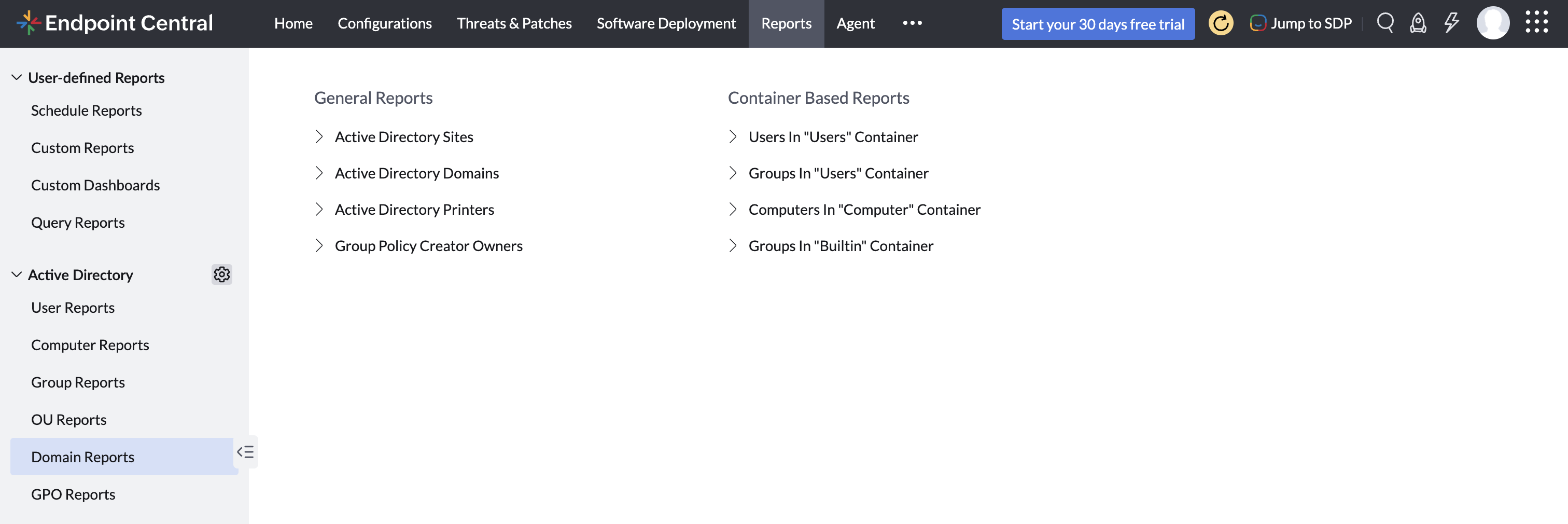
- In the left sidebar under the Active Directory section, click on Domain Reports.
- You'll see two categories of reports: General Reports and Container Based Reports. Click any report name to open and view its details
Follow the links to learn more about the various Domain Reports provided by Endpoint Central MSP