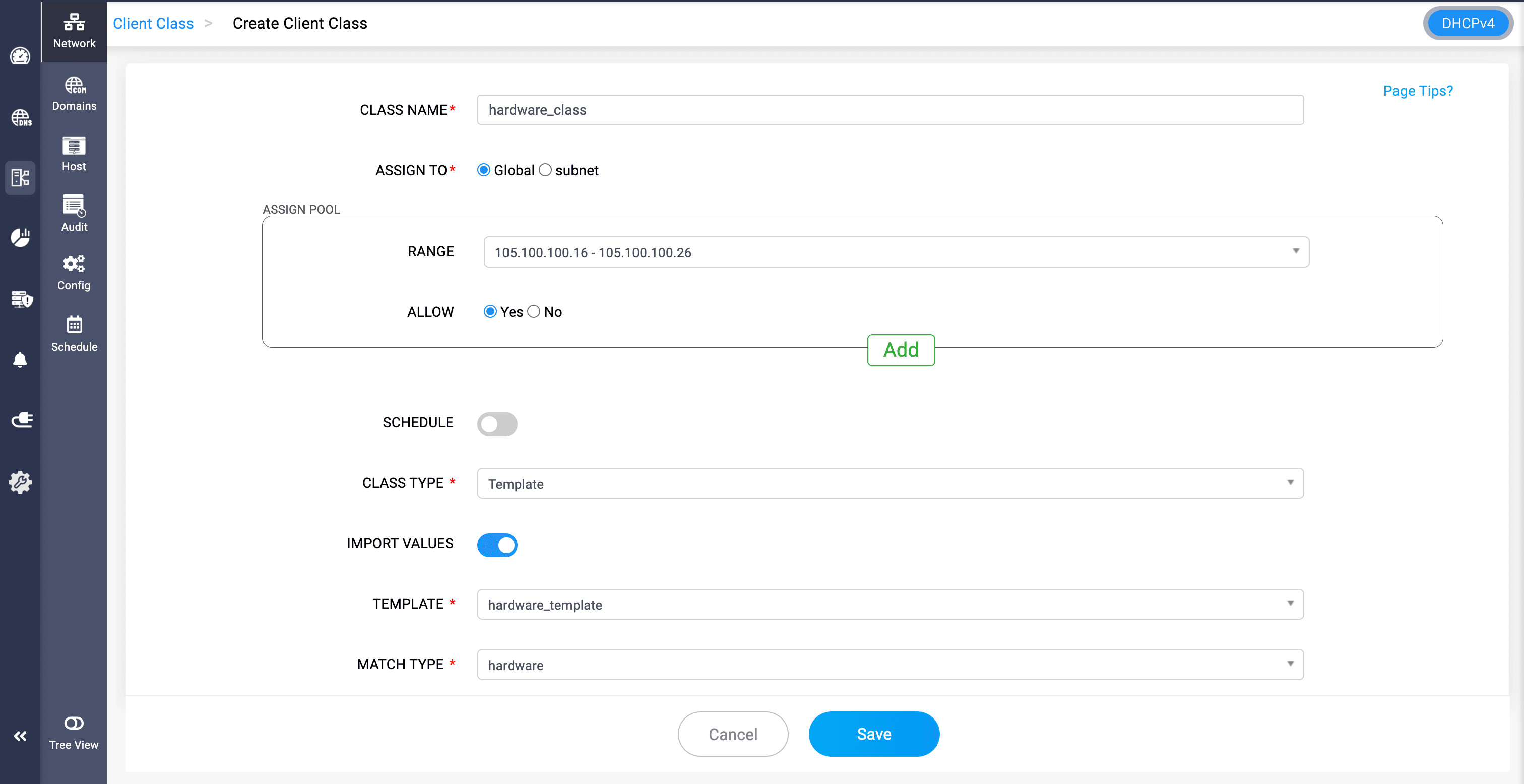
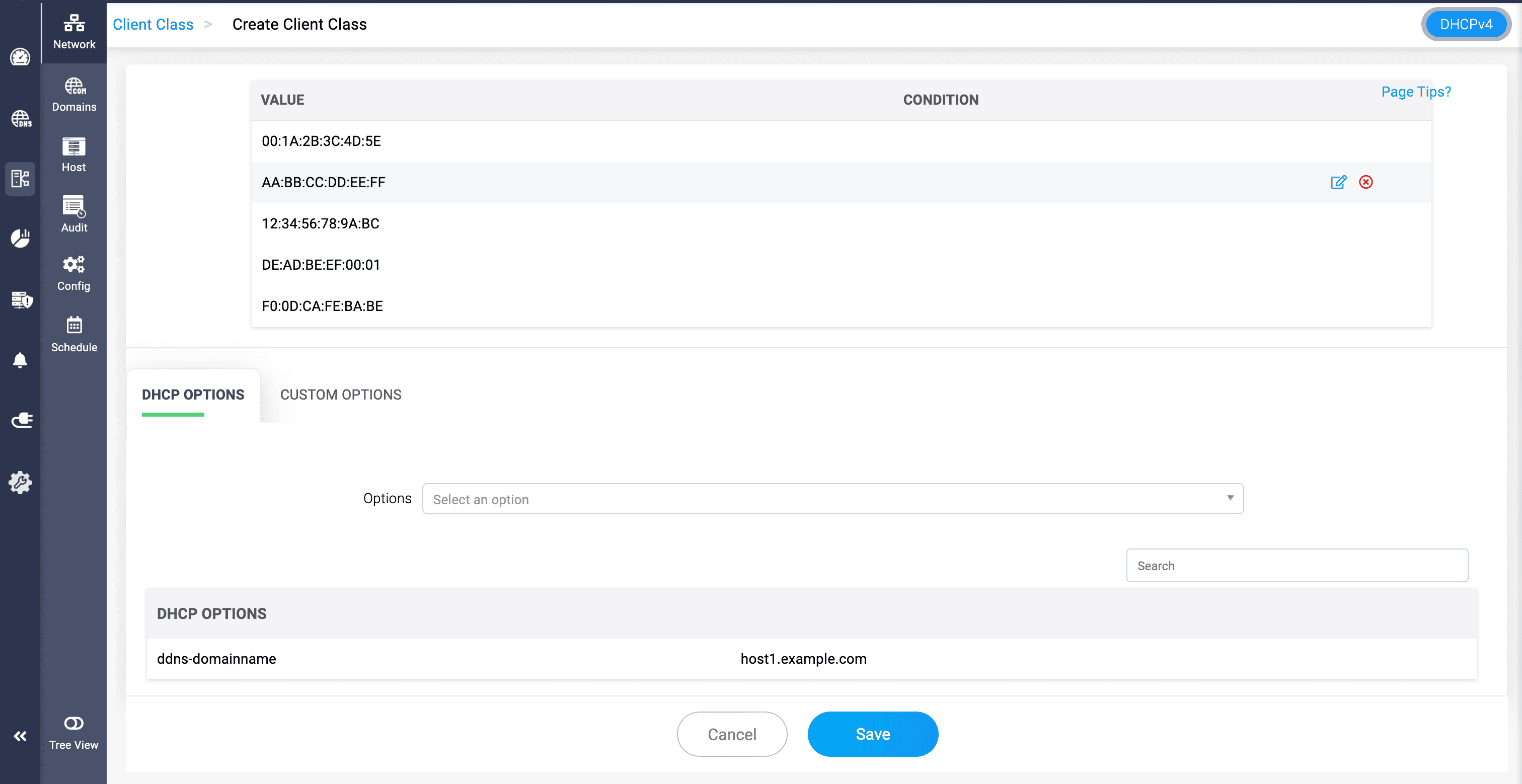
DHCP hardware template in DDI Central
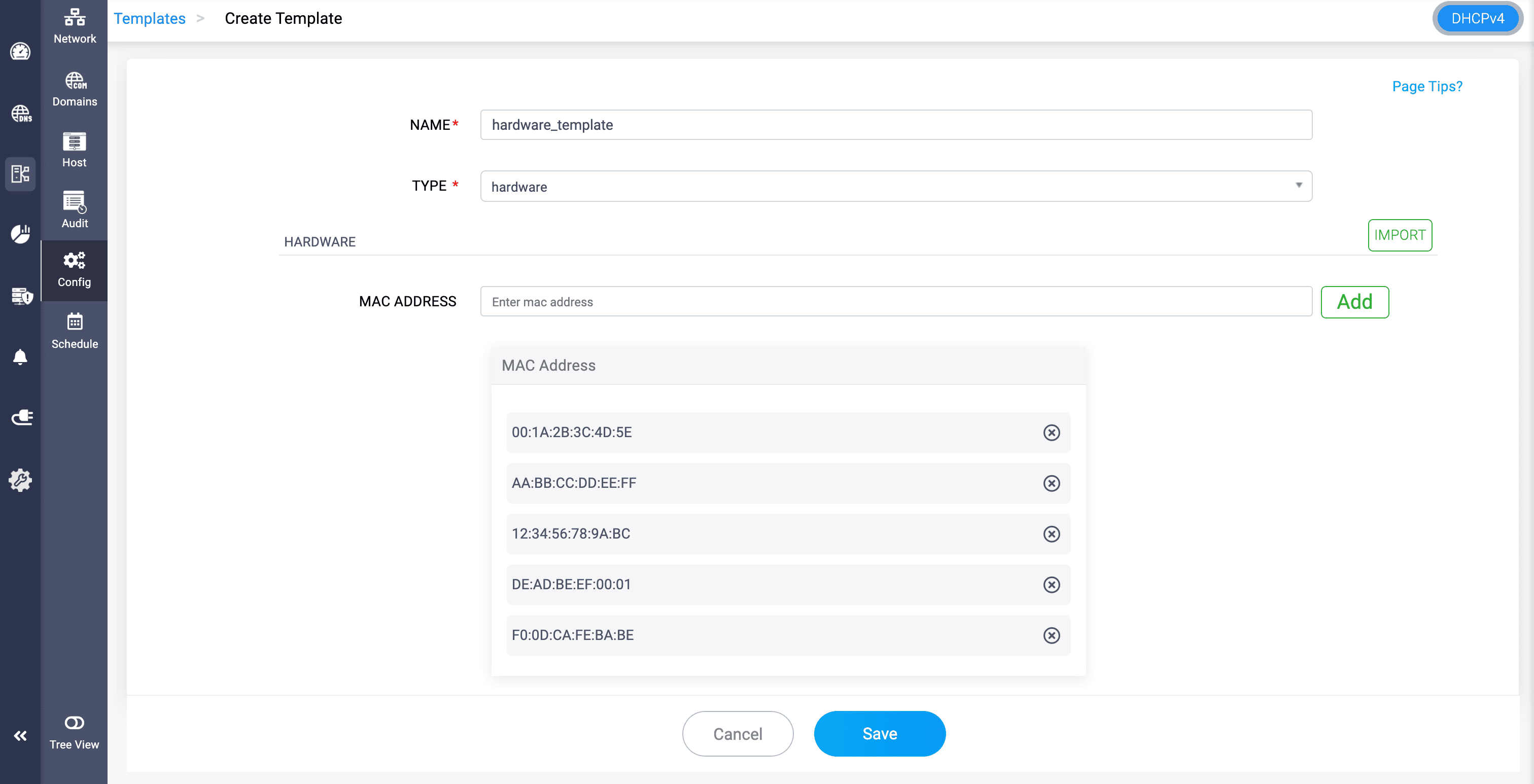
Hardware template allows to selectively group specific devices within the organization's network infrastructure. This way, network admins can classify devices based on their identity.
MAC ADDRESS: Provide the MAC addresses of the specific devices you want to identify while joining your network.
For example, a network administrator of an organization wants to implement custom options to a selected number of devices within their network.
Every day, new devices like laptops, printers, IP phones, and conference room systems are plugged into the network. Manually configuring IPs, access rules, and DHCP settings for each device is time-consuming and error-prone.
With DDI Central's hardware template, they can list out the MAC addresses of those devices.
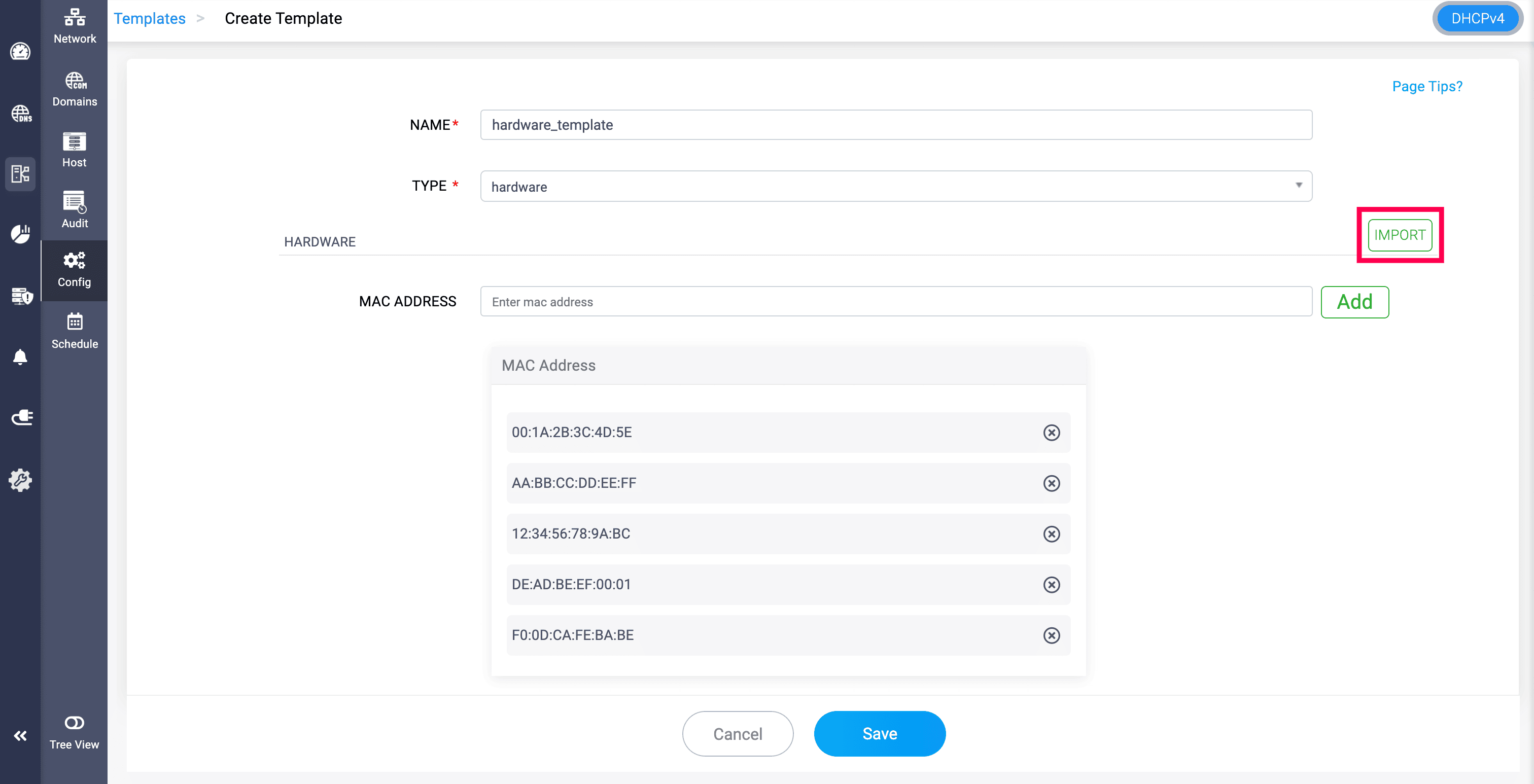
The MAC addresses can also be imported into the hardware template through CSV file format by clicking on the IMPORT option.
Here is a sample import file for reference:
This template can be imported into a Client class by clicking on the Class type, selecting Template, toggling Import Values, and selecting the template, where the admin can configure the custom options need to be implemented within the client class.