Migrating DHCP from Legacy to Modern
There are two different types of DHCP migration methods from Legacy (DHCPD) to Modern (Kea):
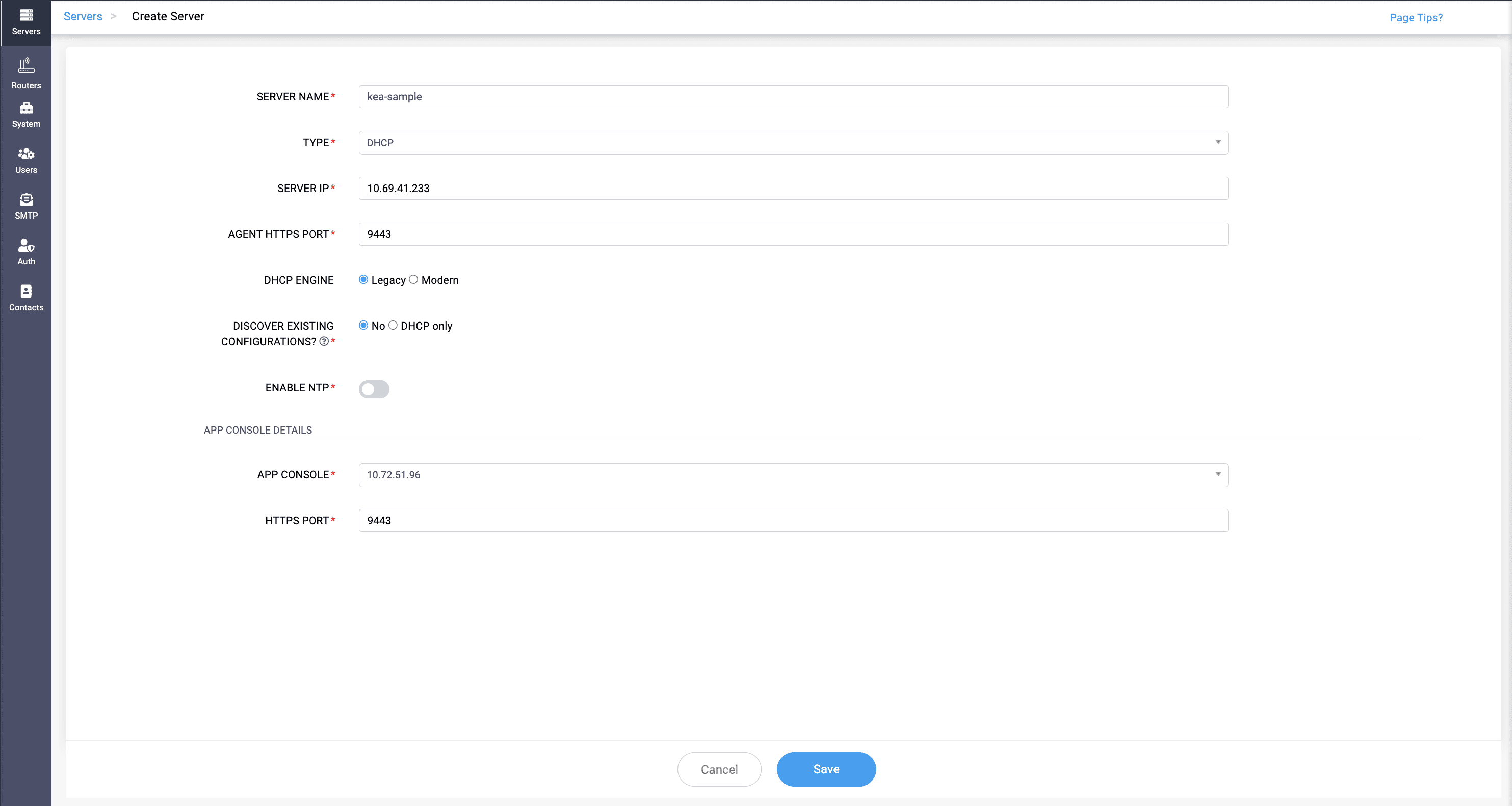
- Switching the Engine from Legacy (DHCP) to Modern (Kea) DHCP and providing the KEA INTERFACE while on the run through the Edit server option.
- Deleting the existing Legacy DHCP server from the application and reconfigure it back again, except selecting Modern DHCP (Kea) engine instead of Legacy.
Note: A cluster can have both Legacy (DHCPD) and Modern (Kea) DHCP servers in it. You can switch from Legacy to Modern but you can't switch from Modern to Legacy.
Note:
When switching from Legacy (DHCPD) DHCP to Modern (Kea) DHCP, the corresponding Legacy DHCP services should be stopped and disabled for both IPv4 and IPv6.
DHCPv4:
systemctl stop dhcpd
systemctl disable dhcpd
DHCPv6:
systemctl stop dhcpd6
systemctl disable dhcpd6
This ensures that the Legacy DHCPv4 and DHCPv6 services are stopped and do not automatically start after switching to Modern (Kea) DHCP.
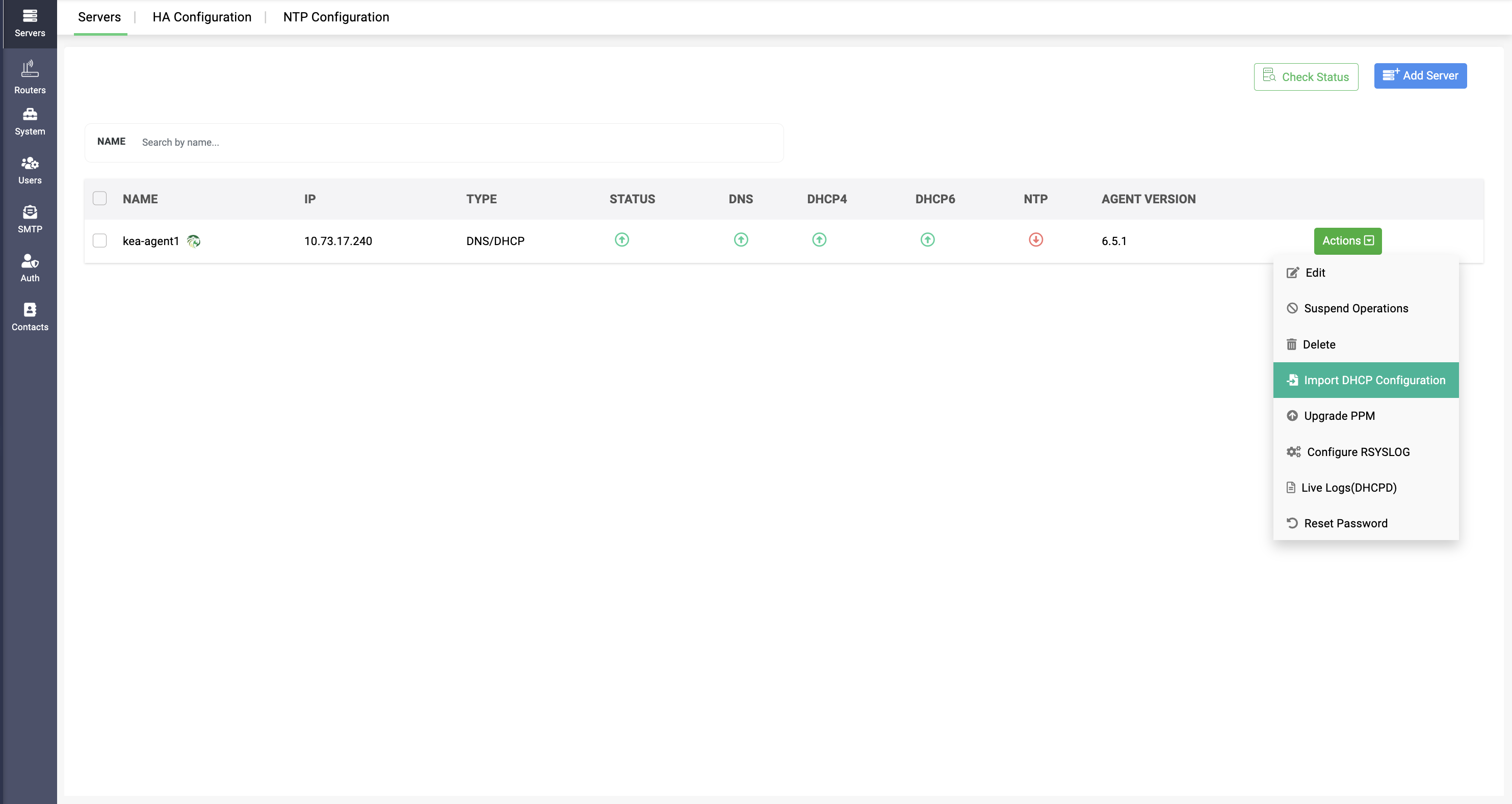
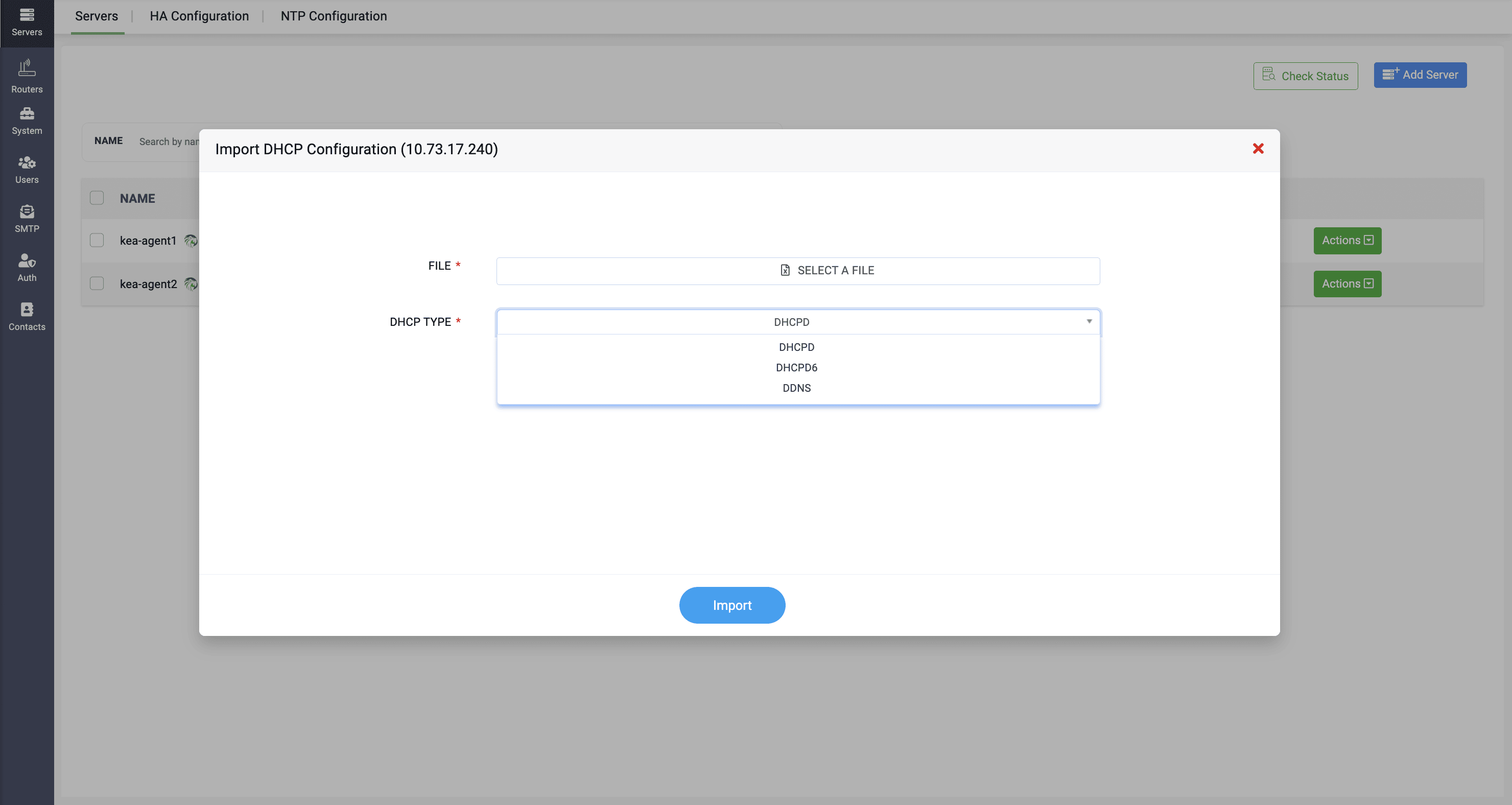
Note: If you want to reconfigure data when migrating to Modern (Kea) DHCP, you must import the data using the **Import Configurations** option for DHCPD and DHCPD6. For large datasets, you can use this option to import the data quickly and simplify the configuration process.