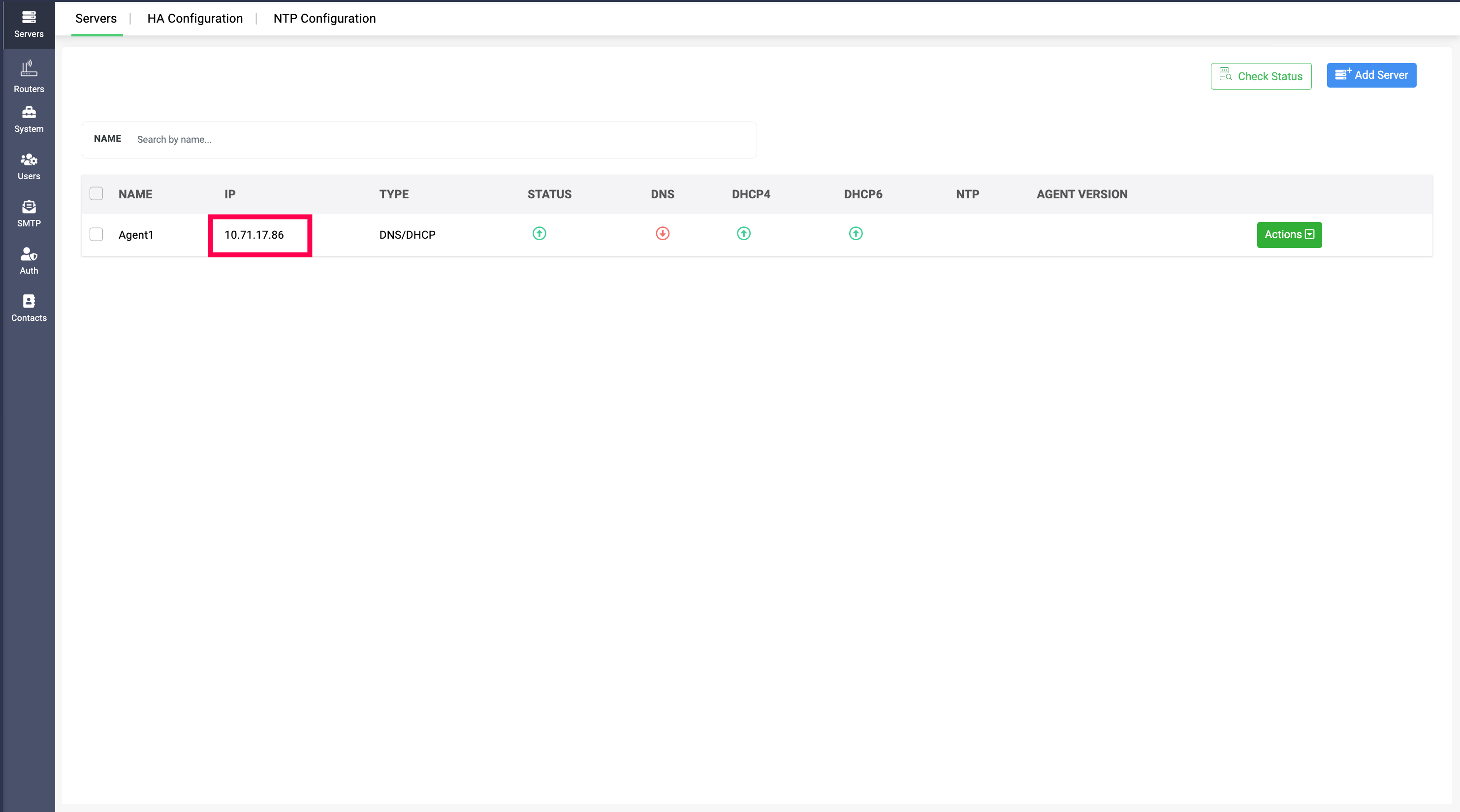
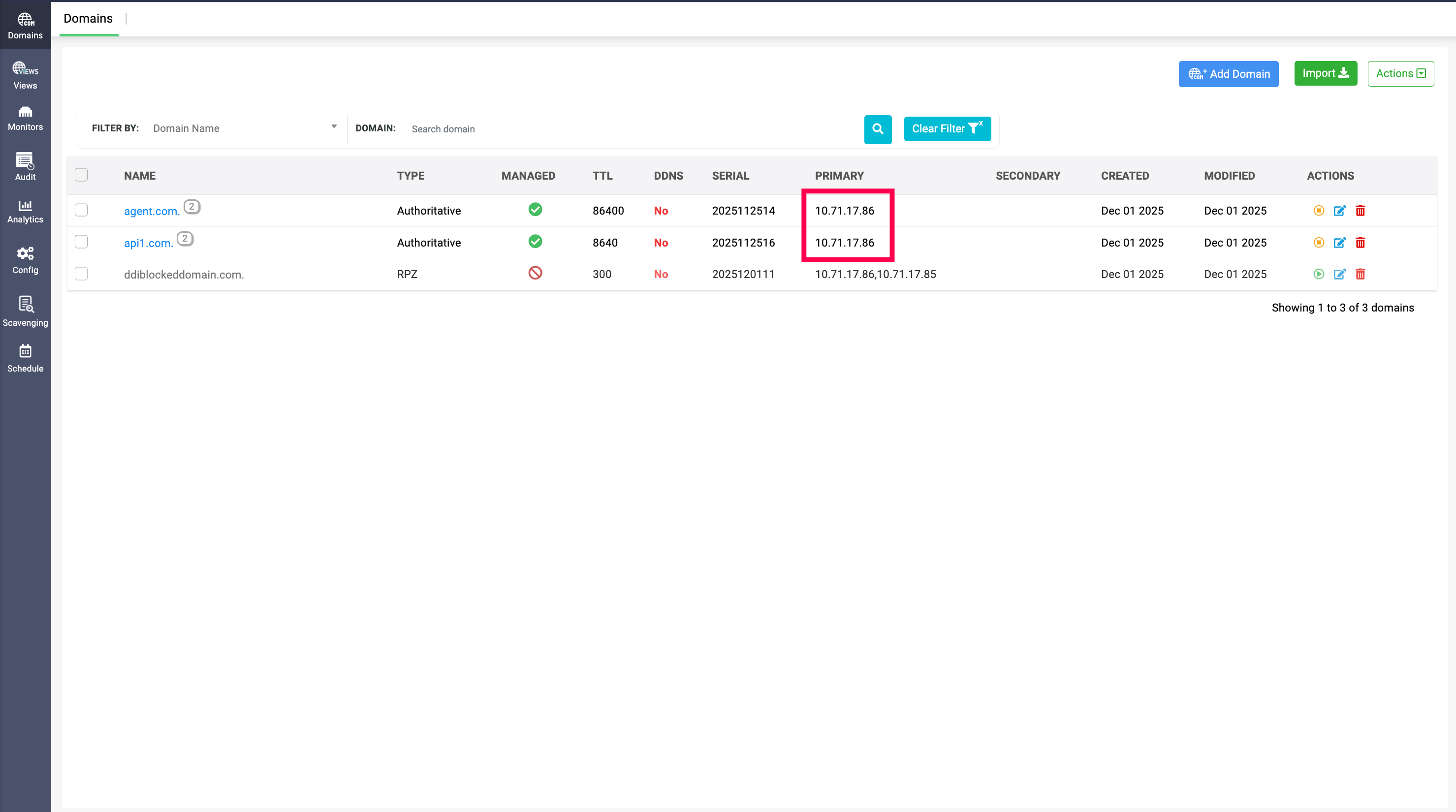
Server IP change
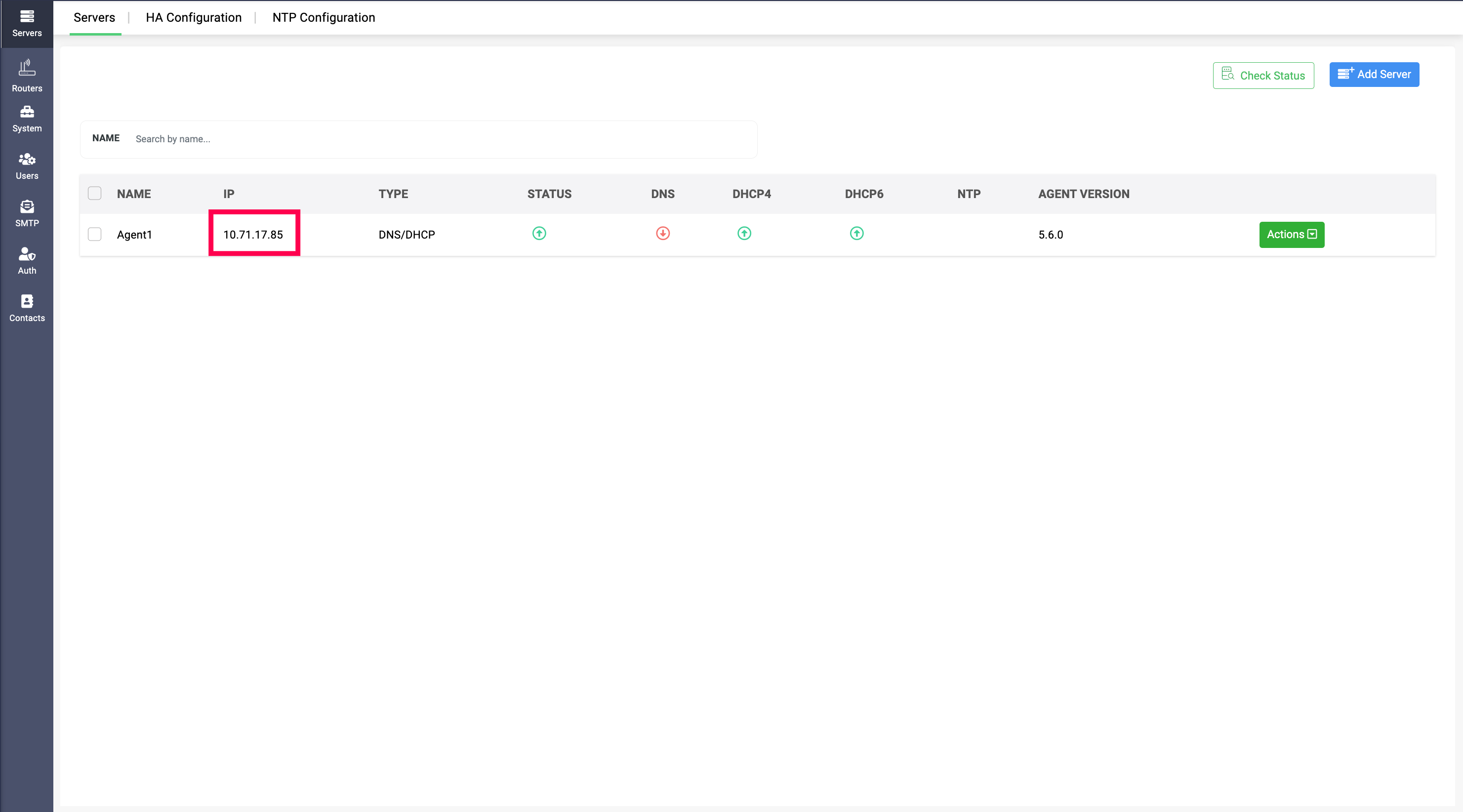
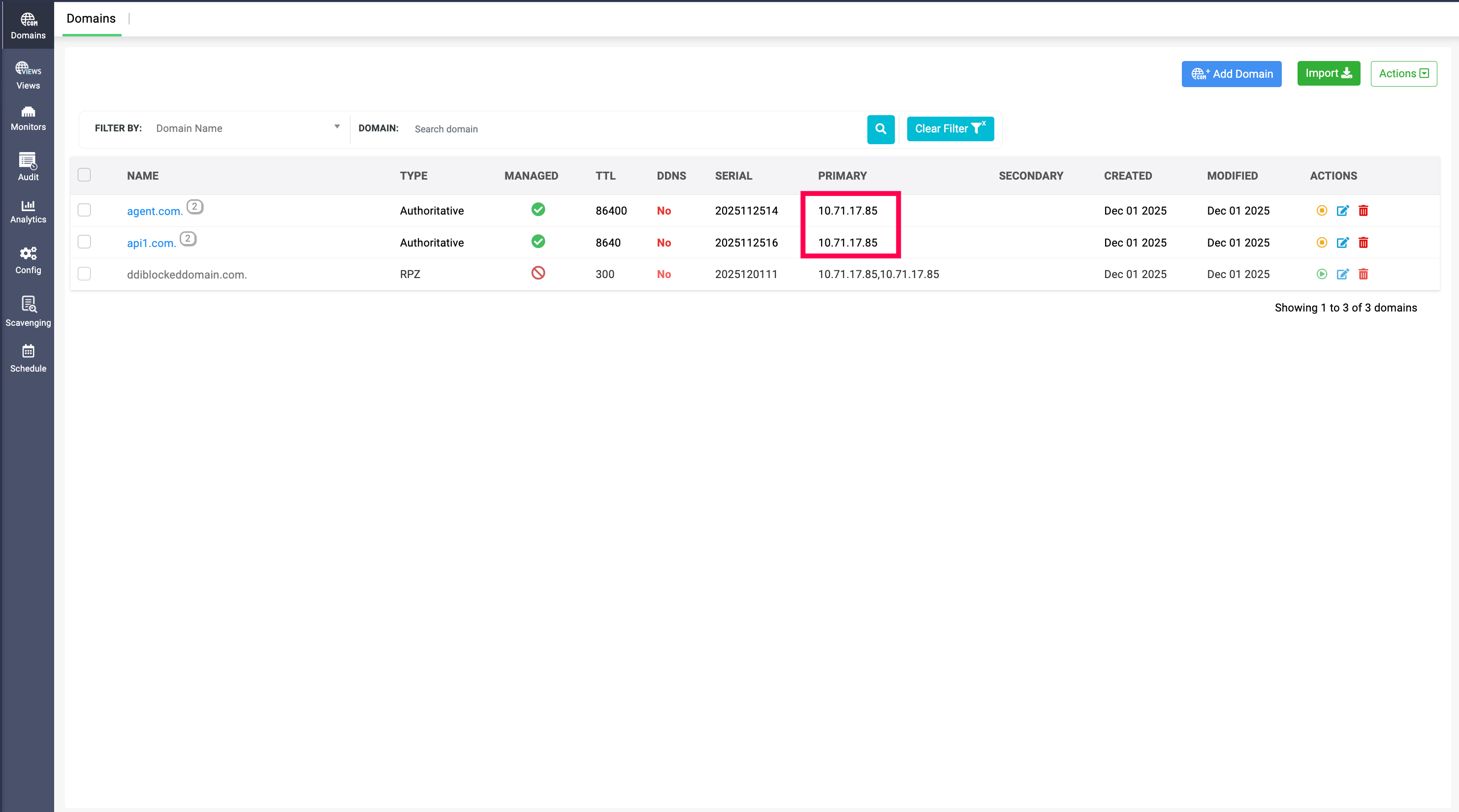
DDI Central enables seamless updating the server IP change across the DNS and DHCP clusters and configurations in the network.
Organizations that want to migrate their DNS and DHCP services data from one server to another, admins can easily update the new server IP in the DNS and DHCP services' configurations, and the zones and leases mapped to them.
This also helps during server failover situations when the primary server hosting the DNS and DHCP service goes down and admin has to switch those services the secondary server, alongside updating the IP data of the secondary server across zones, leases, configurations and more.
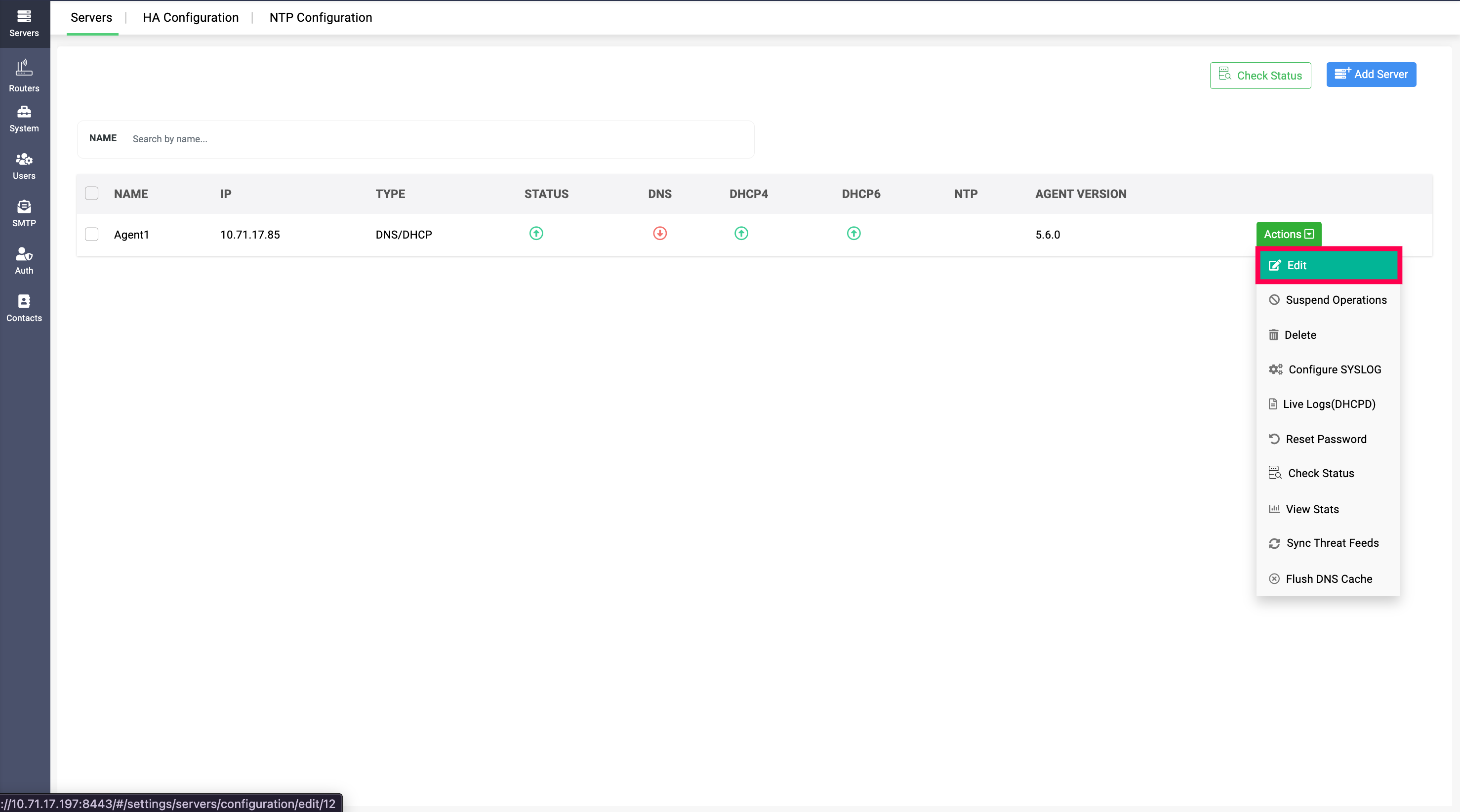
Admins can now edit the Server IP address by clicking on Actions>Edit, where they can change the IP address in the Server IP field.
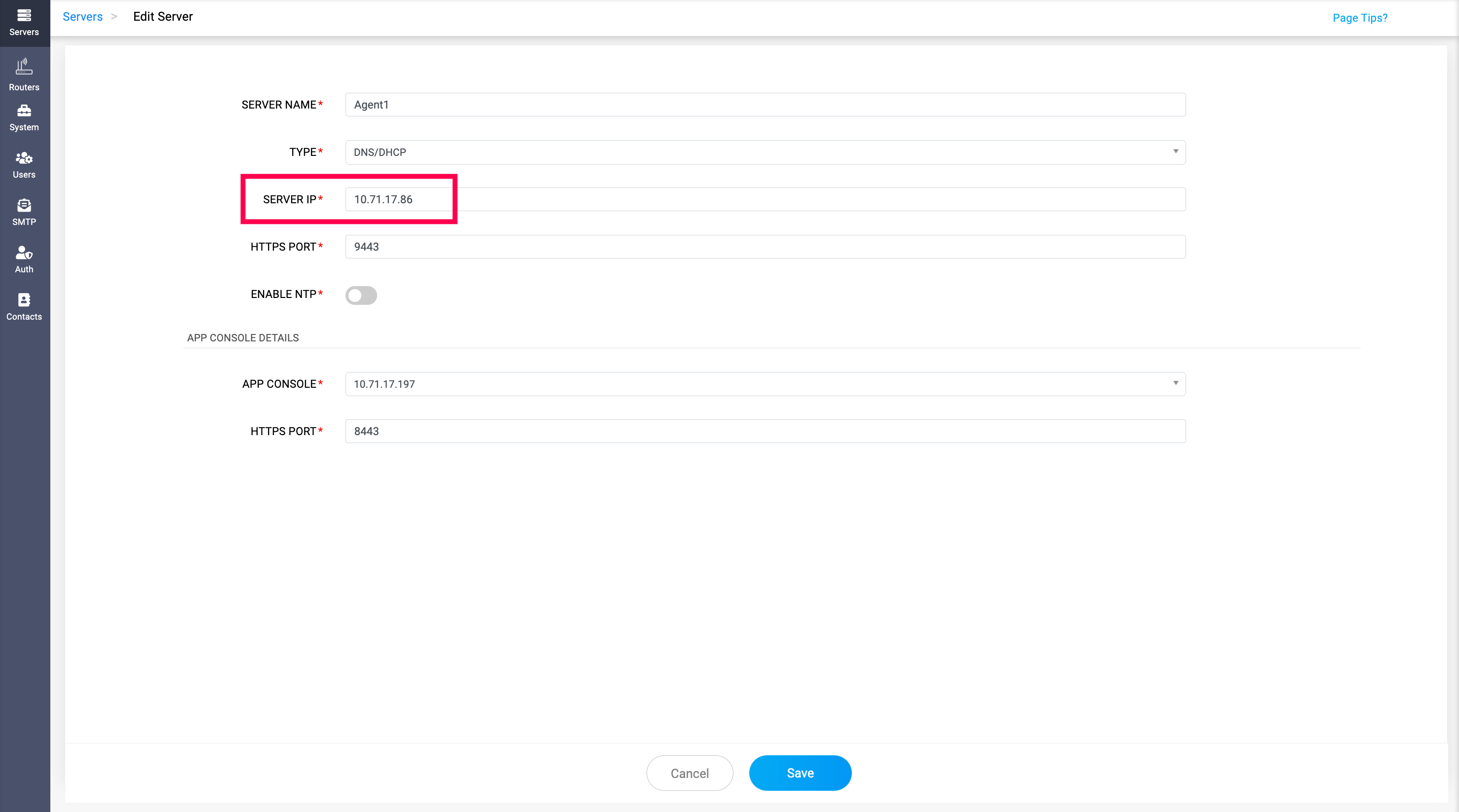
The domains which are mapped to the previous server IP will be automatically updated with the new one, and the same applies to the DHCP leases.