Last updated: July 24, 2026
Invalid QR code - Enrollment Invitation
Problem
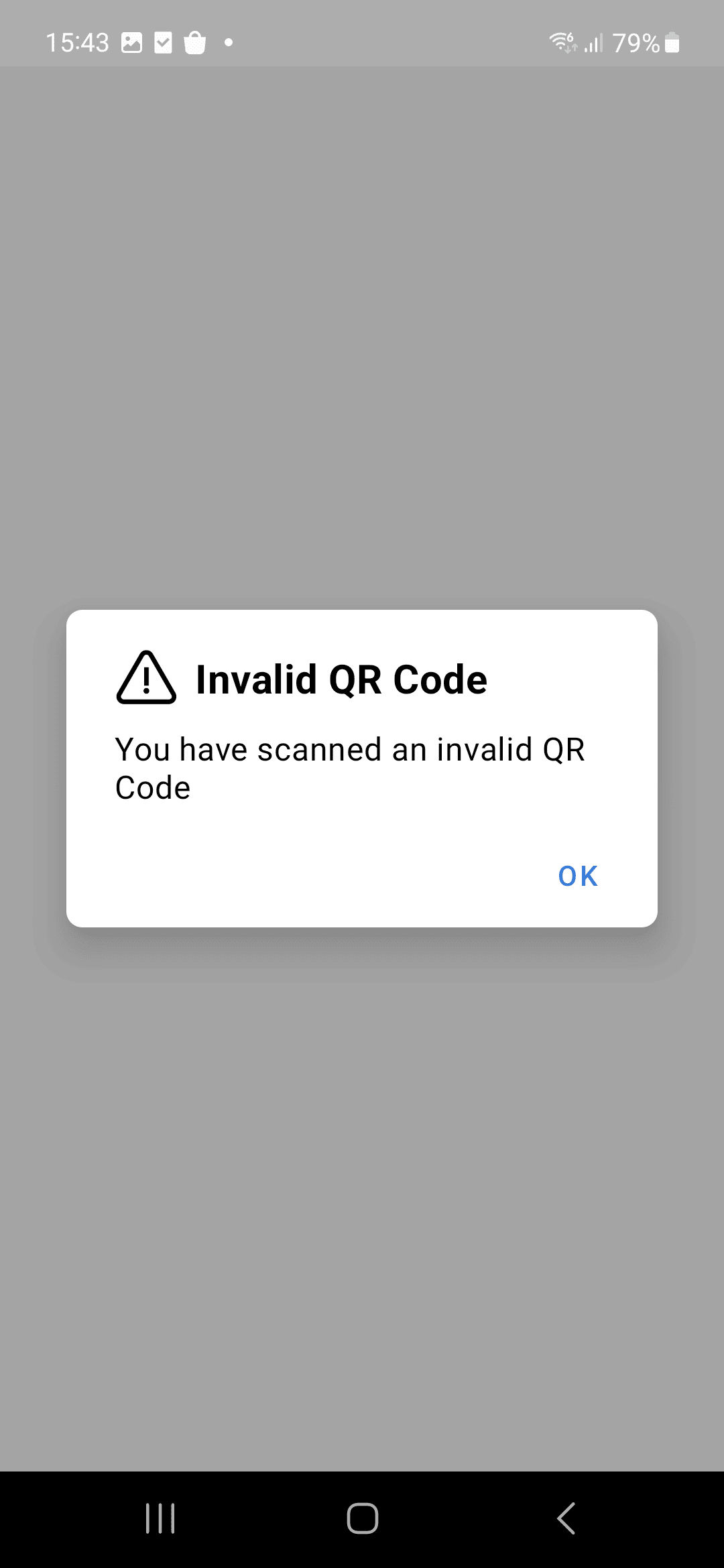
You are receiving "Invalid QR Code" error after scanning the QR code while enrolling an Android device.
Cause
"Invalid QR code" usually happens due to the following reasons:
Resolution
Expired QR Code: The QR code provided may have expired or is incorrect.
Solution:Request a new invitation from your administrator to obtain a valid QR code for MDM enrollment. Refer our Enrollment Experience guide for detailed steps on Invite enrollment.
Note : Enrollment Invitation is valid only for 7 Days.
Scanning Incorrect QR Code:You might have scanned a QR code that is not intended for MDM enrollment.
Solution:Make sure to scan the correct QR code provided specifically for MDM enrollment as part of the invitation process. Open your email invitation and scan the QR code provided for the device enrollment.Note : One invitation can be used to enroll only one device.
If the problem still persists, contact mdm-support@manageengine.com (MDM On-Premises) or mdmcloud-support@manageengine.com (MDM Cloud)