Download Service Packs and Hotfix

We recommend users to move to the latest version build #10.1.2304.5 (How do I find my Build number?)  

If your build number is Upgrade to build number SHA256 Checksum hash value
91030 to 91110 Download and upgrade to 92000         README 50de0f9e800da24d8af95d250c3a831aae497d60f0a506d4f6425d843518f095
92000 to 92951 Download and upgrade to 10.1.2006.12 README 0f836cd35a441b1436d482eaddfeda74968e1dac933e93131a09e1ea8efd1f7c
10.1.2006.1 to 10.1.2006.12 Download and upgrade to 10.1.2304.5    README 314ba1d8997a05cfd0b36faae5d3e0216599b797f6828a5a4f5548b4ad99d9ed

For Android agent release notes, refer to this link.

Instructions to apply Service Packs & Hotfixes 

NOTE: If you have to install intermediate service packs and hotfixes to install the latest version, it is recommended to exit the Update Manager after every PPM installation. Also, installing Service Packs doesn't affect the device enrollment/management or device-MDM server communication

  1. Stop Mobile Device Manager Plus through Start --> Programs --> ManageEngine Mobile Device Manager Plus --> Stop Mobile Device Manager Plus
  2. Important: Take a backup of the Mobile Device Manager Plus installation directory (<Install_Dir>/MDMServer) to avoid any data loss during the upgrade process.
  3. Execute the UpdateManager.bat file present in the <MDMP_Home>/bin directory.
  4. Click 'Browse' and select the .ppm file you have downloaded.
  5. Click 'Install' to install the service pack/hotfix. This may take few minutes depending on the amount of data that needs to be migrated.
  6. Wait until the service pack/hotfix is fully installed.
    NOTE: If you have to install intermediate service packs and hotfixes to install the latest version, it is recommended to exit the Update Manager after every PPM installation
  7. Click 'Close' and then click 'Exit' to exit the Update Manager tool.
  8. Now start Mobile Device Manager Plus.

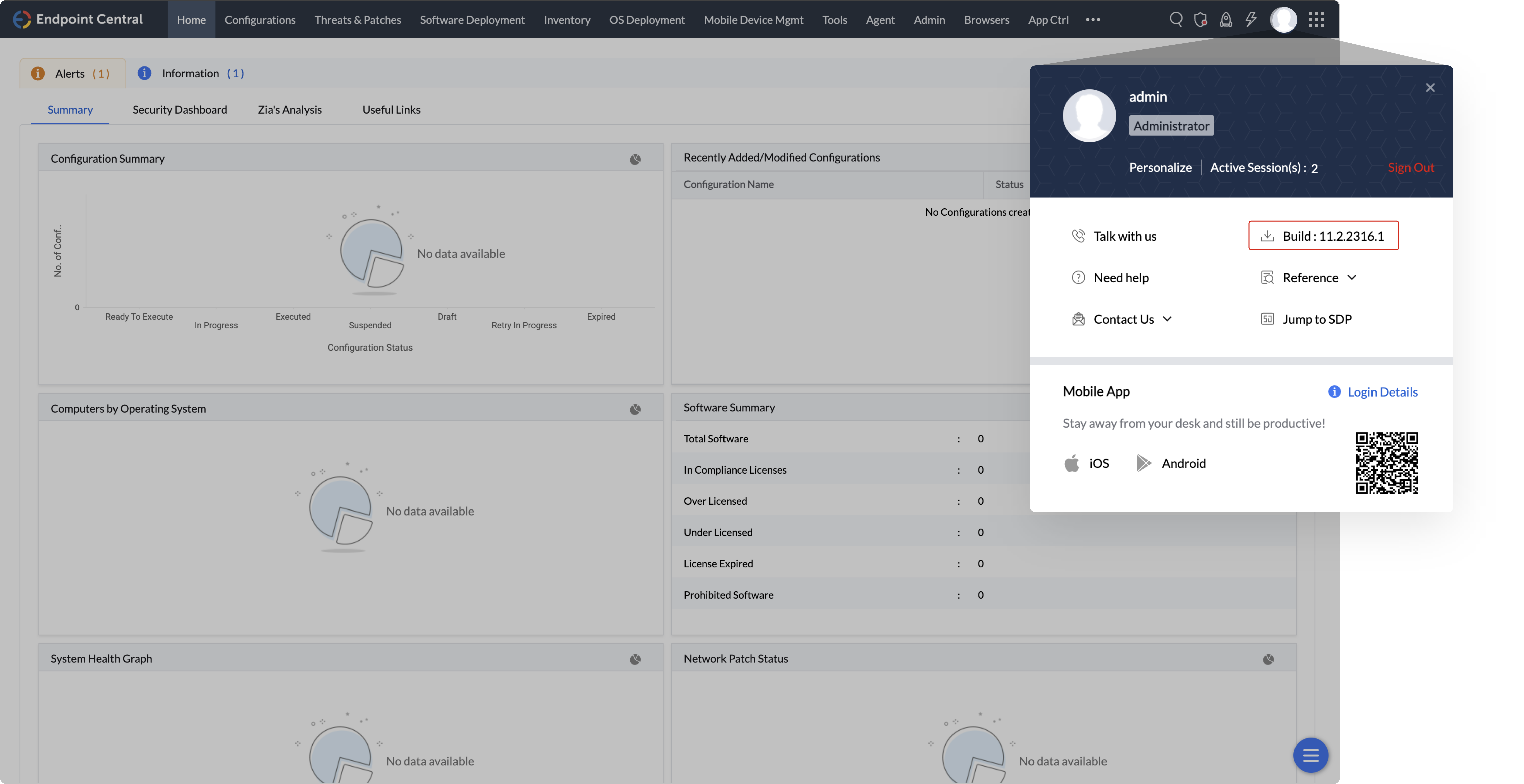
How do I find my Build number?

Log in to Mobile Device Manager Plus web client, the build number is mentioned in the top pane.