×![]()
×
×![]()
×
×
Understanding User Roles in Patch Manager Plus
This document will explain the User Roles and permissions which can be mapped for users. Creating various users with only certain roles and permissions allow you to have a more robust control over who does what with the product.
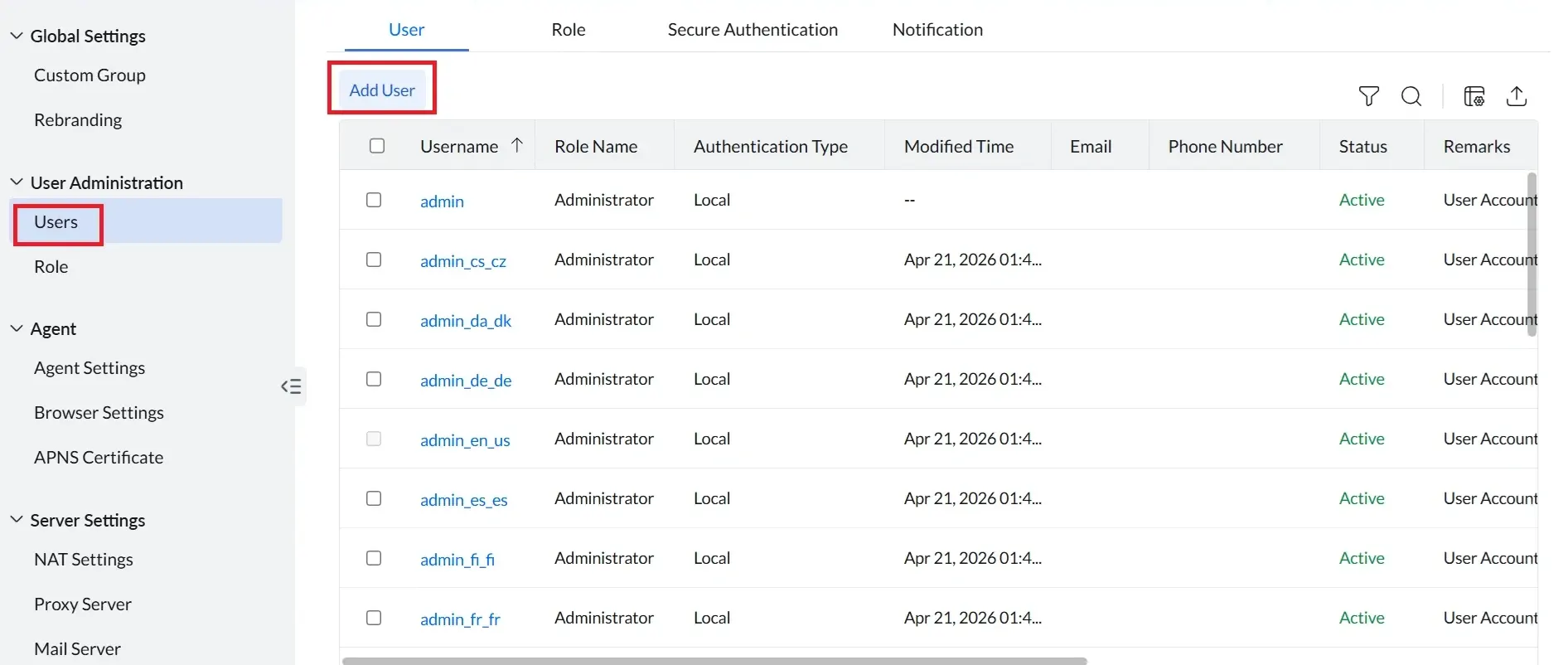
To create a new user, navigate to Admin -> General Settings -> User Administration -> Add User
To create a new user, navigate to Admin -> User Administration -> Add User
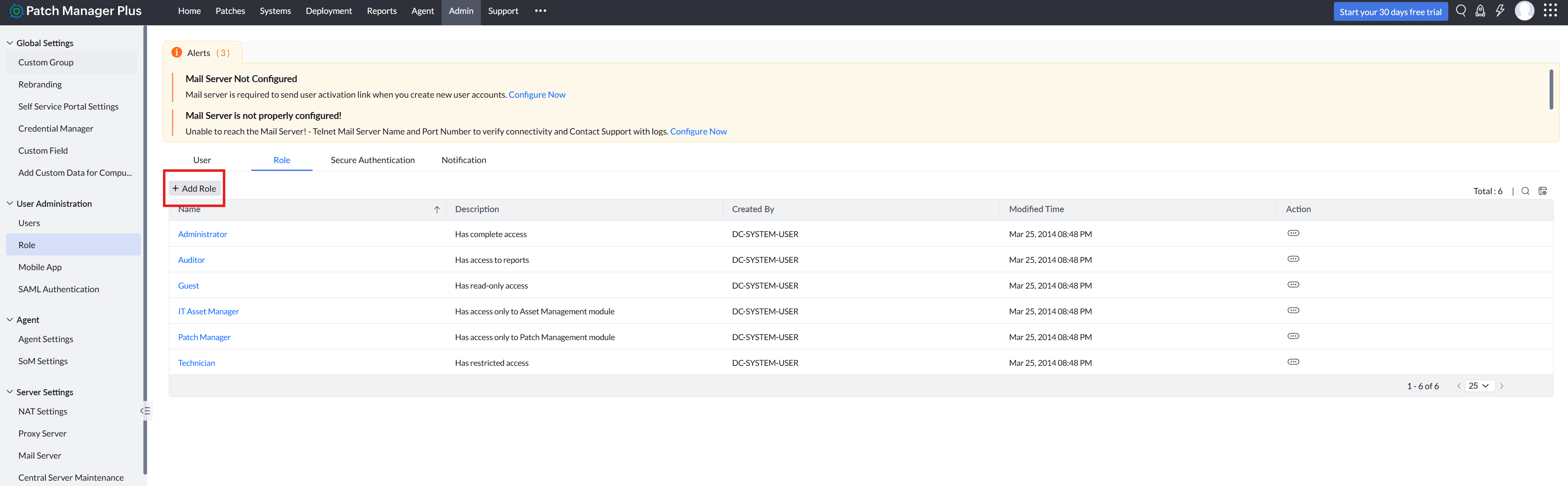
To create a new role, navigate to Admin -> General Settings -> User Administration -> Add Role
Note
Apart from these predefined roles, you can create multiple custom roles based on your organization's access requirements. You are not limited to one role of each type, multiple roles can be created to suit different access needs within your organization.