Getting your onboarding on point has real business impact: subpar onboarding experiences cost organizations up to 200% of an employee's annual salary in turnover alone. One of the first steps in ensuring a smooth onboarding is enabling user accounts at the right time.
To enable an Active Directory account using PowerShell, the Enable-ADAccount cmdlet has to be used. This article explains how to enable an AD account using PowerShell and also using ADManager Plus, an integrated Active Directory, Office 365 and Exchange management and reporting tool. This article also shows the ease with which AD account can be enabled using ADManager Plus compared to PowerShell.
This script will enable the account with the sAMAccountName John Smith.
Screenshot
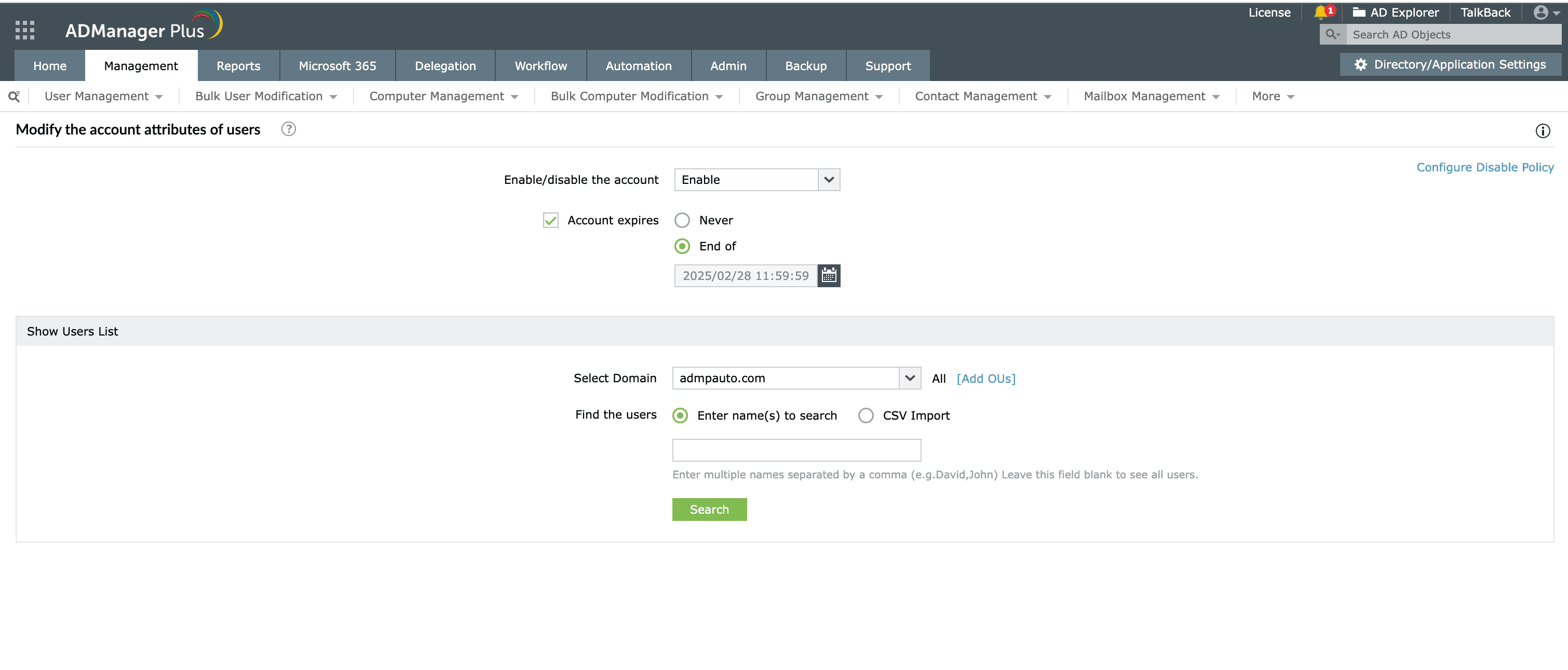
Limitations of using PowerShell to enable AD accounts
Manage Active Directory user settings in bulk with ADManager Plus' bulk management feature.
Get 30-day free trial.Your download should begin automatically in 15 seconds. If not, click here to download manually.
For AD User Management
For AD User Reporting
For GPO Management
For Password Management
For AD Group Management
For File Access Management
For AD Computer Management
For Office 365 Management
For Exchange Management
For Microsoft Graph PowerShell
Entra ID user management
Entra ID reporting
Entra ID group management and reporting
Entra ID domain management
Entra ID contact management and reporting
Other Entra ID tasks
For Azure AD PowerShell
Entra ID user management
Entra ID reporting
Entra ID group management
Entra ID group reporting
Entra ID domain management
Entra ID contact management and reporting
Other Entra ID tasks


