This article compares the process of adding and removing a GPO link in Active Directory using PowerShell and ADManager Plus, a web-based AD, Office 365 and Exchange management and reporting tool.
While the PowerShell cmdlets that have to be used for this purpose, New-GPLink and Remove-GPLink, make it necessary to use multiple parameters to add or remove the link from an OU, site or domain, ADManager Plus lets you do these with purely GUI based actions, making it the easiest option among the two.
This will add link the GPO to the domain Example.com, and also enforce it.
This will remove the GPO link established between the domain Example.com, and the GPO, SimpleGPO.
Screenshot
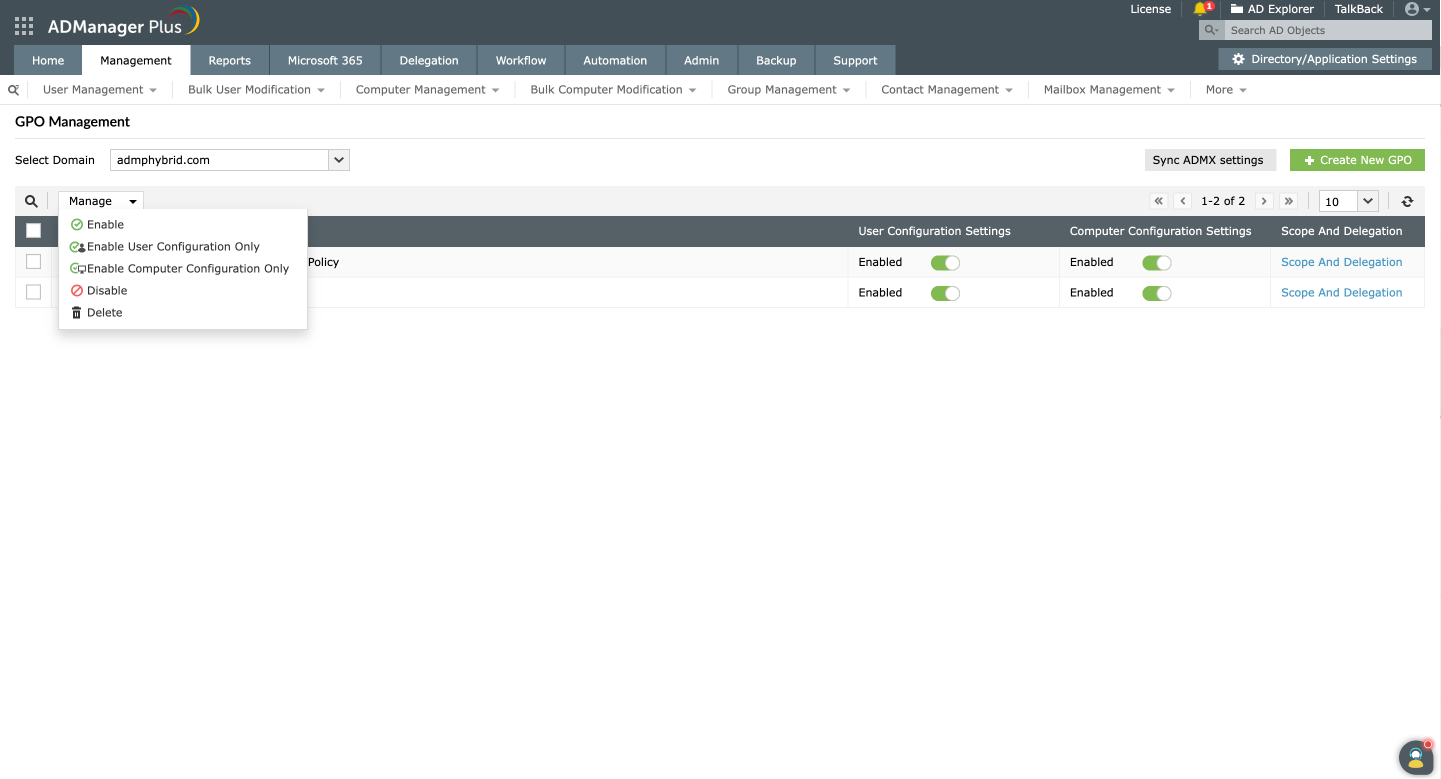
Limitations of using PowerShell to add a new GPO link or remove a GPO link
Manage GPO links in just a few clicks with ADManager Plus.
Get 30-day free trial.Your download should begin automatically in 15 seconds. If not, click here to download manually.
For AD User Management
For AD User Reporting
For GPO Management
For Password Management
For AD Group Management
For File Access Management
For AD Computer Management
For Office 365 Management
For Exchange Management
For Microsoft Graph PowerShell
Entra ID user management
Entra ID reporting
Entra ID group management and reporting
Entra ID domain management
Entra ID contact management and reporting
Other Entra ID tasks
For Azure AD PowerShell
Entra ID user management
Entra ID reporting
Entra ID group management
Entra ID group reporting
Entra ID domain management
Entra ID contact management and reporting
Other Entra ID tasks


