- Related Products
- Log360
- AD360
- ADManager Plus
- ADAudit Plus
- ADSelfService Plus
- Exchange Reporter Plus

 Click here to expand
Note: For users who do not have a feeds account, please create an account to sign in and obtain the Threat Analytics Feed Server access key.
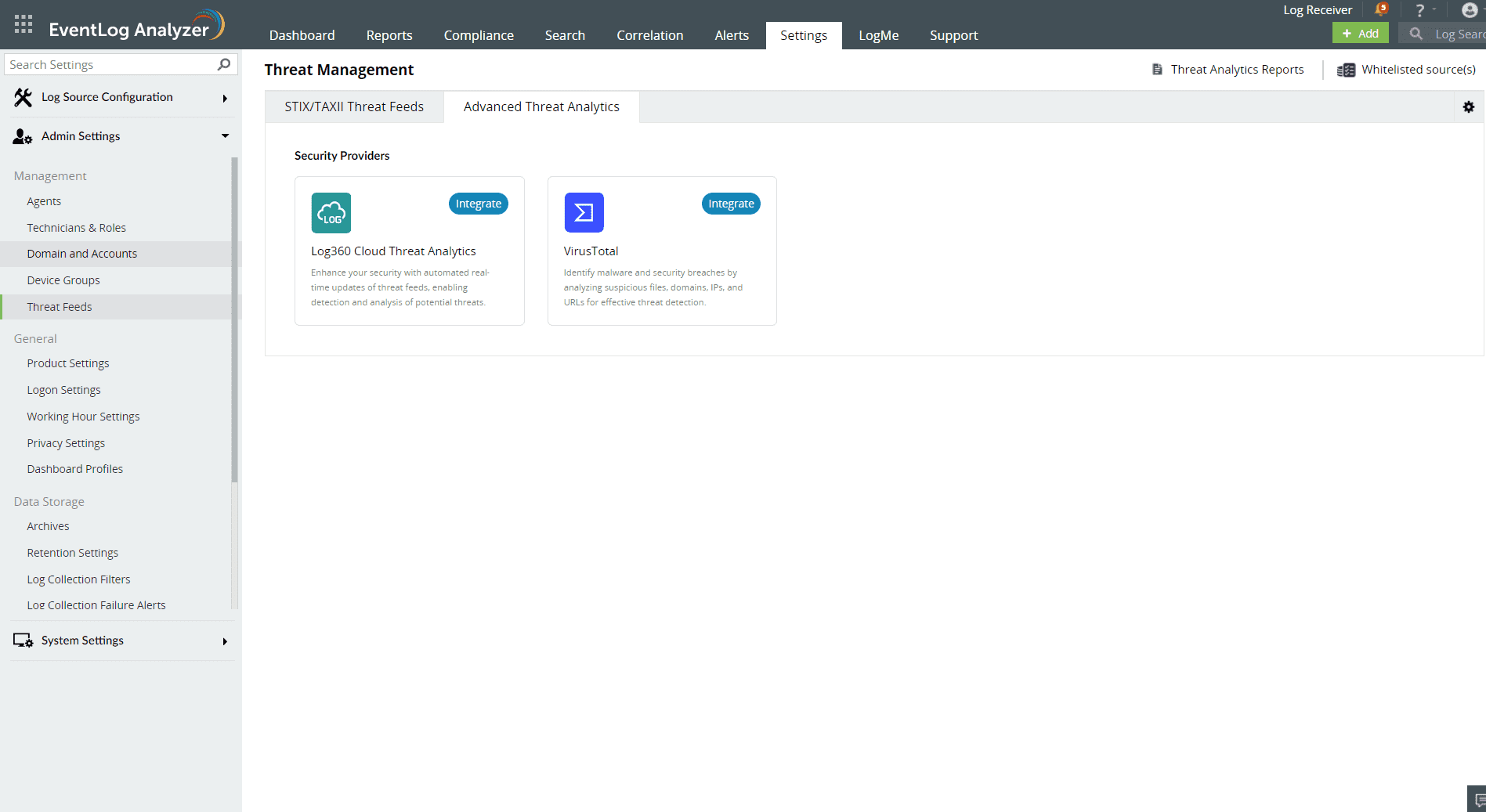
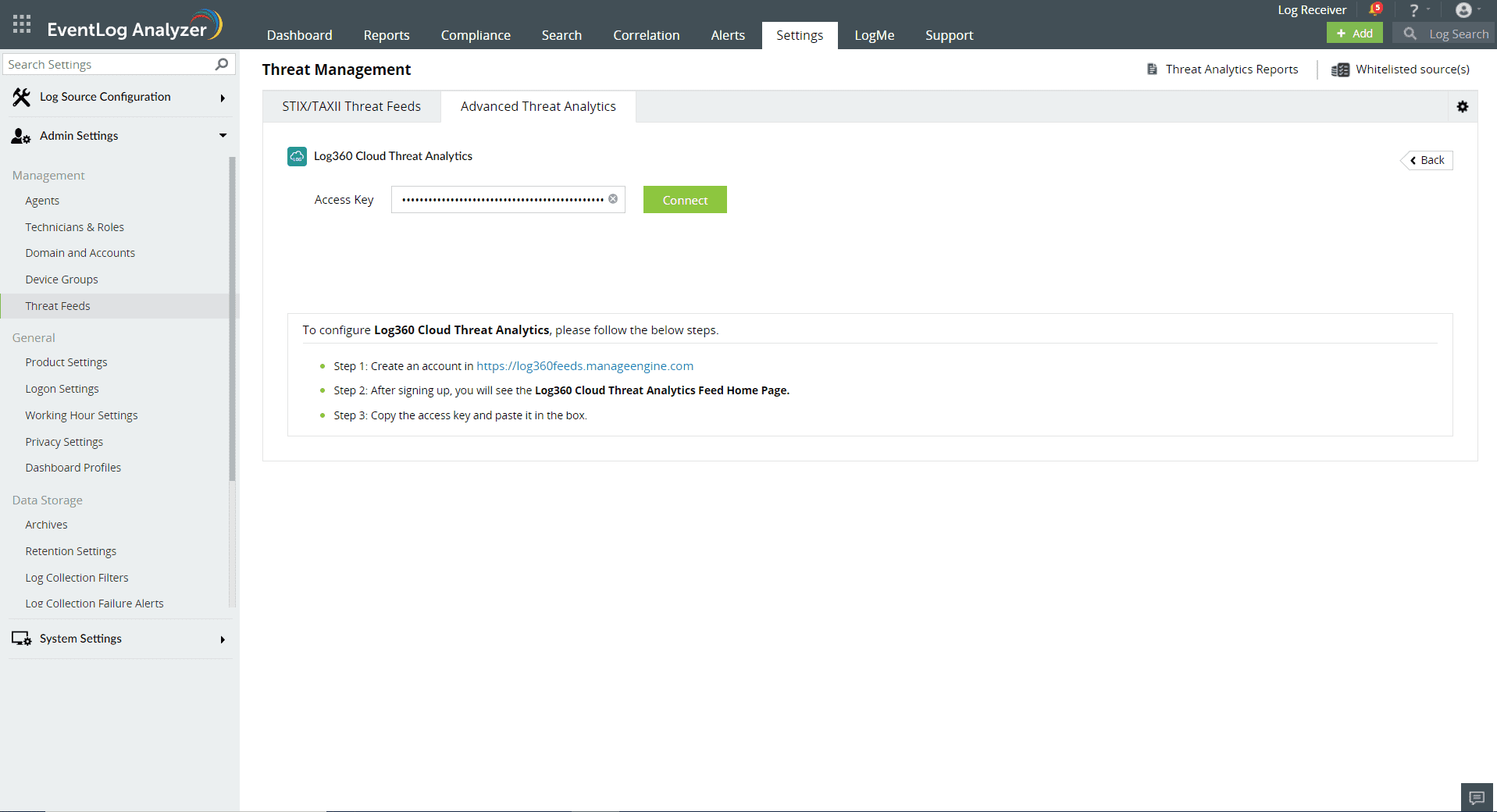
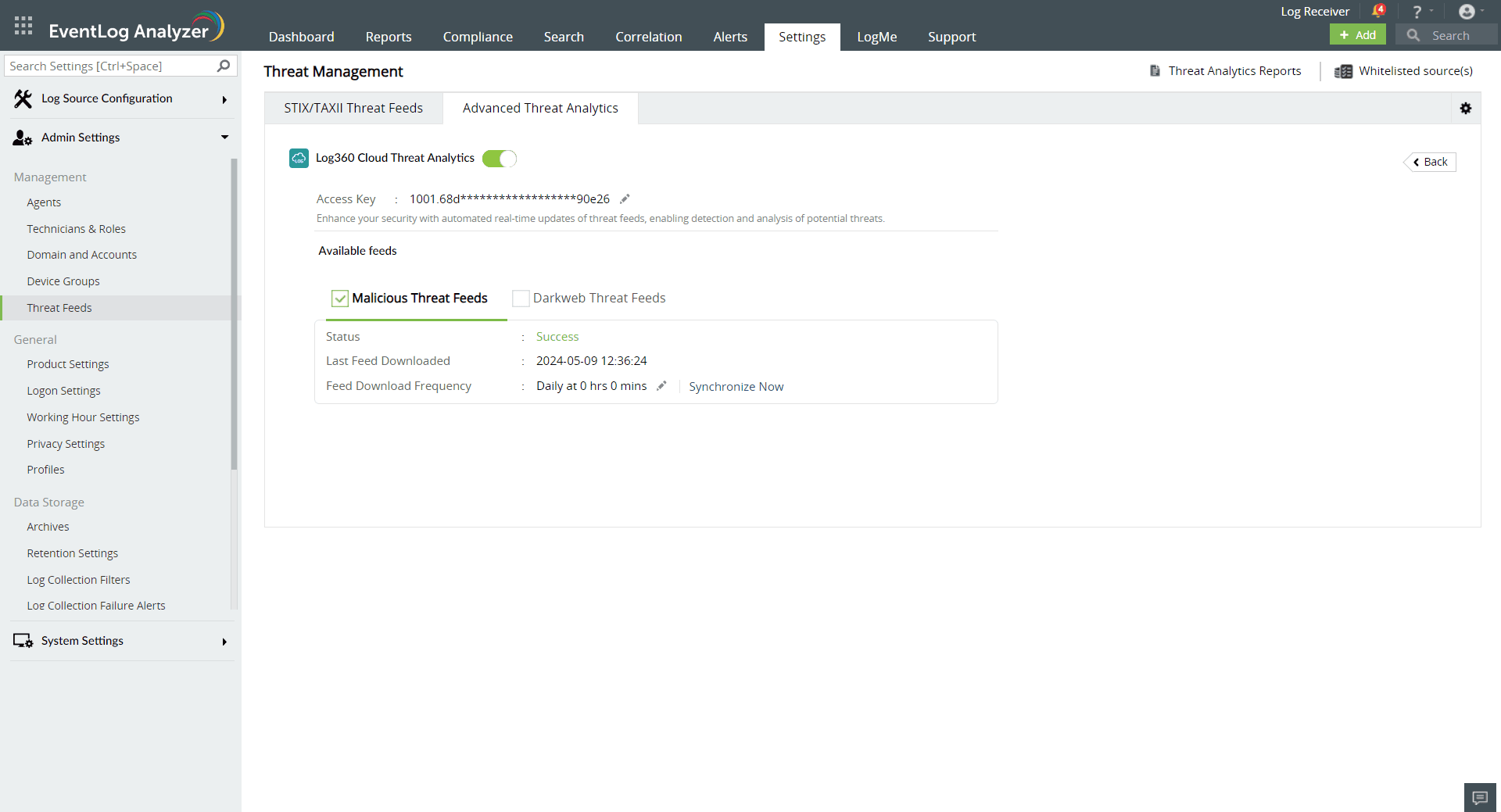
Note: We recommend whitelisting the URLs "https://log360feeds.manageengine.com/" and "https://log360cloud.manageengine.com/" to establish a connection to Threat Server without being blocked by the firewall.
The Log360 Cloud Threat Analytics is available in the Incident Workbench. Learn how to invoke the Incident Workbench from different dashboards of EventLog Analyzer.
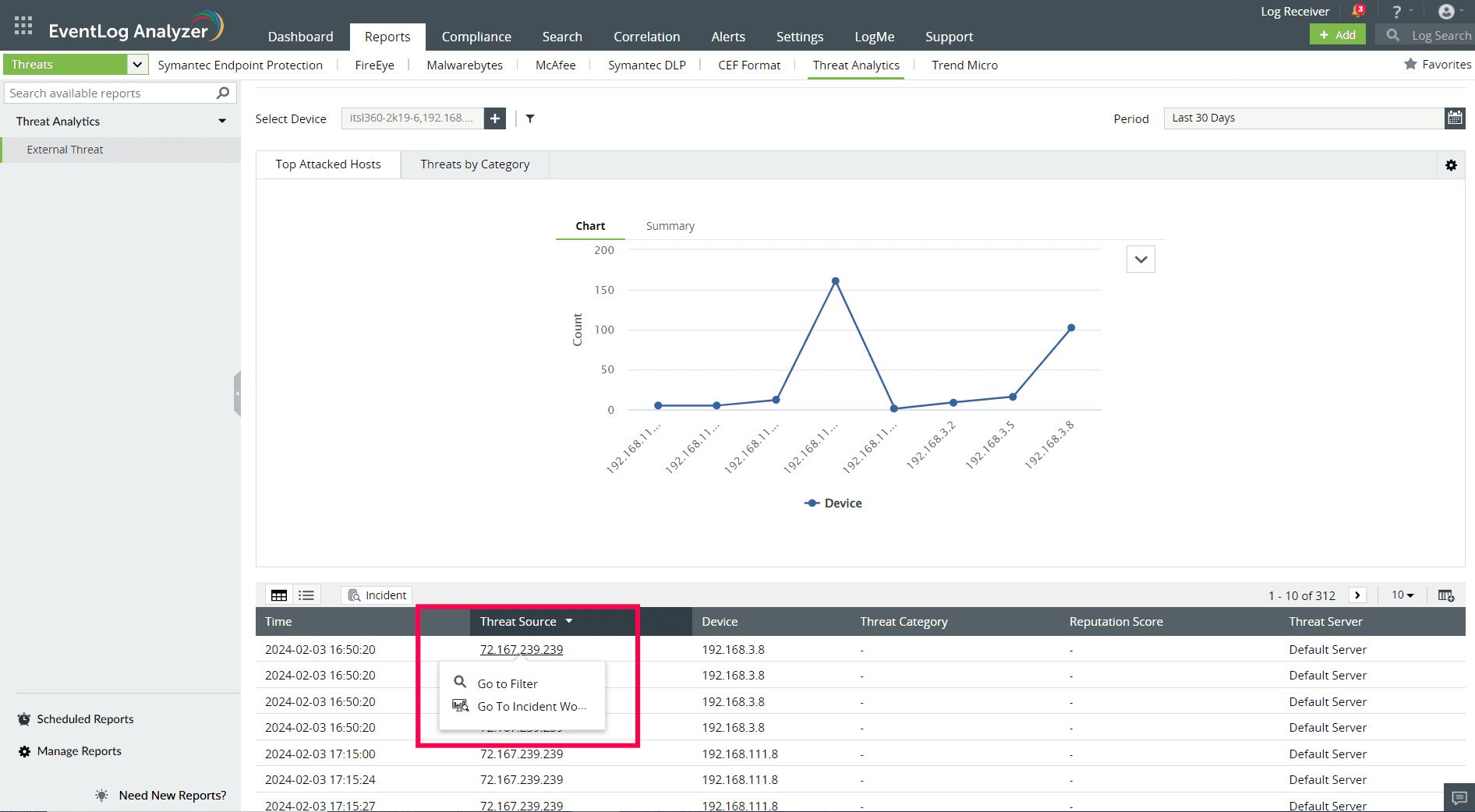

Select any IP, URL, or Domain to analyze in the Workbench. You can access the following data:
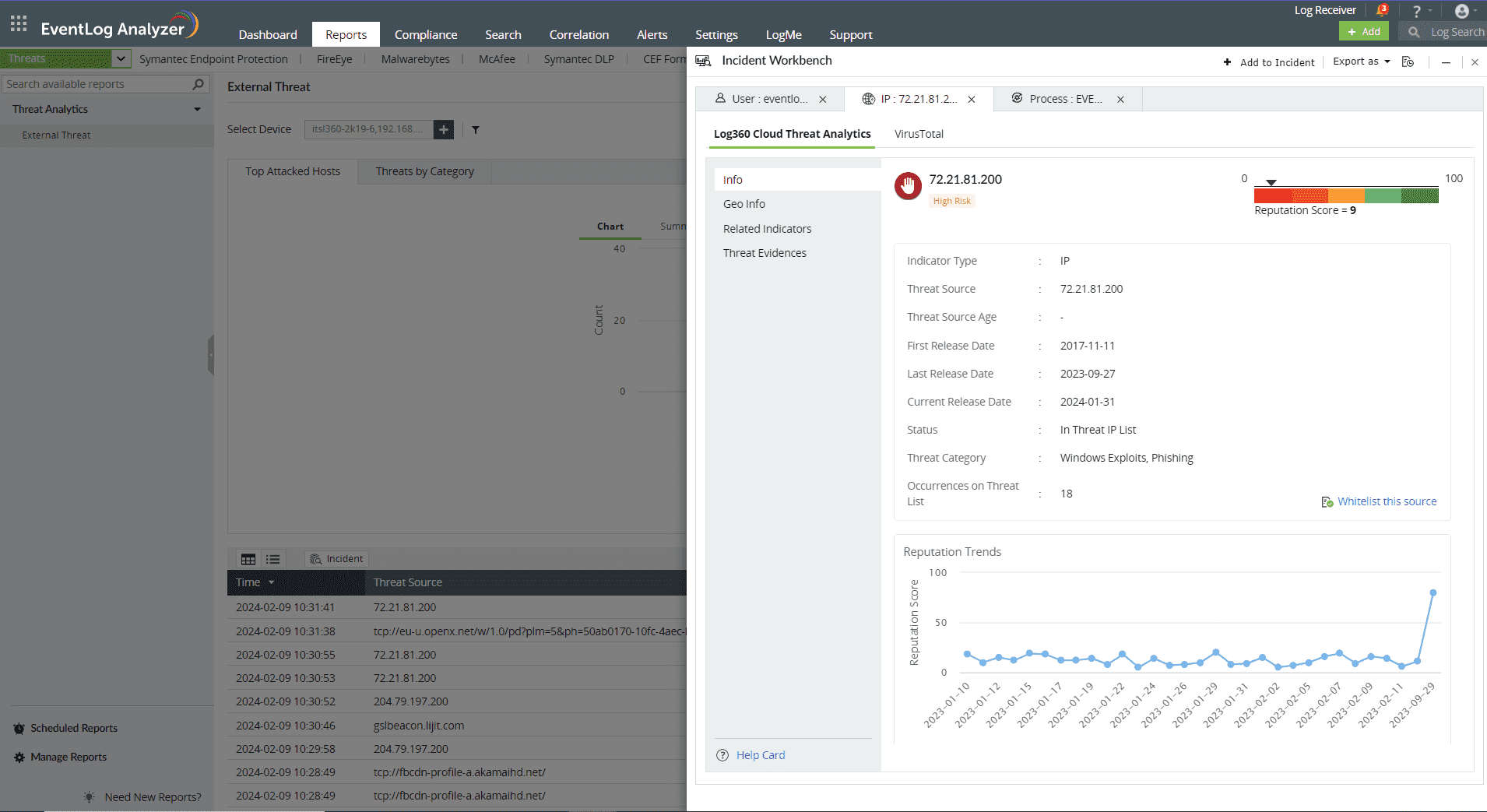
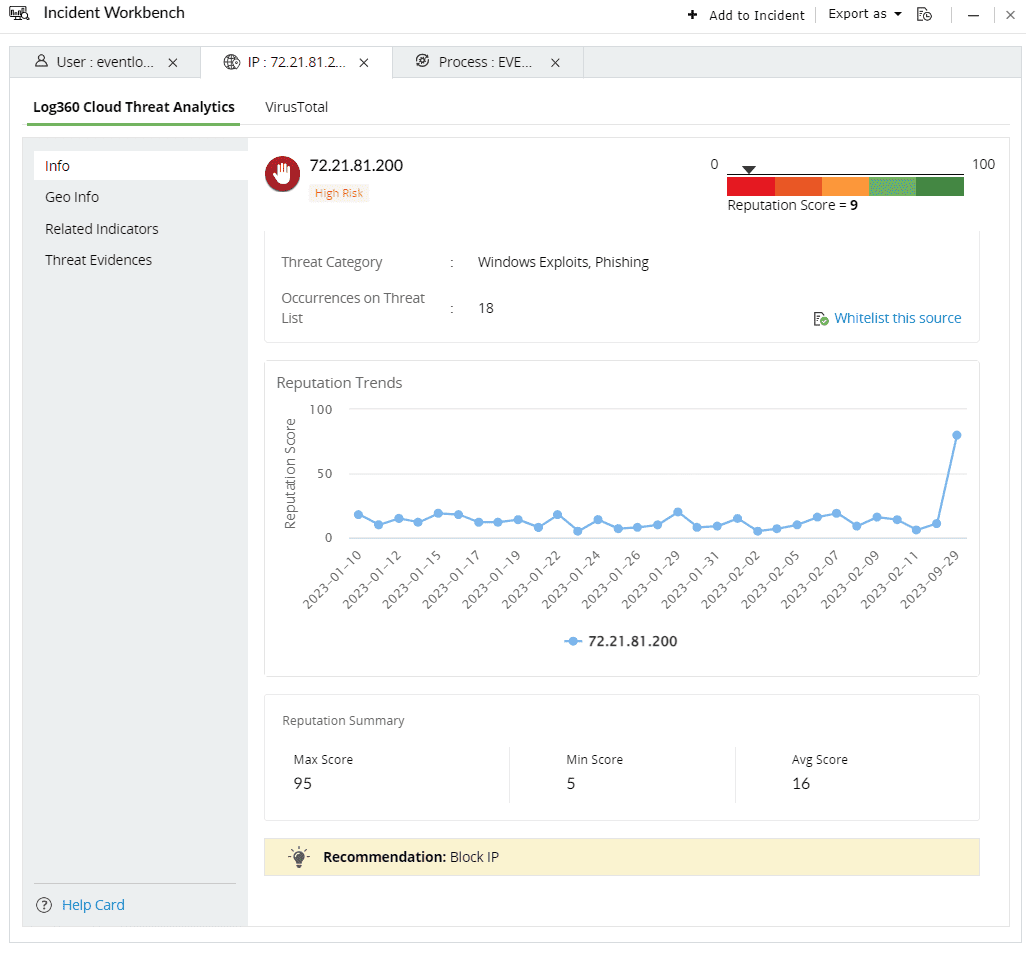
This section contains the Reputation Score of the Threat Source on a scale of 0-100.
You can also view the Reputation Score Trend chart, Status of the Threat Source( whether it's actively part of the threat list), Category, Number of occurrences on threat list, and when the source has been released from the threat list.
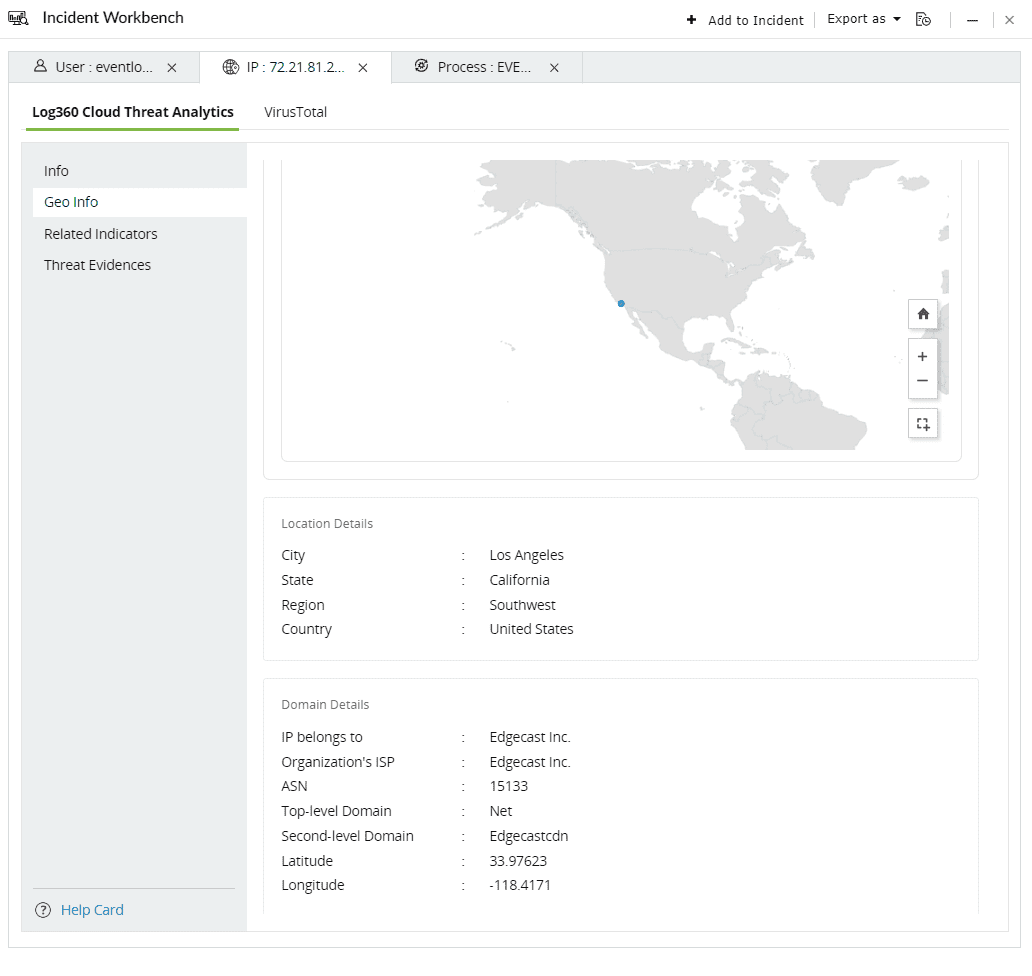
The Geo Info contains location mapping details of the Threat Source such as city, state, region and the Whois information of the domain.
This section contains the risk profile of the related indicators of IPs, URLs and Domains.
The related indicators are produced by tracking the relationships between IPs, URLs, files and mobile apps using predictive threat intelligence to determine whether a new source interacting with this network is malicious or not.
Context: Imagine a scenario where an attack is detected to be originating from a particular IP address. There could potentially be numerous other IP addresses, URLs, files, or mobile apps linked to this initial IP. It is crucial to be aware of these associated sources and identify them if they interact with your network, as the threat actor behind the attack might be controlling them as well.

The Contextual Type contains the list of related indicators for the specific threat source. Click on the drop down and select the type of the related indicator.
The threat level categorizes the related indicators based on their risk levels. The following are the 5 risk levels in descending order:
Here are the threat sources and the related indicators:
Threat source - IP
| Related indicator | Description |
| Hosted URLs | Websites that are mapped to the particular IP address. |
| ASN(Autonomuous System Number) | The related ASN which uniquely identifies the larger group of IPs to which the threat source belongs to. |
| Hosted Files | Files hosted on the specific IP. |
Threat source - URL/ Domain
| Related indicator | Description |
| Virtually hosted domains | Websites sharing the same server with unique domain names. |
| Subdomains | Different webpages carrying unique prefixes to a common domain. |
| Hosted Files | Files hosted on the domain |
| Hosted IPs | The IP addresses that can be mapped to the particular domain |
| Common Registrant | Individual or organization that owns and manages the domain. |
Limitation: Users can only view upto 1000 related indicators under each threat level for a specific relationship.
This section contains evidences produced by the security vendor for attempted attacks or malicious activities that can be mapped back to the specific threat source.
Threat Evidence covers a list of incidents which caused an IP to be flagged as malicious. The response contains:
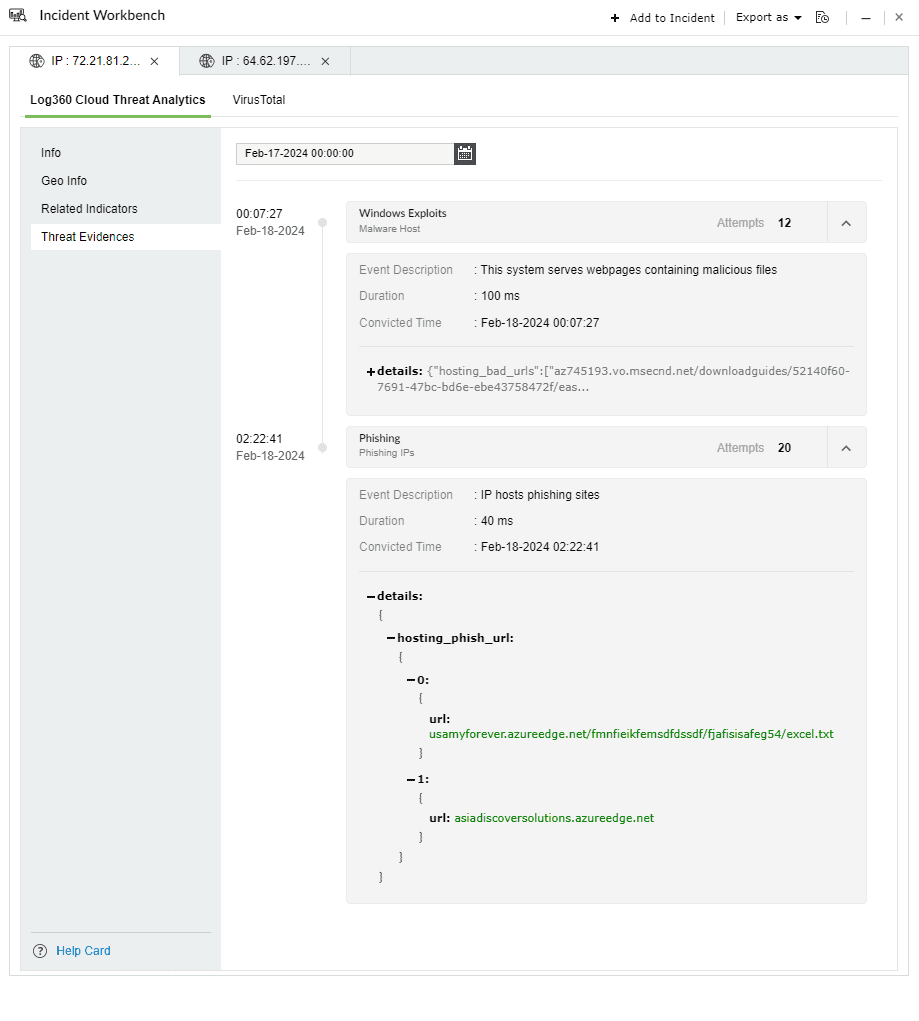
Threat evidence example 1: Phishing

Threat evidence example 2: Files hosted by the domain
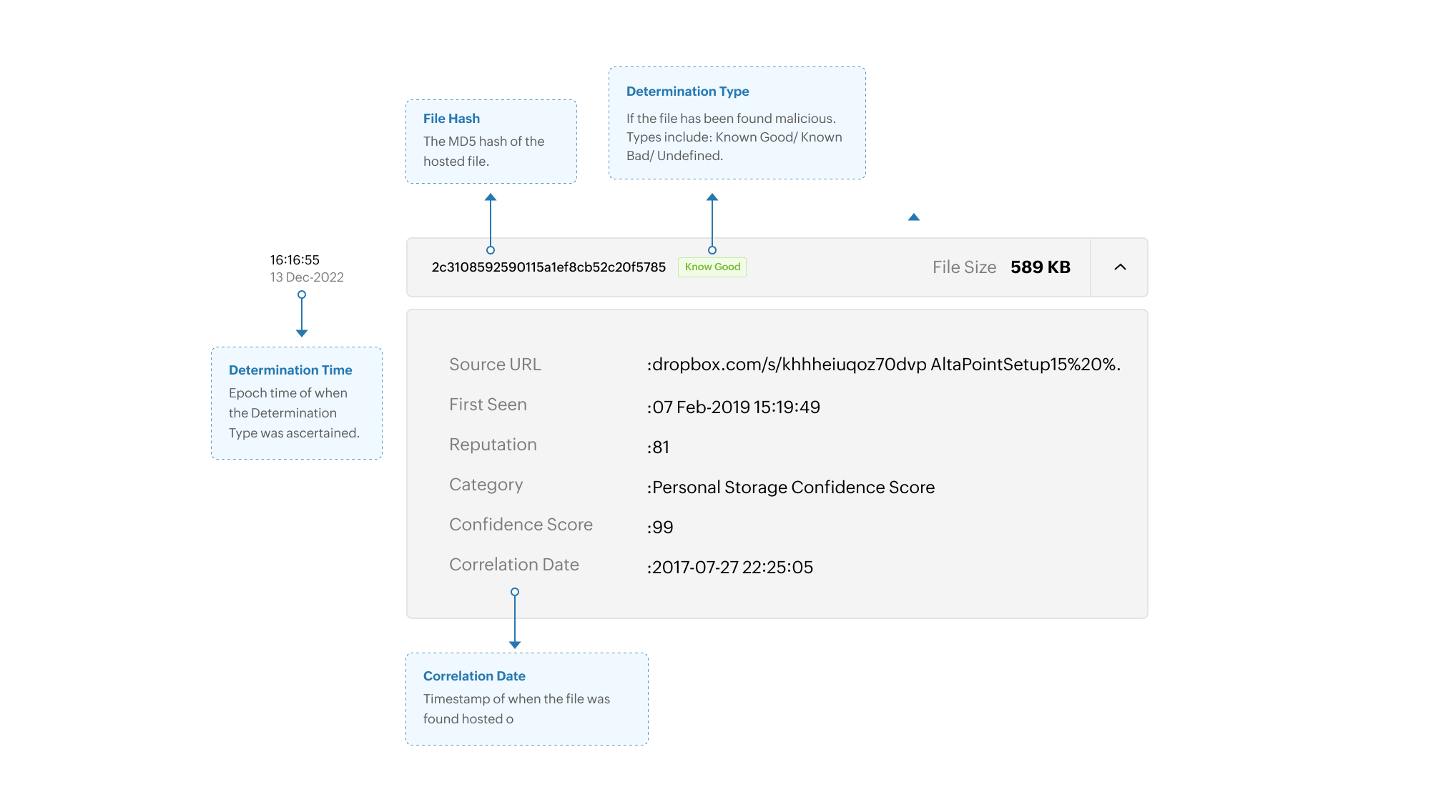
Limitation: Some of the threat evidences may not be available due to incomplete retrieval of information from honeypots and other internal integrations.
Copyright © 2020, ZOHO Corp. All Rights Reserved.
 Download PDF