Free Hyper V Configuration Tool

-

Free Hyper V Management Tool

Free Hyper V Configuration Tool
Features:
  • Easy to use dashboard tool
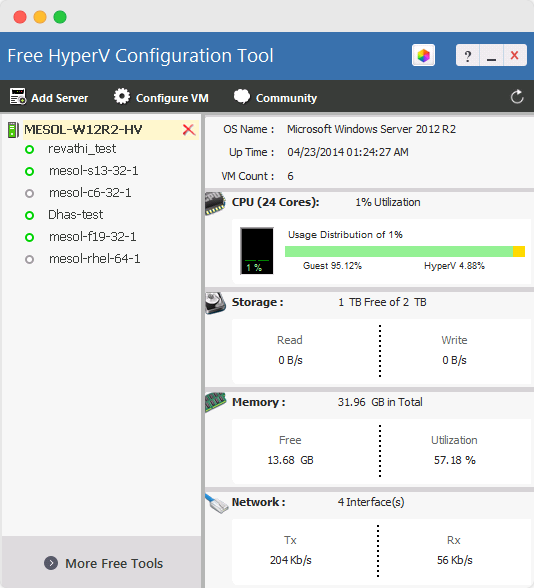
  • Hyper V server – CPU , Memory, Disk Monitoring
  • Virtual server (VM) – CPU configuration
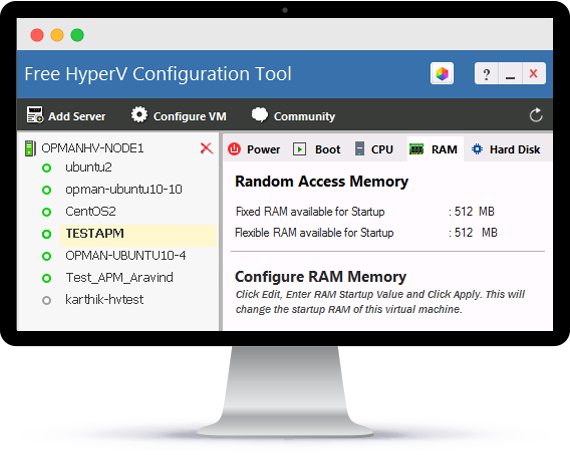
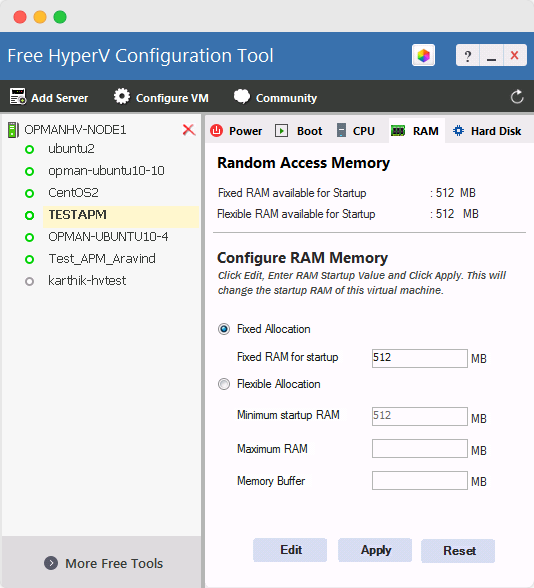
  • Virtual Machine (VM) – RAM configuration
  • Power on, Suspend, Power–off VM from remote
 

Free Hyper V Configuration

Overview

Virtual servers provide great cost benefits as opposed to real physical server. This encourages people to run many applications and services on these virtual servers. The application, that is running within the virtual servers need to be running all the time. Sometimes, during emergency situations, few VM's require more resources to manage the demanding, resource intensive applications running on them. In that critical moment, it becomes imperative to allocate more resources, such as CPU, RAM to that VM's. Hence, it is important to monitor and manage those virtual servers(VM's) continuously at all the times

The ManageEngine's Free Hyper V Configuration tool addresses this monitoring and management requirement. The Free software can configure Microsoft Hyper V Virtual server (VM's ) resources such as CPU, RAM or execute Power operations or change the boot order start-up, and also it fetches comprehensive data about the servers and its virtual machines and presents them as visually elegant graphs and reports in a desktop tool dashboard.

ManageEngine Hyper-V Configuration Tool can configure Hyper V Server from the remote location. The best part is that the tool is made available to you absolutely FREE of cost.

Key Benefits

ManageEngine Free Hyper V Configuration Tool provides an exclusive configuration solution for Hyper-V server, a Virtual Machine, running on Windows 2008 R2. Using the free tool, the administrator can increase or decrease the RAM capacity, or allocate more number of CPU processor for the VM, or execute 'power operations' on the Virtual servers like 'power-on' the VM's , suspend the VM's , 'Power Off' the VM and Pause the VM, and it allows the operator to select the Boot-order for each VM', either it may be from Disk, CD Rom, Pxe boot and more.

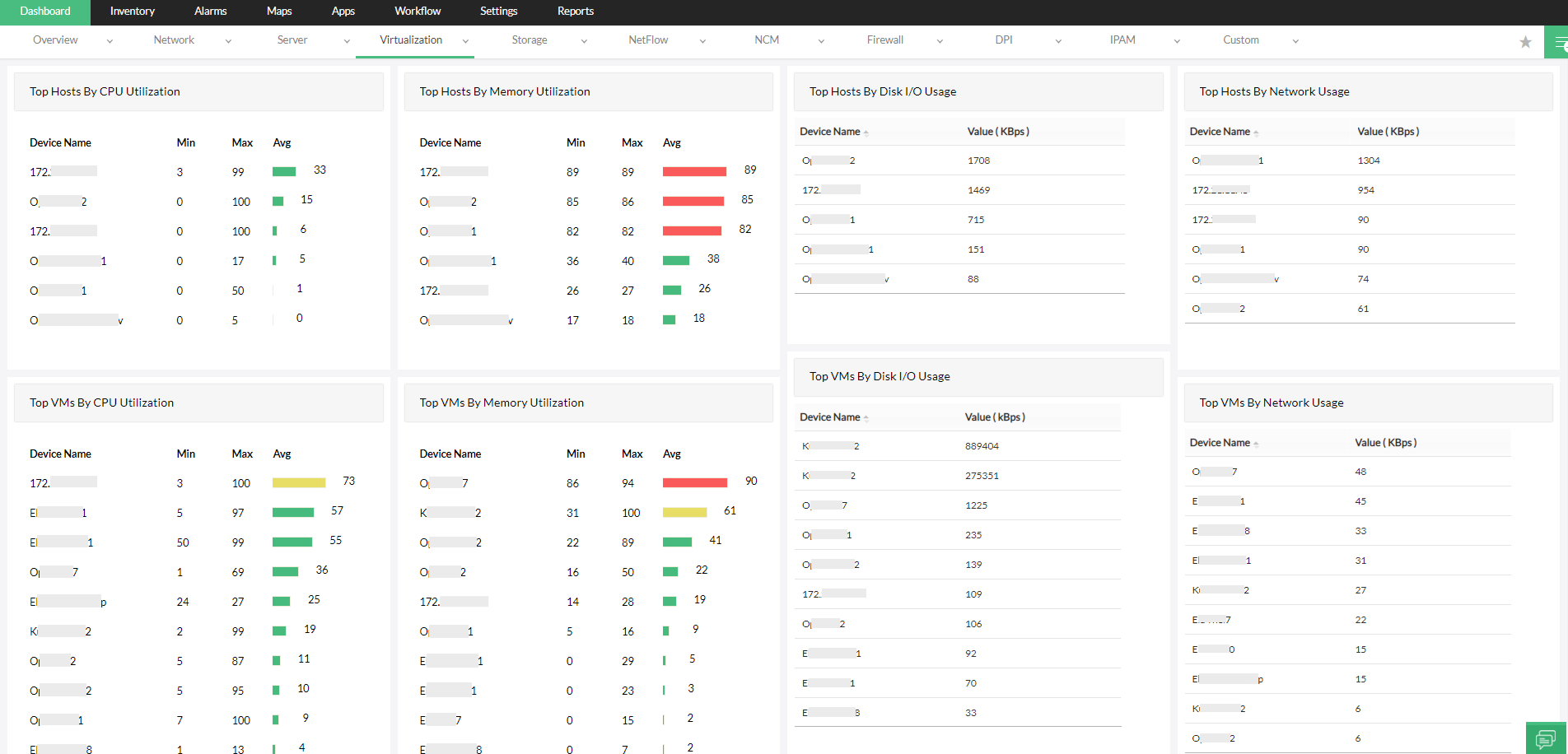
Tool populates actual resource utilization details of the virtual servers along with CPU usage, Memory details, Disk and Network utilization of each guest operating system. The dashboard quickly shows how many virtual machines are present, how many are powered-on / powered-off or suspended state and displaying its severity as Critical or Warning in a elegant Tree-View, and also, how much CPU are allocated to / consumed by each Virtual Machine etc., in an intuitive bar graph.

The ManageEngine Hyper V Configuration Tool serves as a smart desktop tool that continuously monitors Hyper V, a Microsoft virtual server, across your network and more importantly, it empowers you to manage / configure those VM's in real-time and ensures your mission-critical applications run smoothly.

Snapshots

 
ManageEngine HyperV Configuration Free Tool - Boot Sequence    ManageEngine Hyper V Configuration Free Tool - Memory 
Boot Sequence View   Memory Configuration View