Free HyperV Performance Monitor
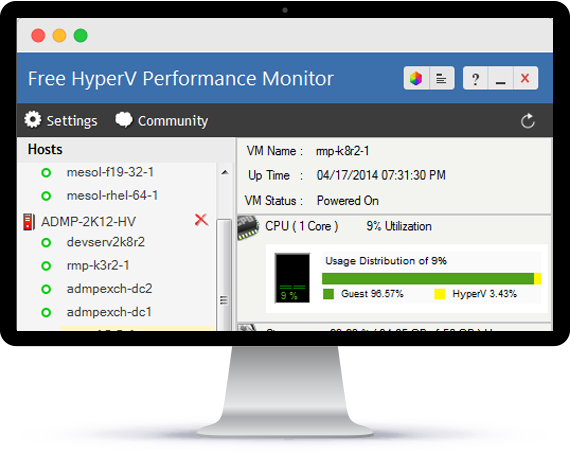
- Use the tool to monitor all Hyper-V versions up to Hyper-V 2012 R2
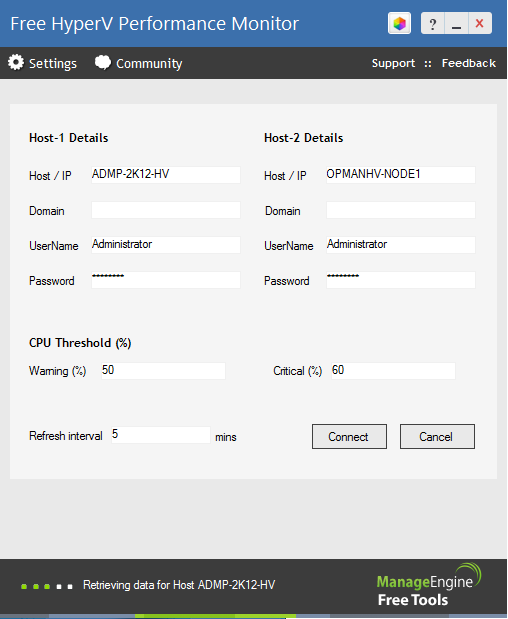
- Monitor up to 2 hosts and the VM's running on them simultaneously
- Keep a tab on the VM up time and their status
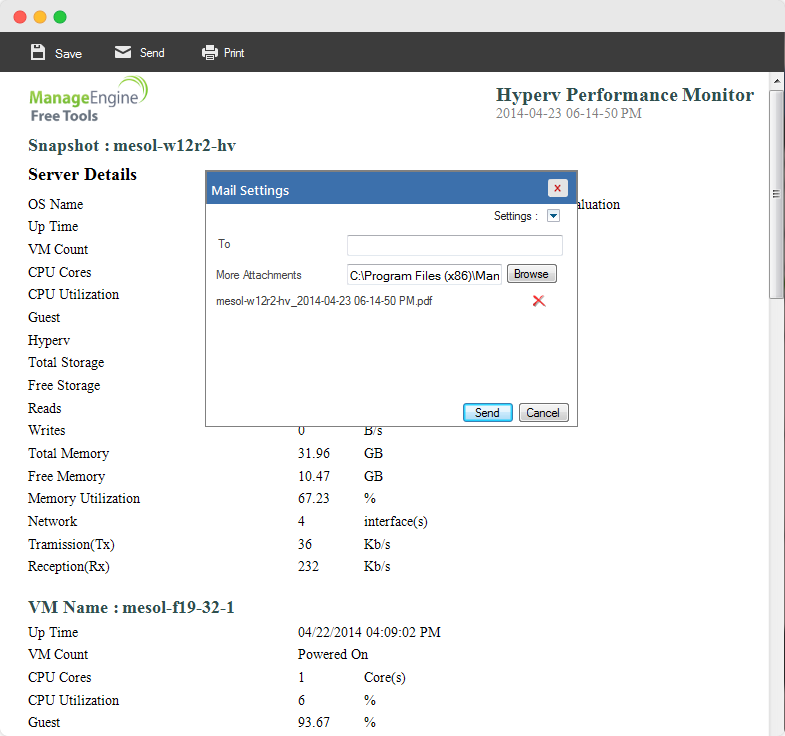
- Monitor CPU, memory, disk read/write and network utilization of host and guest
- Generate real-time performance reports and send Emails
- Monitor proactively by setting thresholds for CPU utilization
White paper
AIOps 2.0: The future of IT operations
Learn to deliver resilient, high-performing IT ecosystems at scale with next-gen AIOps.
Get your free copy
Report
State of Observability 2025
A report on adoption, challenges, and the path forward
Get the report
Need round the clock, comprehensive and enhanced Hyper-V server monitoring? Try OpManager and gain in-depth visibility and control over the performance of your VMs
- Keep tabs on critical Hyper-V performance metrics with real time monitoring
- Proactive fault management with threshold-based alerts and notifications
- Visualize device dependency and manage Hyper-V resources better
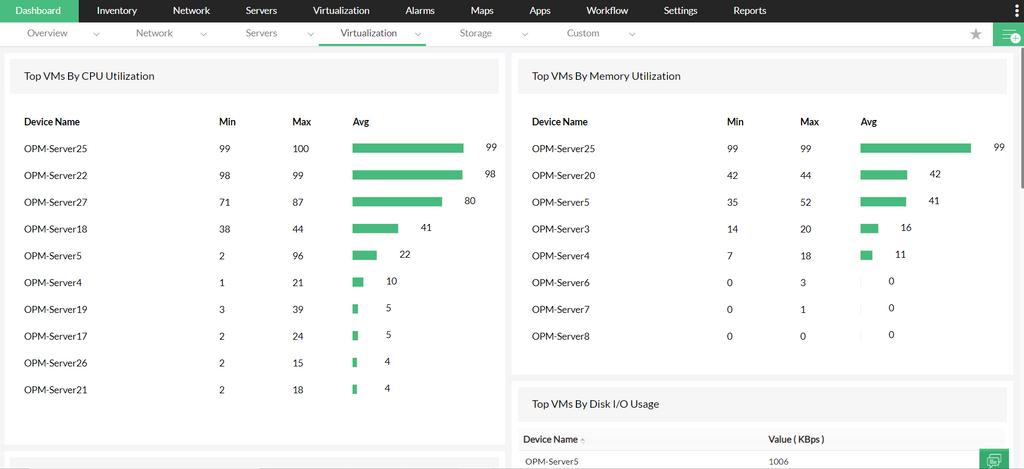
- Monitor Hyper-V from a single console with dedicated dashboards
- Advanced report options to aid effective Hyper-V resource planning