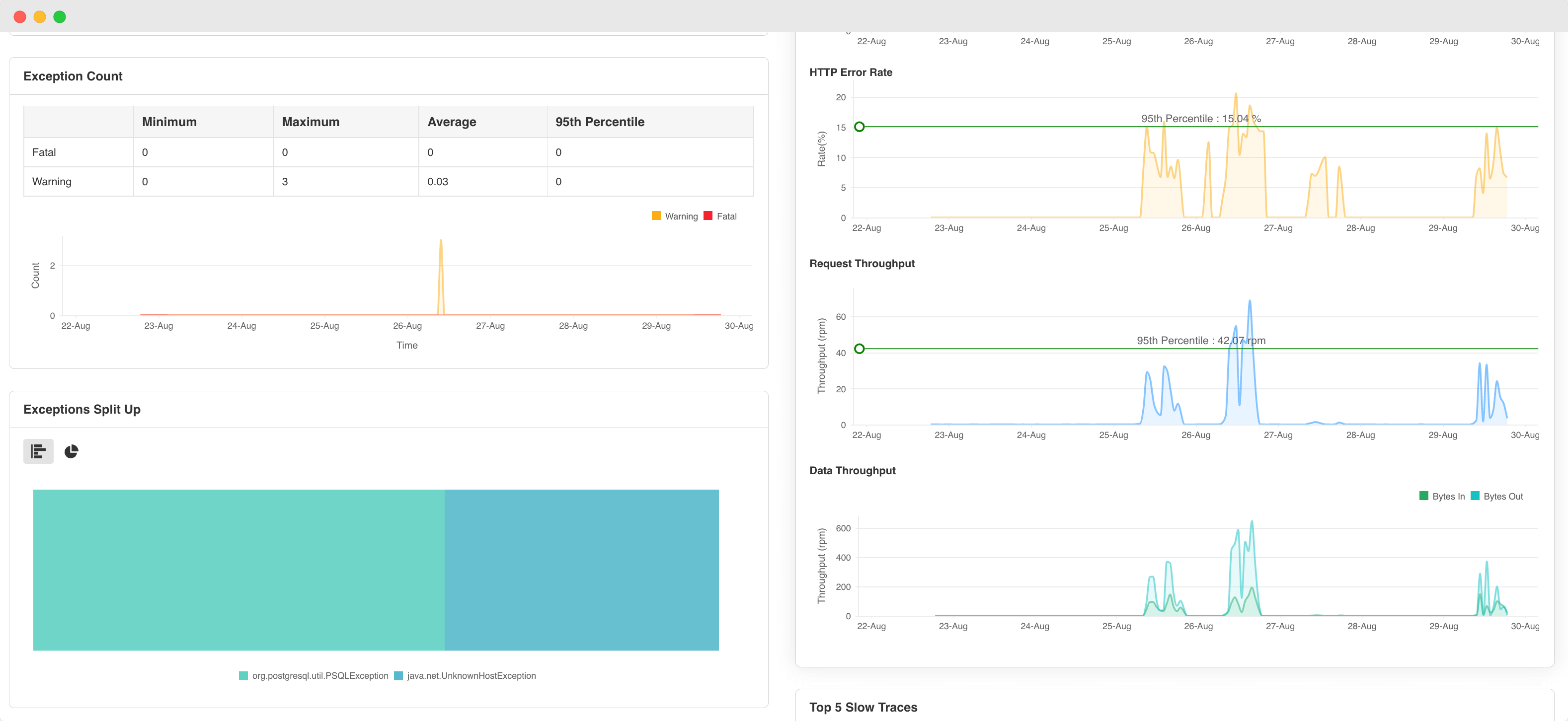
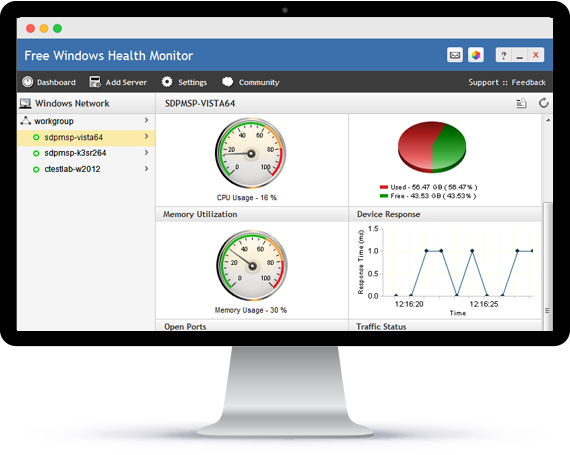
Free Windows Health Monitor
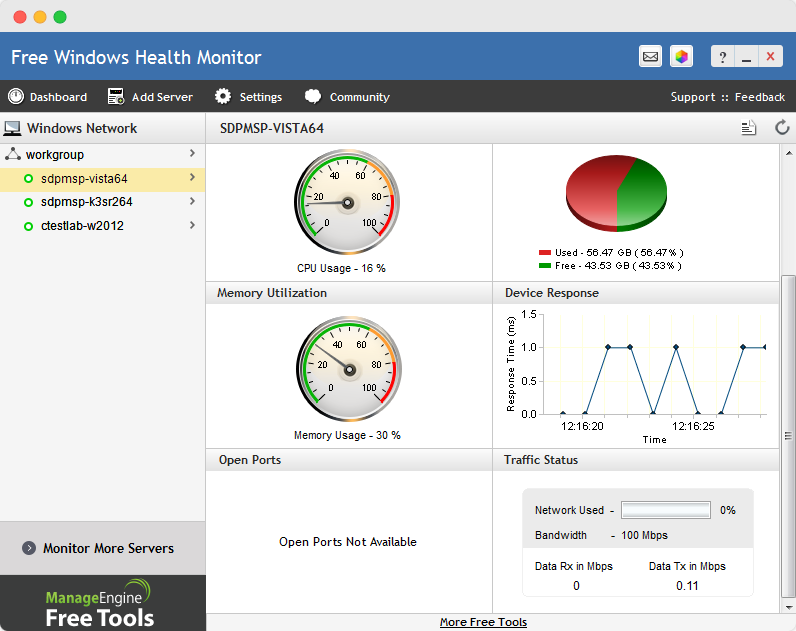
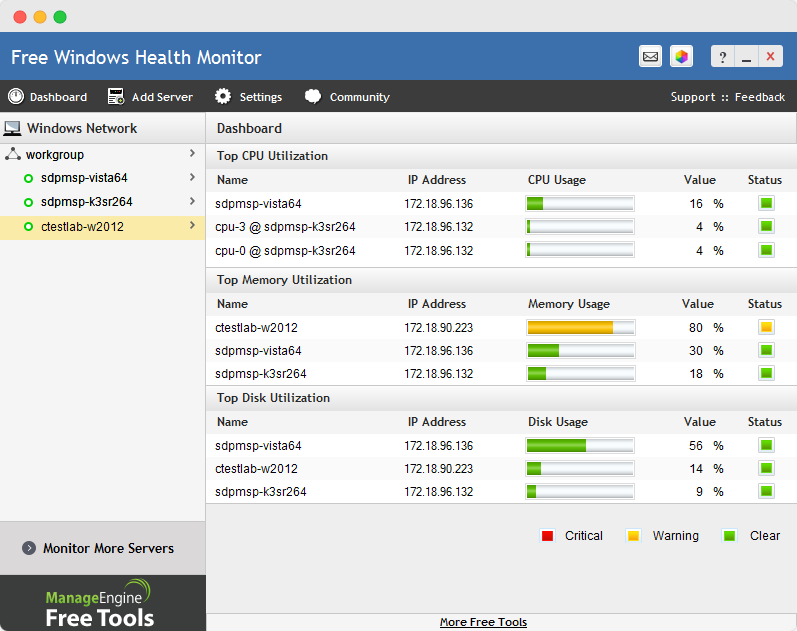
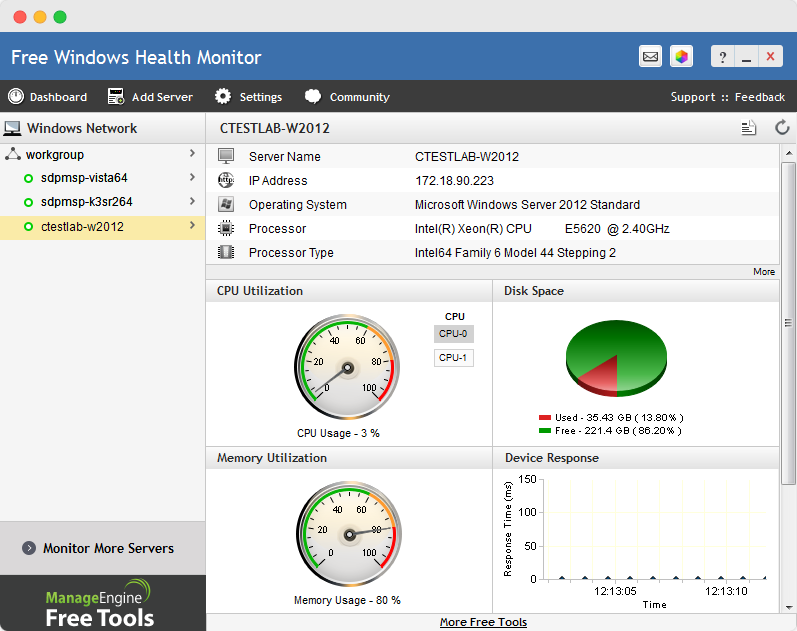
- Track KPIs like CPU, Disk, Network, Event Log, Hardware, Processes, and Scheduled Tasks.
- Gain visibility into your printing operations and maintain uninterrupted workflows.
- Quickly resolve Windows server performance issues.
- Promptly plan capacity and forecast resource utilization trends.
White paper
AIOps 2.0: The future of IT operations
Learn to deliver resilient, high-performing IT ecosystems at scale with next-gen AIOps.
Get your free copy
Report
State of Observability 2025
A report on adoption, challenges, and the path forward
Get the report
Perform Windows Server Monitoring seamlessly with OpManager
- Monitor key server parameters including server performance, Windows services, URLs, event logs, process and much more.
- Create all-encompassing dashboards to view business-critical metrics in one place.
- Automate redundant tasks with workflows

Looking out for an end-to-end Windows performance monitoring solution? Your search ends here!
- Real-time bandwidth monitoring
- Threshold based instant email & SMS alerts
- In-depth bandwidth utilization reports
- Detect threats, anomalies with network forensics and security analysis
- Monitor voice, video and data effectively
- Multivendor support and flow technologies