network, server and virtualization monitoring software
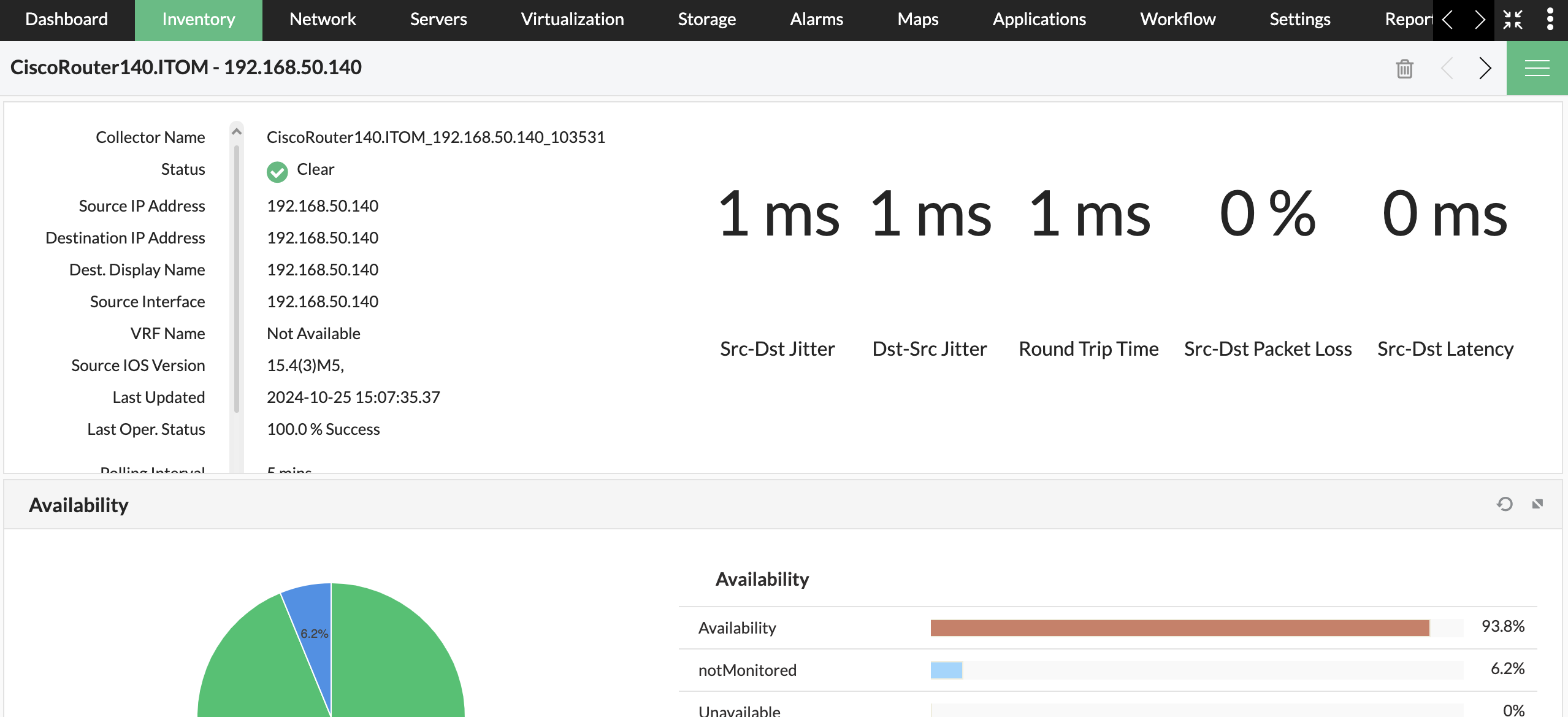
WAN Managementusing Cisco IP SLAThe WAN being an expensive part of the corporate network, one needs to be kept informed of any outage⁄ unscrupulous usage⁄ intermittent connectivity. OpManager leverages Cisco IPSLA technology to help you visualize your WAN links and troubleshoot WAN outages and performance issues, even over your ISP infrastructure. Maintain your WAN links at peak performance levels with the WAN RTT Monitor We manage a complex WAN connecting over 200
credit unions across the US. OpManager helps us resolve network outages and troubleshoot performance problems even before our customers notice ![]() Caria Little, Network Support Supervisor, Galaxy, Fiserv Credit Union Division
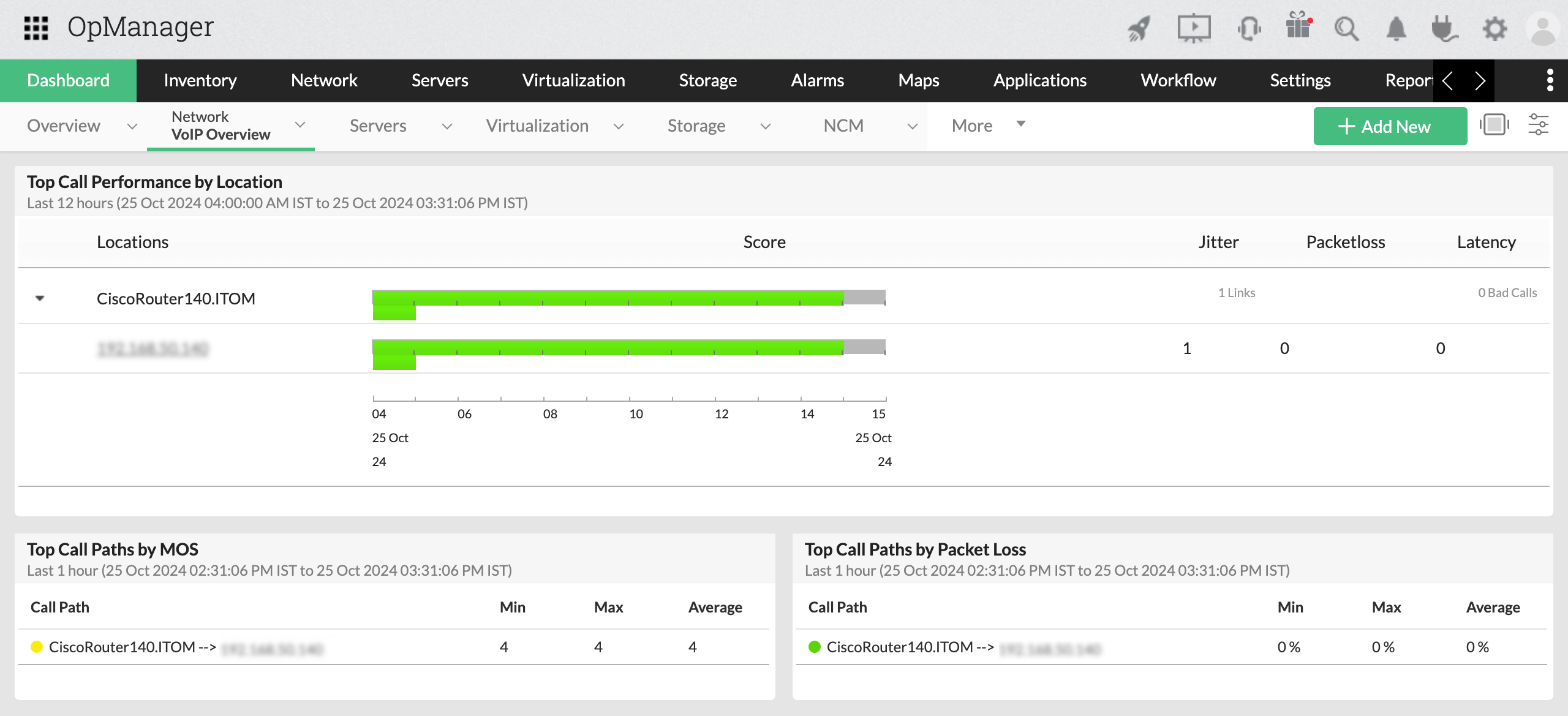
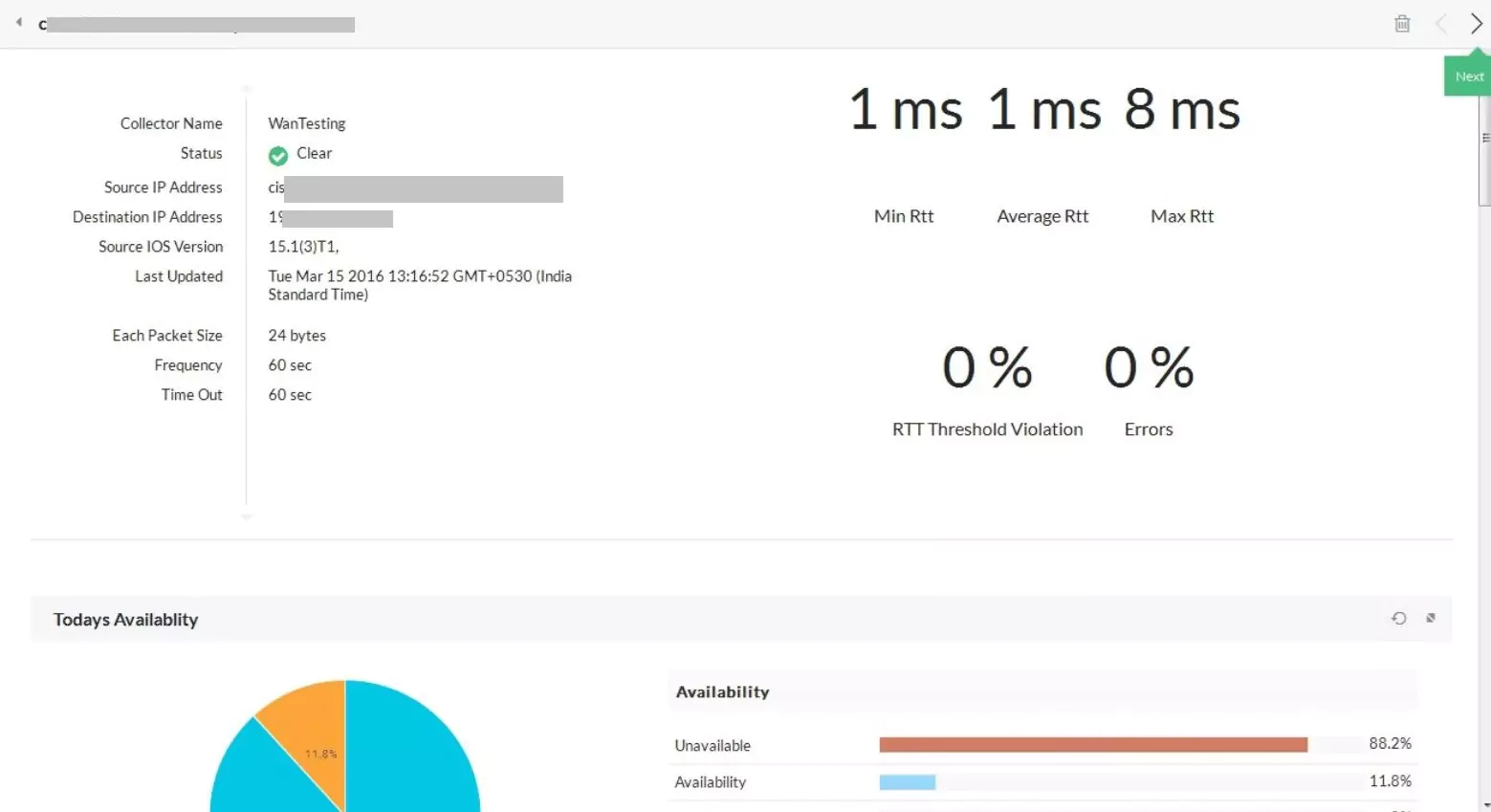
Visualize WAN linksOpManager brings WAN link availability and performance information to the fore with the help of an intuitive network dashboard. The WAN RTT dashboard’s business views graphically represent the various links over geographical maps. Each link’s information on status and latest alarms generated are presented to give a quick bird's eye view of entire WAN link health.
Recognize poor WAN links instantlySometimes terrible network quality may be just as worse as no connectivity at all. A round trip time (WAN RTT) of 200ms across a link where the expected round trip time is 60ms is definitely unacceptable. OpManager allows you to set custom thresholds based on agreed service levels (SLAs) with Service Providers. The WAN RTT dashboard presents Top Paths by RTT Threshold Violation and Top Paths by RTT (Round Trip Time) to help WAN administrators know which WAN links require immediate attention. Freebie!
Stop using manual ICMP ping and trace–route to investigate poor performance of you WAN links. OpManager offers one WAN RTT monitor free across all editions! You can now easily get, over a single console, details on Round–Trip–Time and bandwidth utilization across every single hop over one WAN link.
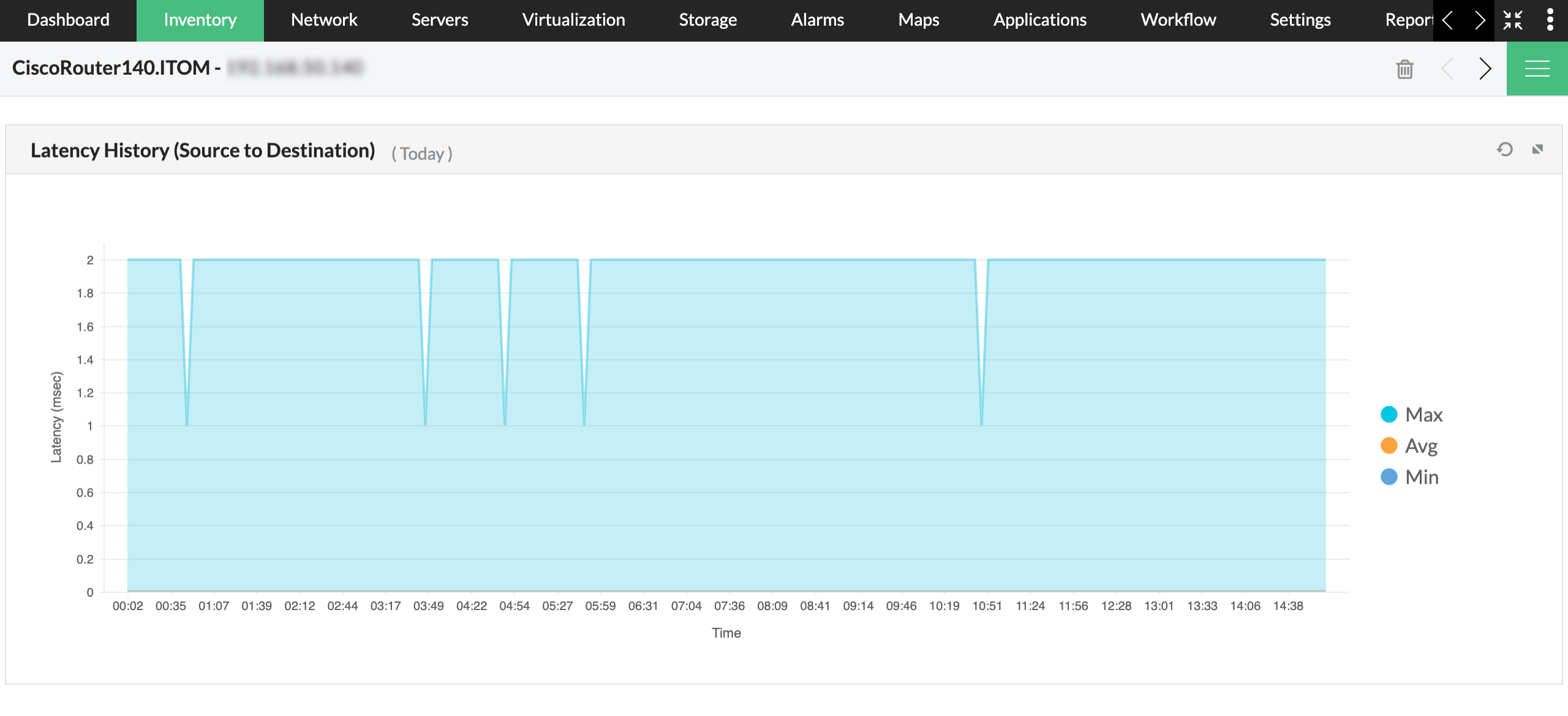
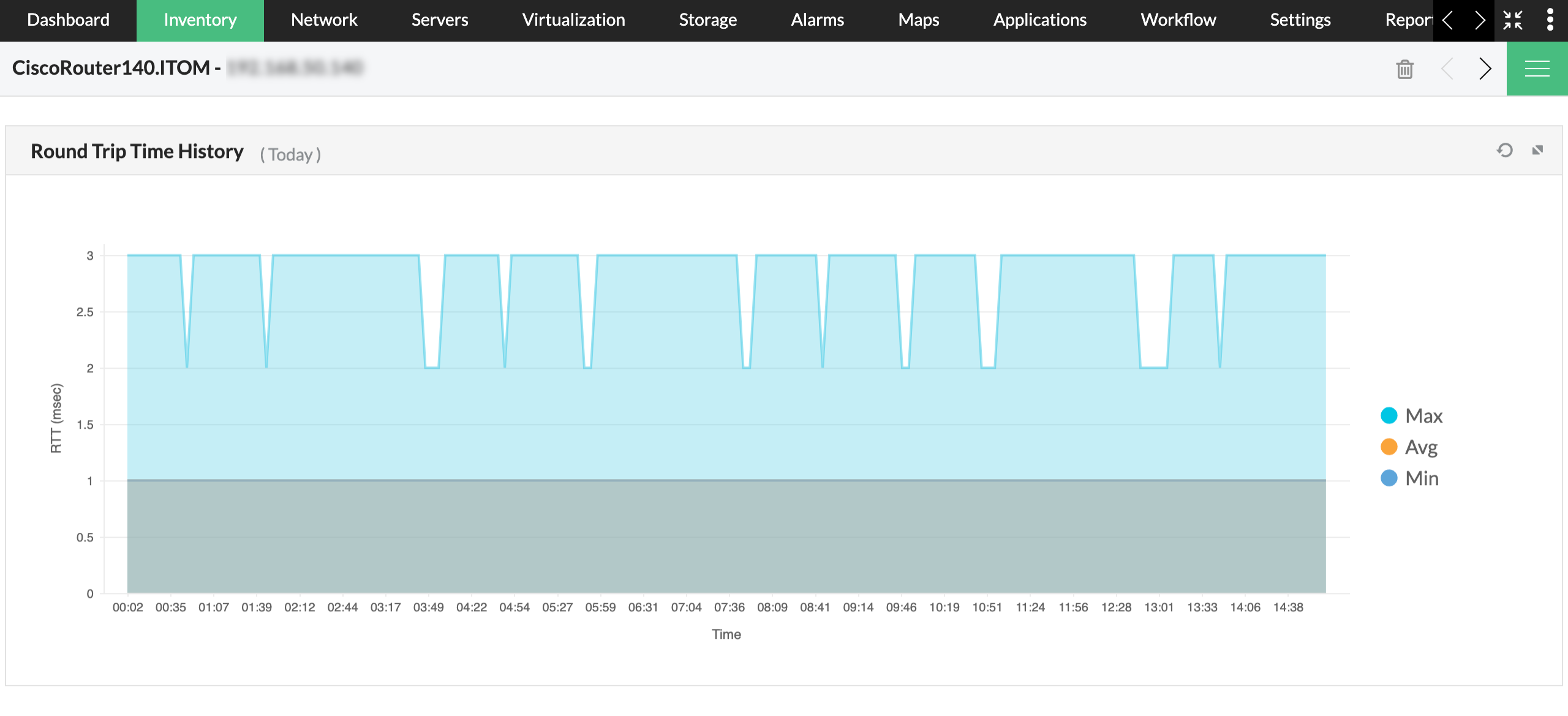
Isolate WAN latency bottlenecksOpManager doesn’t merely identify network delay or outage, it also helps you to drill down to the hop level displaying the various paths of communication between the source and destination and the round trip time across each underlying link. OpManager does an automatic Traceroute on the WAN links to present hop–wise latency count and packet loss information across the entire circuit in a single graph. Did you know?
The WAN monitoring dashboard even gives you details on what traffic (applications, source, destination etc) is occupying your WAN links. So you can also troubleshoot bandwidth–related WAN latency problems. See more about Network Traffic Analysis, enabled in OpManager through the NetFlow plug–in.
Make informed decisions with Historical Trend ReportsOpManager provides informative reports that can help in capacity planning and other WAN investment decisions. The WAN specific reports available through OpManager include:
Usage example A fast growing financial institution implemented OpManager WAN RTT monitoring to monitor branch office connectivity to the Datacenter at New York. See how OpManager helped the network administrator in identifying WAN performance degradation to prevent business loss. Click here to see the use case.
|