Reports and Audit - Endpoint Central
Table of contents
- What are reports?
- What are the types of reports?
- How to setup reporting feature for your network?
- How to configure report settings?
- How to configure export settings?
What are reports?
Endpoint Central helps IT administrators to generate reports on their managed IT network and present it for audit and achieving compliance. Endpoint Central has an over-arching reporting capabilities which can be used to generate reports based on multiple combinations and collaborate with adjacent teams.
What are the types of reports?
Endpoint Central categorizes its reporting on the below defined criteria:
- On-Premises
- Cloud
- User-defined Reports
- Active Directory Reports
- Security Reports
- Self-service Portal Reports
- Configuration Reports
- Task Reports
- Power Management Reports
- USB Reports
- Inventory Reports
- User Log-on Reports
- MDM Reports
How to setup reporting feature in your network?
Reports can be accessed in the web console by the authorized users. IT administrators can generate reports from this view by picking the required type and filter.
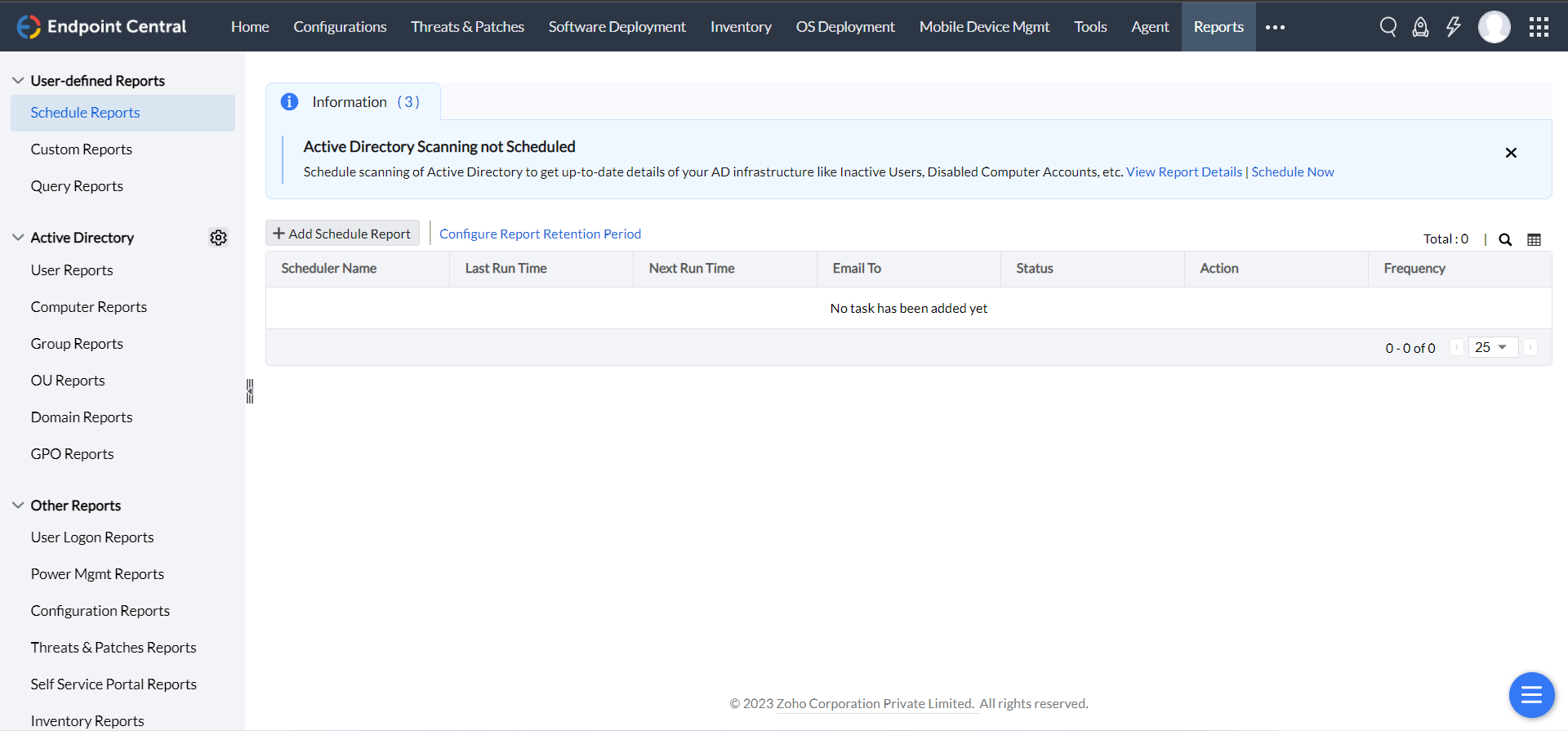
- User-defined reports
- User Log-on Reports
- Power Management Reports
- Configuration Reports
- Patch Reports
- Self-service Portal Reports
- Inventory Reports
- USB Reports
How to setup reporting feature in your network?
Reports can be accessed in the web console by the authorized users. IT administrators can generate reports from this view by picking the required type and filter.
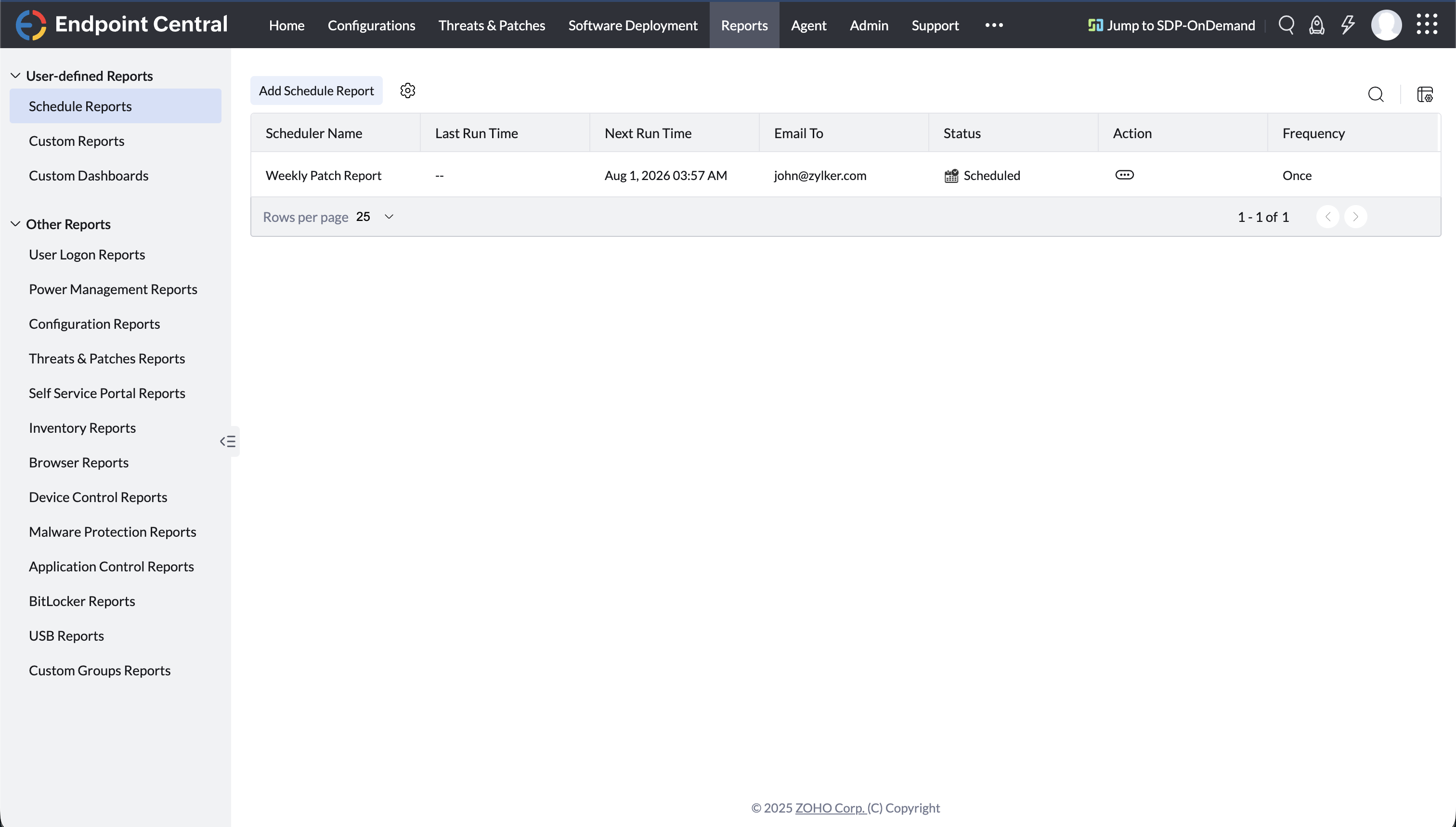
How to configure report settings?
Report Settings helps IT administration team to personalize the usage of generating report with Endpoint Central. In addition, IT administrators can analyze the user behavior by tracking their logon/logoff activity and generate power management reports.
How to configure export settings?
Export Settings allows IT administrators to customize the way by which the reports can be generated. This provides flexibility in presenting for IT auditing and drills. Endpoint Central allows you to export reports as PDF, CSV, and XLSX. In addition, you can mask/remove any Personally Identifiable Information (PII) from your reports.




