Network fault management with an integrated helpdesk
ServiceDesk Plus Integration with OpManager
OpManager tightly integrates with ServiceDesk Plus (SDP) to give you an efficient network fault management system that can help automate creation and assigning of trouble–tickets. Your network administrator can now check out the knowledgebase in SDP for known solutions, investigate further on network and device performance through OpManager, check asset ‘audit trails’ in SDP and do a lot more using the powerful combination:
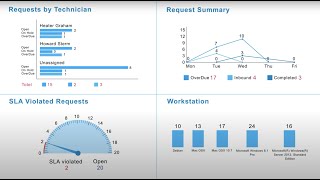
Automatic incident creation on network fault identification
- Create and log trouble tickets automatically in ServiceDesk Plus based on pre–defined thresholds monitored by OpManager
- Assign trouble tickets to the appropriate team or technician who can immediately look into the issue from OpManager
- Create ticket profiles that can be applied to several devices
- Create a private knowledge base in SDP to quickly resolve repetitive network bottlenecks
- Announce known network issues in SDP’s ‘announcements’ to help reduce number of tickets created for the same issue
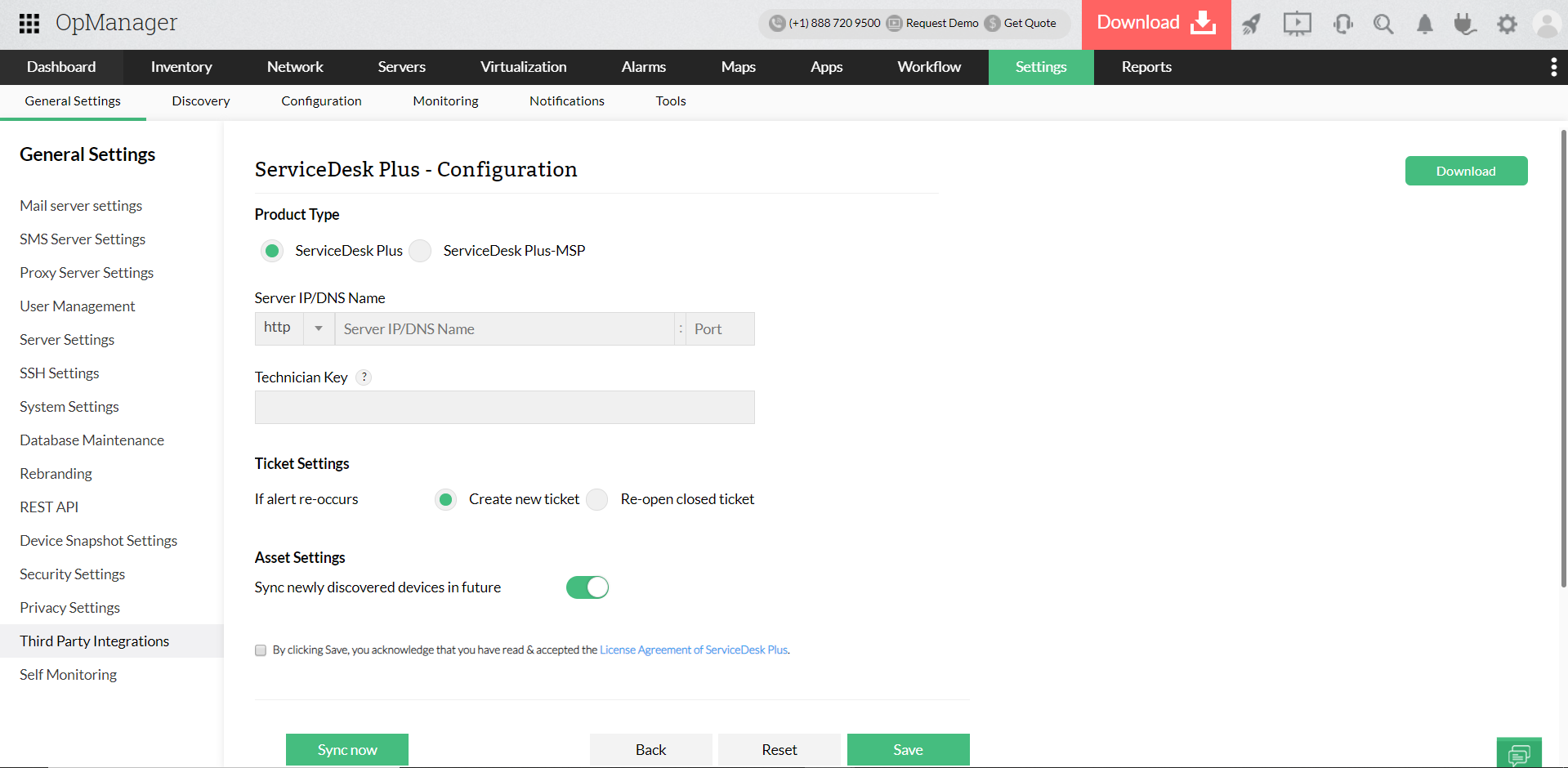
Asset Management
- Identify whether recent configuration changes to the device caused the performance problem using ‘audit trails’ in SDP
- Identify which business service or unit gets affected the most for an incident through "Asset Relationship" in Service Desk Plus CMDB
- Identify frequent problematic devices and request for an upgrade by comparing reports from Service Desk plus and OpManager.
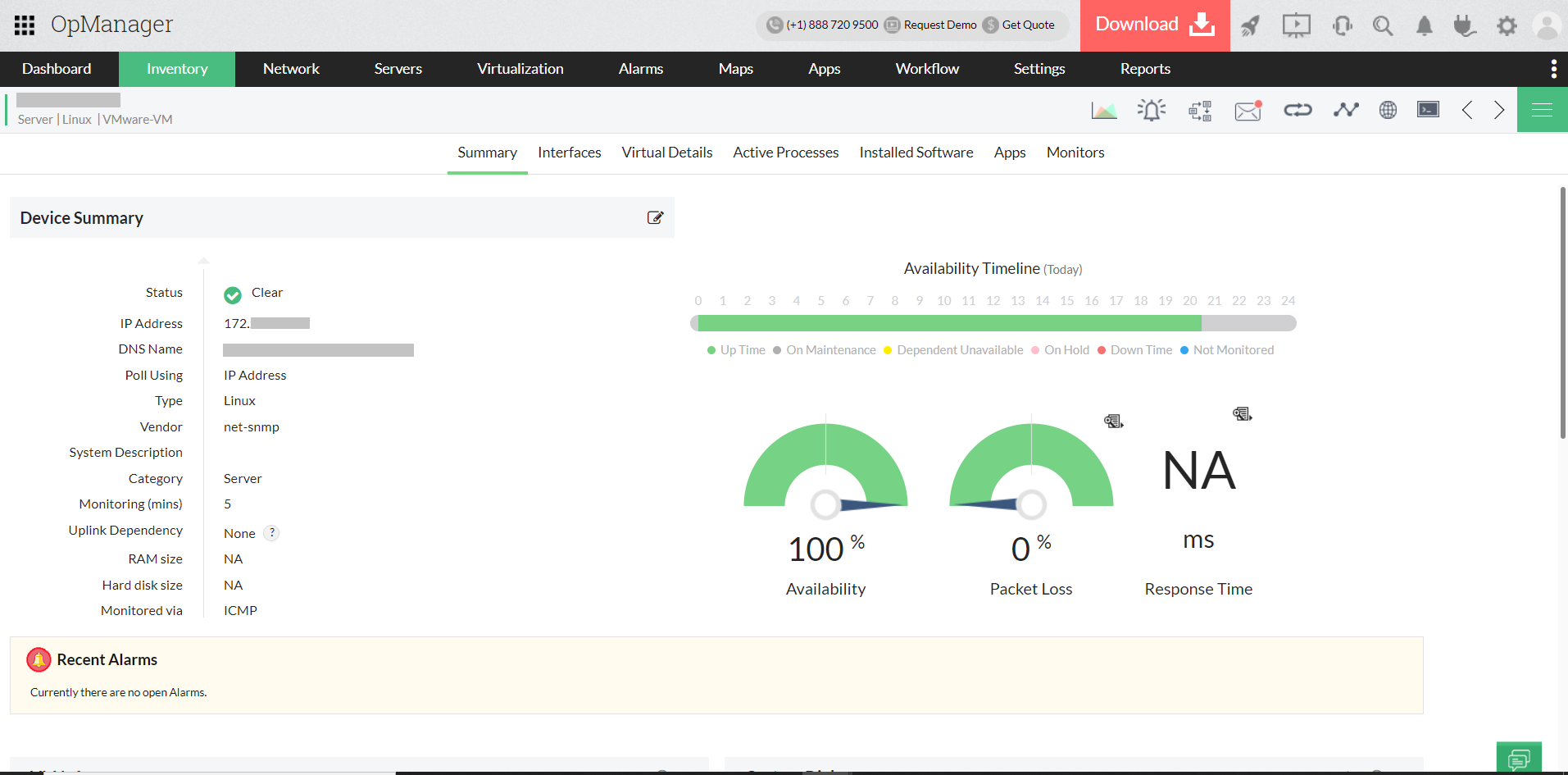
Quick troubleshooting and resolving of network outages and performance issues
- Real–time traffic and performance graphs in OpManager let you know the latest health status of every device
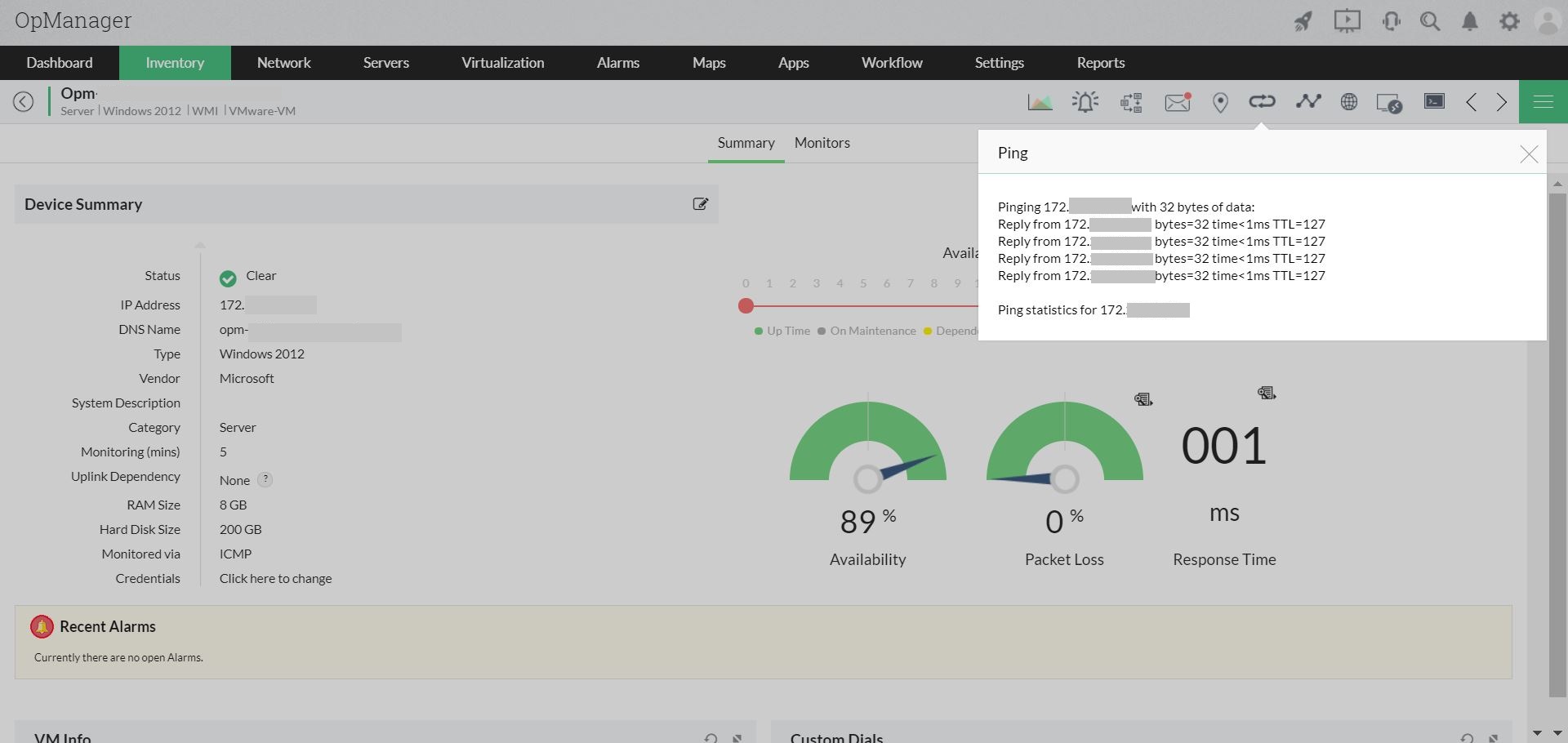
- Remote into the device from OpManager for troubleshooting using tools like RDP, Telnet or SSH, Web link access
- Monitor availability and performance over entire enterprise IT infrastructure (Router, Switches, Firewall, Wireless Access points, Servers, Services, Windows Services, URL, Exchange⁄ Lotus Domino, Active Directory, MS SQL, VoIP and more.)
If you haven't tried ServiceDesk Plus yet, you can do it now - Start your 30 day free trial / The easy to use ITIL-ready help desk software for your growing business. - Try ServiceDesk Plus free for a month.