


|
Real-time network monitoring
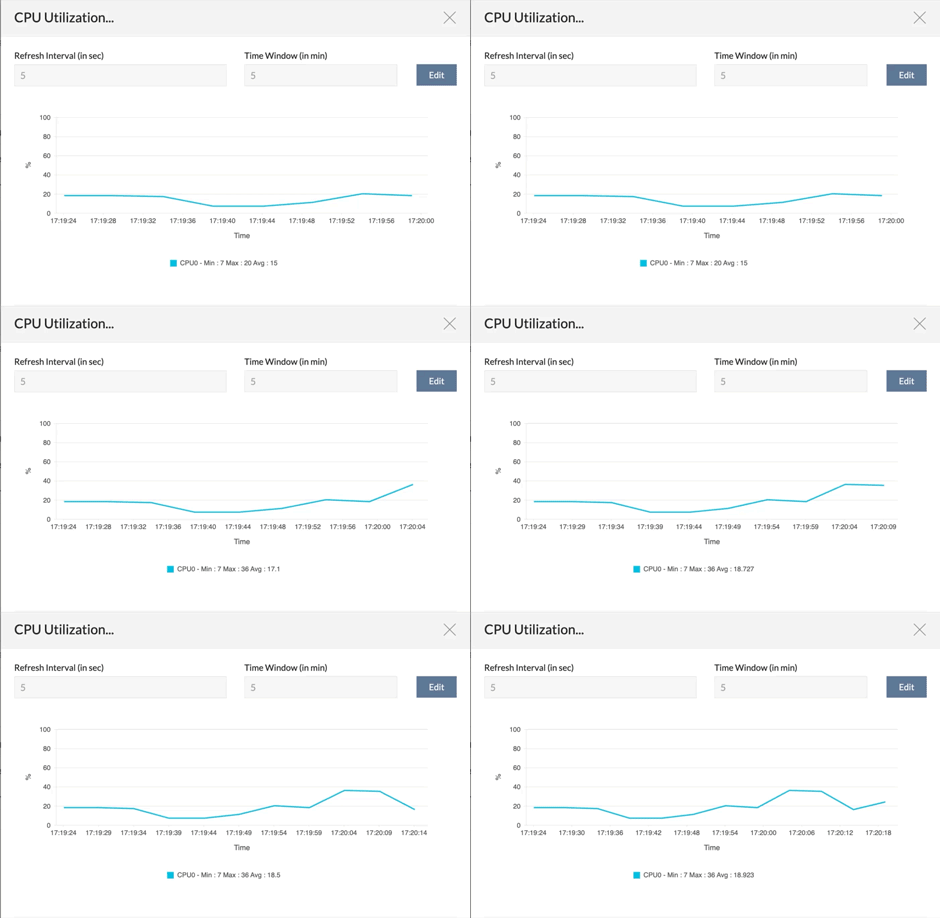
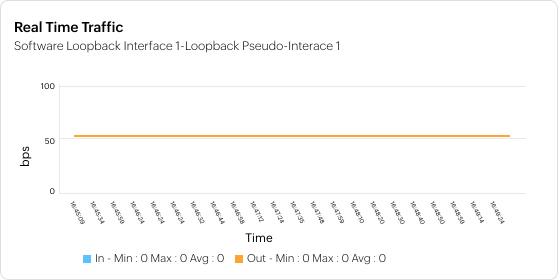
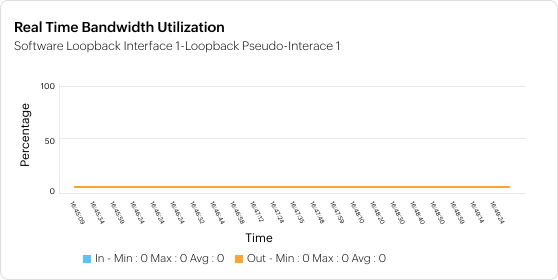
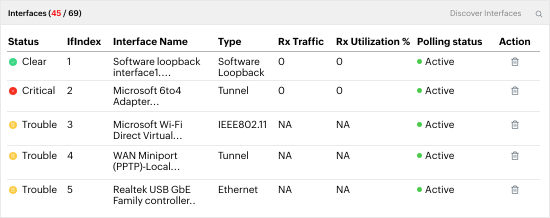
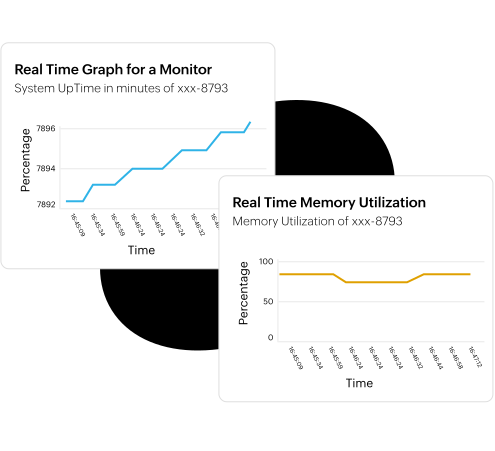
Periodical health checks and performance audits are essential, but during technical hiccups it becomes very necessary to analyze real-time data. For e.g. If a switch port reports high bandwidth utilization, the network engineer will need to check the live/latest utilization statistics of that particular port to know whether the problem still exists. Most network administrators inconveniently run commands via Command Line Interface to their network devices or else Remote Desktop to their servers to check for current performance. OpManager with its newly introduced real-time monitoring functionality enables one to instantly report on device performance in real-time without having to use another tool to remotely access the problem device. During network performance degradations, just launch the real-time graphs and get up-to-the-second information about the device performance and its health, remotely. With OpManager's real-time graphs, administrators get:
The real-time performance graphs can also be configured as dashboard widgets to let the administrators see live performance trends as soon as they login.
|
Network Performance
Server Performance
Application Performance
Fault management- Windows EventLog Monitoring
- Syslog Monitoring
- SNMP Trap Processing
- Threshold based alerting
- Customizable Dashboard
- Alarm View & Web Alarm
- Real Time Performance Graph
- Email/ SMS Alert
- Integration with helpdesk
- Switch Port Mapper
- SNMP MIB browser
- Service Level Management Dashboards
- Network Performance Reporting
- Top N reports
- Business Snapshot based reports
- Scheduled emailing of periodic reports
Installation and Setup
And lots more...
I’ve researched over 30 products prior to choosing OpManager and none of them came close
Paul Williams,
National Financial Partners |
|
Resources : Data Sheet | Whitepapers | Product Docs | How to Demos | Service Packs | Support Portal | Compare Editions | Videos Tour | Forums | Blogs
|
||
|
Features
Monitor Router | Monitor Switch | Monitor Firewall | Monitor wireless network | Monitor Network Port or Link | Monitor WAN latency | Monitor Network Traffic and bandwidth | Network Traffic Analysis & Forensic | NetFlow analysis | Monitor VoIP | Network maps | Manage Network Change and Configuration | Distributed Network Monitoring
Monitor VMware | Monitor Windows | Monitor Unix and Linux network | Monitor CPU, Memory, Disk and Monitor Process | Monitor network and server service | Monitor Windows service | Monitor CPU Temperature and Hardware health | Monitor website | Monitor Exchange | Monitor SQL | Monitor Active Directory | Monitor Lotus and Oracle | Monitor Printer | Monitor UPS | Monitor Storage device| Integrated Infrastructure Management
Network Monitoring Tools and other features
Free Network Monitoring Software: 10 devices, unlimited users, with basic monitoring functionalities.
|
||
| ||||||||||


Corp.