Change appearance of form
To change appearance a form:
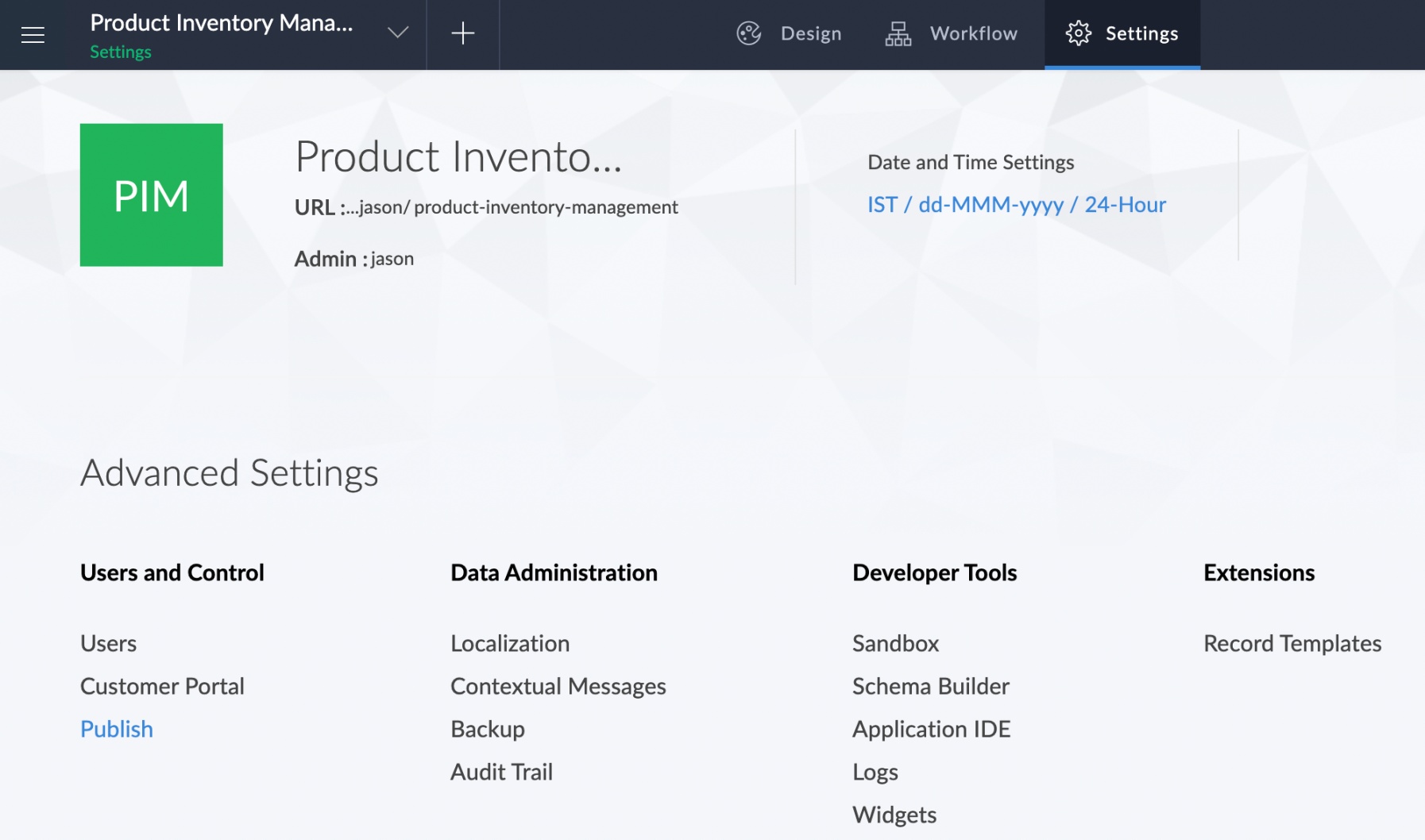
- Click the Publish option under the Users and control section of the Settings page.
- The Publish page will appear and list all the components that have been published.
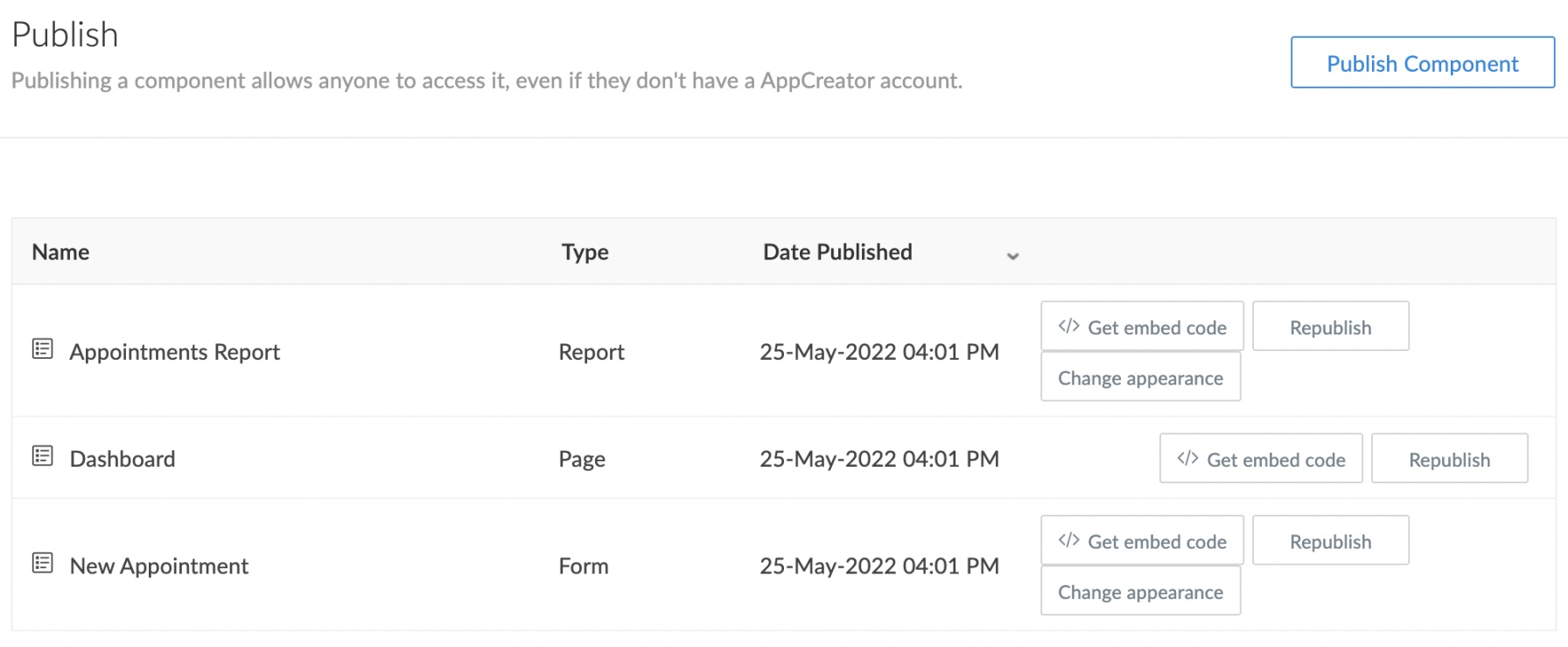
- Click on the Change Appearance button adjacent to the component that needs to be republished.

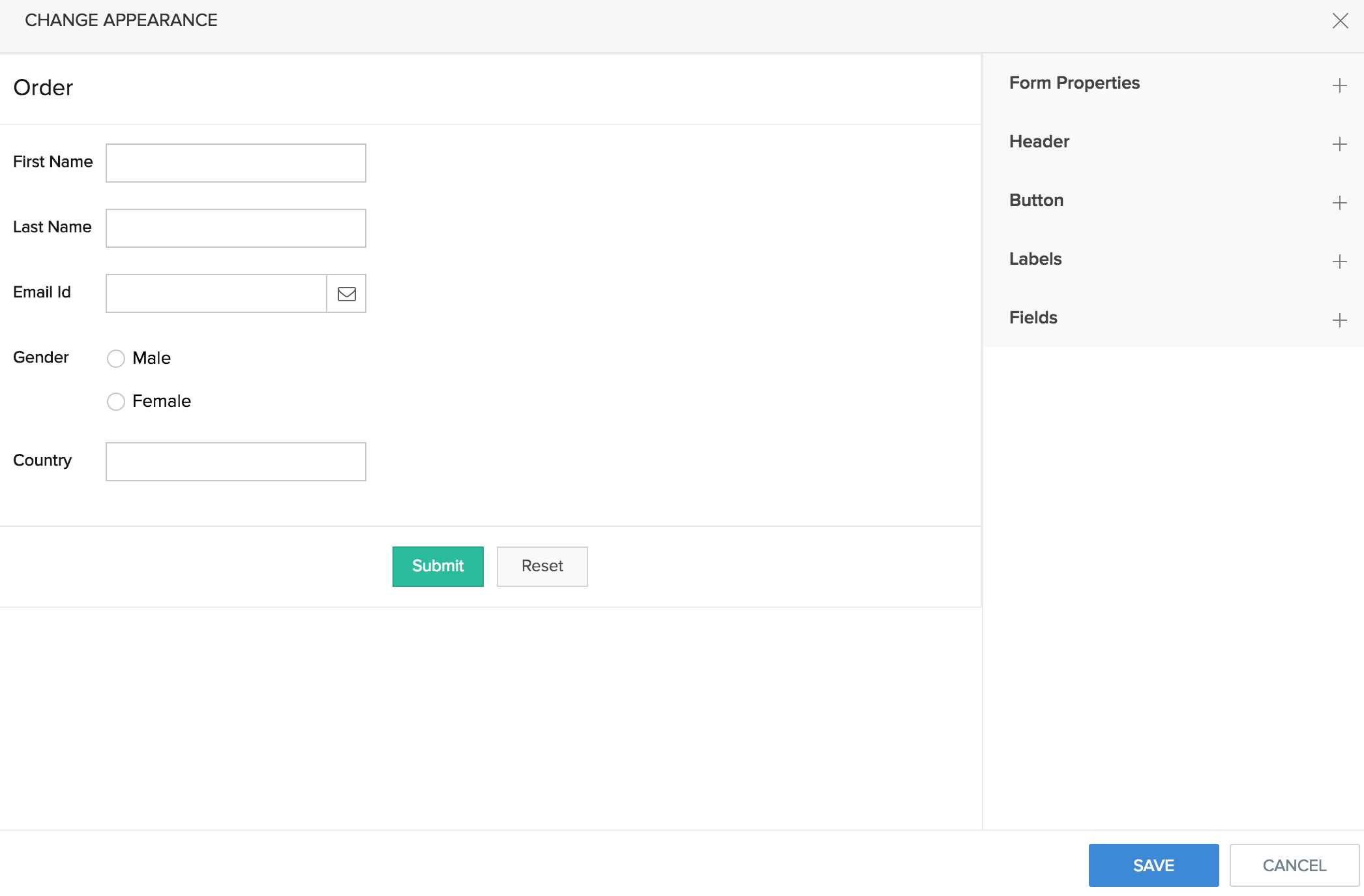
- The Change Appearance dialog will be displayed. Make changes to the interface of the published component. The changes can be chosen from five sections: Form properties, Headers, Button, Labels, and Fields. After making the changes, click Save.
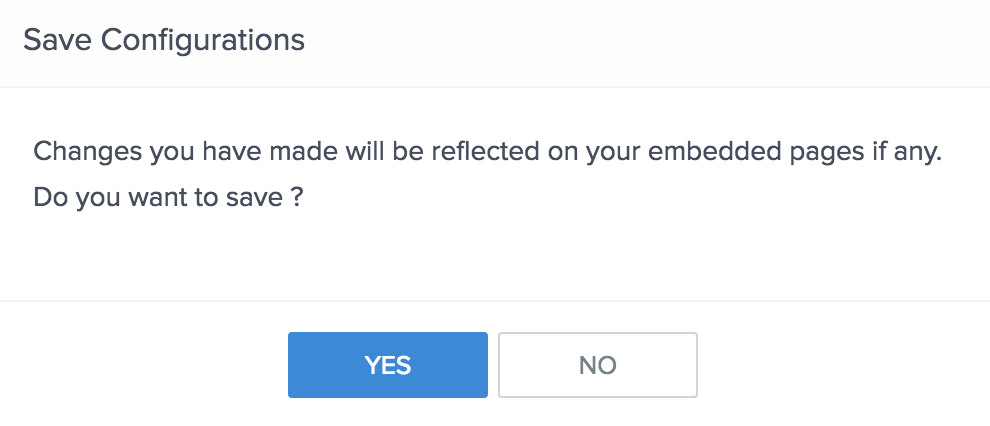
- A pop-up will request the final confirmation. Click Yes.