Rename a report
- Navigate to the Design page of your app.
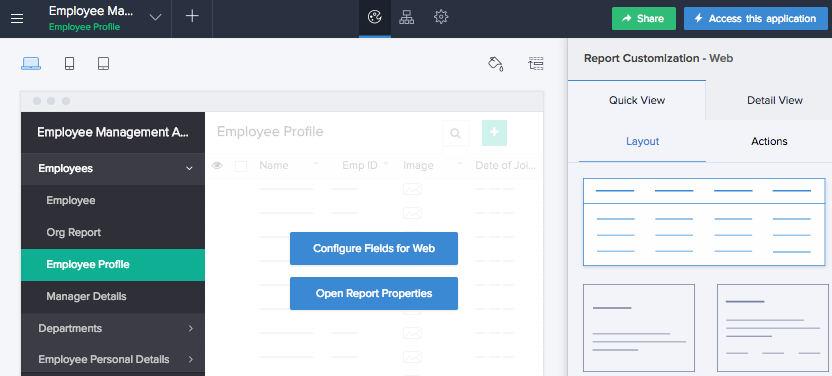
- Hover on the preview of the report.
- Click Open Report Properties.
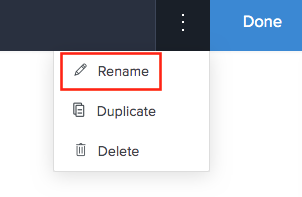
- Click the More icon in the top-right corner of the report builder.
- Select Rename.
- Edit the Report Title and Report Link Name.
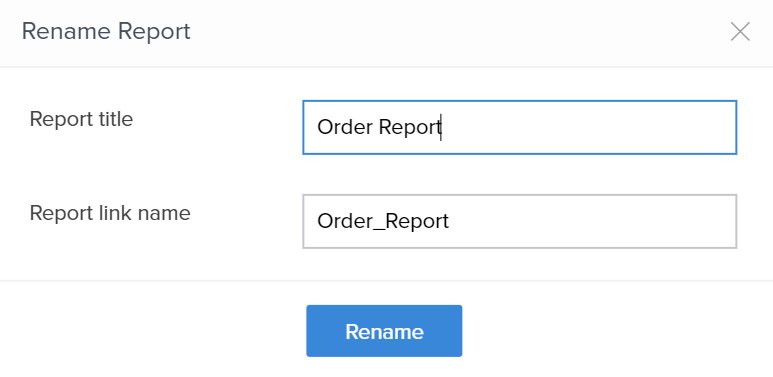
- Click Rename. The report name will change accordingly.