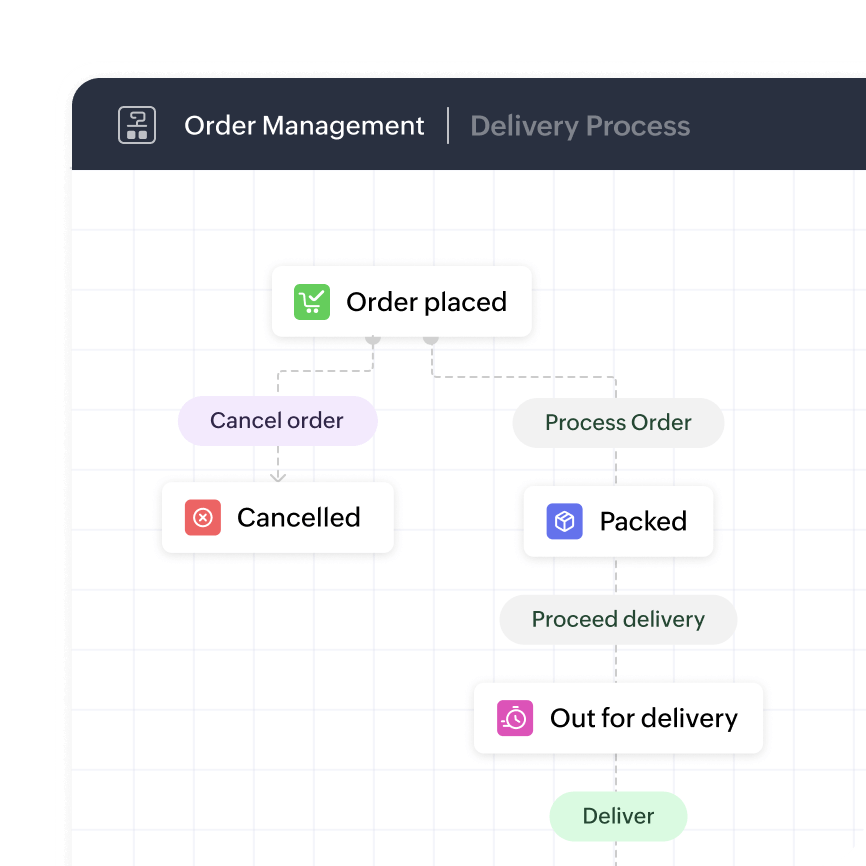
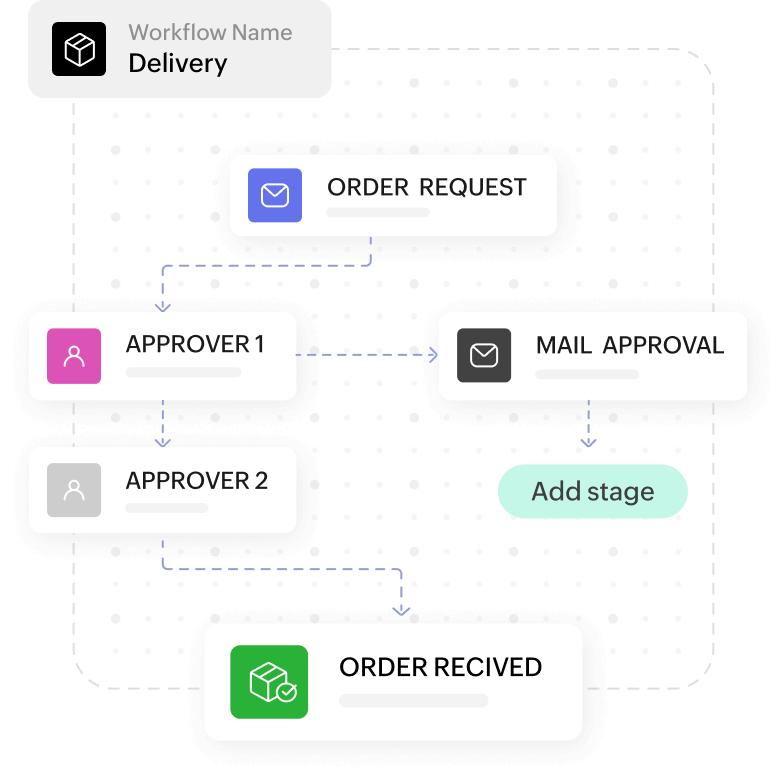
What is workflow automation?
Workflow automation is powerful technology that enables businesses to automate and streamline their repetitive and manual tasks, reducing human error and increasing operational efficiency.
IT Workflow AutomationWhat is IT workflow automation software?
IT workflow automation software is a strategic approach that enables organizations to standardize and optimize their workflows, ensuring seamless collaboration, improved productivity, and reduced costs. By leveraging advanced workflow automation tools, workflow automation empowers IT teams to define, execute, and monitor their processes in a structured and consistent manner.
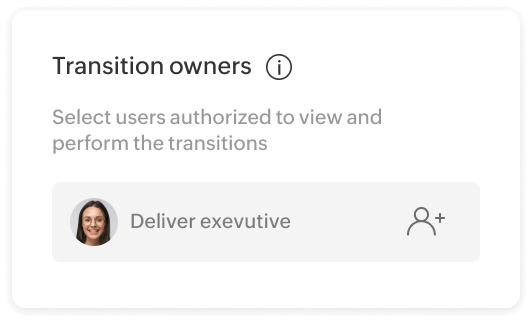
Key benefits of IT workflow automation software
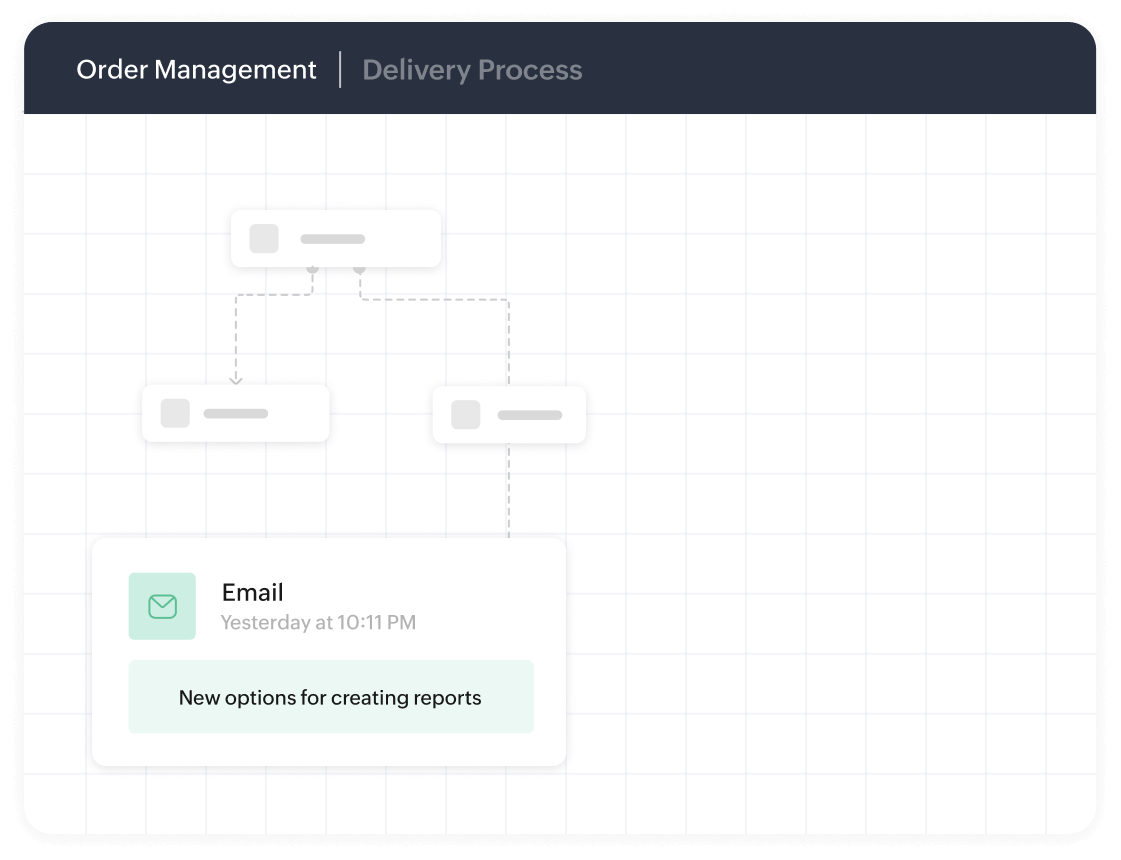
IT workflow automation is crucial for any organization. Here are a few key benefits of implementing IT workflow automation software in your business processes.
Enhanced efficiency
Workflow automation software eliminates manual, repetitive tasks and enables automation of routine processes, significantly saving time and money. By reducing human error and enhancing accuracy, it allows your IT team to focus on more strategic initiatives.
Streamlined collaboration
With IT workflow automation software, you can establish clear communication channels, assign tasks, and define responsibilities for each stage of the workflow. By providing real-time visibility into the progress of tasks, workflow automation promotes effective collaboration and eliminates bottlenecks.
Improved compliance and governance
Compliance with industry regulations and internal policies is of utmost importance in IT operations. Workflow automation software provides a framework for standardizing workflows and ensures adherence to compliance requirements, reducing the risk of penalties and reputational damage.
Scalability and flexibility
As your organization grows, so do your workflows. This is where workflow automation software offers scalability and flexibility to adapt to changing business requirements. It enables you to modify, optimize, and automate workflows without disrupting existing processes, ensuring seamless operations as your IT landscape evolves.
Data-driven decision-making
This software also provides valuable insights into your IT workflows through analytics and reporting capabilities. By analyzing data on workflow performance, you can identify bottlenecks, optimize resource allocation, and make informed decisions to improve overall efficiency.
Types of workflows in IT
IT workflow automation software encompasses various types of workflows, each catering to different aspects of IT operations. Here are some common types of workflows commonly used in enterprise settings:
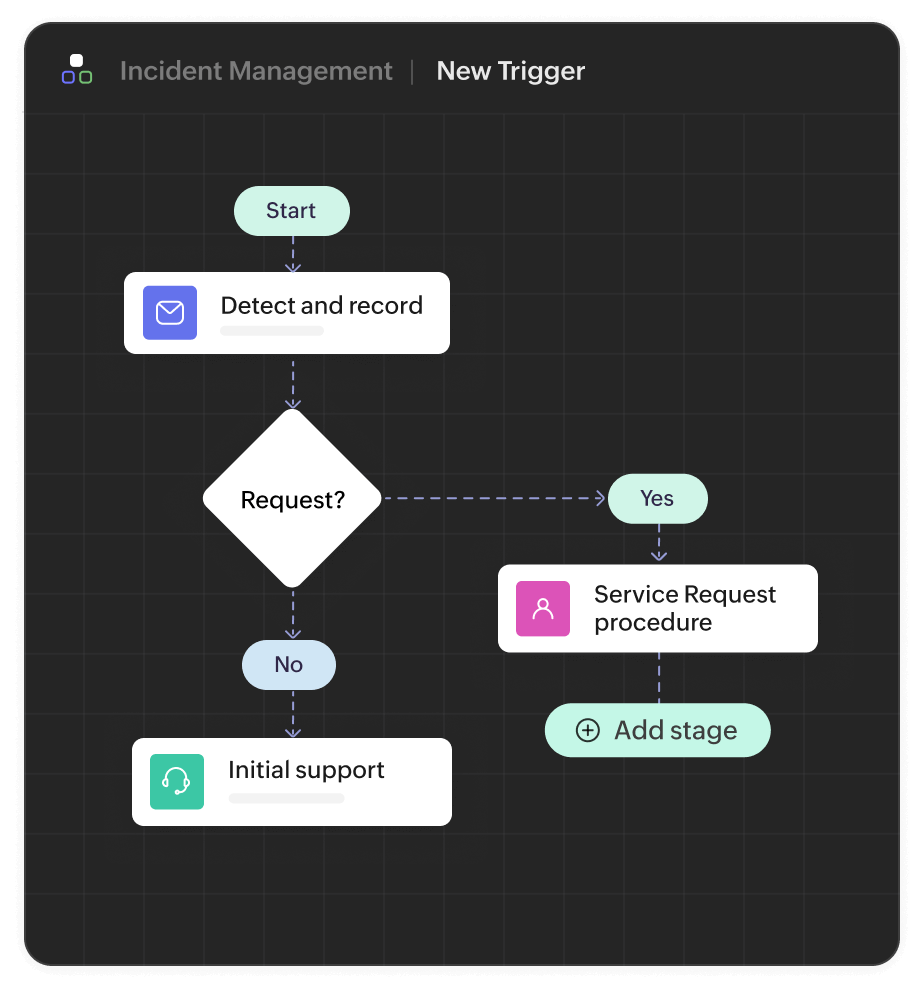
Incident management workflow
This workflow focuses on managing and resolving IT incidents effectively. It includes steps such as incident logging, triaging, assignment, escalation, resolution, and closure.
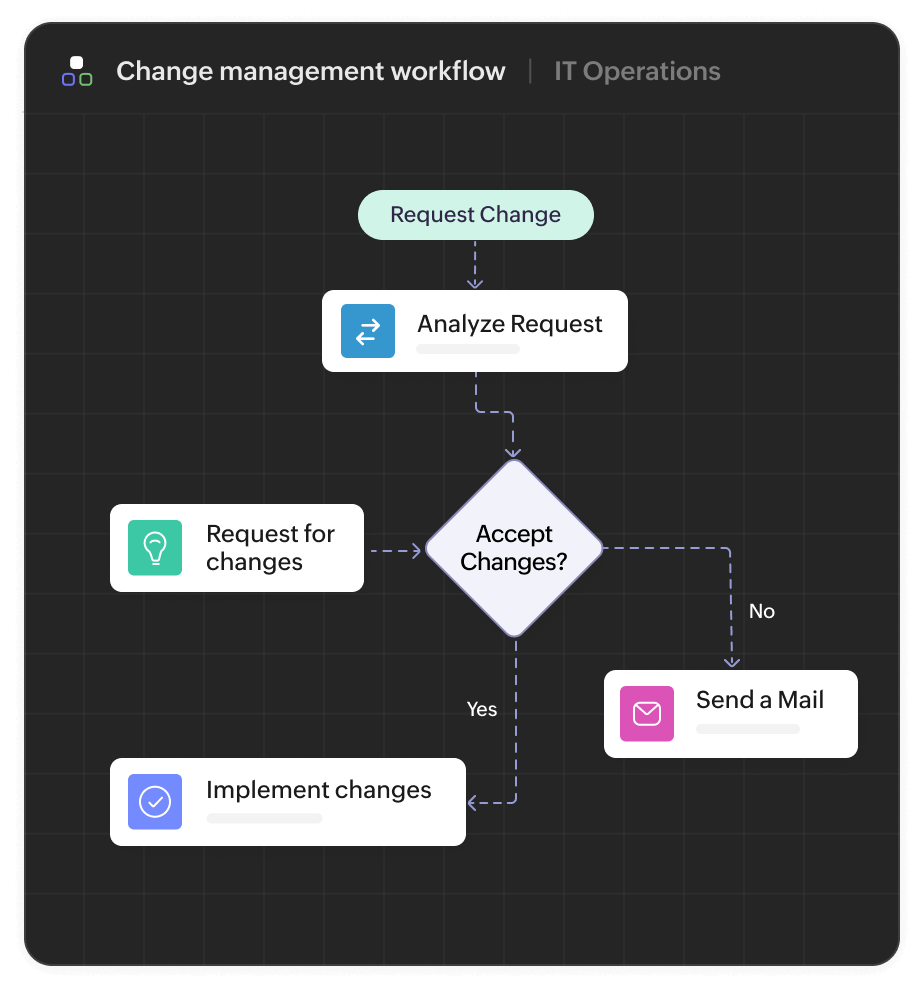
Change management workflow
This workflow involves documenting and assessing proposed changes, obtaining approvals, scheduling and implementing changes, and conducting post-change reviews.
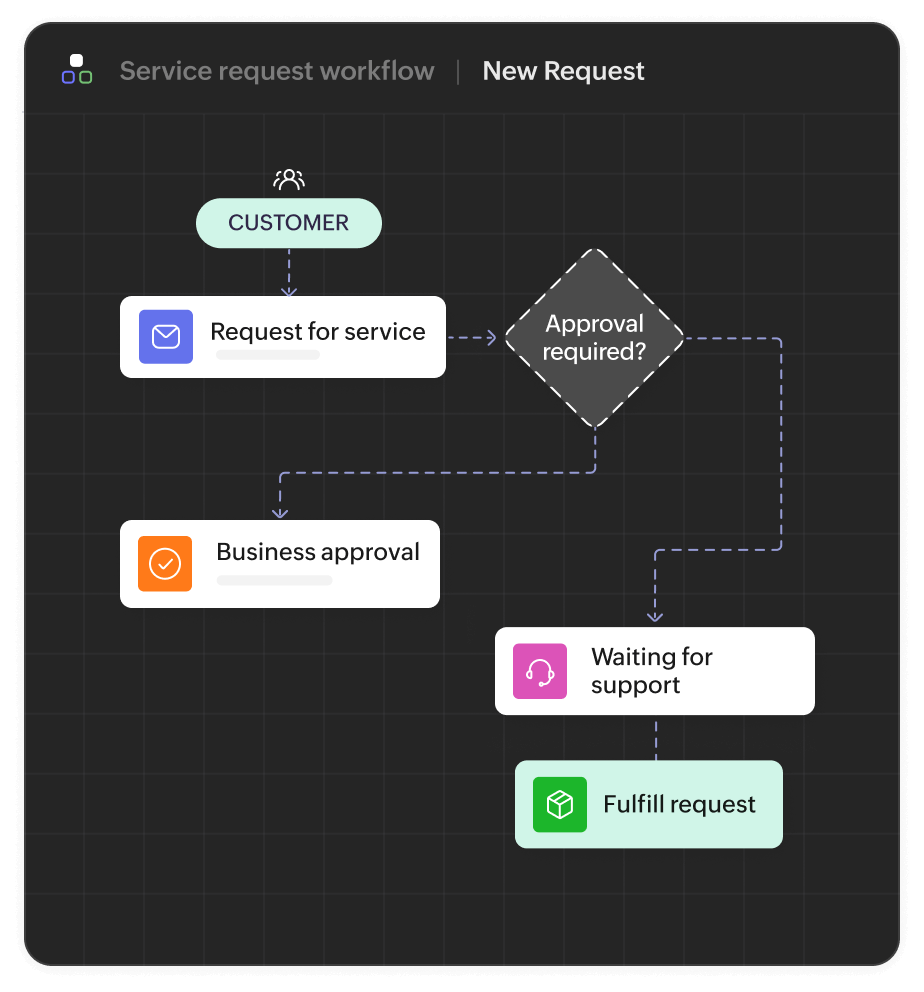
Service request workflow
Service request workflows facilitate the efficient handling of user requests, such as access provisioning, software installations, password resets, and hardware replacements.
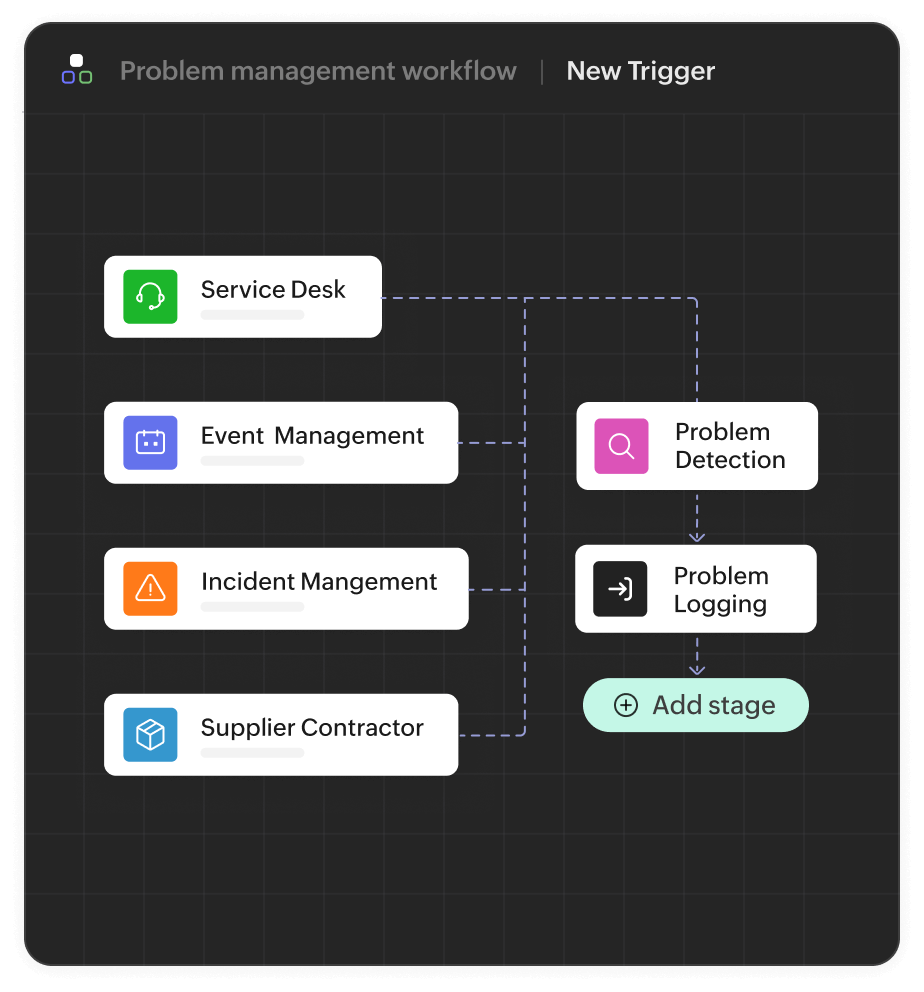
Problem management workflow
These workflows aim to identify and address the root cause of recurring incidents. It involves conducting root cause analysis, implementing corrective actions, and documenting workarounds or permanent fixes.
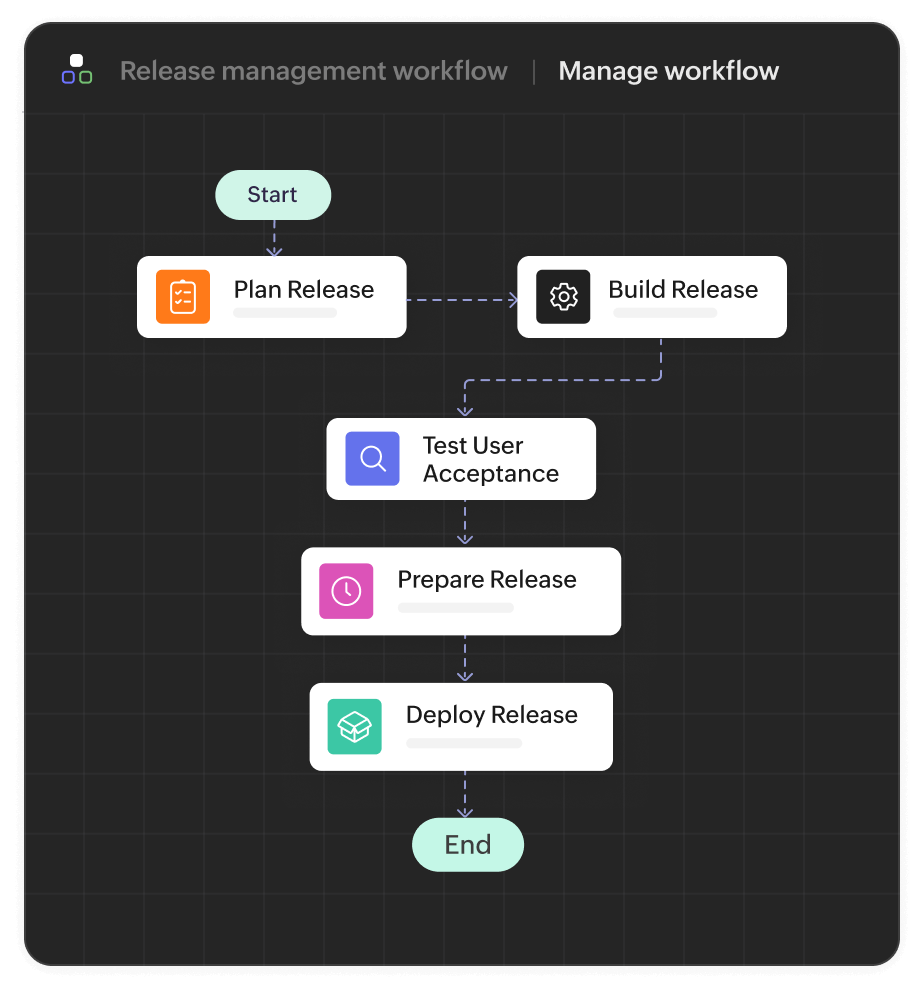
Release management workflow
Release management workflows govern the deployment of software releases into the production environment. It includes activities such as release planning, testing, coordination with stakeholders, deployment, and post-release evaluation.
IT workflow automation use cases
Incident management automation
From major incidents like software outages to minor requests like password resets, IT service desks handle a large volume of incidents daily. Workflow automation can automatically triage tickets, notify stakeholders, and escalate unresolved issues based on SLA rules. This reduces the incident impact time, helps ensure compliance with regulations, and frees IT teams from time-consuming manual triage.
Patch and update management
Keeping systems secure and ensuring data integrity require continuously fixing bugs, updating legacy software, and applying security patches. IT workflow automation can step in here and ease the burden on maintenance teams. Patches and updates can be scheduled during non-peak hours, and compliance reports can be automatically generated. Workflow automation reduces exposure to vulnerabilities, minimizes downtime, and helps IT teams prevent security threats without manual intervention.
Employee onboarding and offboarding
During onboarding, IT teams must provision access to software and configure device assets. Similarly, during offboarding, access needs to be revoked, and assets need to be decommissioned. IT workflow automation automates, streamlines, and speeds up these manual, cumbersome tasks. It also reduces the possibility of a manual error causing a negative impact and provides better onboarding and offboarding experiences.
Approval and access request management
Employees frequently request access to files, software, databases, and storage devices. IT workflow automation can automate access management by implementing role-based access controls. Using automated workflows, stakeholders can instantly provision or revoke access to the aforementioned resources. Workflow automation accelerates approval and access request management.
How AppCreator helps in IT workflow automation
AppCreator is a leading low-code application development platform designed to empower IT teams with efficient workflow automation and collaboration capabilities. Here's how AppCreator can help your organization streamline its IT workflows:
Intuitive workflow design
AppCreator offers a user-friendly interface that allows IT professionals to design and customize workflows with ease. Its drag-and-drop functionality, pre-built templates, and intuitive workflow builder enable you to define and modify workflows according to your unique requirements.
Workflow automation
You can automate manual and repetitive tasks, reducing errors and freeing up valuable time for your IT team. By automating approvals, notifications, and task assignments, you can ensure consistent and streamlined workflow execution.
Collaboration and communication
AppCreator provides a central platform for collaboration and communication among IT team members and stakeholders. It offers features such as task assignment, real-time status updates, document sharing, and discussion threads, facilitating effective collaboration and eliminating communication gaps.
Analytics and reporting
AppCreator offers robust analytics and reporting capabilities, enabling you to gain insights into workflow performance, identify bottlenecks, and track key metrics. By leveraging data-driven insights, you can optimize your workflows, improve resource allocation, and make informed decisions to enhance efficiency.
Integration capabilities
With AppCreator, seamlessly integrate with existing IT systems, including ticketing systems, service management tools, and communication platforms. This ensures a smooth flow of data and information across your IT ecosystem, enabling end-to-end visibility and streamlined operations.
Streamline and supercharge your business with all-in-one workflow automation
Download AppCreatorFrequently Asked Questions
1. How does IT workflow automation improve productivity?
IT workflow automation improves productivity by automating manual workflows, thereby eliminating repetitive tasks and saving time.
2. Can I integrate IT workflow automation software with my existing ITSM tools?
Yes. Workflow automation platforms like ManageEngine AppCreator ship with prebuilt connectors and REST APIs that can be used to integrate with your existing ITSM tools.
3. Is this software suitable for small IT teams?
Yes, workflow automation software is suited for small IT teams as it reduces errors, saves time, and helps them accomplish more with fewer resources.
4. Do I need coding skills to build workflows?
Not necessarily. Most workflow automation platforms, like ManageEngine AppCreator, are low-code or no-code and have powerful point-and-click workflow automation engines.