Features to look for in a workflow automation platform
Selecting the right workflow automation software requires evaluating several must-have features. Here are the must-have features for 2026:
Collaboration between IT and business teams is essential for maintaining operational efficiency. Workflow automation serves as the bridge that connects these teams, enabling enterprises to optimize processes, reduce manual work, and accelerate innovation.
In 2026, workflow automation has grown beyond just eliminating repetitive tasks. It enables teams to focus on meaningful, strategic work while enhancing security measures and helping enterprises stay agile in the market.
TRY APP CREATOR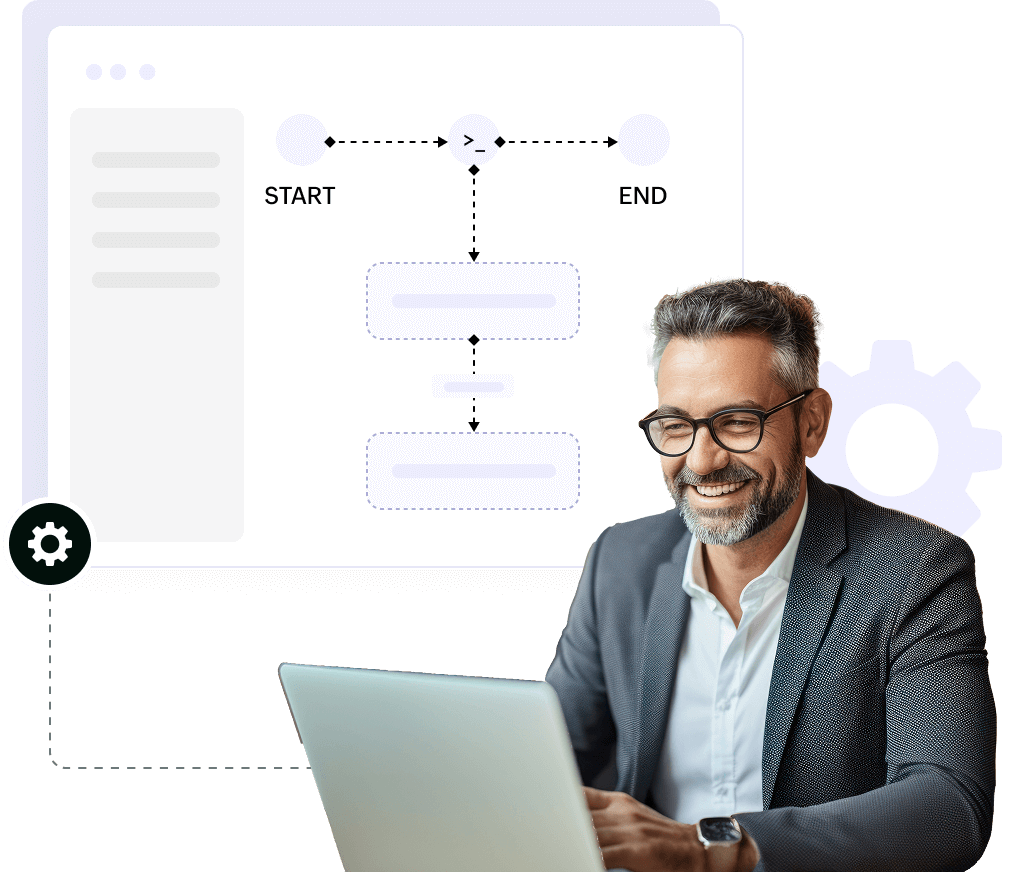
A workflow automation tool is software that helps enterprises streamline their work processes. It automates repetitive tasks, reduces human involvement, and improves efficiency. This software let enterprises design, run, and monitor workflows smoothly. It also integrates with other applications to make processes easier.
Learn more about workflow automationWorkflow automation offers many advantages for enterprises:
Frees teams from repetitive tasks and allows them to focus on strategic initiatives.
Streamlines operations, reducing time spent on manual processes.
Minimizes mistakes and ensures tasks are completed on time.
Implements strict access controls and security measures to protect data.
Facilitates flawless communication and coordination across departments.
Provides insights into workflow performance to identify inefficiencies and improve outcomes.
Selecting the right workflow automation software requires evaluating several must-have features. Here are the must-have features for 2026:
A no-code/low-code capability allows both technical and non-technical users to design workflows without extensive programming knowledge. This speeds up implementation and reduces dependency on developers.
A user-friendly interface allows it easy to build workflows. For example, it needs to support drag-and-drop functionality, so the stakeholders don’t need technical knowledge.
Prebuilt templates are ready-made workflow models. They cover common tasks like employee onboarding or invoice processing. Users can choose a template and customize it instead of starting from scratch.
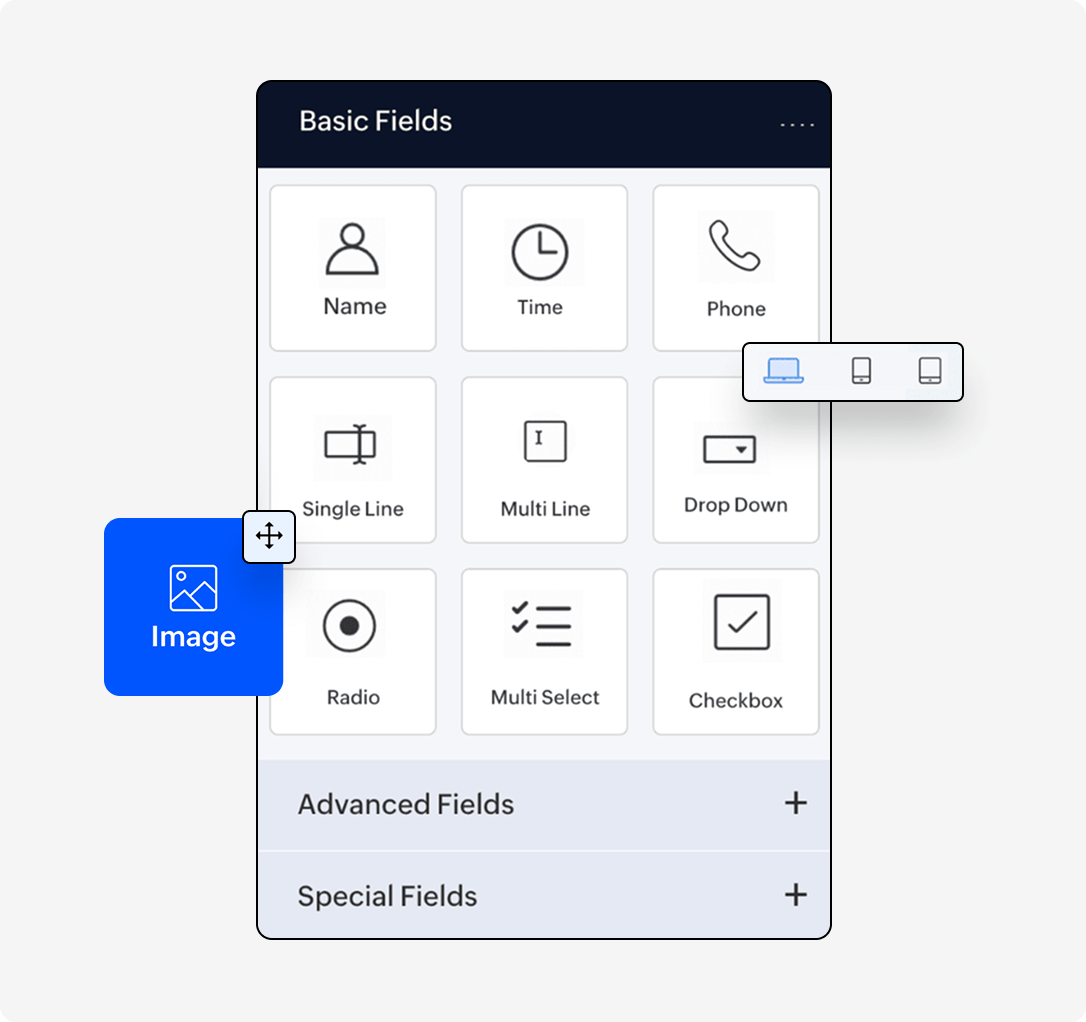
Dynamic workflow automation ensures flexibility and efficiency by adjusting processes based on conditions.
Event-driven workflows trigger actions automatically in response to certain events. For example, when a form is submitted or a task is completed, the workflow is triggered. This ensures your processes are responsive and are executed in real-time.
Conditional approvals let you set up rules for your workflows. For example, you can create conditions like “if a request exceeds this amount, send it to finance for approval.” The system will evaluate the amount of each request, and when a request exceeds the specified threshold, it will trigger a workflow action that routes the request to the finance department for their approval.
Task assignments based on roles to allocate tasks to the appropriate individual automatically. It ensures that the correct team member handles each task. For example, financial tasks are sent to the finance team, while support tasks go to customer service.
Automated dependencies guarantee that tasks are completed in the proper sequence. For example, a task can’t move to the next stage until a document is approved. This helps prevent bottlenecks and ensures workflows run smoothly.
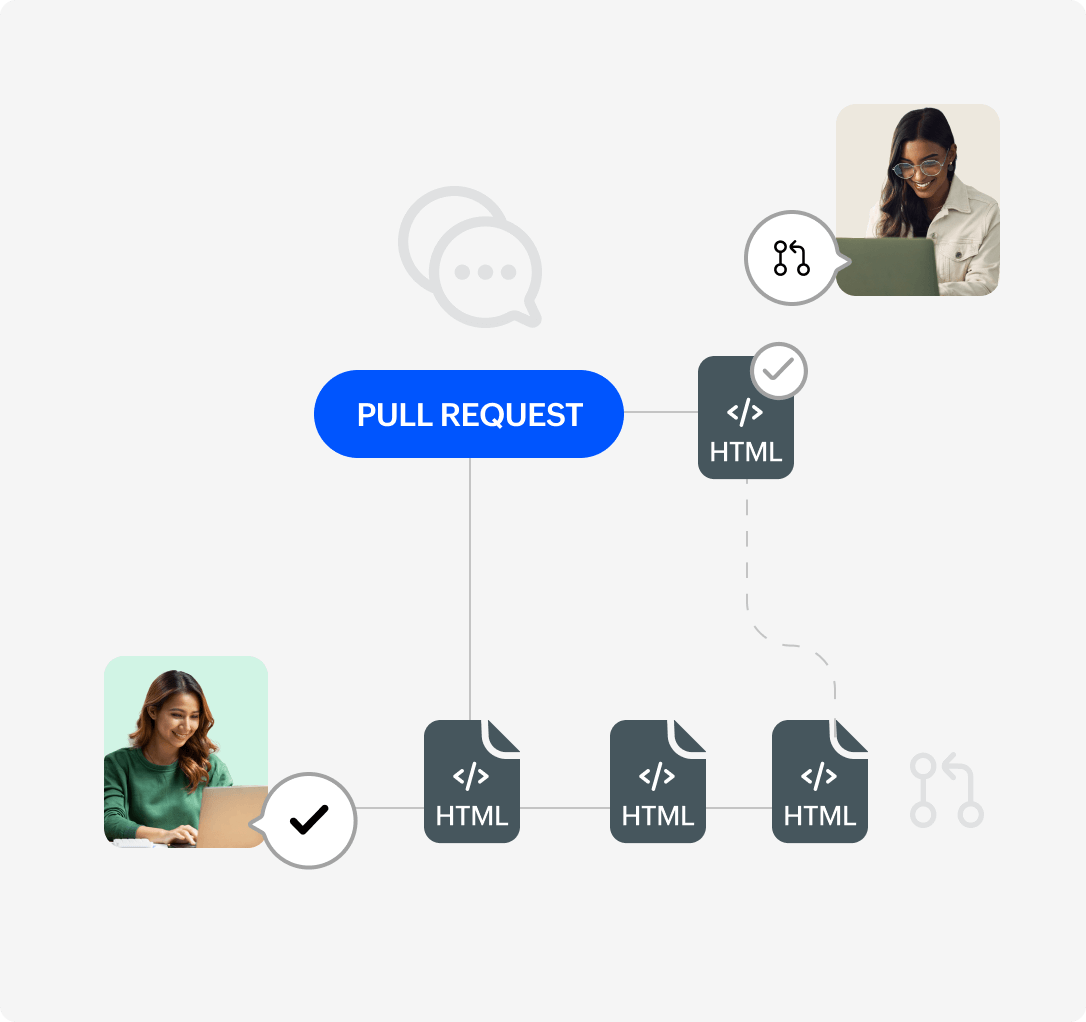
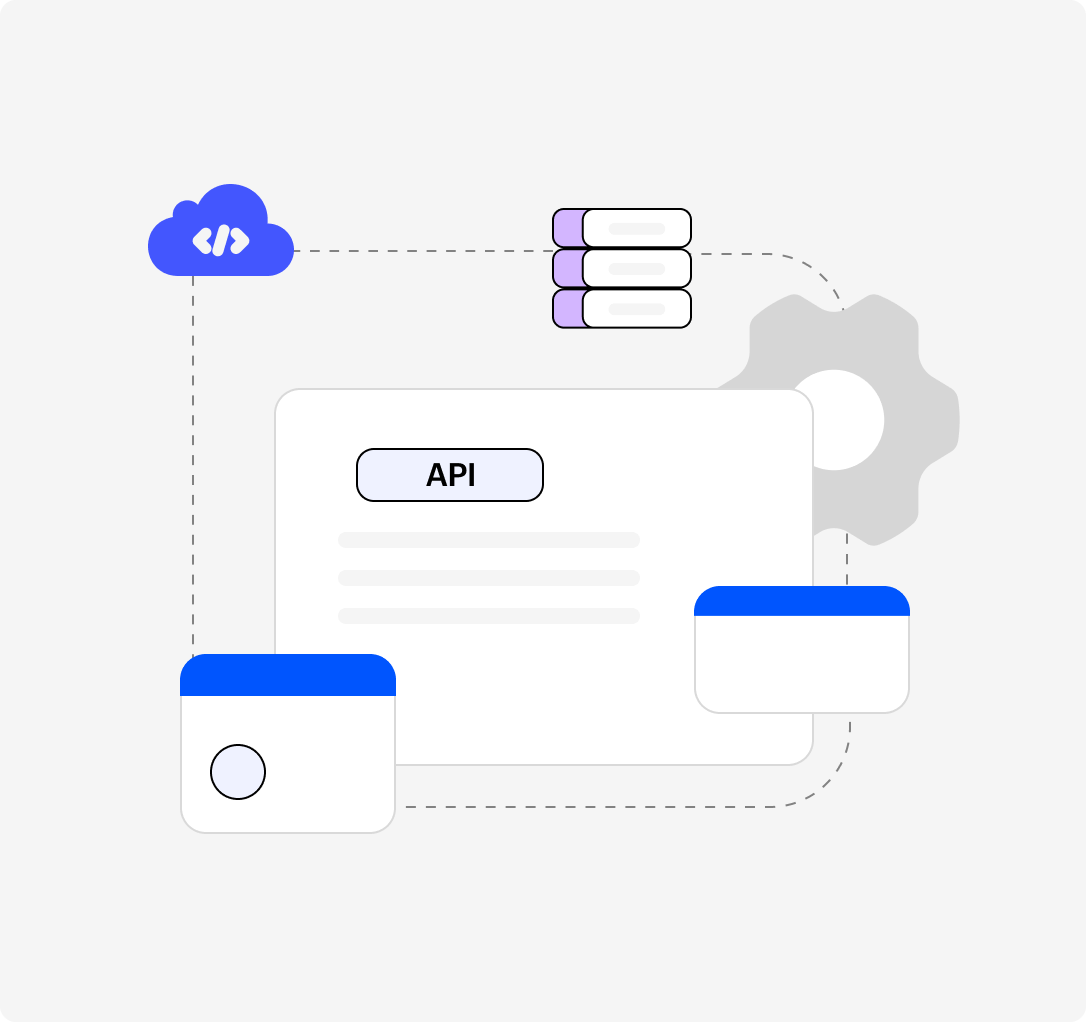
A workflow automation tool should connect easily with other enterprise systems to enable smooth data flow and eliminate silos.
Prebuilt integrations allow your workflow platform to connect with other enterprise tools out-of-the-box. These could be CRM systems, HR software, or email platforms. This enables your workflows to pull in data from other systems automatically, reducing manual work.
Open API access allows you to build custom integrations with other software. APIs let different systems communicate with each other. Open APIs provide flexibility for enterprises to create integrations that suit their needs.
Webhooks transfer real-time data between systems. For example, when a customer makes a purchase on an e-commerce platform, the data can be sent to your CRM. Webhooks ensure that your systems stay synchronized and up-to-date automatically.
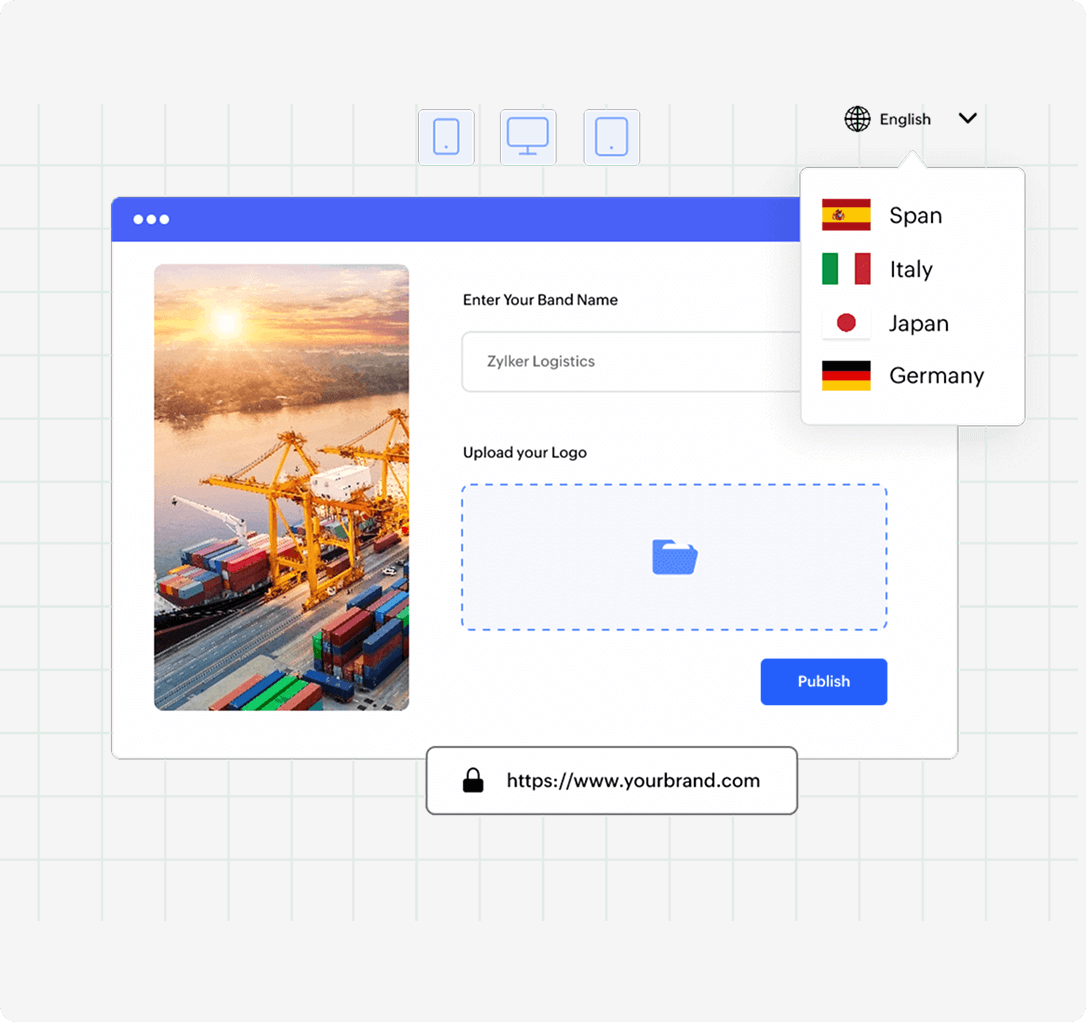
Accessibility across multiple devices ensures teams can manage workflows from anywhere, improving agility and responsiveness.
Mobile compatibility ensures that the platform supports apps for smartphones and tablets. This lets users manage tasks, approve workflows, and track progress on the go. It ensures flexibility for employees who are on the field.
Cross-platform functionality ensures that the solutions built on the platform works on multiple devices and operating systems. It doesn’t matter if you're using Windows, Mac, Android, or iOS. Everyone can access and use the platform seamlessly across devices.
Offline mode allows users to continue working even without an internet connection. For example, users can approve tasks or review information offline. Once they reconnect, the platform syncs any changes made while offline.
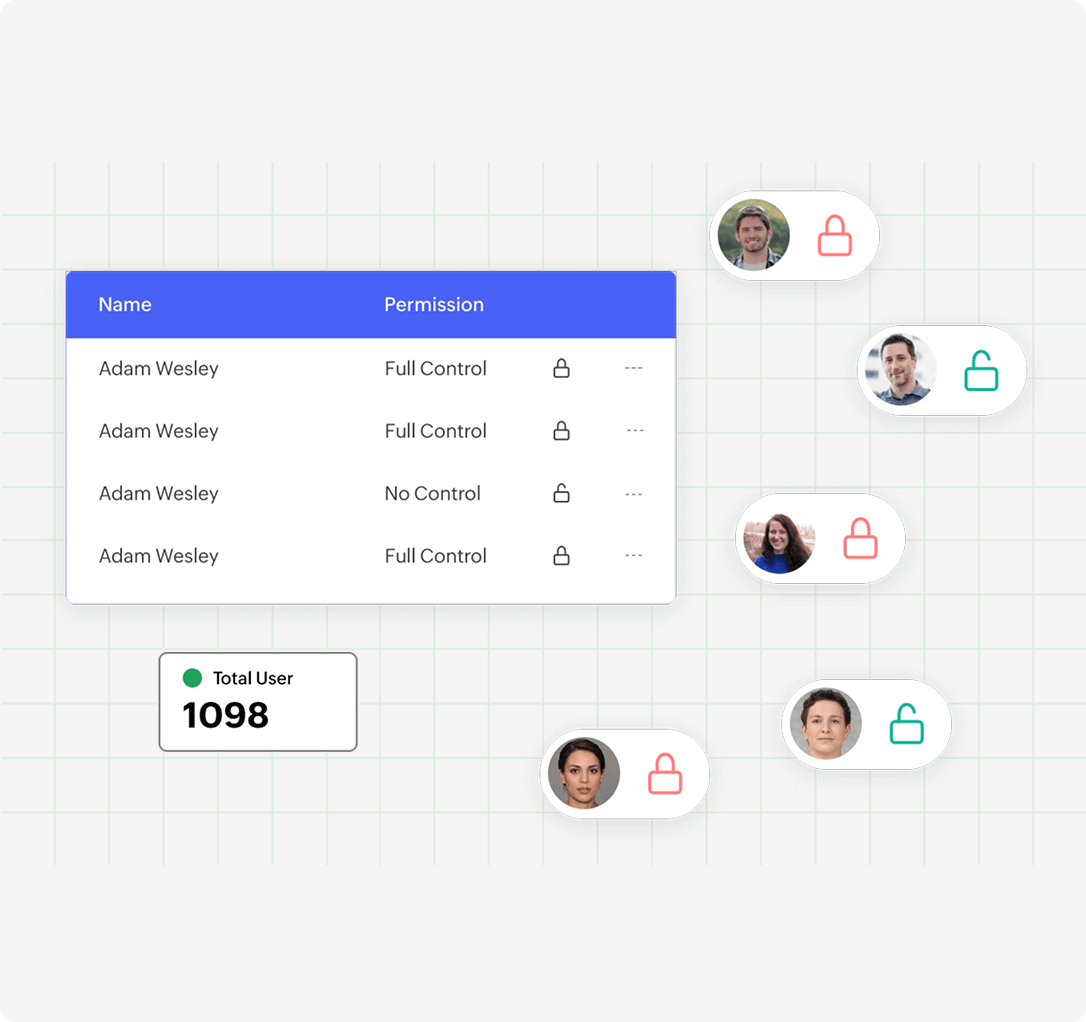
Security is vital in workflow automation. It ensures that the sensitive data is protected and access is restricted to authorized personnel.
Granular user permissions allow admins to control who can access what. For example, some users only need to view reports, while others need to create workflows or approve tasks. This makes sure sensitive information is protected and only accessible to authorized users.
Multi-factor authentication (MFA) adds a further layer of security. Users must verify their identity through multiple methods, like a password and a security code sent to their phone. This helps prevent unauthorized access to the platform.
End-to-end encryption guarantees that data remains safe during transmission and storage. Information is encrypted while in motion and at rest, safeguarding it from unauthorized individuals.
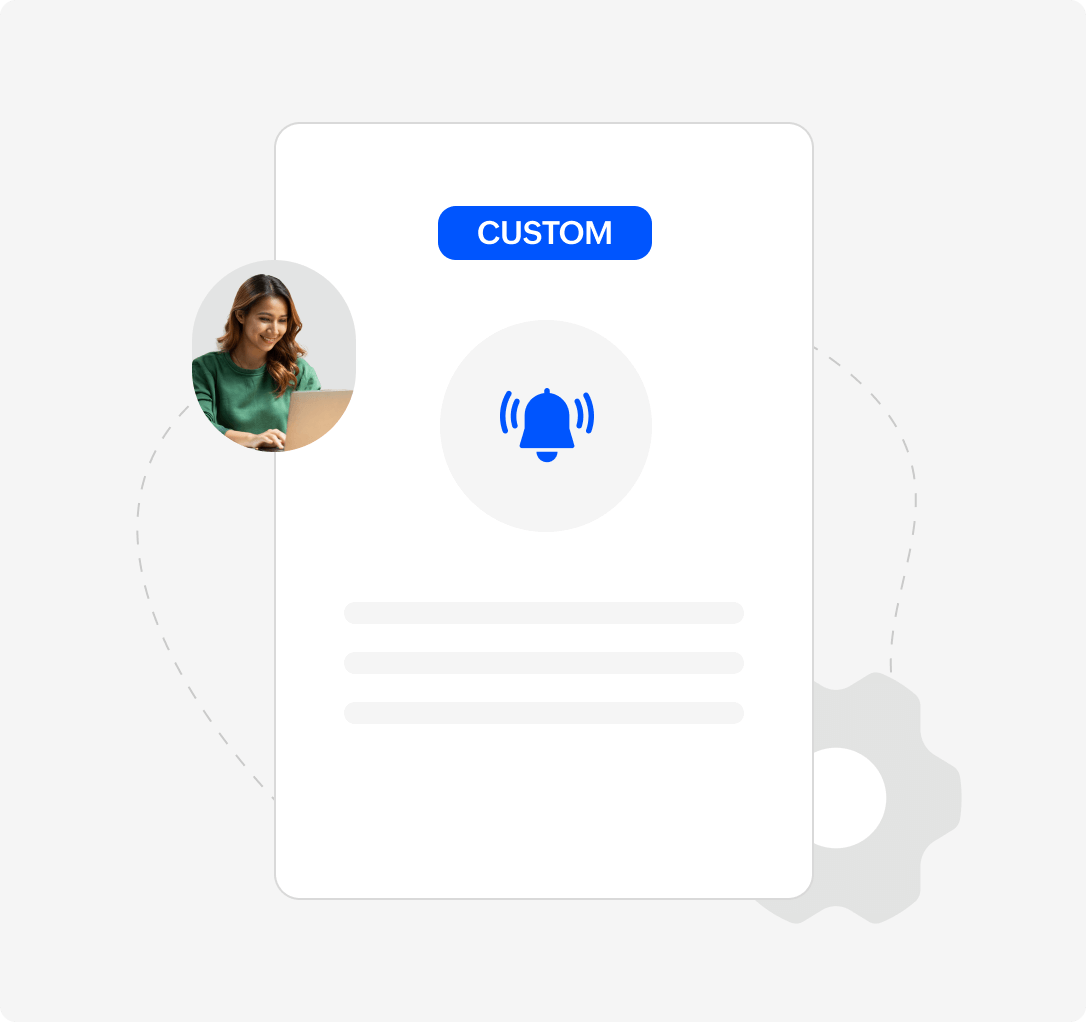
Timely updates keep users informed about critical workflow events and pending tasks, preventing bottlenecks.
Automated alerts notify users about important events in the workflow. For example, alerts may be sent when a task is assigned, or when an approval is needed. These alerts can be sent via email, SMS, or within the platform.
Deadline reminders notify users when tasks are approaching their due dates. These reminders help tasks stay on track and ensure nothing is missed. They’re especially helpful for time-sensitive activities.
Escalation triggers notify managers if a task is overdue or urgent. For example, if a report is not submitted on time, the system can escalate it to a supervisor for action. This ensures critical tasks don’t get delayed.
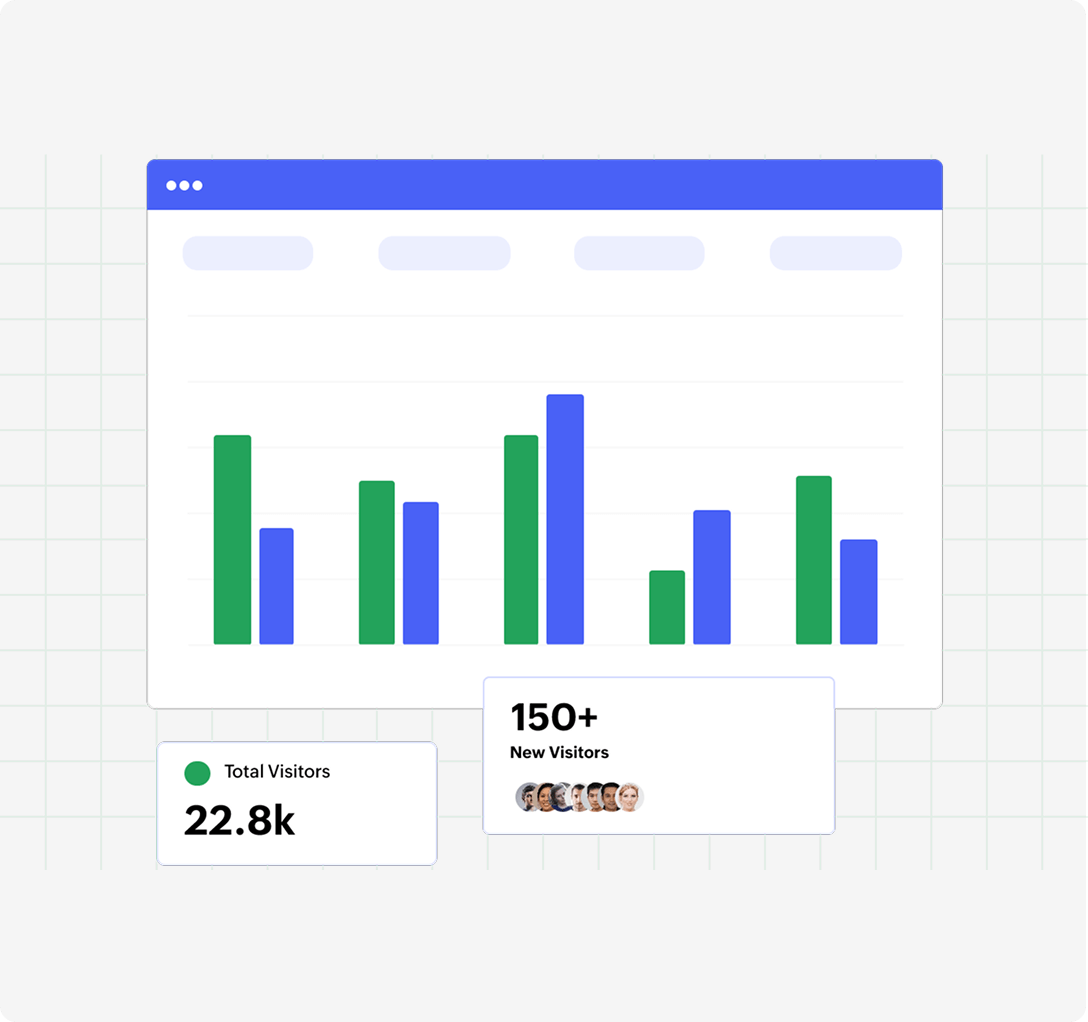
Data-driven insights help enterprises optimize workflows, identify inefficiencies, and make informed decisions.
These provide real-time insights into key performance metrics at a glance, such as task status, workflow efficiency, or any other high-level data. They are dynamic, allowing users to drill down into the data for more detailed views. Essentially, dashboards focus on visualizing and monitoring the performance of ongoing activities in real-time.
These are for more detailed, comprehensive performance tracking. Reports allow users to create customized, in-depth analyses, such as tracking task completion times, analyzing process efficiency, or generating historical data trends.
Historical data analysis lets you compare past and current workflow performance. It helps identify trends and areas for improvement. By analyzing historical data, enterprises can optimize future workflows.
Export options allow users to download reports in various formats like PDF or Excel spreadsheets. This makes it easy to share reports with stakeholders or integrate the data into other tools for analysis.
While automation is powerful, some processes require human oversight. Human-in-the-loop automation ensures flexibility.
Manual review checkpoints ensure that human oversight is involved in critical stages of automation. For example, an automated process may require a manager’s approval before proceeding. This adds flexibility and ensures important decisions are reviewed.
Collaboration tools embedded in the platform facilitate communication and coordination among the team members. These tools improve teamwork and keep everyone on the same page. This is especially helpful for workflows that require input from multiple people.

A future-proof workflow automation platform should scale with enterprise growth and evolving IT demands.
Scalable automation platforms can handle increasing numbers of users and workflows automatically. As your enterprise grows, the platform grows with you. This ensures that performance remains smooth even as demands increase.
High availability and uptime mean the platform is always accessible. Enterprises can rely on the system to run without interruptions. This is critical for workflows that must be active 24/7.
AppCreator is a powerful workflow automation platform which simplifies and optimizes business processes with its low-code approach. With advanced integrations, strong security features, and scalable automation, AppCreator is ideal for IT and enterprise teams looking to boost efficiency.
TRY APP CREATORKey reasons to choose ManageEngine AppCreator:
Build workflows with a low-code, drag-and-drop interface.
Integrate with ITSM, ITOM, and other enterprise applications for smooth data flow.
Implement role-based access control, audit trails, and encryption to protect sensitive information.
The key challenges are:
A robust GRC platform streamlines compliance tenets into a centralized compliance data repository, and facilitates seamless adherence to standards and regulations. Threats are reduced due to the risk deterrence and mitigation capabilities of the GRC framework in place.
Yes. Low-code GRC platforms like ManageEngine AppCreator come with APIs and prebuilt connectors that enable a seamless integration with existing and legacy IT systems.
A centralized repository for audits and automated audit implementations assists in efficient and effective audits, and facilitates easy audit management. Real-time reporting provided by the GRC platform keeps stakeholders up-to-date always.
Low-code GRC platforms like AppCreator enable deployment of custom compliance workflows and accelerated automation of compliance processes through point-and-click and WYSIWYG interfaces that require minimal coding to achieve the end result. Minimal coding translates to accelerated compliance process automation, accelerating development timeframes.
Low-code GRC platforms are designed so that the applications and automations implemented on them are highly secure and are encrypted from the ground up. Using a low-code platform for GRC is secure by design.
Healthcare, finance, government, and manufacturing are some industries that benefit from implementing GRC solutions.