Solutions for EHR adoption and mobility
The adoption of electronic health record (EHR) systems like Epic helps healthcare institutions provide integrated care and meet government mandates. With 90% of healthcare organizations using mobile devices to engage patients, HIPAA and HITECH regulations emphasize secure device management.
Key needs include deploying EHR clients to devices, securing access to EHRs on both personal and hospital-owned devices, and keeping healthcare apps updated and compliant. We've outlined common use cases where health IT directors and system engineers can rely on Endpoint Central to address these challenges. Explore these use cases to discover how Endpoint Central can help you.
The purchase of on-premises Epic involves replacing and reprovisioning terminals and point of care systems, including major device overhaul. When networks from acquired branches have legacy PCs tied to a modality or outdated systems remain from old leadership, replacement must happen quickly.


- Monitor the device location to find devices lost during emergency response. In case of loss, remotely wipe data.
- Integrated mobile threat defense (MTD) to offer protection against phishing and malware.
- Ensure the hardware, firmware, and software of mobile devices are uncompromised.
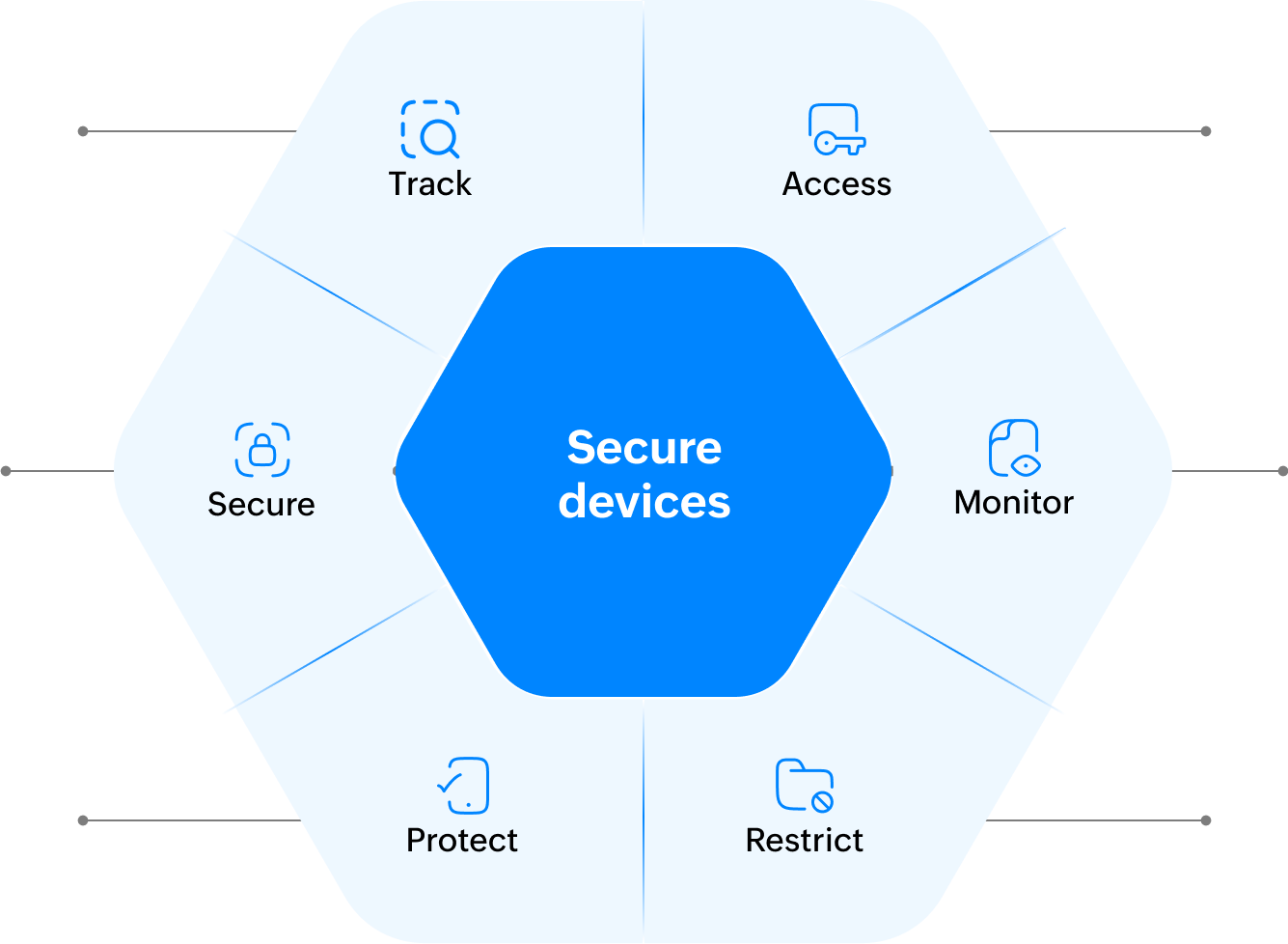
- Secure access to EHRs across BYO, hospital-owned, and shared devices.
- Monitor and log all activities for HIPAA compliance.
- Restrict photos, screenshots, and actions items to be within EHR applications.
With healthcare organizations already using mobile devices to engage patients and access EHRs, the Health Care Industry Cybersecurity (HCIC) Task Force recommends the NIST SP 1800-1 for guidance on securing EHR access on mobile devices. Our mobile device management (MDM) capabilities help implement the NIST's guidance and also supports compliance with the NIST Cybersecurity Framework and HIPAA's security rule.
To set up Haiku, Canto, and Rover, healthcare organizations need to share physician's device information to the EHR host.
Inventory all endpoints
Inventory all endpoints, including non-standard devices like barcode-based medical administration scanners and POS machines.

Share the device ID
Share the device ID to the EHR host so they can associate license for Epic clients.

Epic Canto on iPads for clinical rounds

Epic Haiku for ambulatory care services

Epic Rover for home care and barcode-based medical administration

MyChart Bedside for patients

Citrix for EHR delivery

Picture archiving and communication system (PACS) for diagnostics and imaging

Distribute healthcare apps to the right persona or device, at scale.

Along with software deployment, manipulate post-deployment actions with a greater degree of automation and customization to ensure these apps talk to Epic.
Secure BYOD for privacy-conscious physicians

Create workspace


Create a workspace container on a physician's personal device to distribute Haiku or Canto, ensuring complete isolation from their personal data.

Train physicians
Train physicians to take pictures from within Haiku and Canto.

Restrict devices
Restrict the device from opening the camera, clipboard, or screenshots outside of Haiku and Canto.
Wipe data
Wipe work-related data from personal devices once physicians leave the organization.
Use the infrastructure questionnaire from the Digital Health Most Wired survey to draft a IT policy detailing the scope and governance structure of your organization's BYOD program.
For Epic clients and healthcare-specific apps, the updates are scheduled by Epic's Kuiper EHR server. Get the update schedule from the clinical informatics team and utilize Endpoint Central's wake-on-computer feature to ensure devices are online during the update window.

One platform for every endpoint workflow



If you're a healthcare enterprise, learn what
we can do for you.
Learn and explore
If it's too early in your purchase process to speak with our product specialist, we recommend that you visit our resources. You can find thought leadership content on how to get the buy-in from top management, similar case studies, and demo videos on use cases that are relevant to you.