Predefined Reports for Vulnerability Management
Pre-defined reports provide an overarching view of your network's patch and vulnerability management process. Reports can be generated based on multiple parameters including patch reports, system reports, Self-Service Portal (SSP) reports, and Automate Patch Deployment (APD) reports. To access pre-defined reports, navigate to Threats & Patches → Reports → Predefined Reports.
Patch Reports
Patch Reports provide detailed information about the vulnerable systems in your network and the patch details needed to fix the vulnerability.
Applicable Patches Report
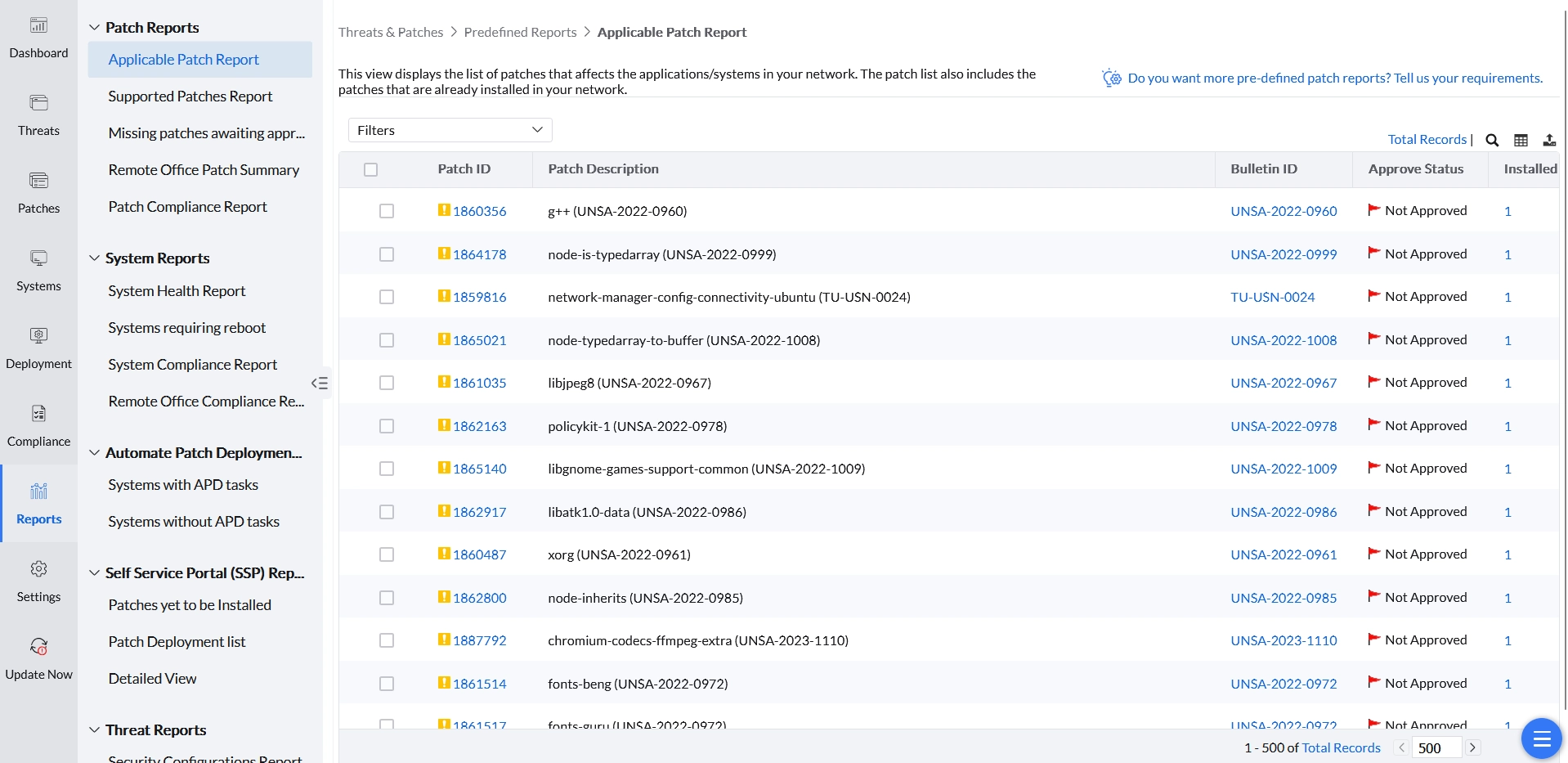
Displays the list of patches that are ready to be deployed to your managed network, including patches that have been previously deployed. It provides details of patches applicable to your network and the affected systems. By default, it lists patches released in the current month — you can select a different period or specify a custom period.
- Patch ID: A unique reference ID in Endpoint Central for every patch.
- Bulletin ID: The advisory article provided by the vendor, containing information about the vulnerability and patch availability. Clicking this option leads to the Bulletin Details view.
- Patch Name: The name of the patch. Clicking this option leads to the Patch Details view.
- Severity: Determines the importance of the patch as per the bulletin or advisory information.
- Affected Systems: The total count of systems that require this patch, including systems where the patch has already been installed.
- Installed Systems: The count of systems where the patch has been installed.
- Missing Systems: The count of systems that do not have the patch installed yet.
Supported Patches Report
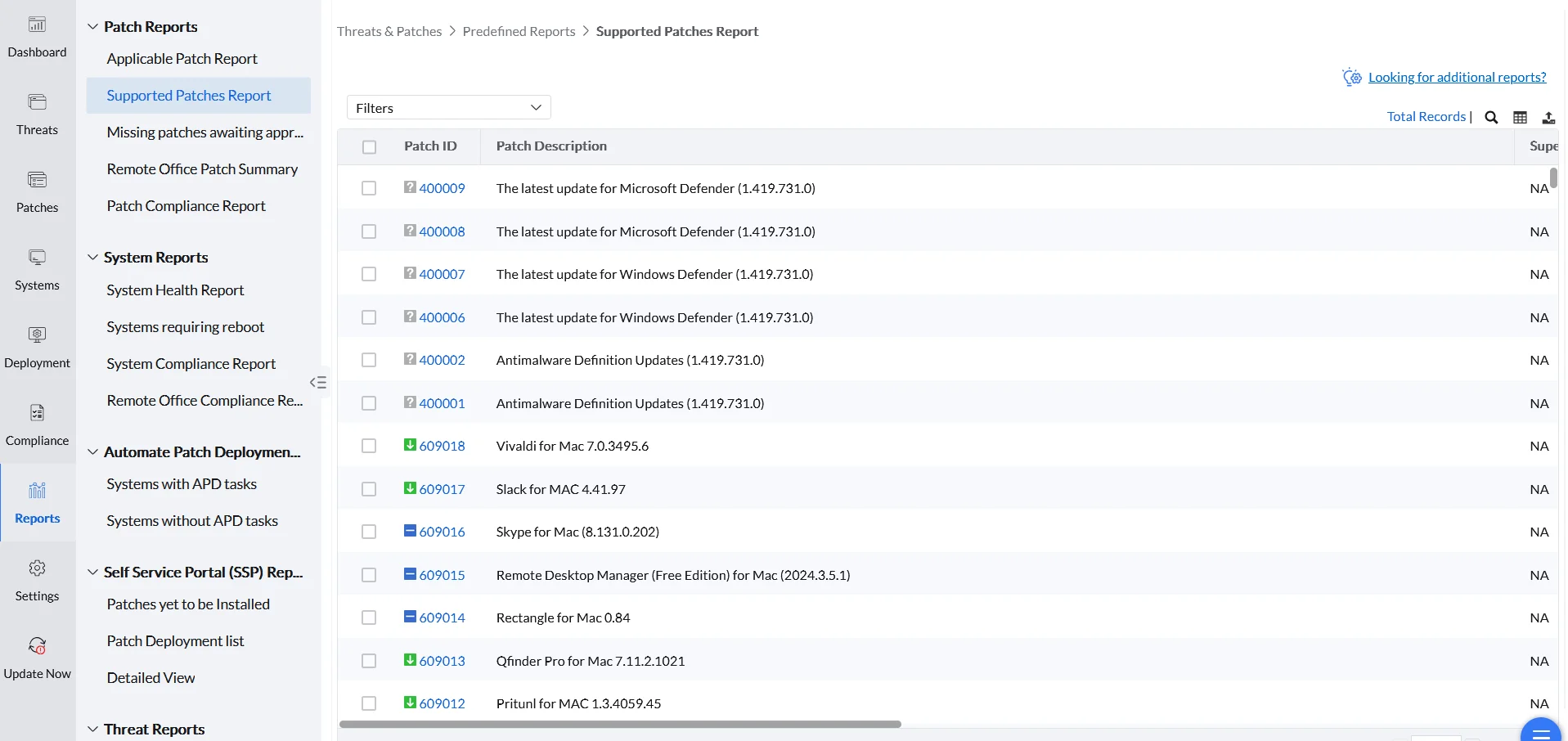
Provides details of all patches supported by Endpoint Central released by vendor websites, irrespective of whether they have a relation to your network. This report is useful when you plan to upgrade systems by installing the latest applications or updates.
Missing Patches Awaiting Approval
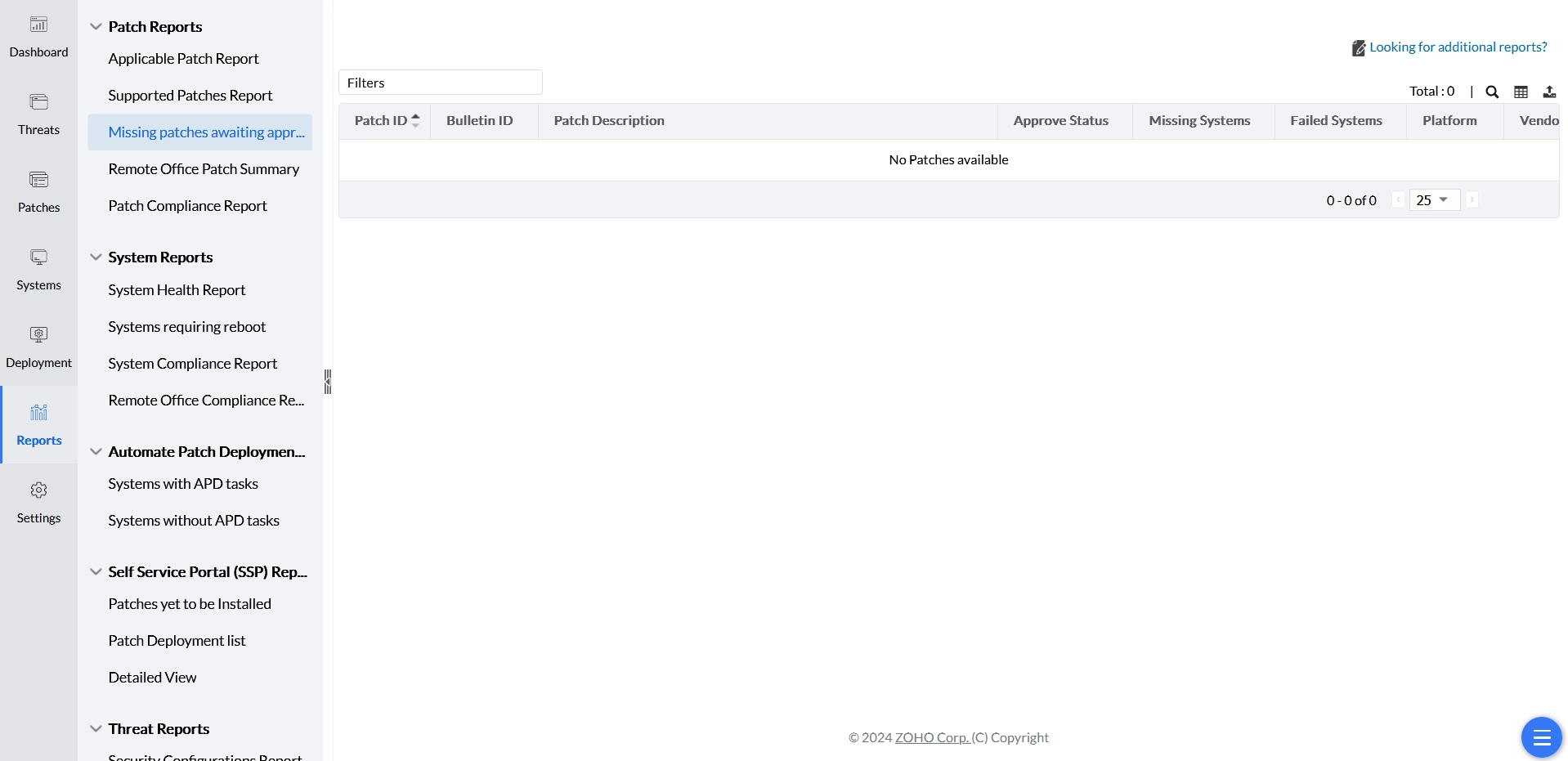
Lists all missing patches that require approval before deployment.
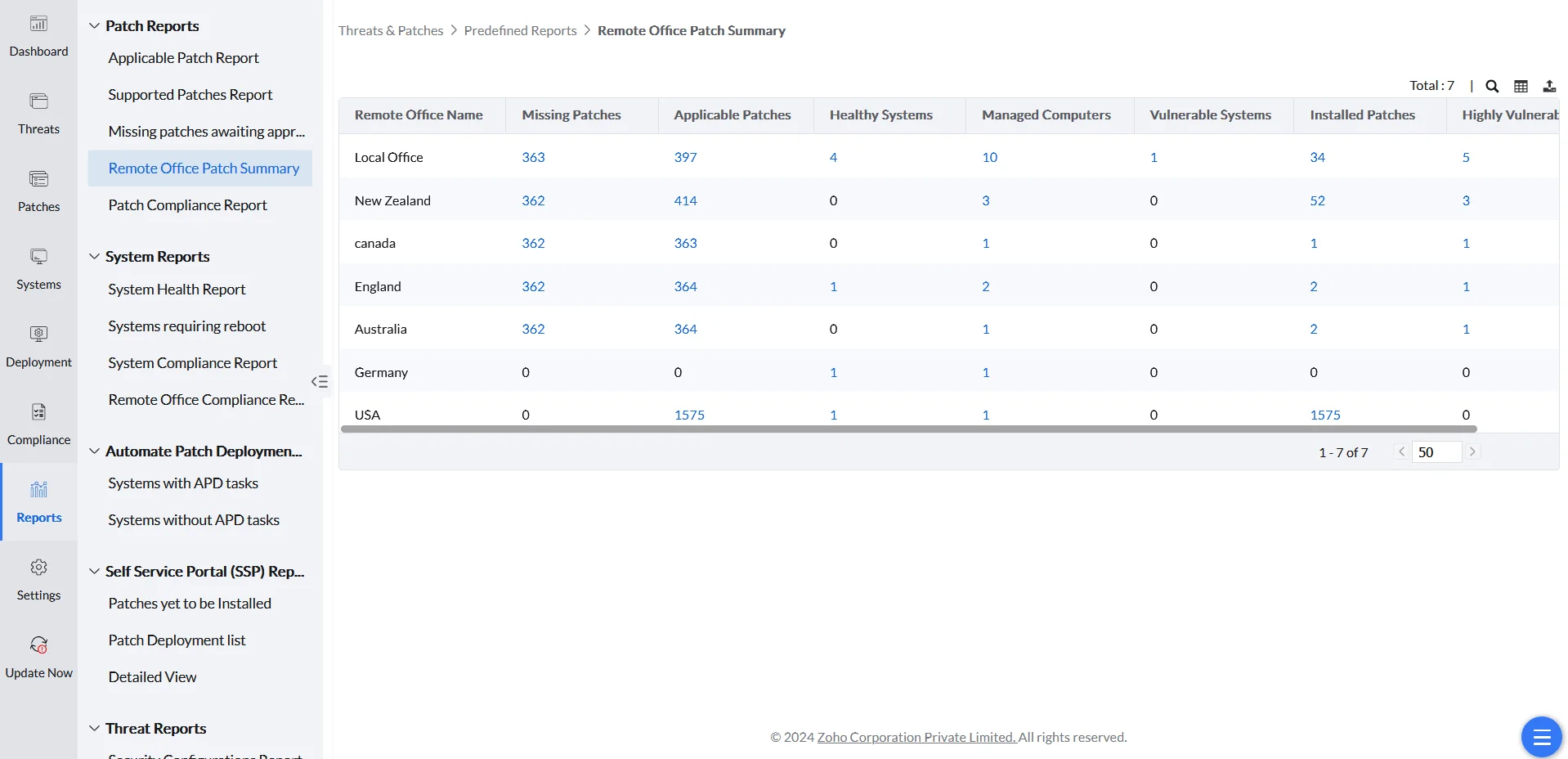
Remote Office Patch Summary
Gives an overview of managed computers, highly vulnerable, vulnerable, and healthy systems, along with applicable, missing, and installed patches across the remote offices of the enterprise.
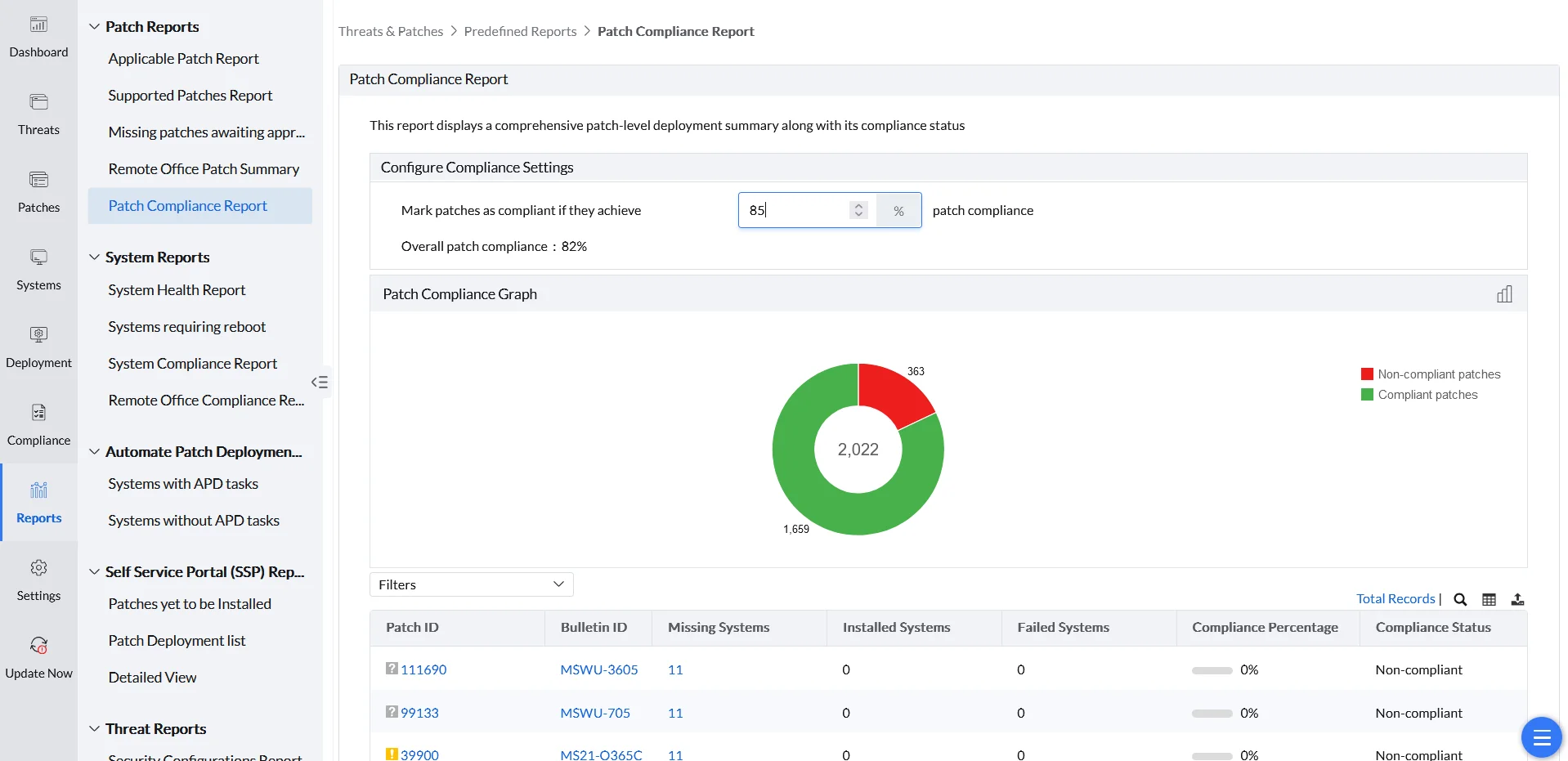
Patch Compliance Report
Displays a comprehensive patch-level deployment summary along with its compliance status. The compliance settings can be configured to adjust the percentage threshold to mark a patch as compliant.
System Reports
System Reports provide a complete summary of the managed systems in the enterprise.
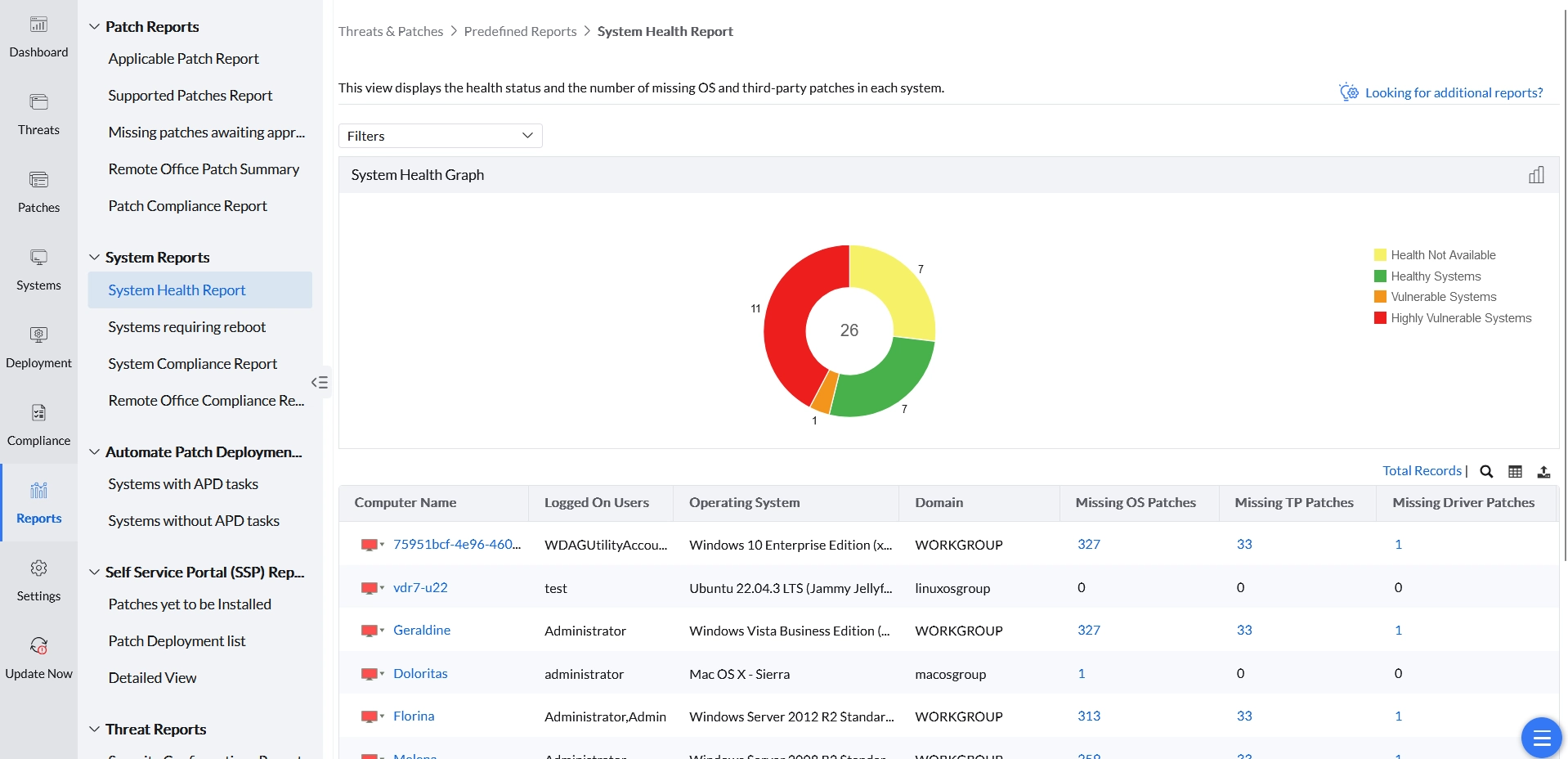
System Health Report
Displays the health status and the number of missing OS and third-party patches in each system.
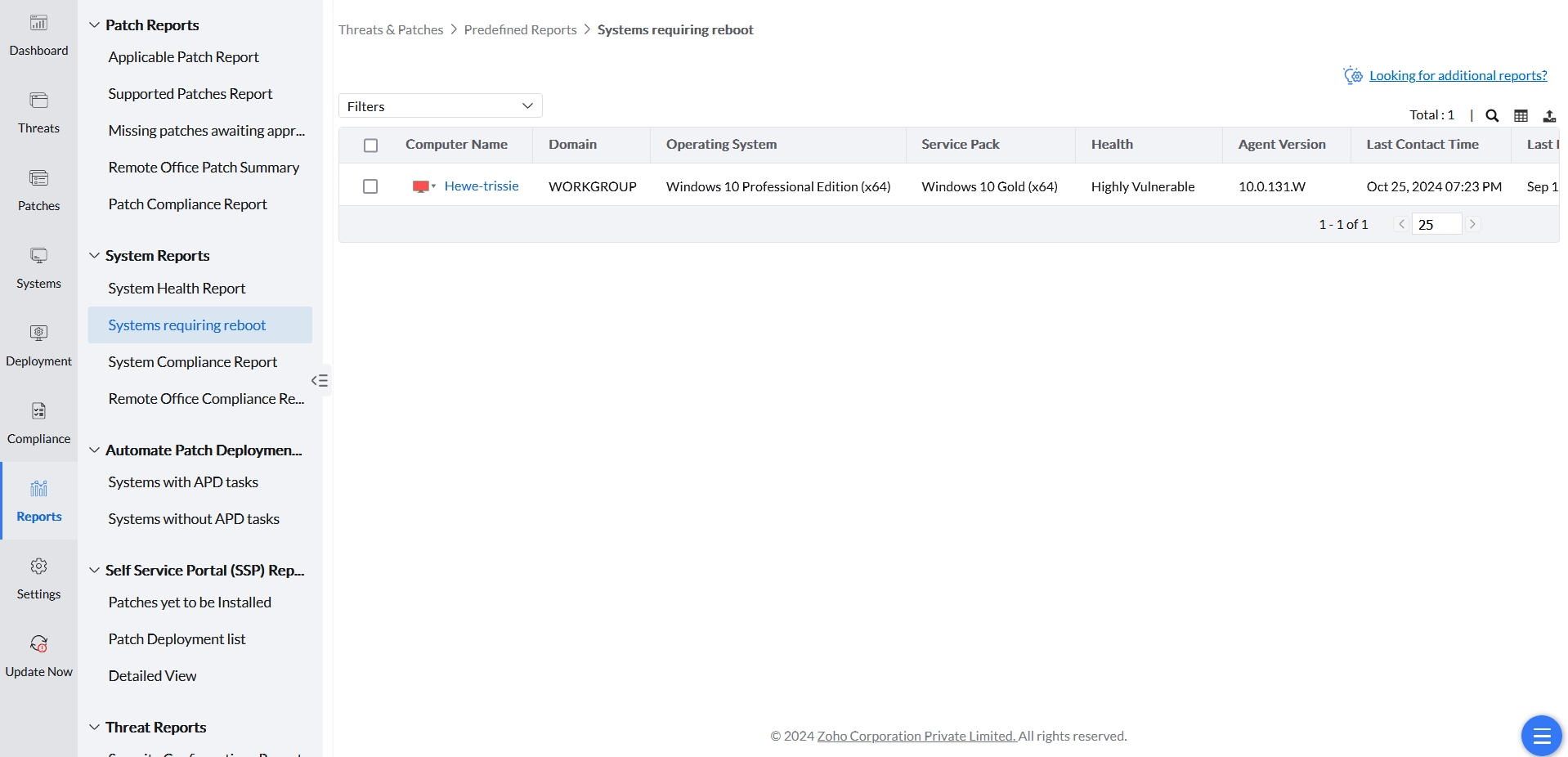
Systems Requiring Reboot
Lists all systems in which a reboot is required to complete installation of deployed patches.
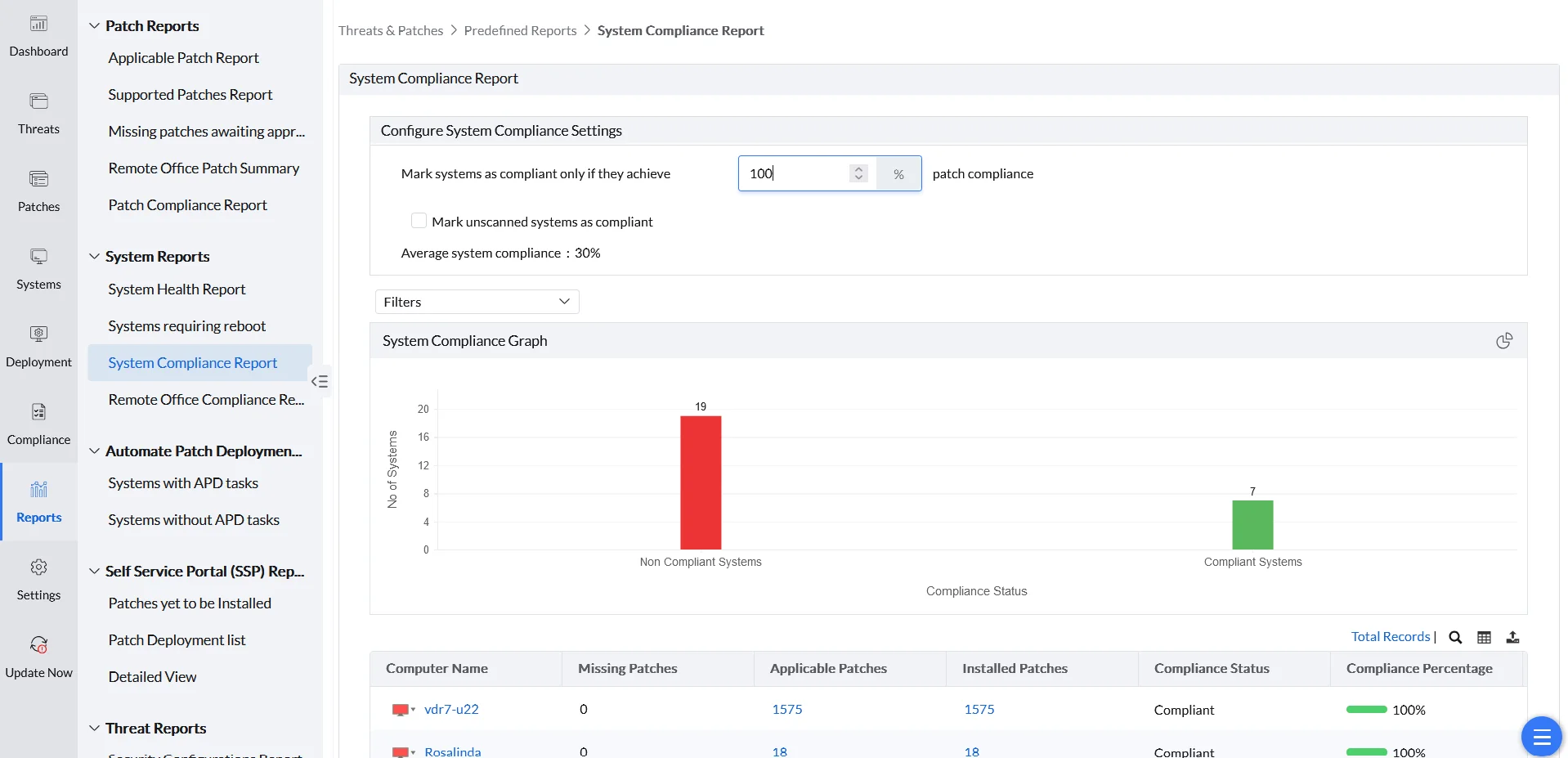
System Compliance Report
Lists the compliance status of all systems in the enterprise.
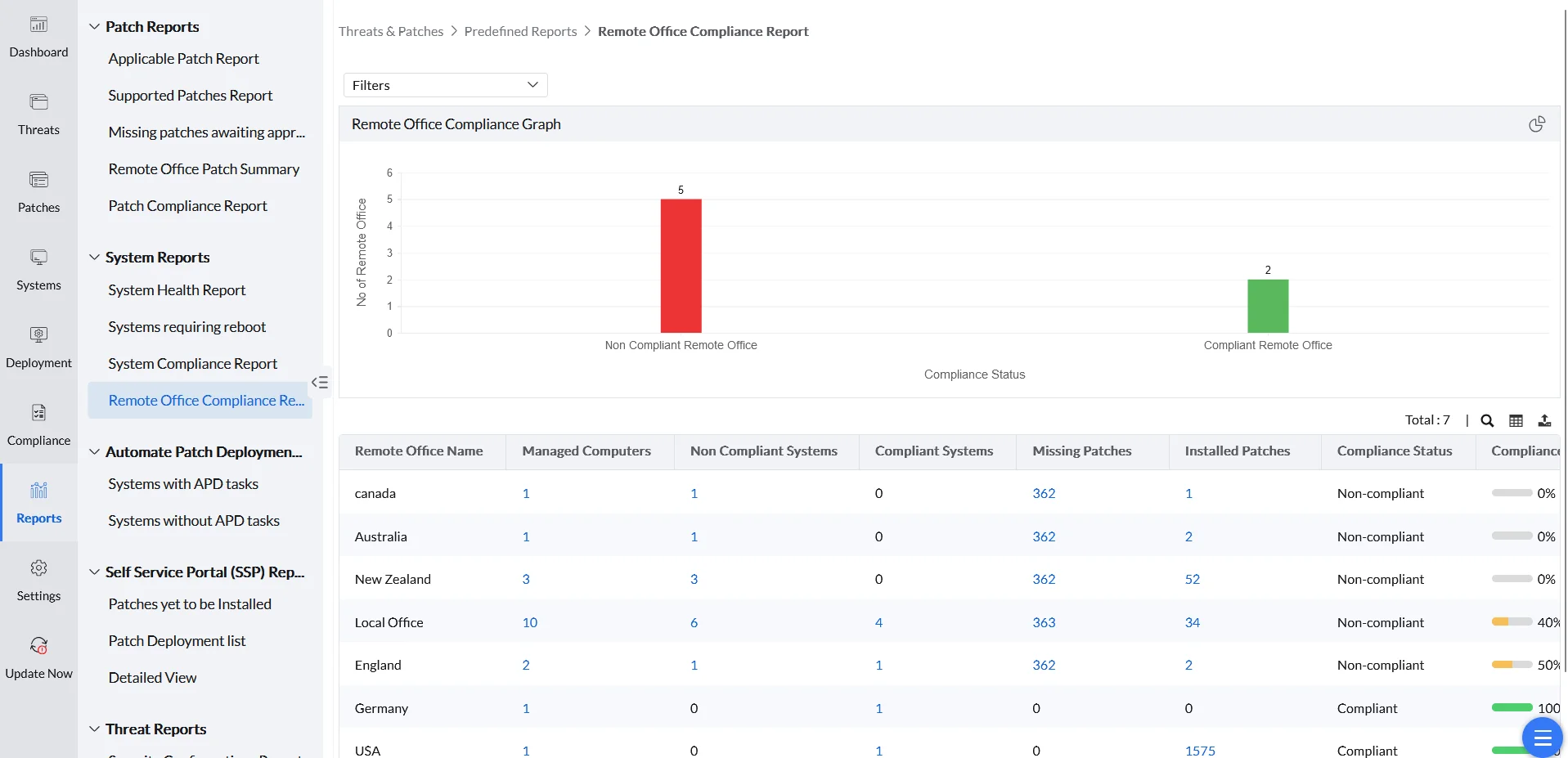
Remote Office Compliance Graph
Lists the compliance status of all systems in the remote offices managed by the enterprise.
Automate Patch Deployment (APD) Reports
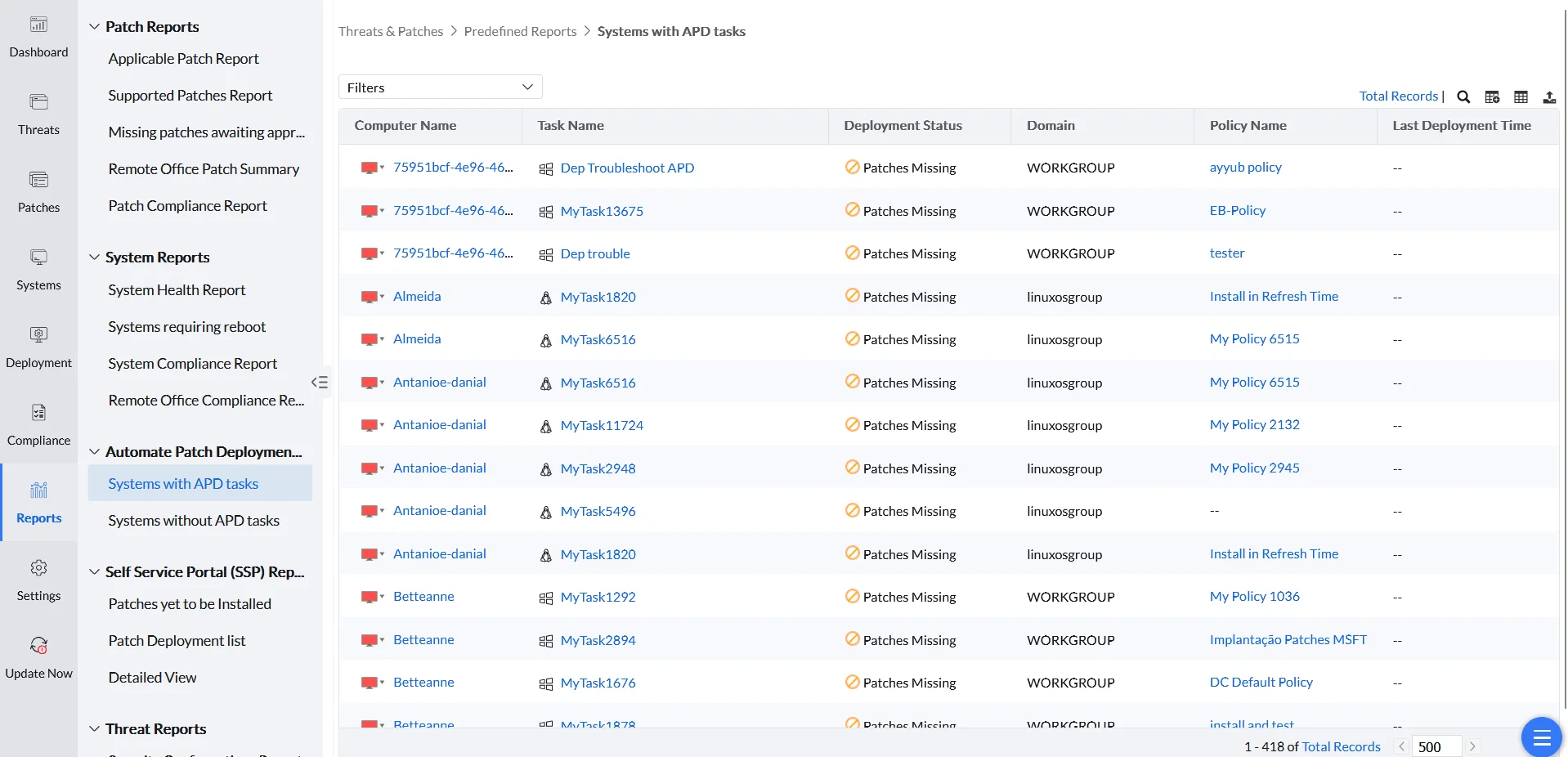
Systems with APD Tasks
Provides information on all managed systems that have active Automatic Patch Deployment (APD) tasks.
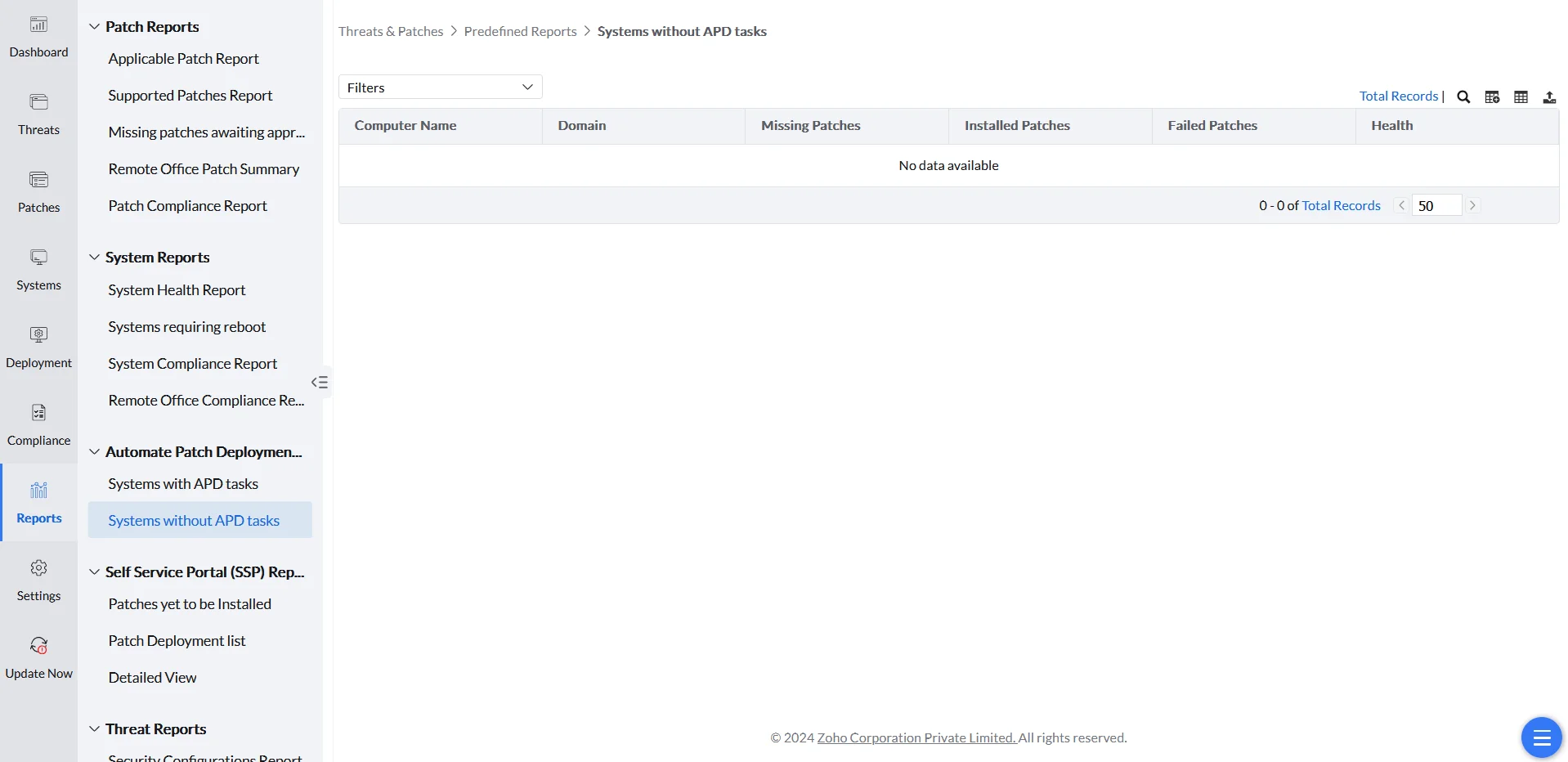
Systems without APD Tasks
Provides information on all managed systems that do not have any Automatic Patch Deployment (APD) tasks.
Self-Service Portal (SSP) Reports
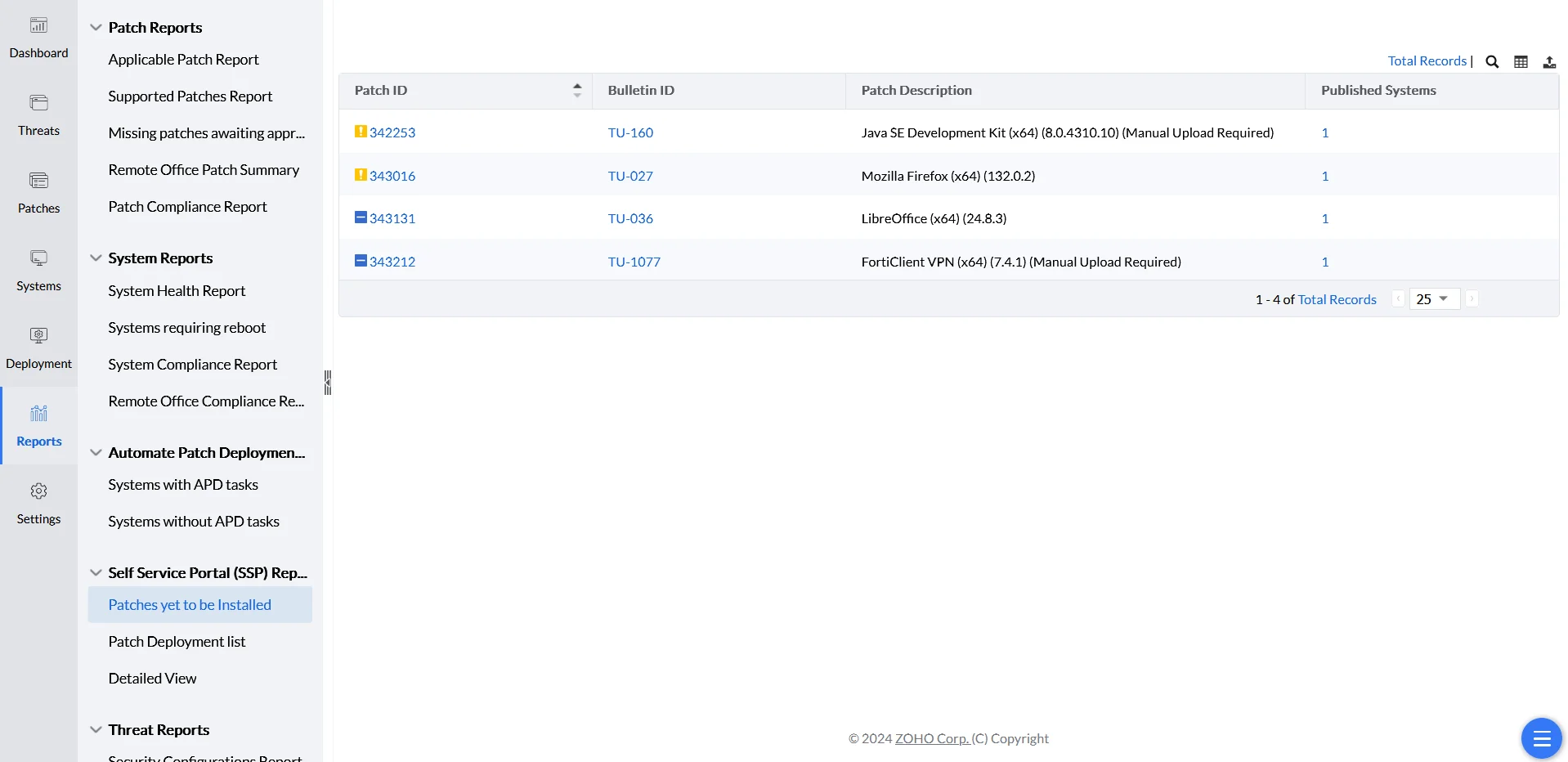
Patches Yet to Be Installed
Lists all patches available in the Self-Service Portal that are awaiting installation.
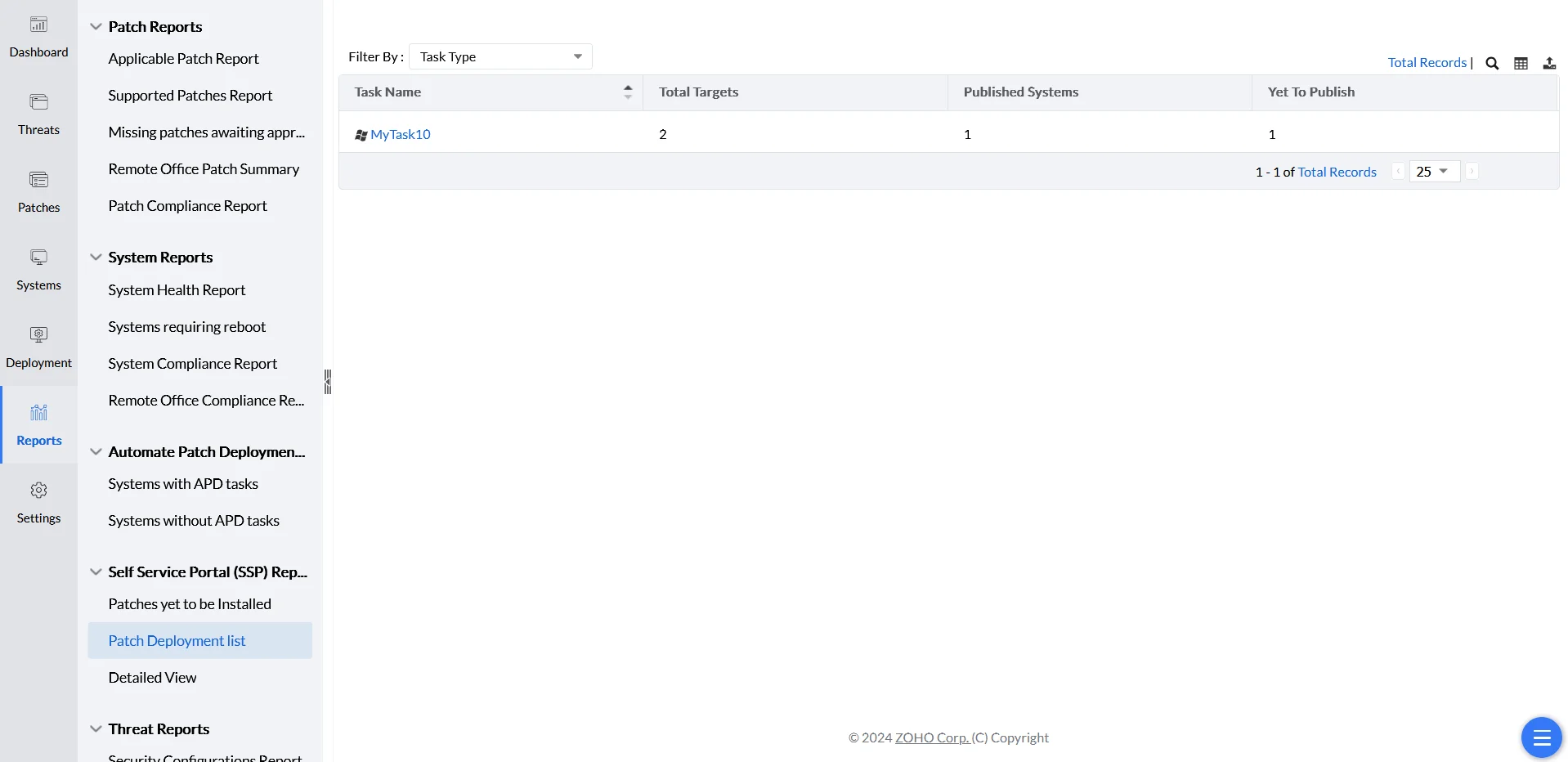
Patch Deployment List
Lists the configurations through which patches are published to the Self-Service Portal.
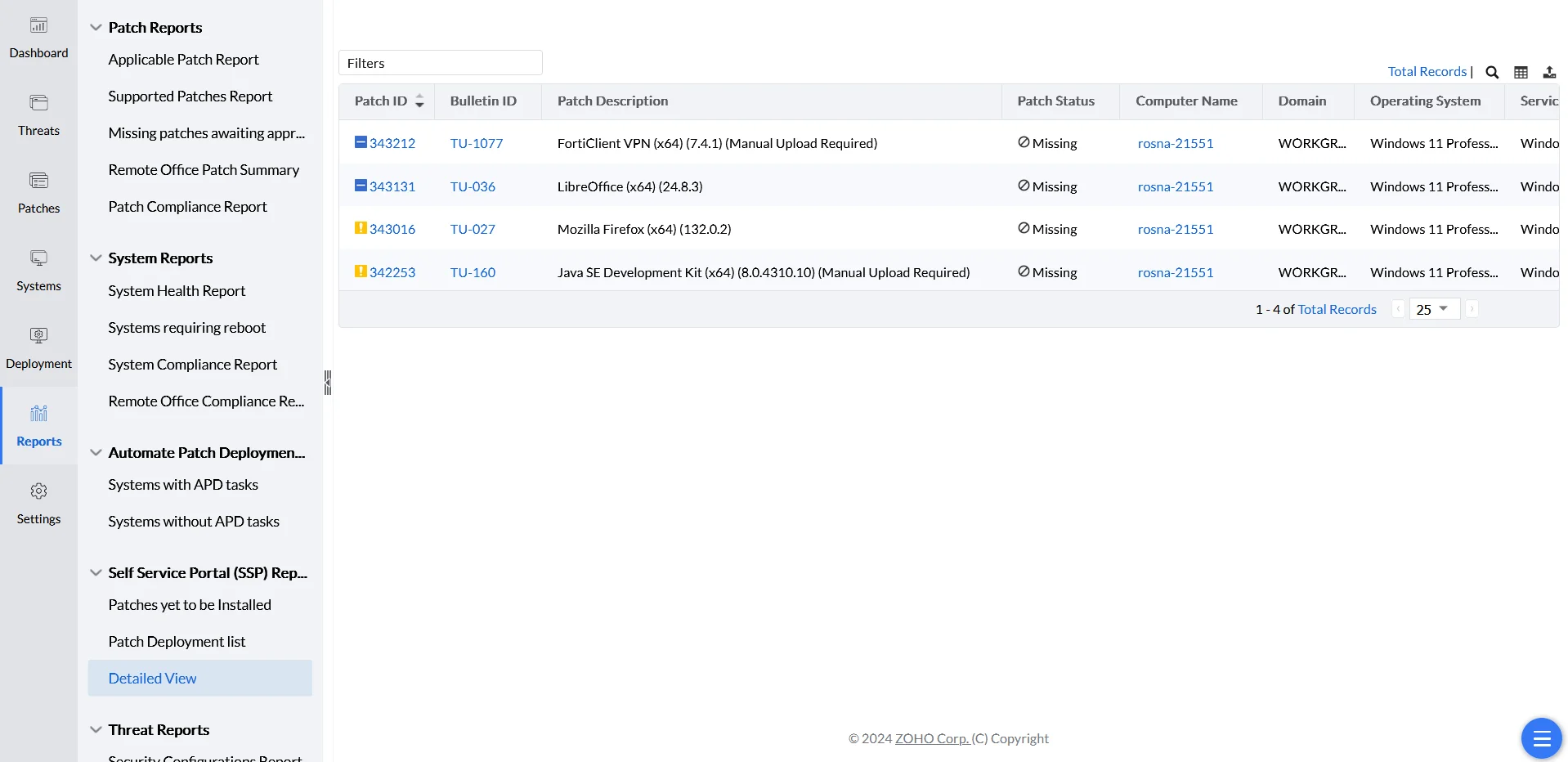
Detailed View
Lists all details of the patches published to the Self-Service Portal.