Vulnerability Manager Plus

Endpoint Central
Reduce your attack surface by doing more than just tackling vulnerabilities and (in)visible threats!
Reduce your attack surface by doing more than just tackling vulnerabilities and (in)visible threats!












The best attack surface management strategy goes beyond closing security gaps. Endpoint Central also improves productivity, maximizes uptime, ensures regulatory compliance and strengthens overall resilience against cyberthreats.

Access is tightly controlled with the Zero Trust policy, where the principle of least privilege (PoLP) ensures only authorized users can reach critical assets.
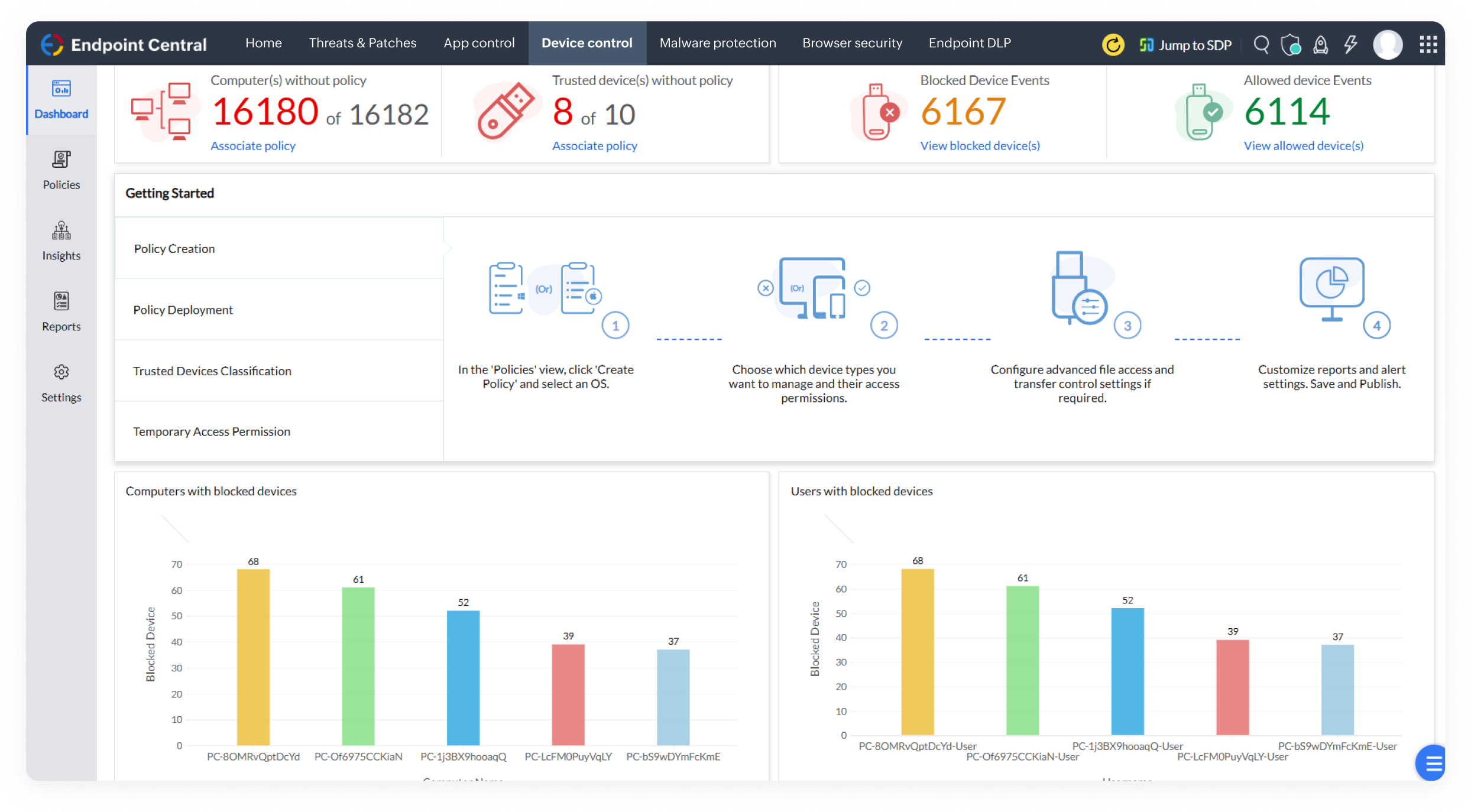
Grant corporate resource access to only verified peripheral devices through the solution's Zero Trust approach. Untrusted devices? Prohibited instantly!
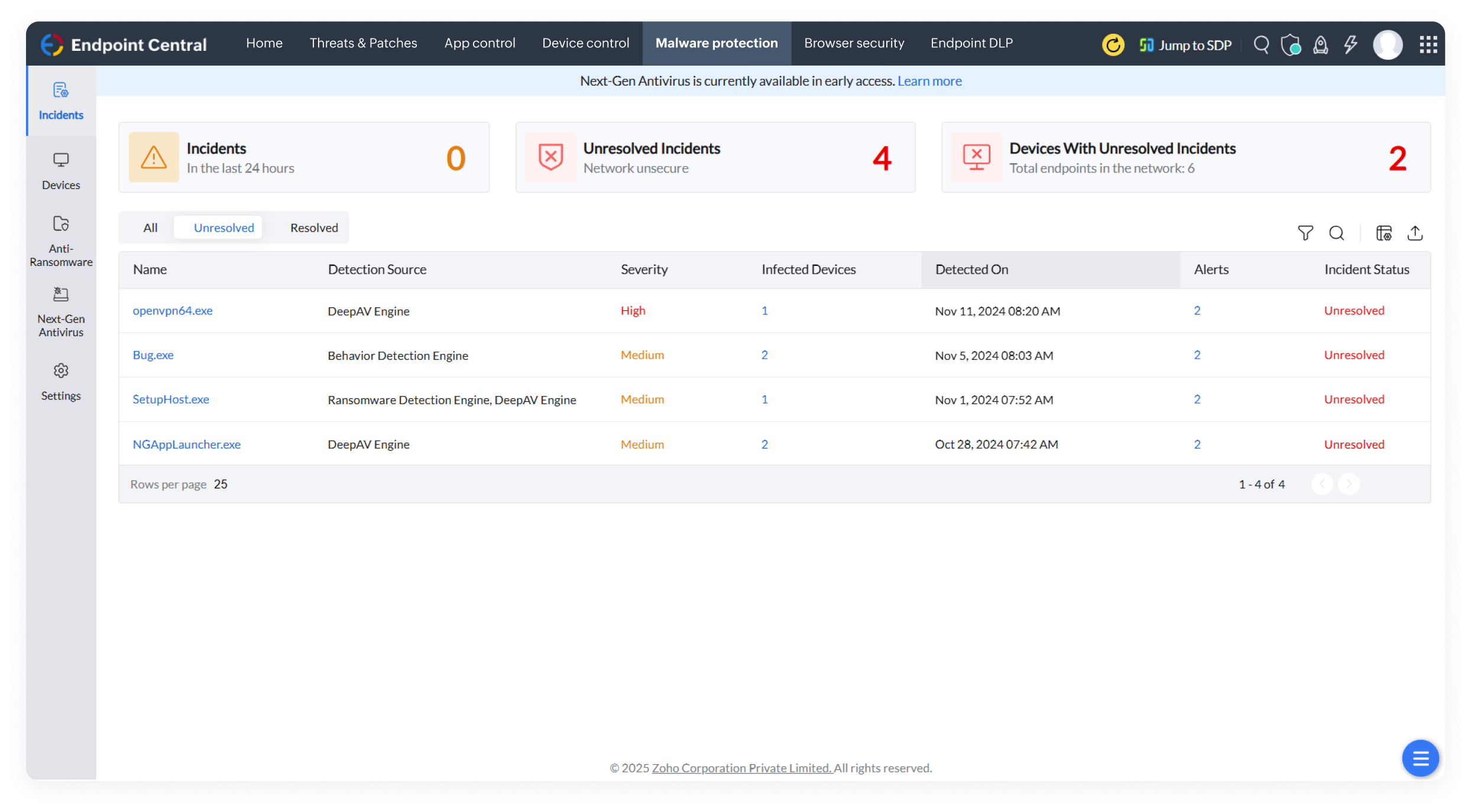
Detect and stop even stealthy, never-before-seen malware with Next-Gen Antivirus, going beyond signature-based threats to act in real-time and recover data instantly.
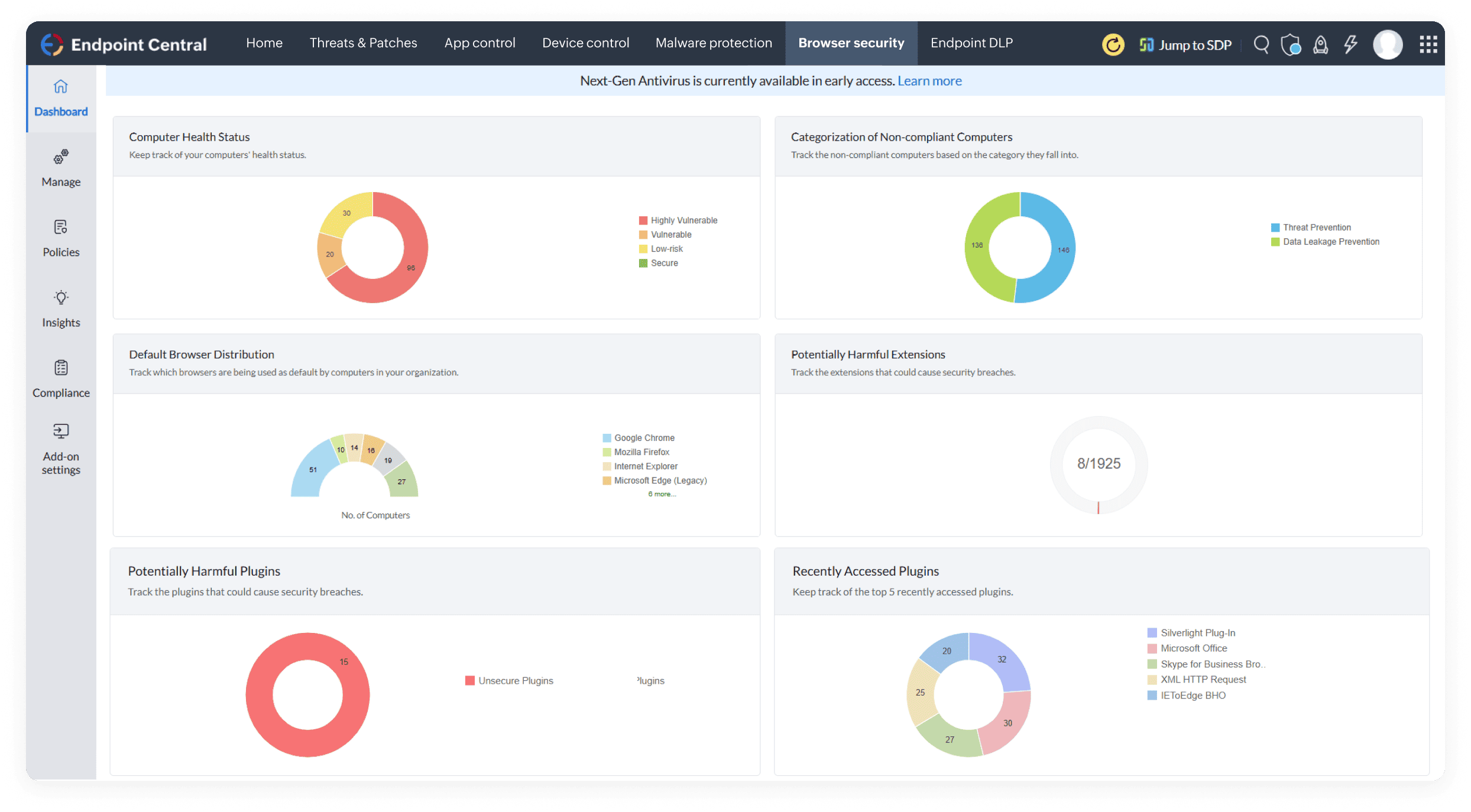
Empower safe browsing with browser security policies, so users can navigate through the web confidently, knowing there's vigorous protection over their online activities.
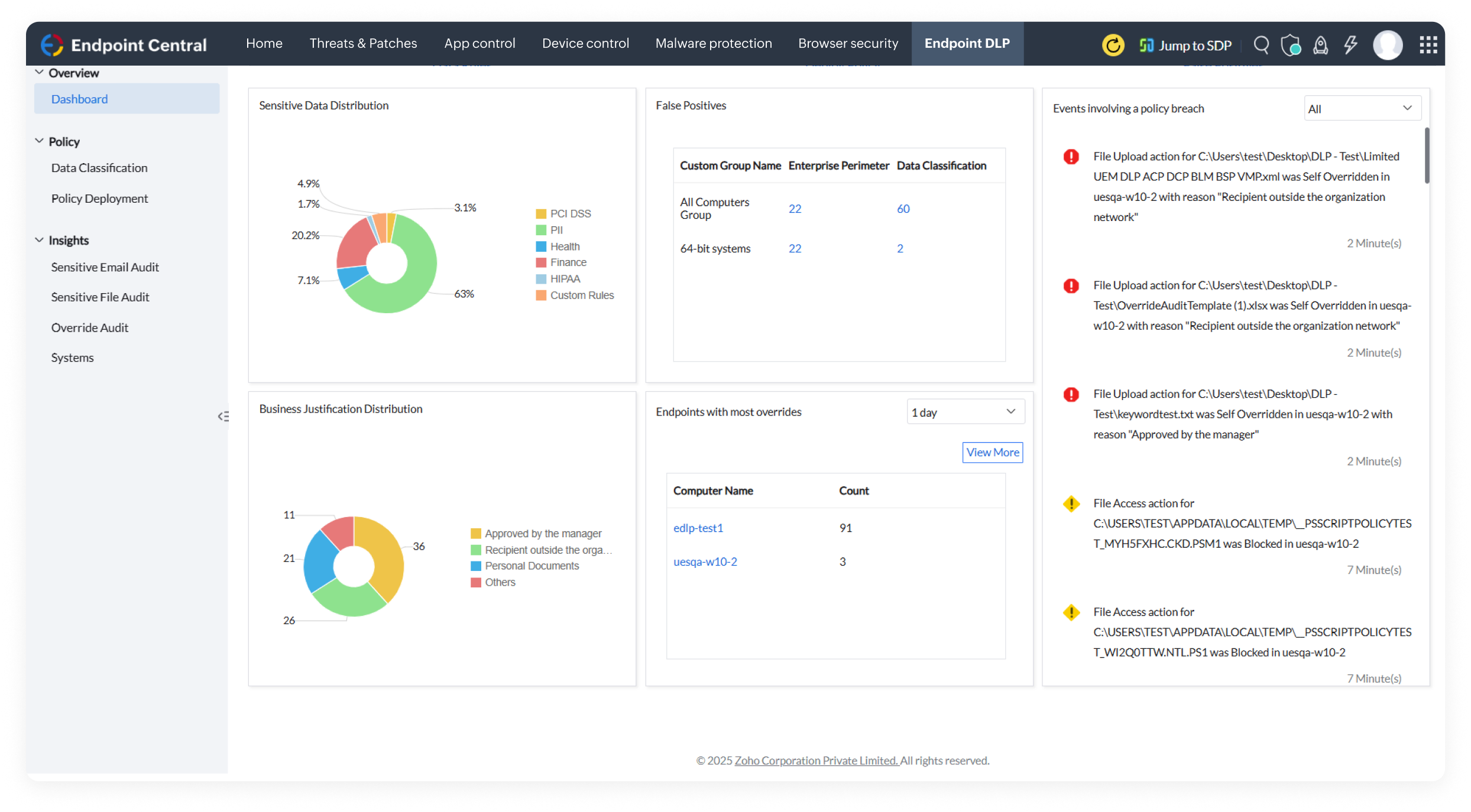
Lock down data exfiltration vectors with total visibility and control across the cloud, emails, and endpoints with data encryption and granular-level policies.
Enforce network access control to isolate non-compliant devices, ensuring only authorized, secure devices can access corporate resources.


Manage BitLocker and FileVault from a centralized console, enforce additional protection policies, and securely handle the entire recovery key life cycle.

Classify and lock sensitive data across your endpoints, using rules such as PII, keywords, matching contents and regex patterns.

Enforce policies across various peripheral devices, monitor device activities, allow only trusted peripherals, grant temporary access when needed, and track file movements through mirror copies created by the agent that are stored in the network share path.

Separate corporate data from personal data on an individual's device by managing them in separate containers, allowing enterprises to manage and secure its corporate resources without compromising an employee's privacy.

Prevent your sensitive data from unauthorized access by creating policies to restrict its movement, allowing access only within trusted domains or peripherals, and blocking it from being printed or screen captured.

Activate the Anti-Ransomware add-on with no baseline setup and secure your endpoints immediately.

Identify ransomware faster with 99% accuracy, reducing response time and limiting damage.

Isolate compromised devices instantly, verify threats, and gather actionable insights to strengthen your security posture.

Maintain business continuity with one-click recovery, restoring files to their latest shadow copy, and minimizing downtime from an attack.

Ensure continuous protection even without internet connectivity and monitor devices without relying on frequent signature updates.

Configure a list of authorized applications that are allowed to run on endpoints and block unauthorized applications that can affect security and productivity.

Confine child process execution only to trusted applications and block the rest, to reduce the risk of malicious activity and enhance endpoint protection.

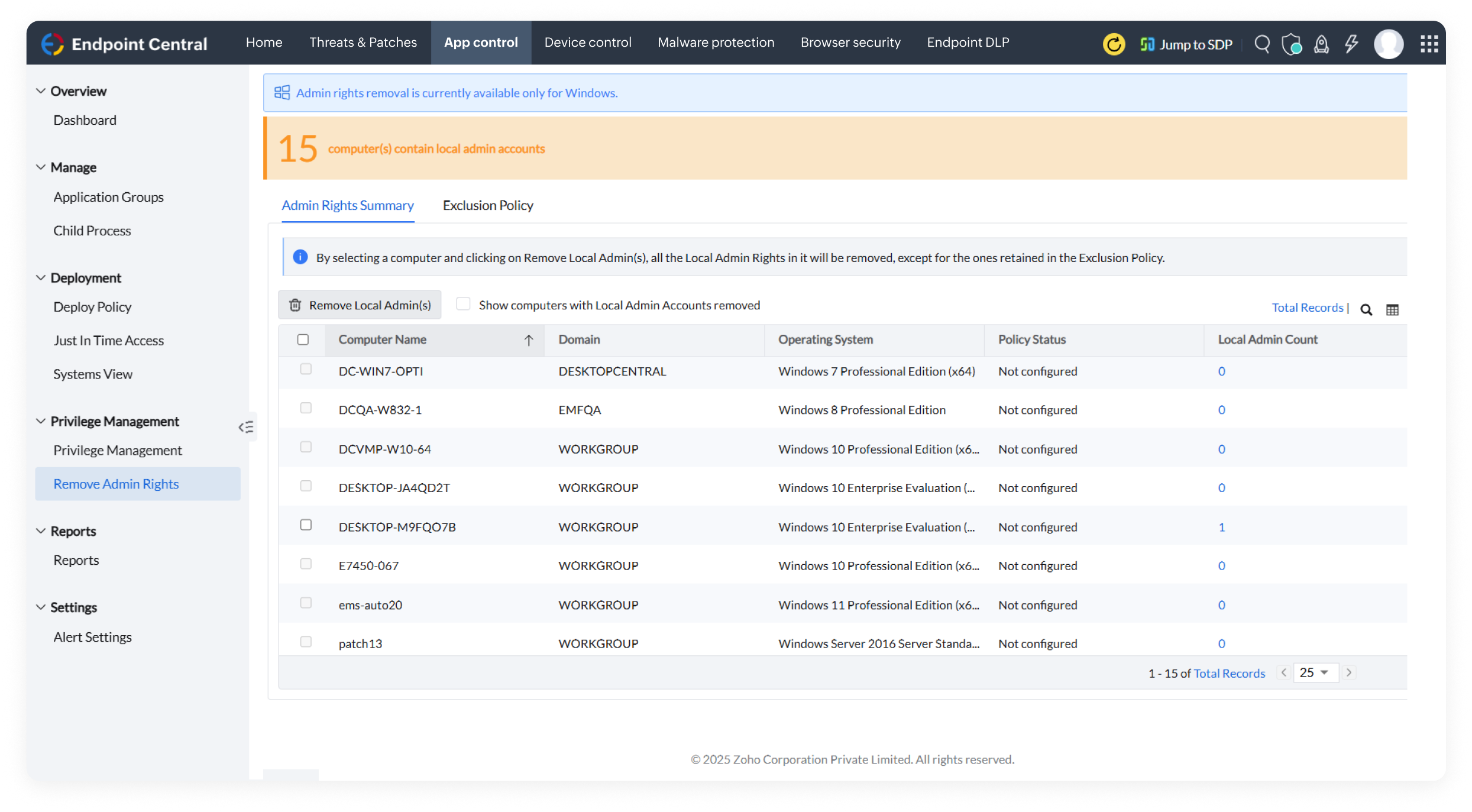
By leveraging PoLP, grant appropriate privileges to authorized users, and remove unnecessary local admin rights, without affecting their ability to perform day-to-day business tasks.

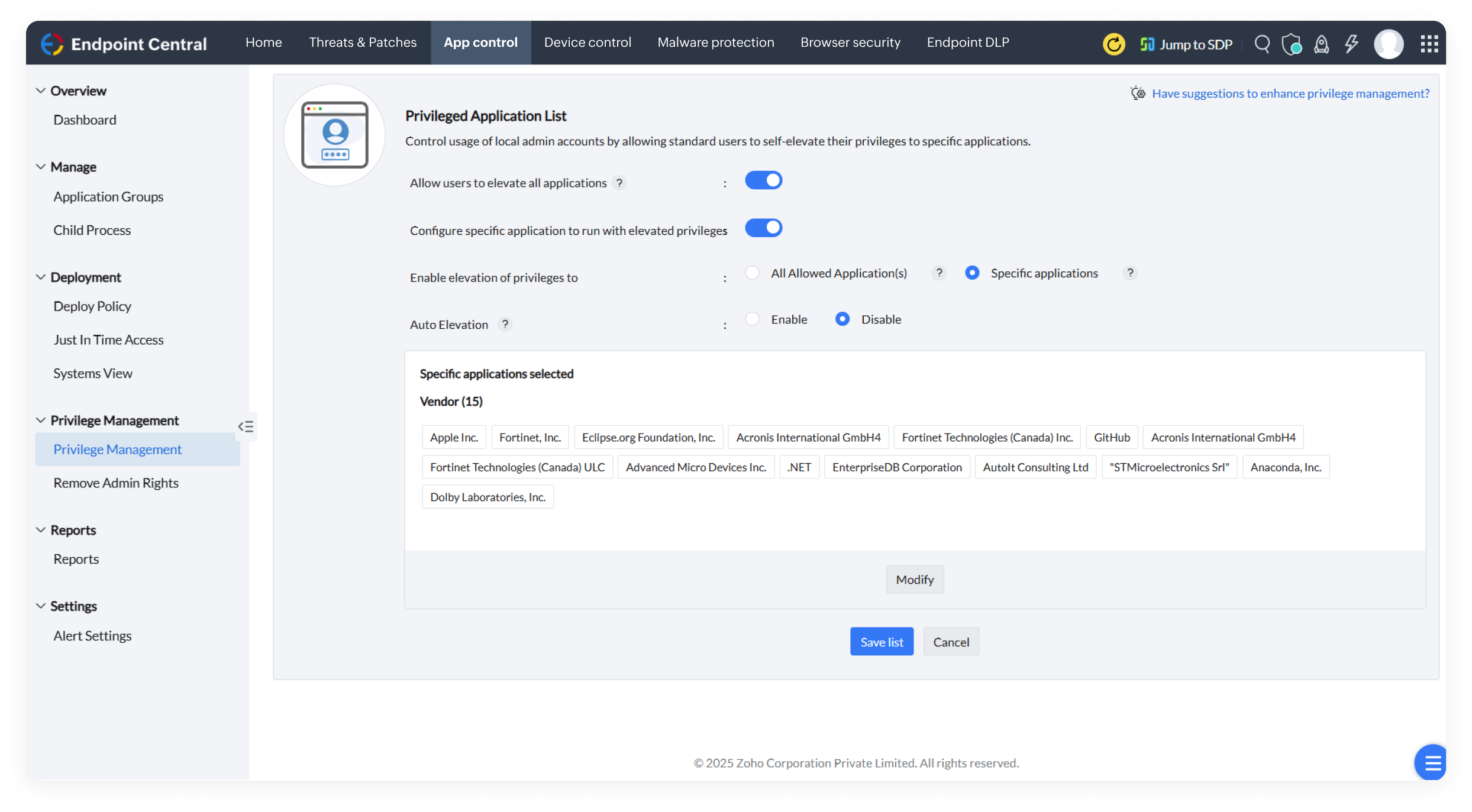
Reduce the scope of insider threats by allowing users to access critical applications only for a stipulated time and enabling self-elevation of privileges based on proper justification.

Keep your corporate data secured using conditional access policies such as Exchange Access and Office 365, ensuring only approved users access corporate data.

Deploy customized browser configurations across endpoints, enhancing security by aligning settings with your organization's specific requirements.

Secure your browser by blocking suspicious extensions/add-ons that may be malicious and configure only reliable extensions that are helpful.

Configure trusted sites accessible to normal browsers while isolating untrusted ones in virtual browsers, preventing malware creep for secure browsing sessions.

Create a fortified browsing space by adding web filters that restrict downloads of specific file types or that stop from landing on malicious websites.

Take users to compatible browsers for seamless access to legacy web applications, to experience complete functionality and no disruption to their browsing experience.

Gain complete visibility into software and hardware details, such as OS, manufacturer, age, and device type of your endpoints.

Save IT budgets by managing licenses using software metering, tracking usage details, and planning license renewals.

Monitor your devices which leave or enter the configured geographical boundaries, and trigger automated actions such as enabling lost mode or wiping device data, to maintain corporate data security.

Save power by employing customizable power configurations across devices when they are at idle state, creating an environmental friendly IT ecosystem.

Manage enterprise-critical content from a central repository and instantly distribute, update, or remove it across all corporate-managed devices, including personal devices.

Securely access endpoints via web-based remote connections with options to share files and blacken the user's screen to maintain their privacy.

Leverage system tools such as disk cleanup, Wake on LAN, remote shutdown, defragmentation and more, for effective troubleshooting.

Resolve complex issues faster with multi-technician support in the same session.

Record and save every remote session for compliance, training, or auditing purposes.

Support users with flexible communication channels, via text, voice call and video, and remotely handle multiple monitors from one system, seamlessly.

Deploy software effortlessly using predefined templates with built-in install and uninstall switches, saving time and effort.
Deploy software effortlessly using predefined templates and configure install and uninstall switches in software packages, saving time and effort.

Silently distribute, install applications, and update mobile apps to a bulk of devices automatically, so that no critical update is missed.

Install apps with preconfigured permissions, ensure devices are ready to use out of the box, and prevent unauthorized permission changes to stay compliant and secure.

Ease your IT team's workload by empowering employees to independently install organization-approved apps and patches.

Streamline app update management by allowing sysadmins to ensure timely, tested updates without interrupting device performance and data security.

Capture OSs from both active and powered off endpoints with online and offline imaging techniques.

Use preconfigured and ready-made templates based on roles or departments and simplify rolling out OS across teams.

With no manual intervention, roll out OSs to a bulk of remote machines at once, using flexible options such as Preboot Execution Environment (PXE), USB, or ISO.

Save time for your IT teams by having user profile back ups to roll out on new machines or during device replacements, eliminating manual hassle.

Use a single golden image to deploy across multiple systems, with compatible drivers dynamically added based on the target machine's unique hardware configuration.