




Ensure 24/7 uptime with server availability monitoring
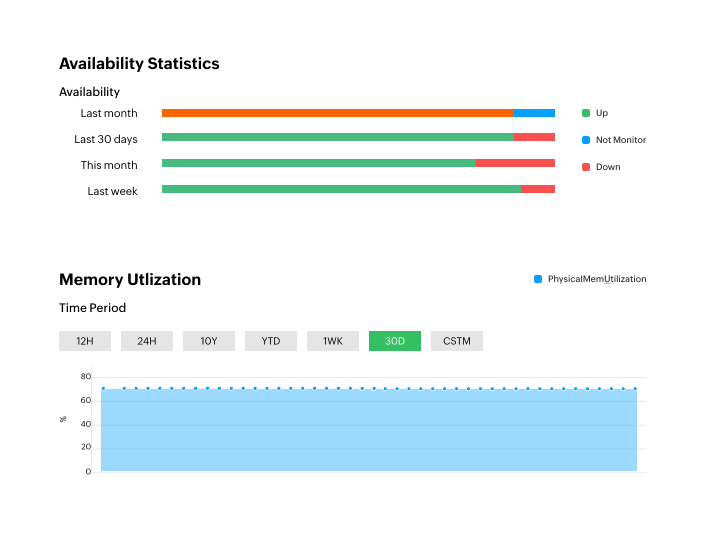
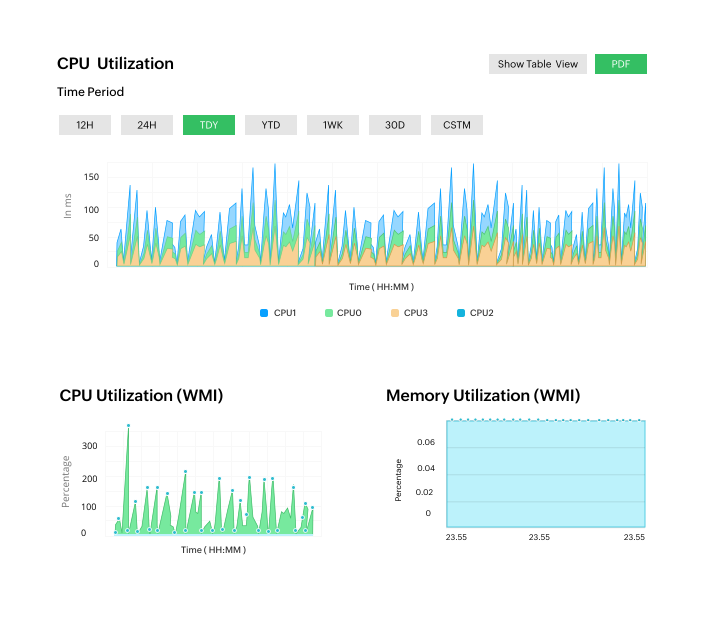
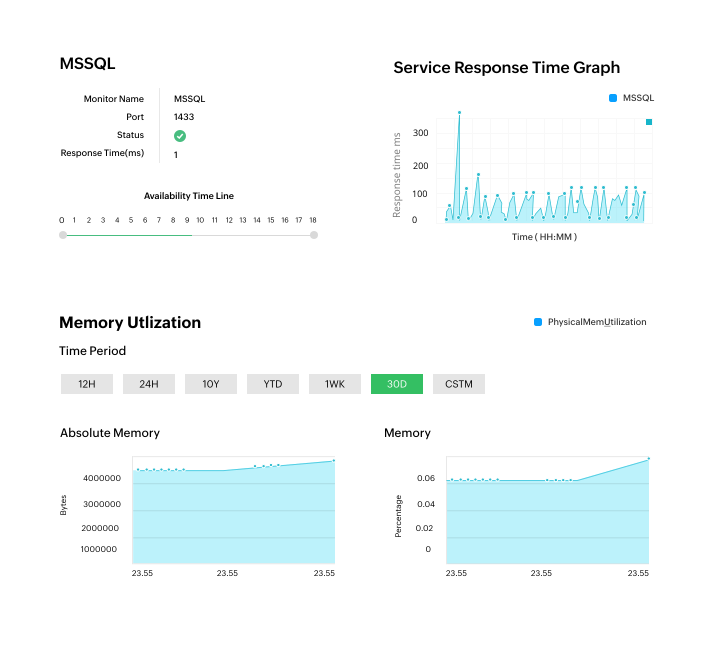
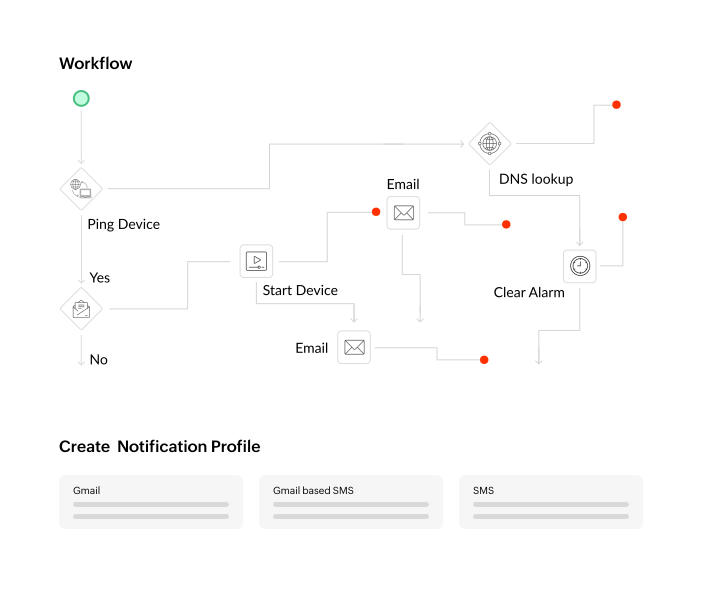
Ensure high-availability for your servers with regular uptime checks. OpManager uses ICMP, SNMP, and TCP to check the availability of your devices and maintains an availability timeline for each device. You can customize the monitoring interval for uptime checks and set up alarms for non-availability. Moreover, you can also track the response time and packet loss to ensure quality as well as availability.