Auto-discovery
Auto discovery helps you to discover and monitor servers and applications automatically during the initial startup of Applications Manager. You can specify the total count of applications that are to be added for the discovery along with their discovery order for performing auto-discovery. The Default Maximum Applications count is 50. If the count of added applications remains under the default limit, MS SQL monitors will be added accordingly. For eg: Consider added applications count to be 25.Here 25 more MS SQL monitors can be added. This occurs only upon initial startup of Applications Manager for Trial and Professional Edition users in Windows.
By default, auto-discovery will be enabled in Applications Manager. If users need to disable or discovery only servers, they can configure by specifying appropriate values for the property AUTODISCOVERY in the AutomaticDiscovery.properties file. In addition, you can also specify additional criteria with which the auto-discovery is to be performed by updating the values for their respective properties in the file. Upon updating the values, discovery profile will be created to view added servers and applications.
Following are the list of properties that can be configured in the AutomaticDiscovery.properties file located under <Applications Manager Home>\working\conf\itomdiscovery directory:
Note: Since auto-discovery occurs only on initial startup, the required properties should be configured in the file before initial/first startup.
| Property | Description and possible values |
|---|---|
| AUTODISCOVERY | Allows you to enable or disable the auto-discovery feature in Applications Manager. Possible values are:
Note: Default value for this property will be enable. |
| TOTAL_APPLICATION_COUNT_TO_BE_ADDED_VIA_AUTODISCOVERY | Allows you to specify the count of applications to be added via auto discovery, By default, 50 applications will be added. Note: Default value for this property will be 50. |
| ORDER_OF_APPLICATIONS_TO_BE_ADDED_VIA_AUTODISCOVERY | Allows you to prioritize applications added via auto-discovery by changing the priority order. By default, the first given application will have highest priority. Note: Refer to the Priority order of auto-discovery section for default priority order. |
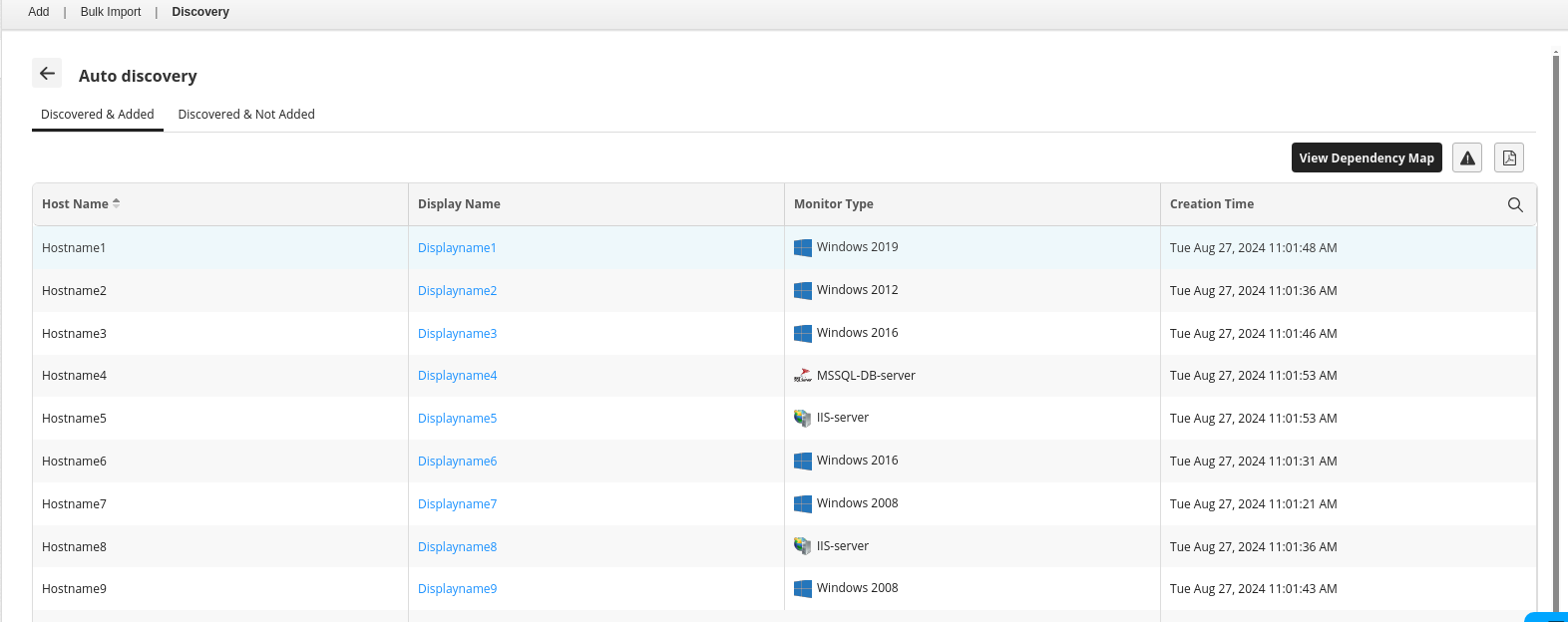
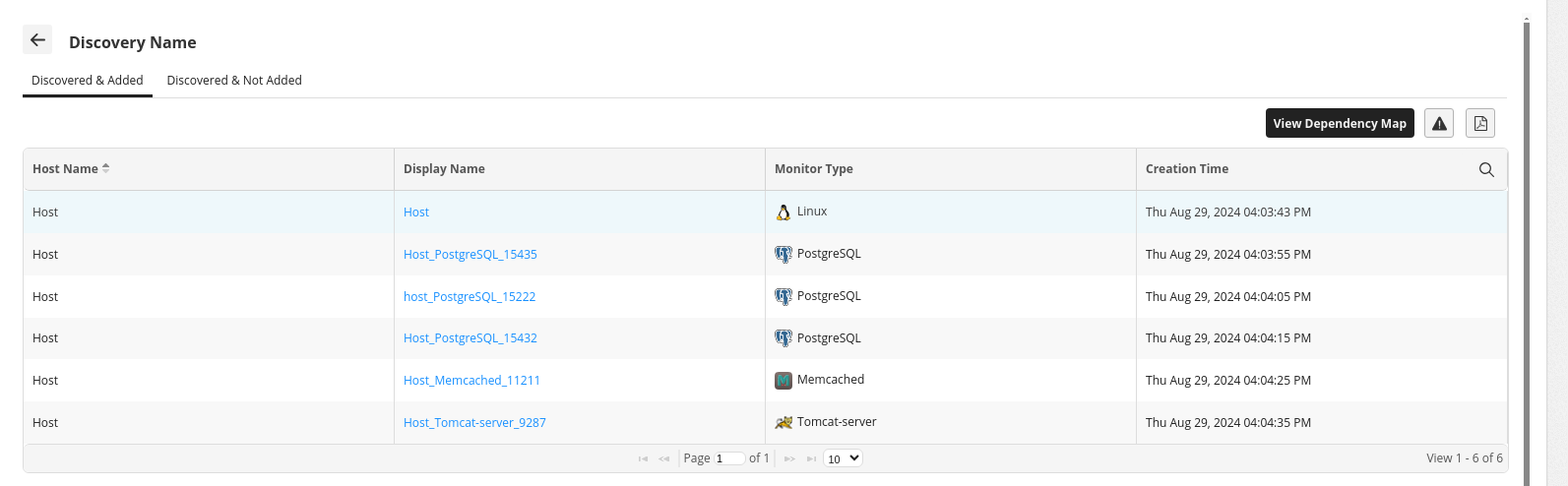
On performing the above configurations and starting Applications Manager for the first time, auto discovery will occur and discovery profile will be created, wherein all servers and applications that are added via auto-discovery can be viewed under the profile name Auto discovery.
In this newly-created discovery profile, only the View Report Page option will be enabled, whereas other options such as View Discovered Details, Edit, Delete, Rediscover now, and Schedule discovery will be disabled.
Priority order of auto-discovery
Applications Manager follows the below priority order for automatic application discovery.
- MS SQL
- Oracle Database
- IIS Server
- Tomcat Server
- JBoss Server
- MySQL
- PostgreSQL
- DNS Monitor
- IBM WebSphere MQ
- MongoDB
- Active Directory
- Apache Server
- WebLogic Server
- Redis
- RabbitMQ
- DB2
- WebSphere Server
- Docker
- Nginx
- Memcached
- Exchange Server
- GlassFish
- Sybase ASE
- Cassandra
- Resin
- Java Runtime
- SQL Anywhere
- Elasticsearch Cluster
- LDAP Server
- Kafka
- Apache ZooKeeper
- Apache Solr
- MS Office SharePoint
- Neo4j
- Couchbase
- Microsoft MQ (MSMQ)
- Informix
- Apache ActiveMQ
- Microsoft Dynamics CRM / 365 (On-Premise)
- KVM
- SAP MaxDB
- Apache Geronimo Server
- Hadoop
- Apache Spark Master
- Microsoft Skype for Business

