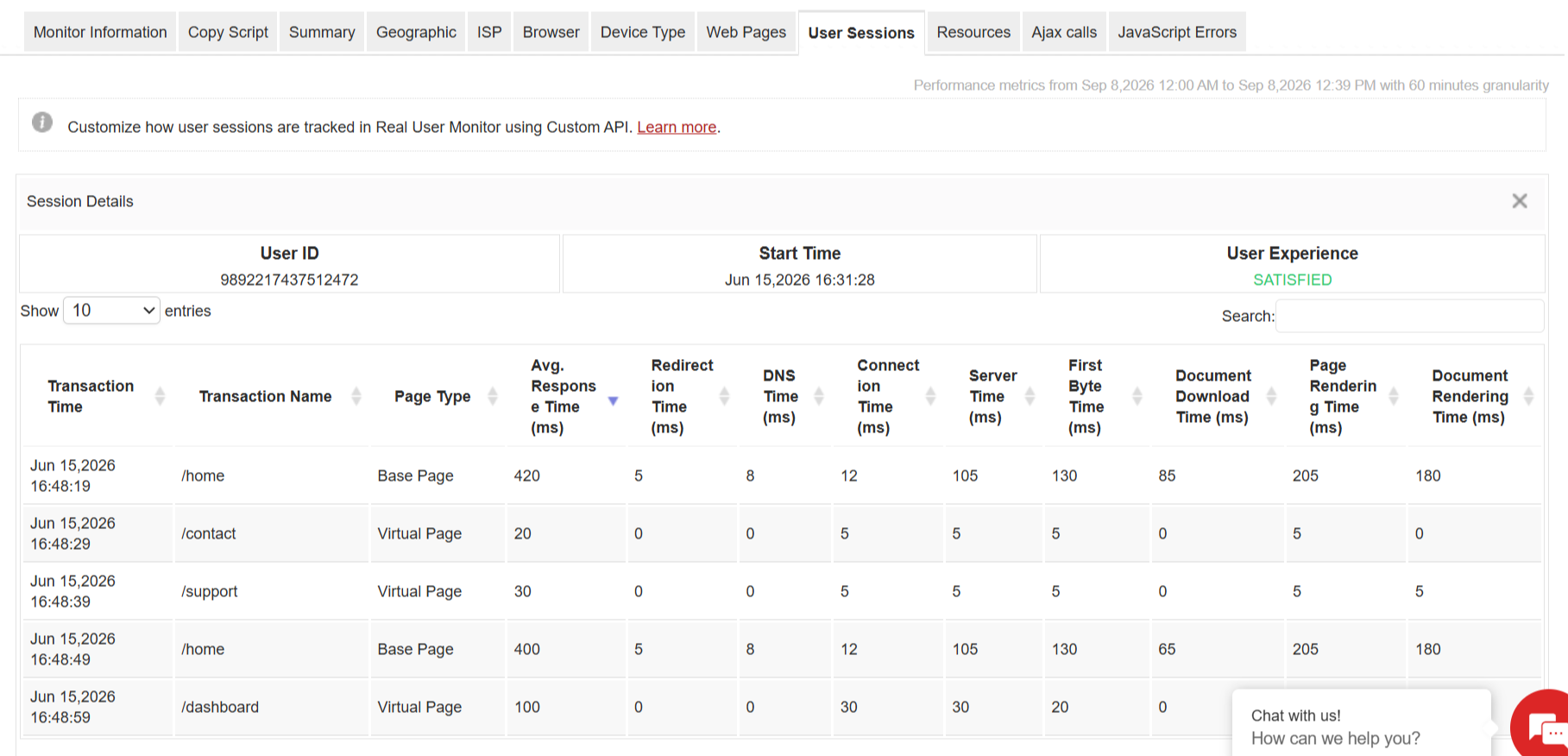
RUM User Sessions
User sessions include a set of consecutive user actions performed by the same user within a particular period of time. Each user session can include multiple page loads, third-party content requests, user actions such as file downloads, etc. Applications Manager's RUM monitor offers support for categorising user sessions as live, active, and expired. Also, it provides an option to filter users based on session types. We are supporting this feature from Applications Manager version 16310 and DEM Collector version 3.1.
Types of User Sessions
| Type | Description |
|---|---|
| Active | An active user session performs continuous transactions. Last transaction time will be less than 1 minute. |
| Live | A live user session was active once and not yet expired. Last transaction time will be greater than 1 minute, and the session has not expired. |
| Expired | An expired user session has ended. We end a session based on 3 different criteria. Refer Session End Time |
Start time and End time for User sessions
Session Start time: The time at which the user performs the first transaction.
Session End time: A session will reach end time or expiry when the following criteria are met.
- When the session duration reaches 2 hours.
- When the last transaction time is more than 15 minutes.
- When the user closes the browser.