Exclude Rules- Firewall Analyzer
Firewall Analyzer has introduced an Exclude Rule feature, allowing users to omit specific rules from Rule Management and Compliance Reports. The reports affected by this feature include:
- Optimization
- Reorder
- Expiry Notification
- Risk
- Standards
- Security Audit
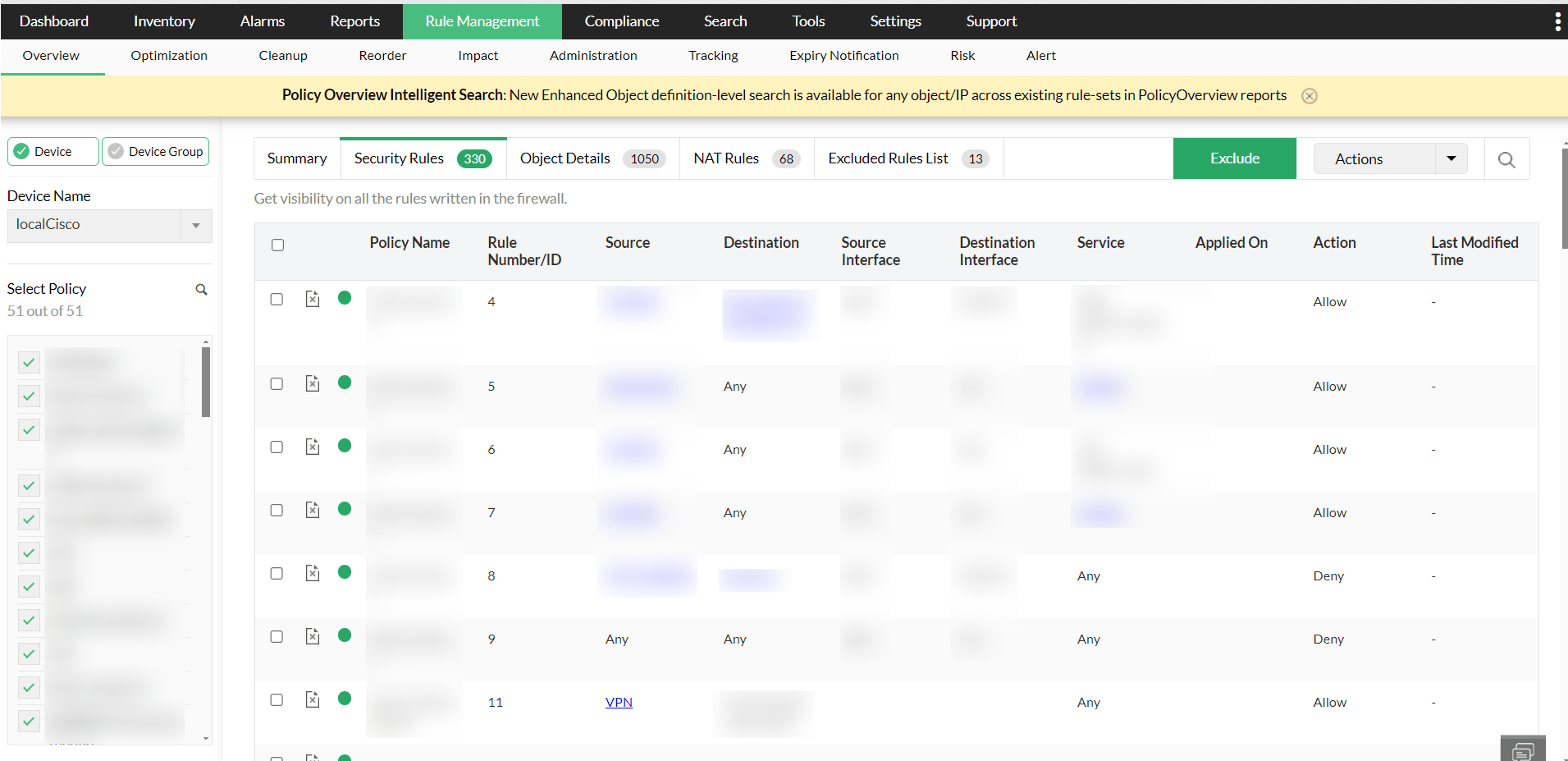
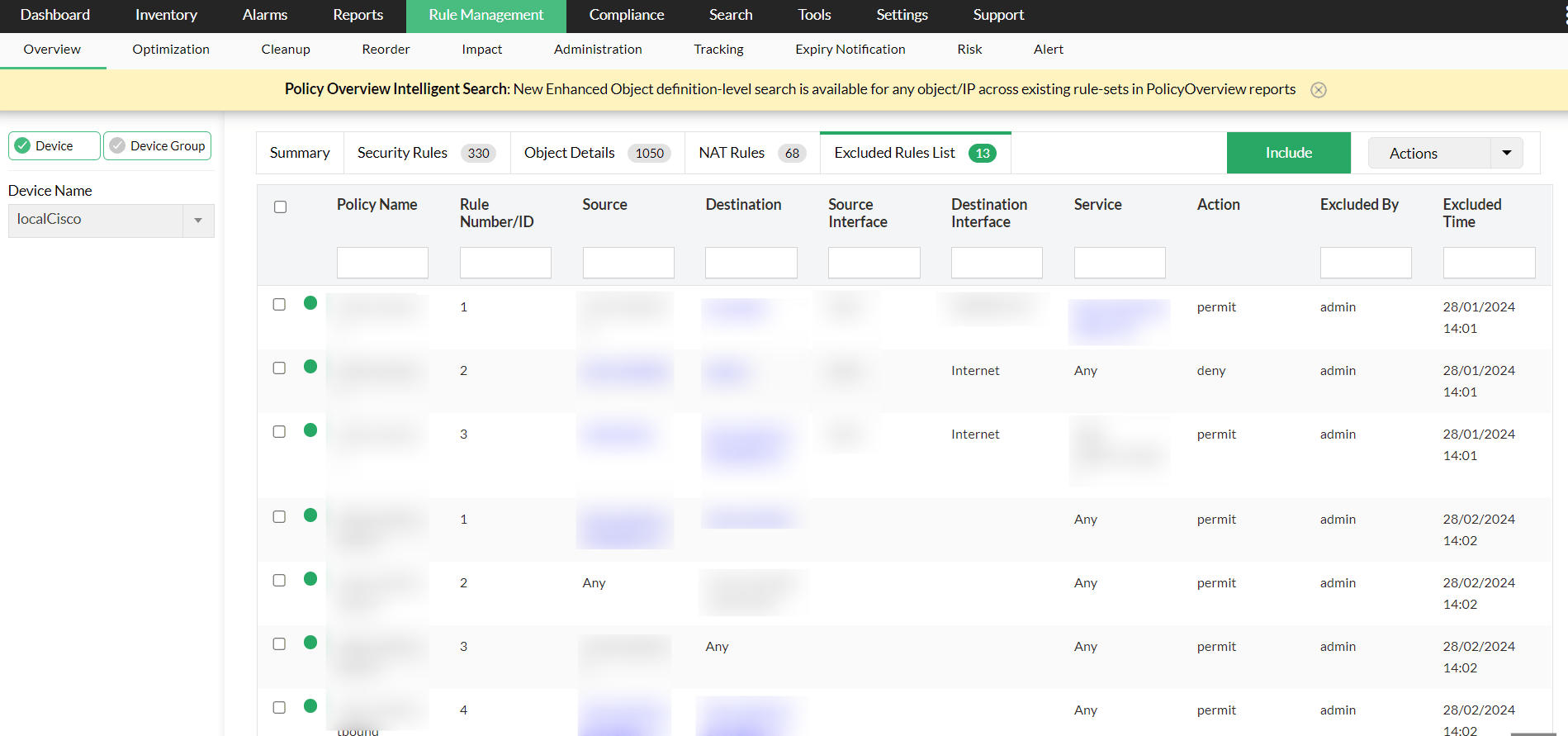
In the "Overview" tab of the Firewall Analyzer, a new "Exclude" button has been added under Security Rules. This enables users to exclude a set of rules, which are then listed under Rule Management > Overview > Exclude Rules List.
If users wish to reintegrate these excluded rules into the reports, they can easily do so using the "Include" button, which reinstates the rules in all relevant Rule Management and Compliance reports.