Managing and Unmanaging DHCP subnets in DDI Central Windows
Admins can exclude managing the scopes that exceed their license limits by clicking on the yellow Unmanage icon, which switches the subnets to an unmanaged state.
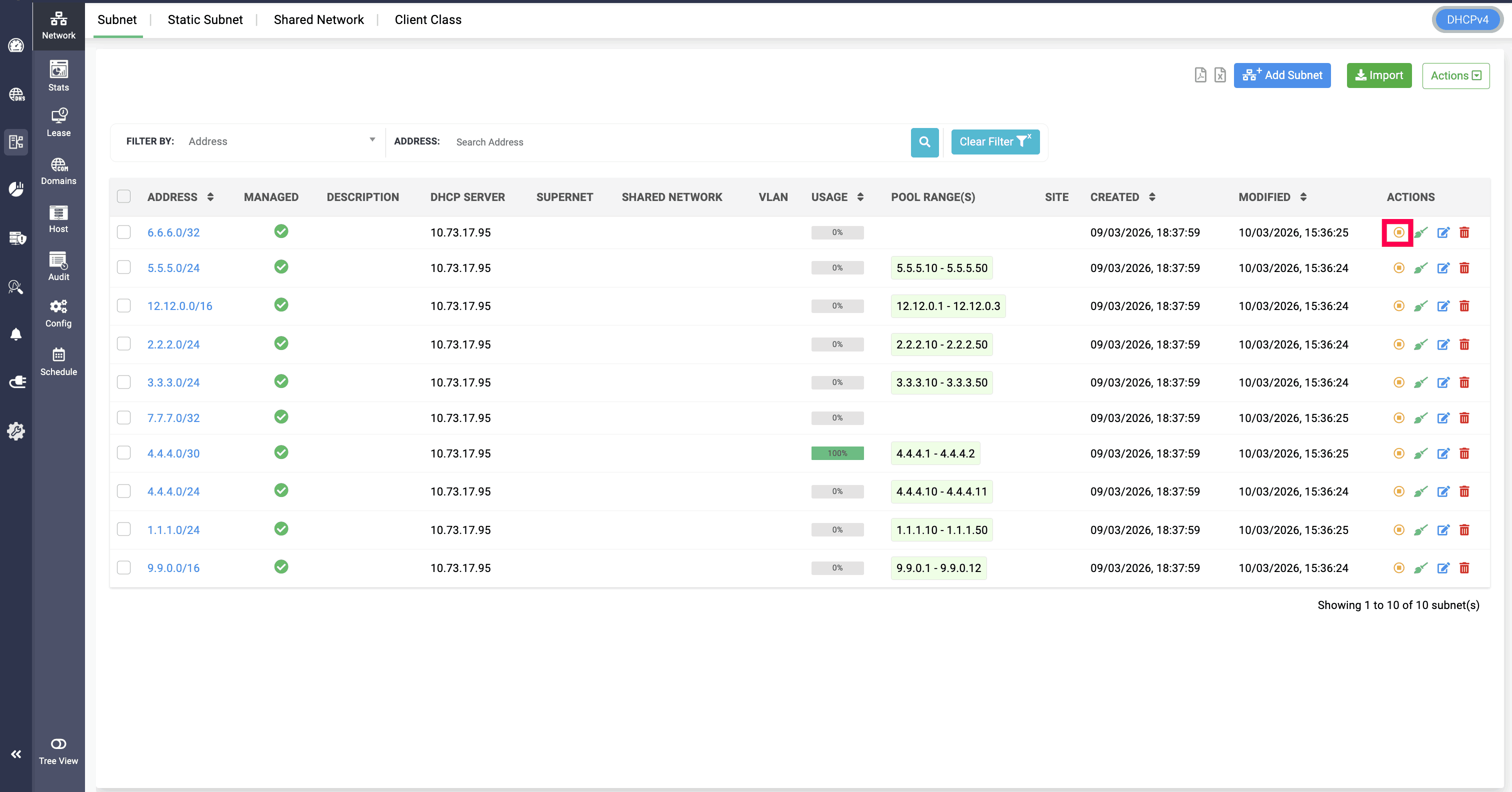
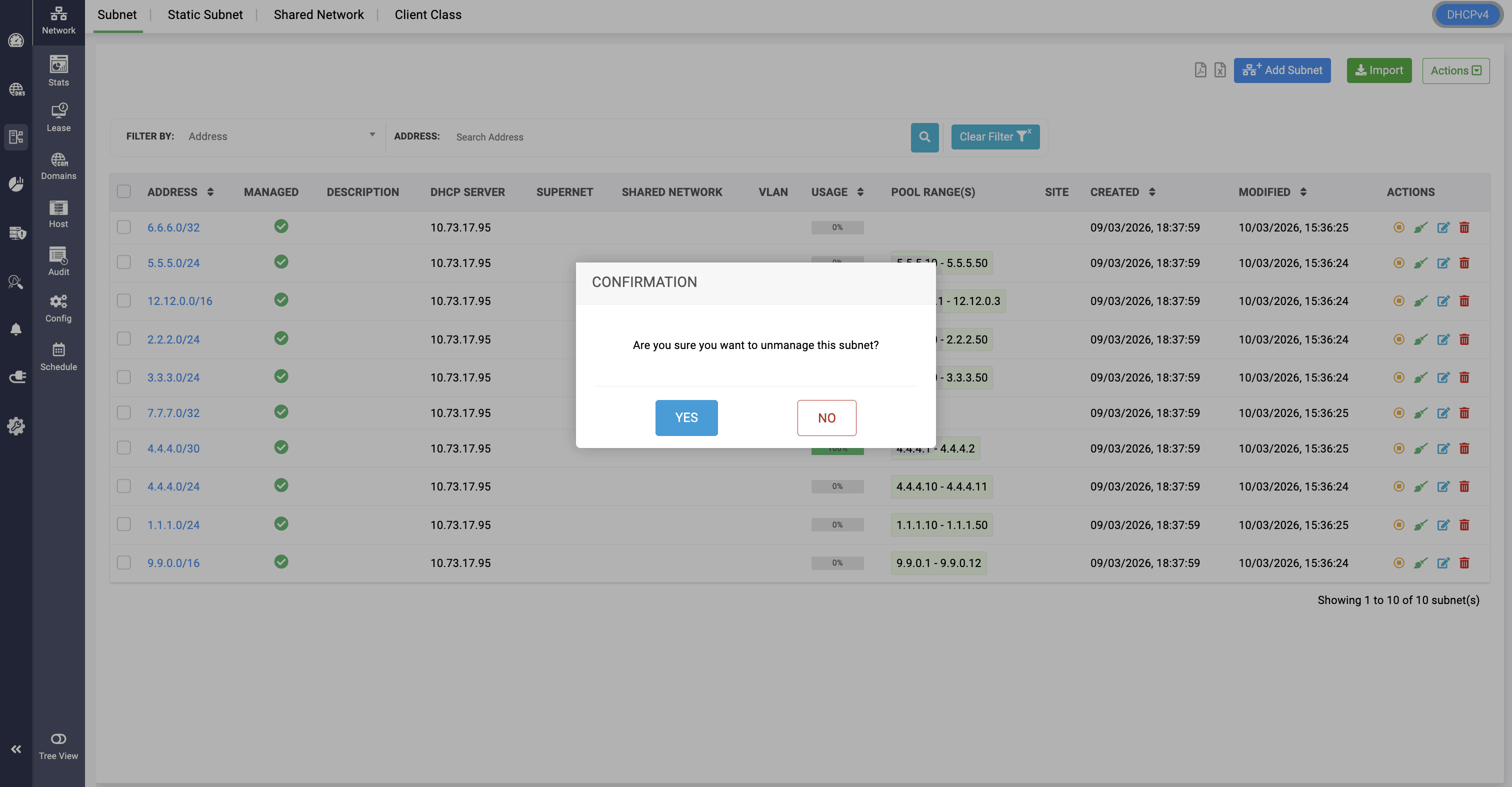
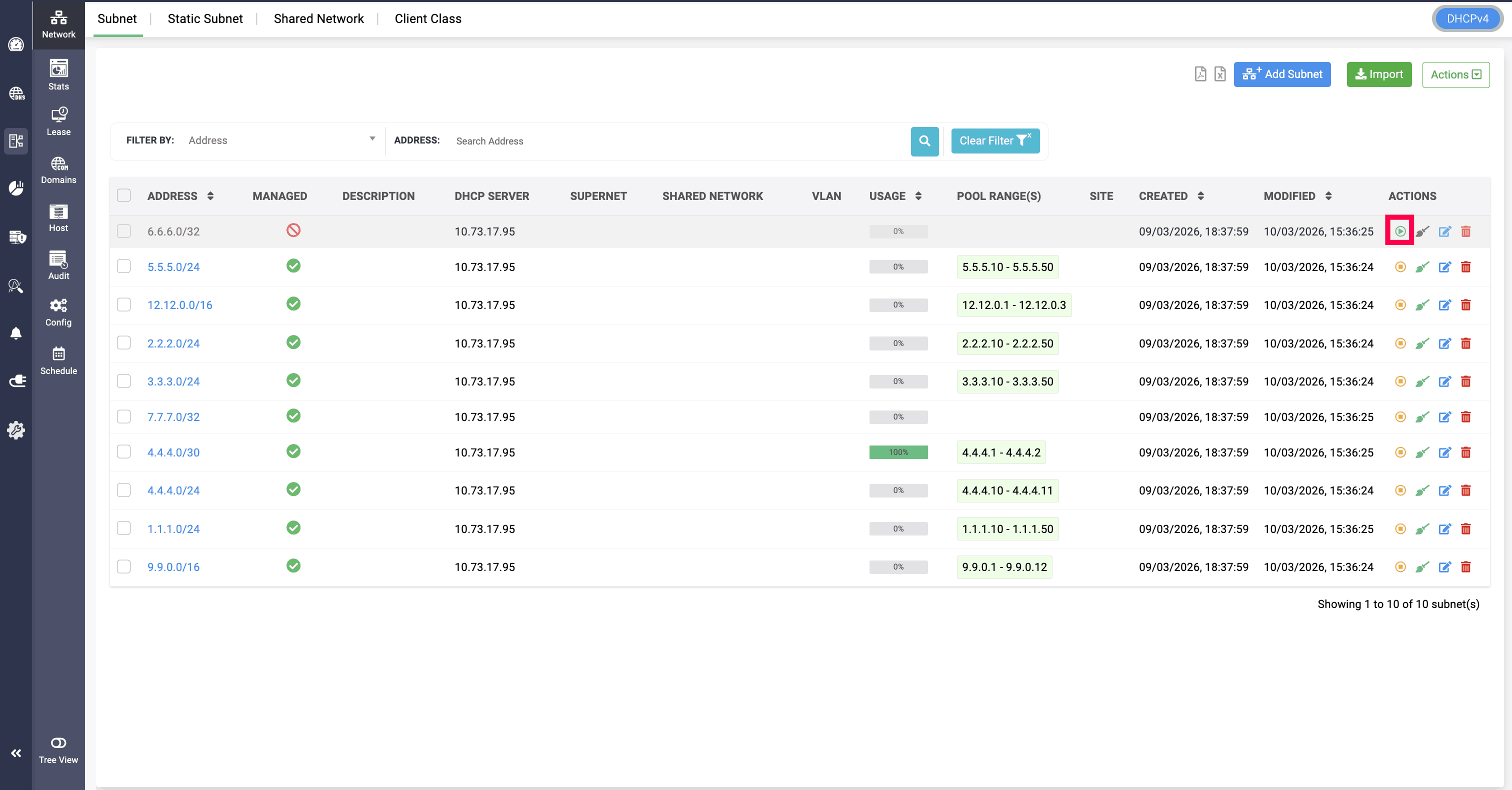
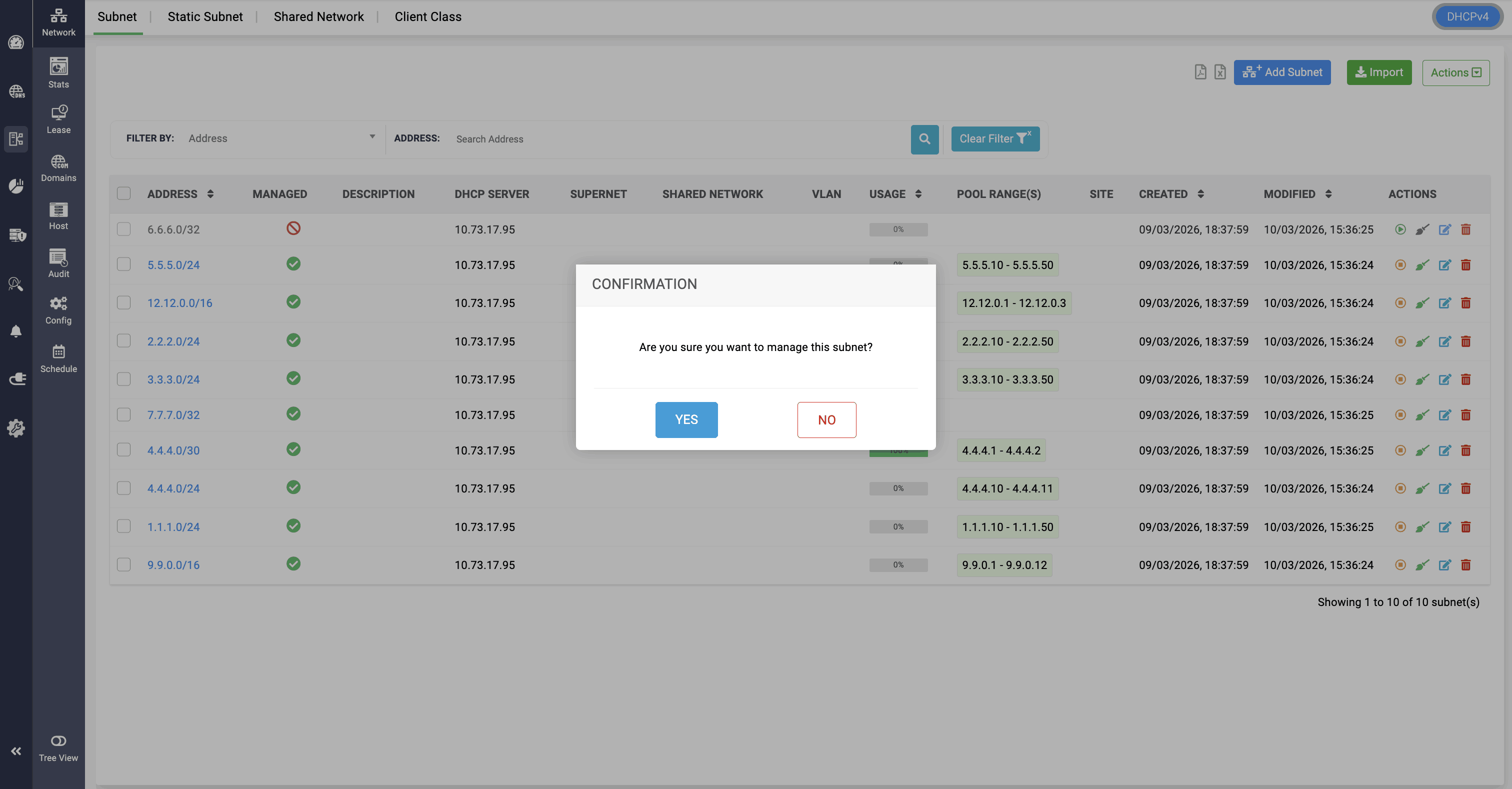
After unmanaging the subnet, network admin cannot edit or configure the subnet. They can only be edited or configured when the subnet gets changed back to managed state by clicking on the green
Manage icon.
When an unmanaged DHCP subnets are associated with a specific shared network, the subnets will be displayed within the shared network page for reference.
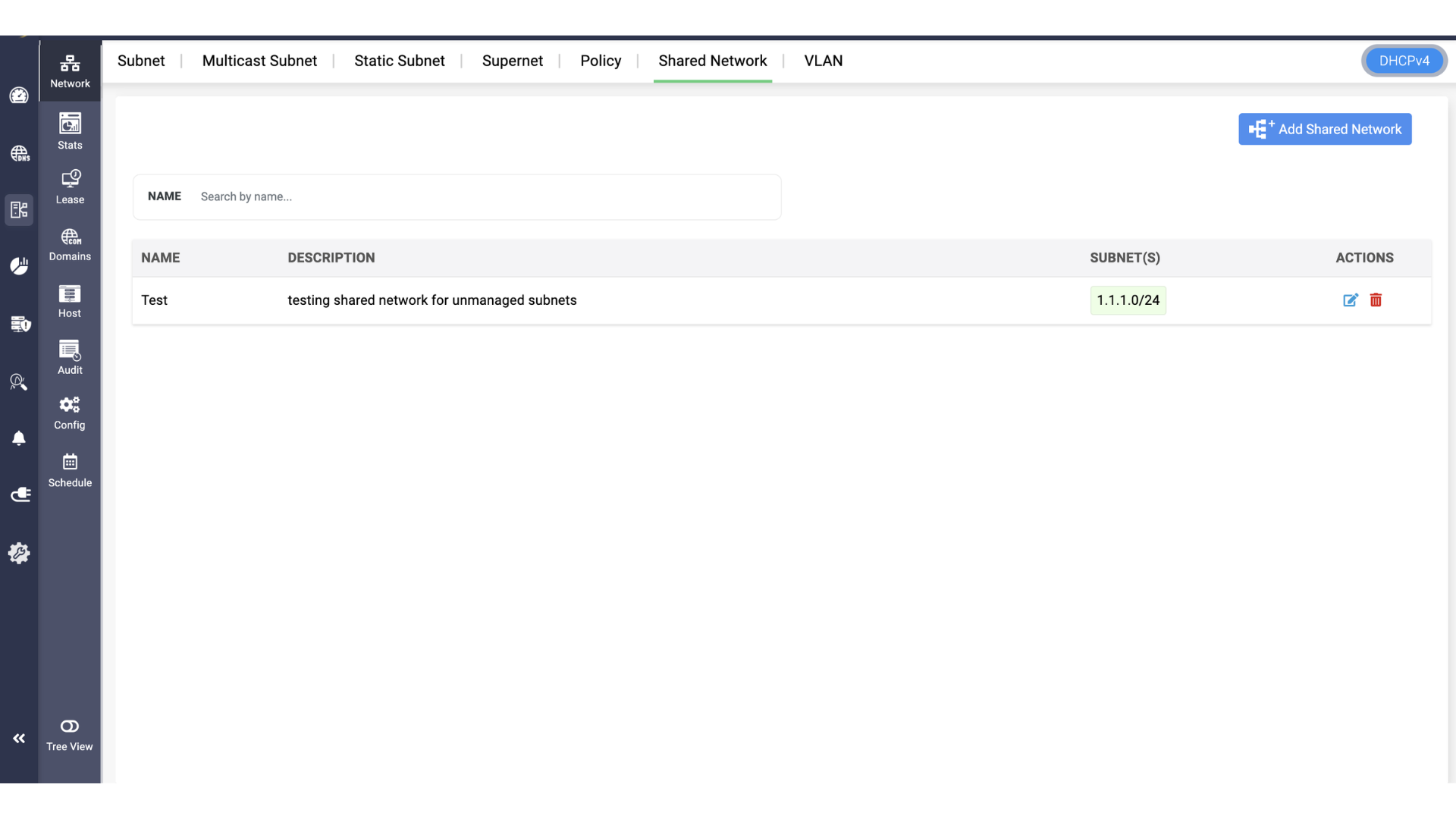
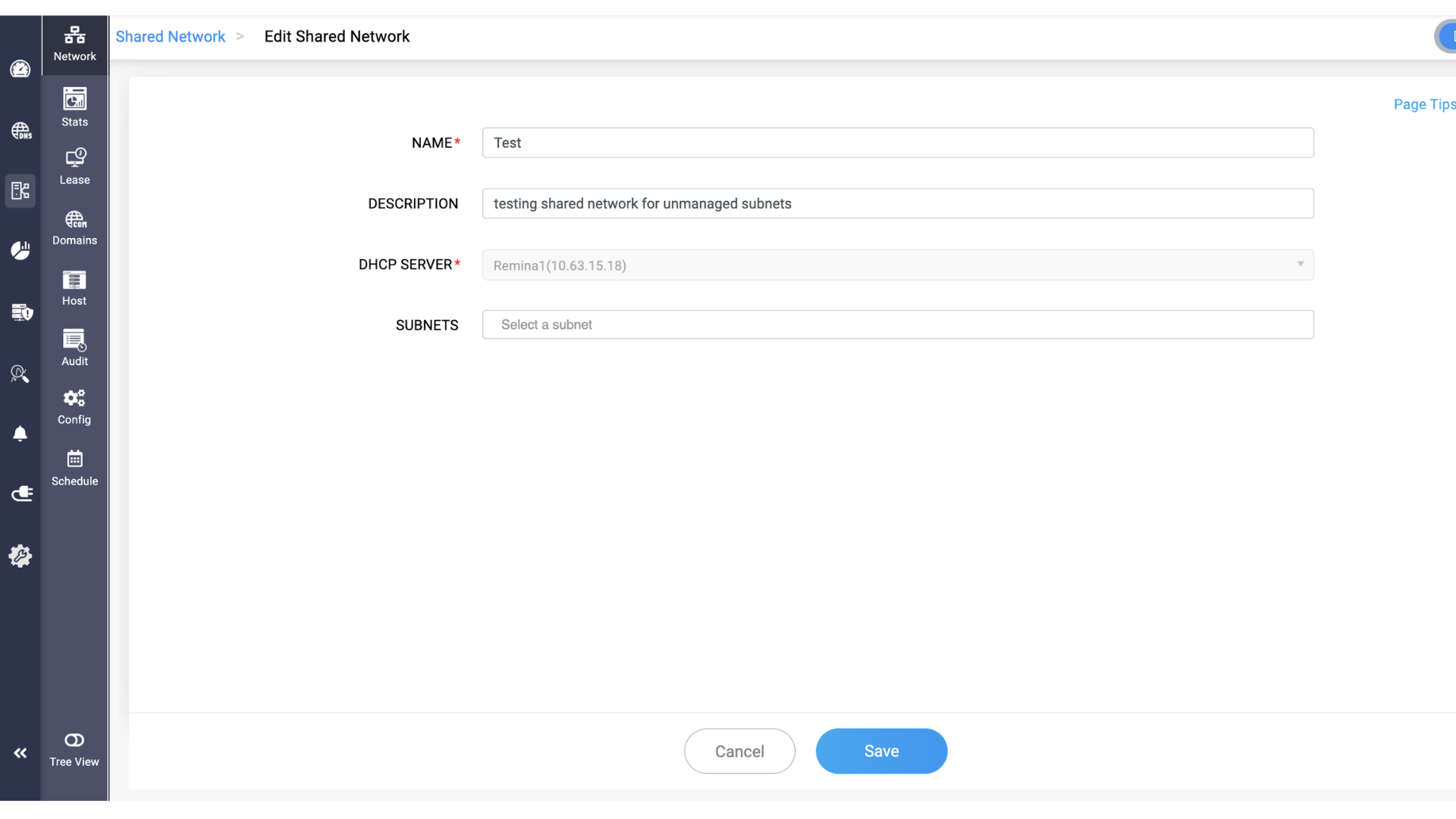
But inside the shared network's configuration, the constituent subnets are limited from display. Also the DHCP server associated to the shared network cant be configerd. So, network admins can only associate new subnets, but cannot view the previosuly associated subnets that were unmanaged.
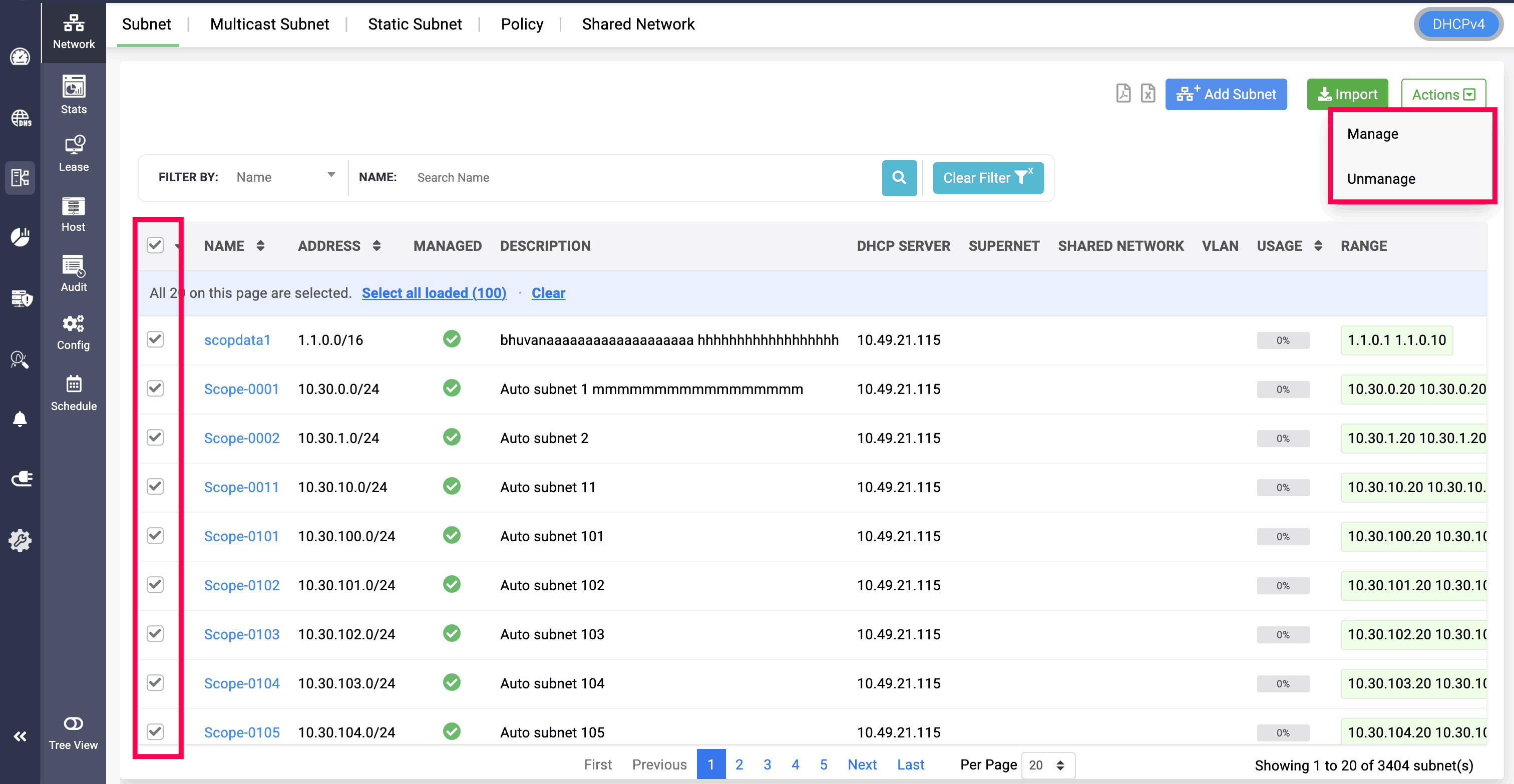
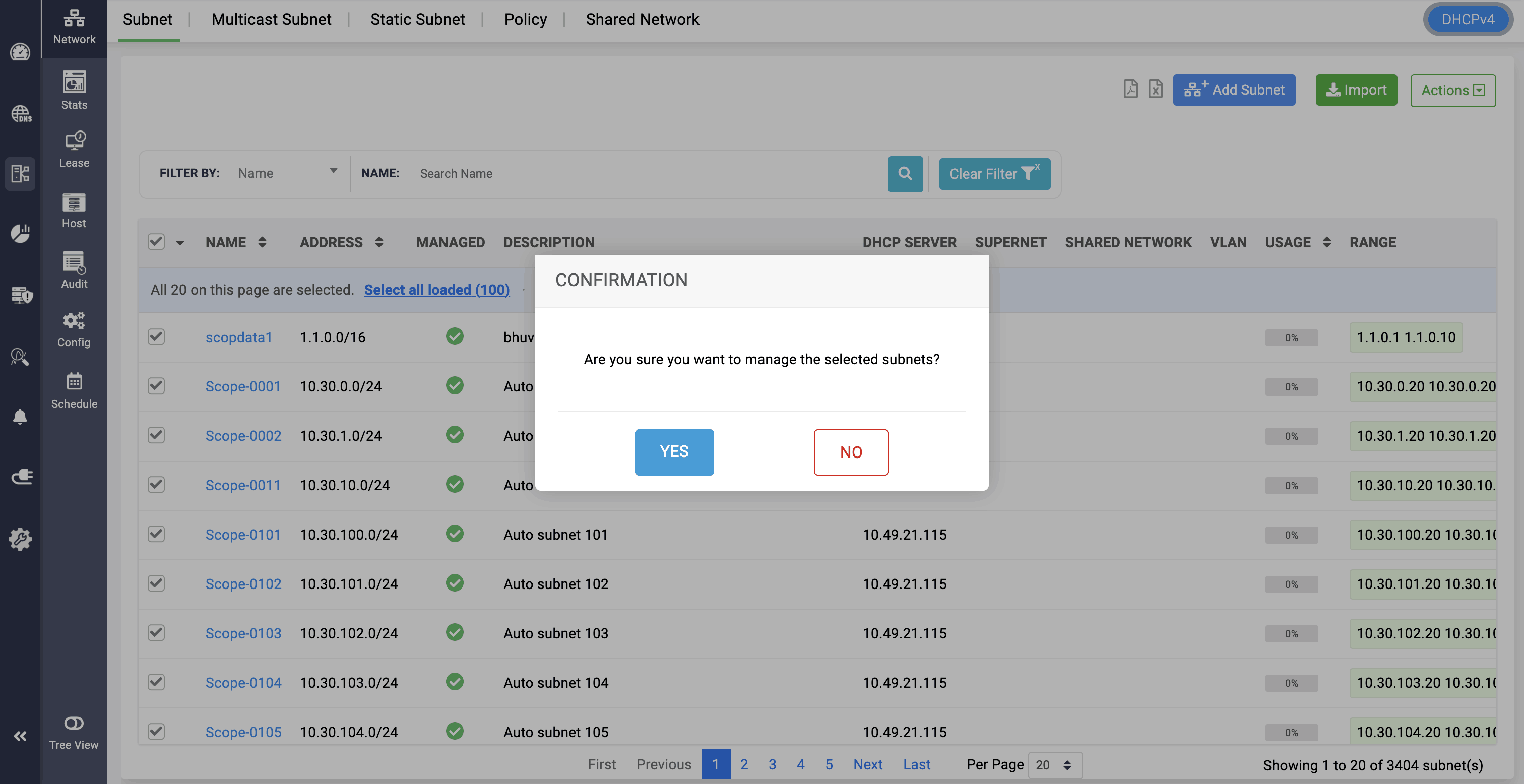
Note: DHCP subnets can also be selected in bulk for both managing and unmanaging them.
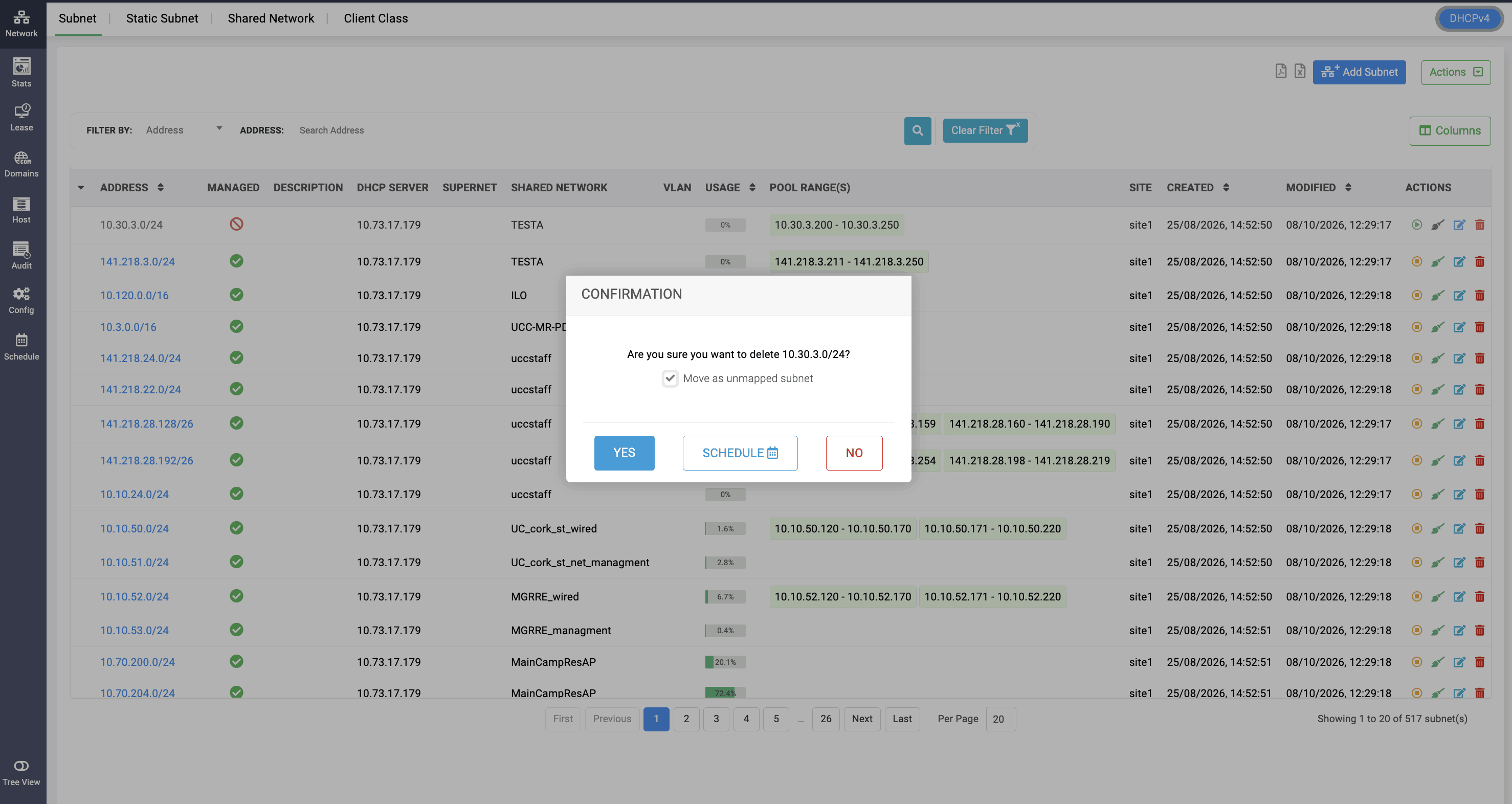
Note: When you try to delete an unmanaged subnet which is already associated with a site, there will be an option to move it as an unmapped subnet when clicked on
Delete option.
More on Unmapped subnets