Application Integration
Application-specific troubleshooting tips
Common troubleshooting tips
- Invalid file format.
- Invalid or empty metadata configuration file.
- JWKS possible error cases.
- Refresh token has expired. Please reauthenticate.
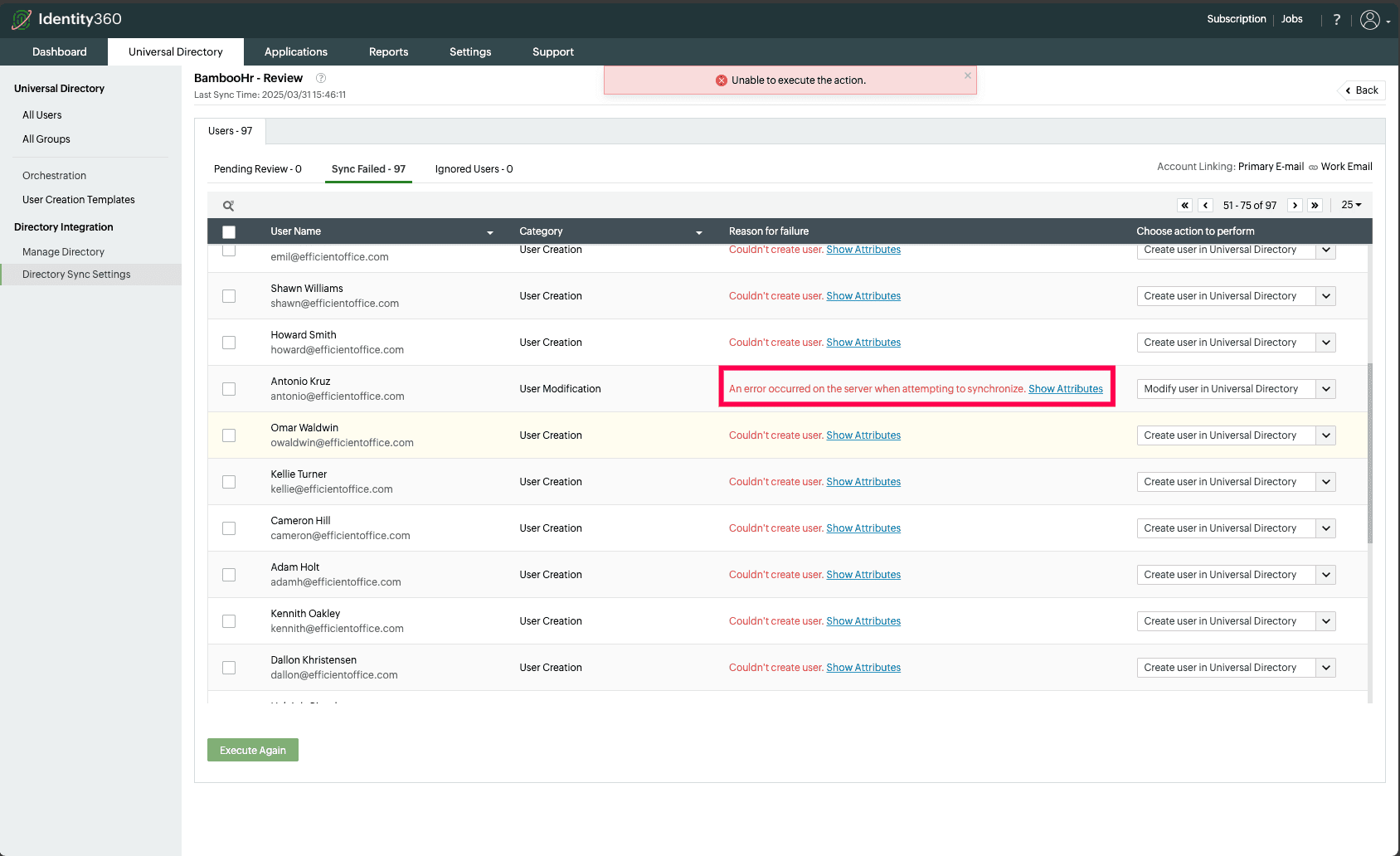
- An error occurred on the server when attempting to synchronize.
1. Invalid file format.
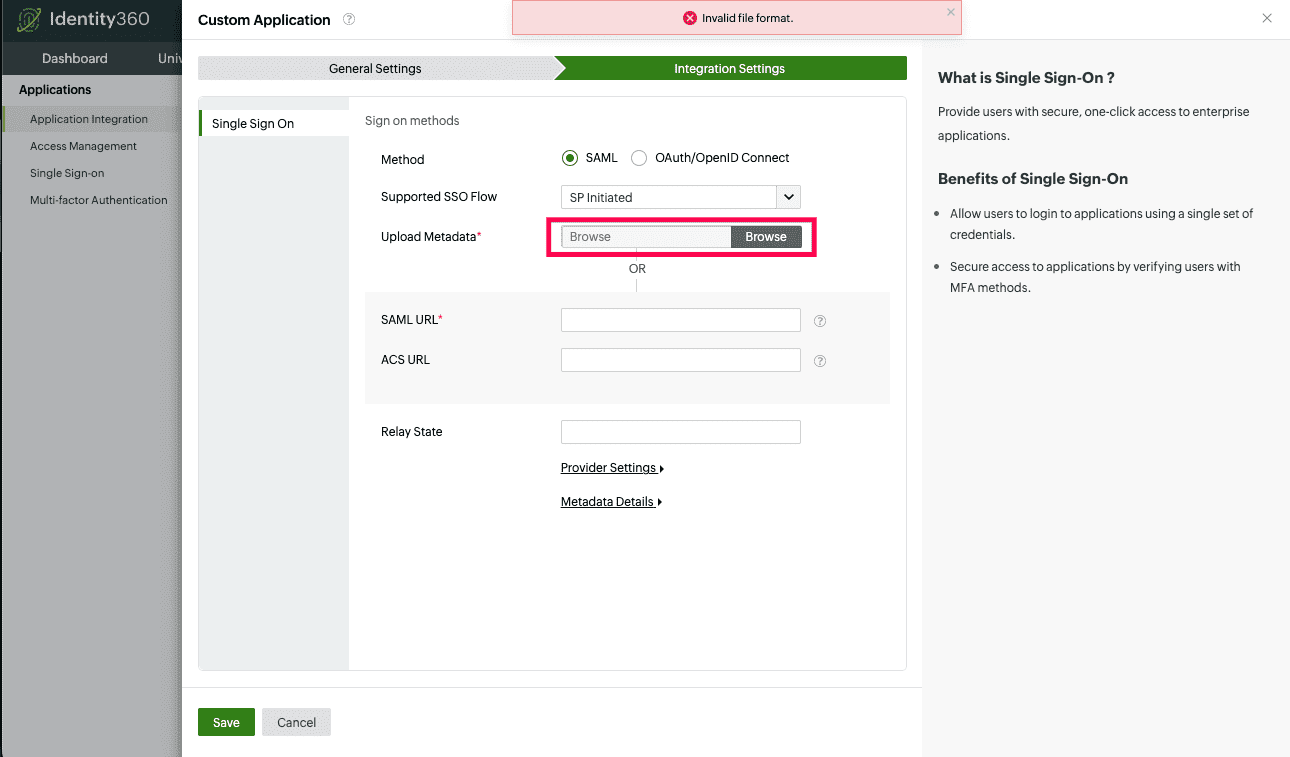
- Cause: The selected file is not in XML format.
- Solution: Provide a valid file from the service provider.
2. Invalid or empty metadata configuration file.
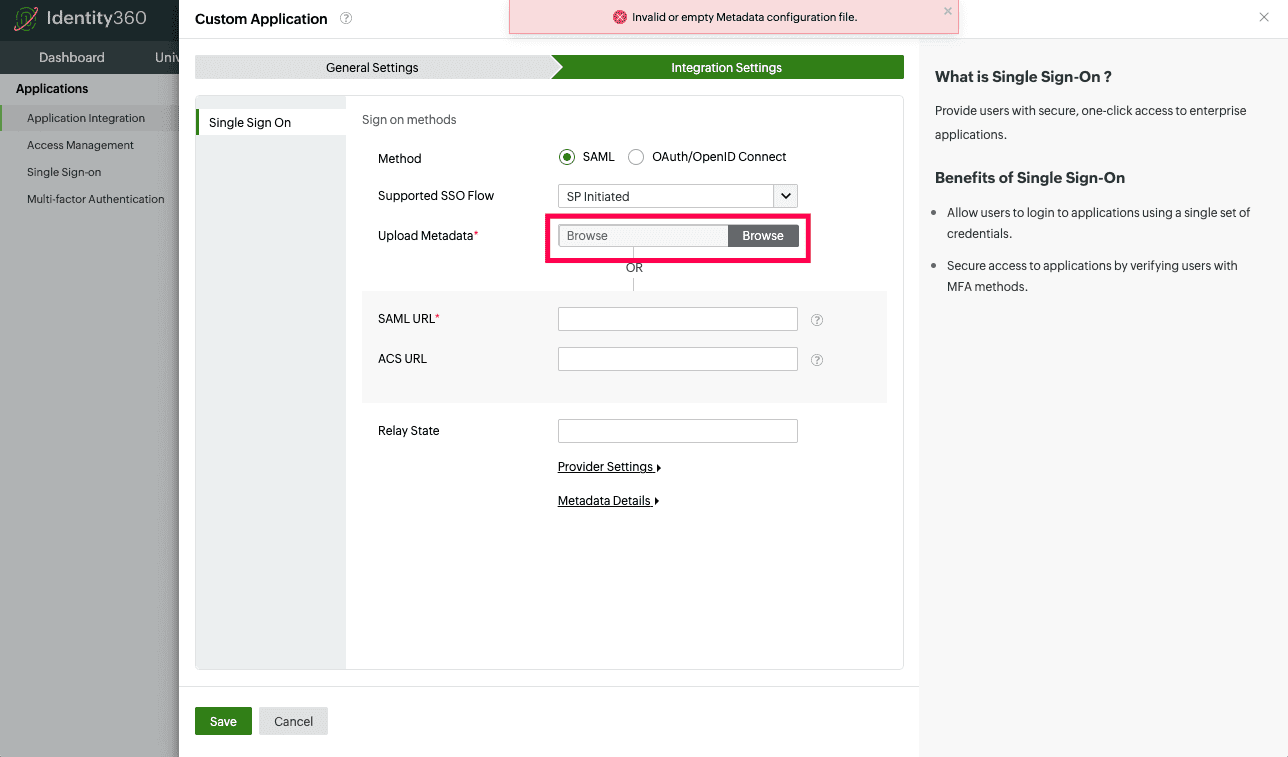
- Cause: The Uploaded Metadata file is not a valid service provider metadata file.
- Solution: Provide a valid metadata file from the service provider.
3. JWKS possible error cases:
3.1. JWKS URL is not reachable. Please provide a valid URL.
3.2. Invalid JSON Web Key Set. Please provide a valid URL.
3.3. No keys were found in the JSON Web Key Set. Please provide a valid URL.
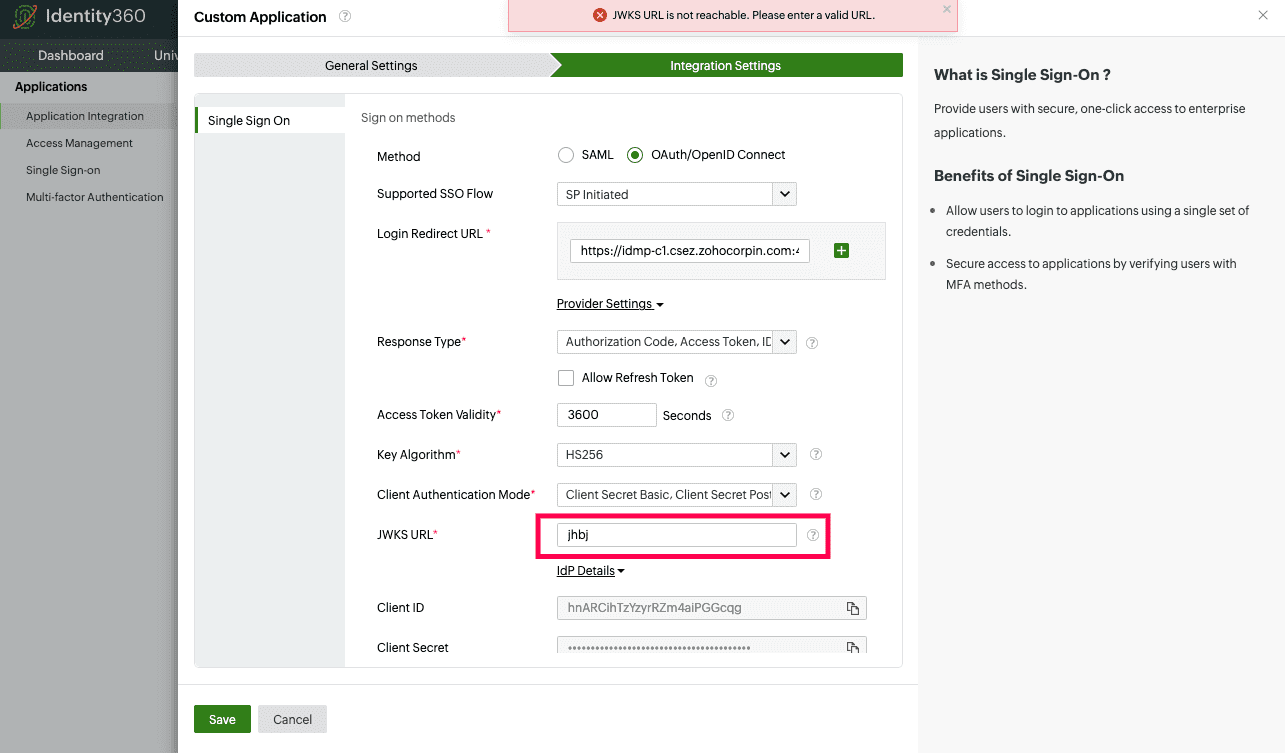
- Cause: The provided JWKS URL is invalid and when Identity360 attempts to reach it, an error occurs.
- Solution: Verify that the provided URL is a valid JWKS URL and is accessible.
4. Refresh token has expired. Please reauthenticate.
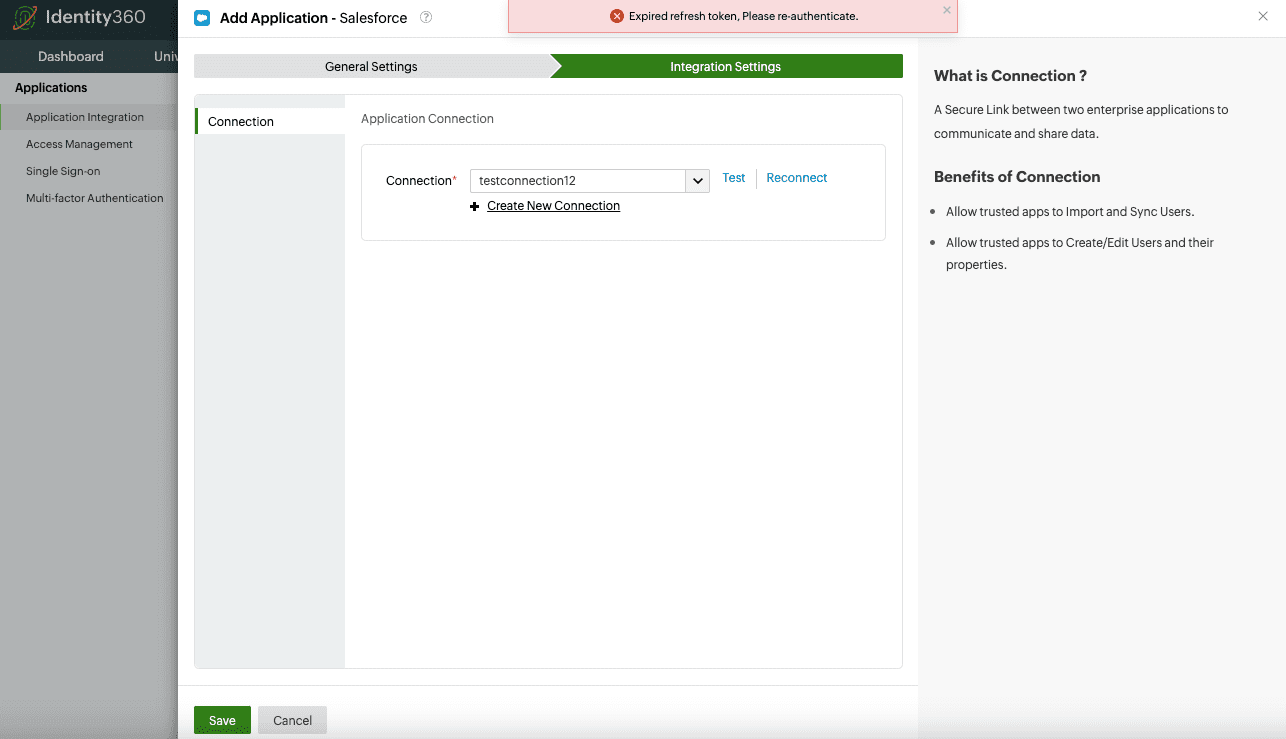
- Cause: The Connection provided might have been invalidated or could not be renewed.
- Solution: Either reauthenticate the same connection or a create a new one to use.
5. An error occurred on the server when attempting to synchronize.
Cause: The specific application may allow a higher character threshold for user attributes mapped with Identity360, which could exceed the character limit of Universal Directory attributes.
Solution:
- Compare the maximum character limit for the mapped user attributes in both the application and Universal Directory.
- Make sure the attribute value in the application does not exceed Universal Directory's character limit.